
How-to guides · Business Brain · Quick start
Load it into a new tool
Add your Business Brain to another AI tool with the paste-in instructions from your kit.
Narrated video with captions, 59 s. Made with a fictional company, Brightline Heating & Air (sample · fictional business). Read the transcript · Download the step-by-step PDF
Step by step
Here's how to load your Business Brain into a new AI tool. Any tool that lets you add your own files and instructions will work.
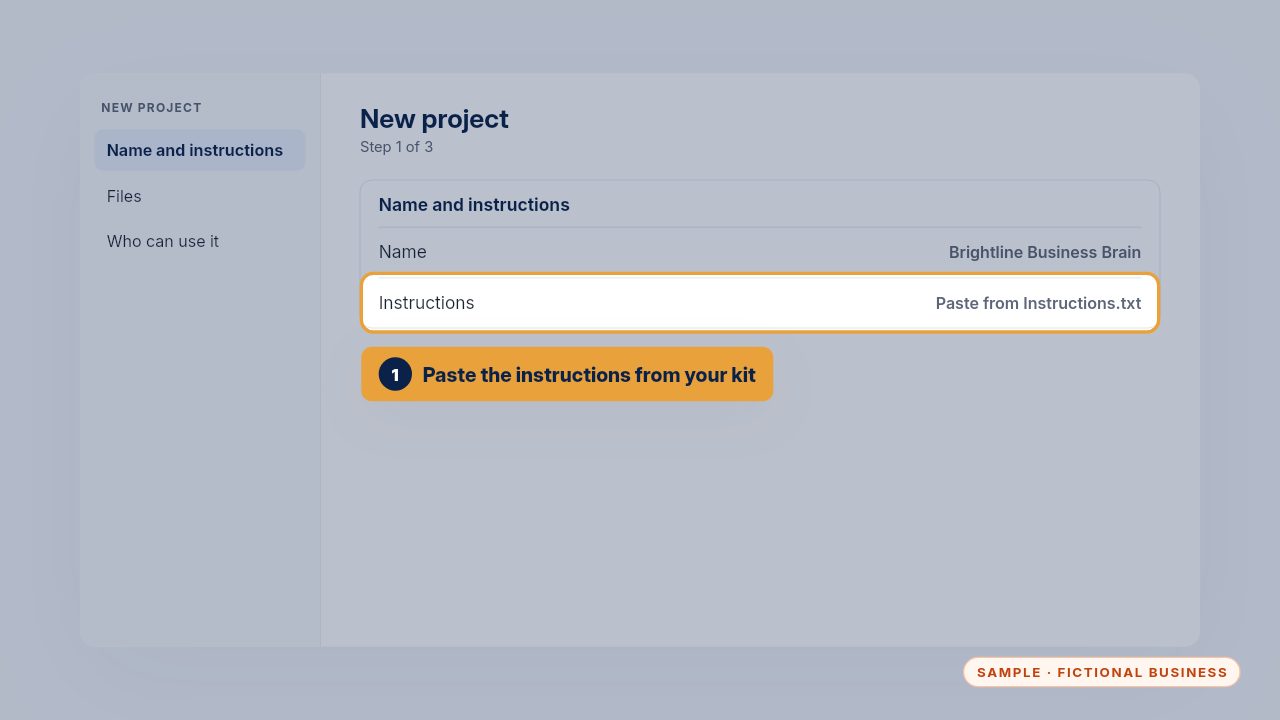
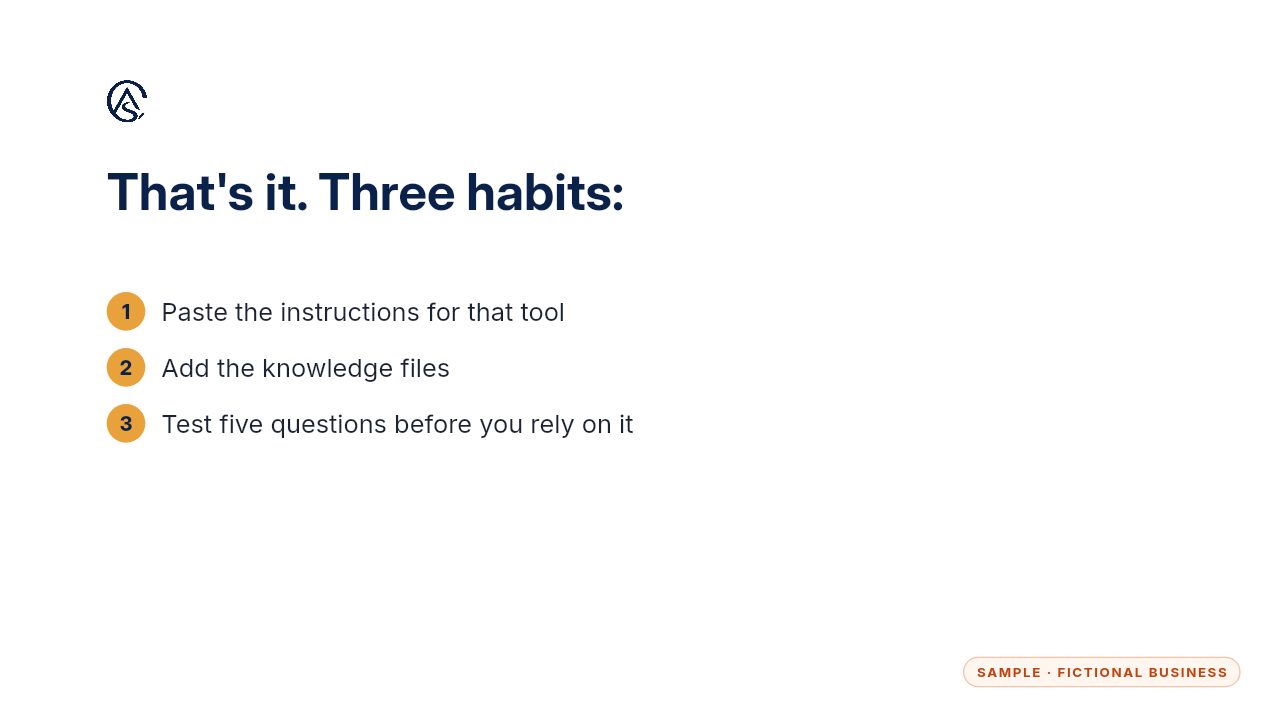
Create a new project, give it a clear name, and paste in the instructions text from your kit. There's a version for each tool, written for the way that tool reads instructions.
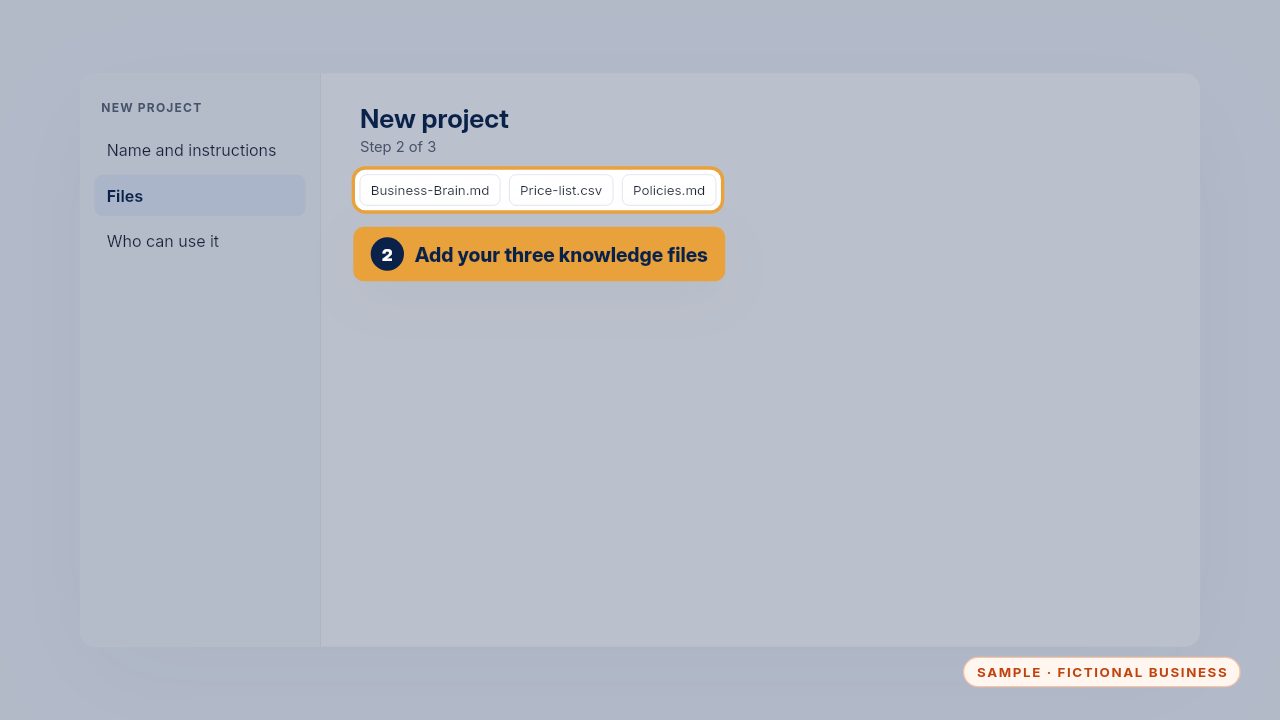
Add the knowledge files: the Business Brain, the price list and your policies. Use the same files as everywhere else, so every tool gives the same answer.
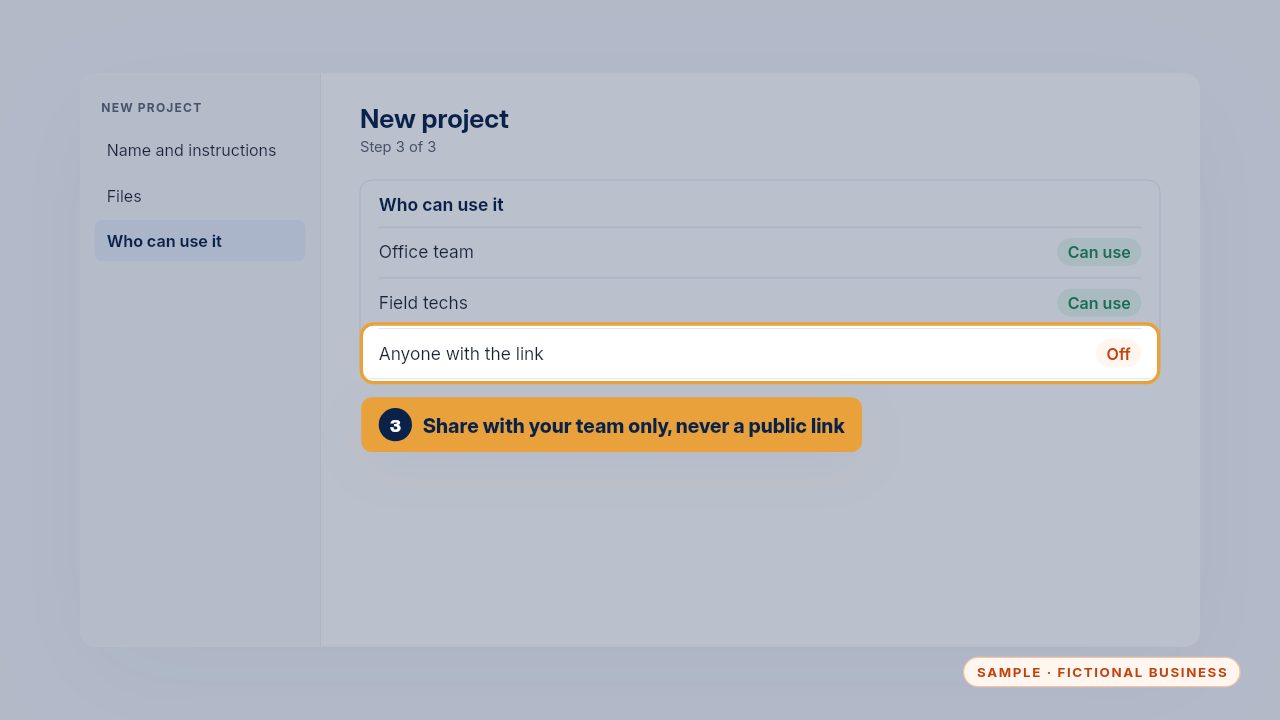
Share it with your team only. Keep public links switched off, because your prices and policies are for your own people, not for anyone with a link.
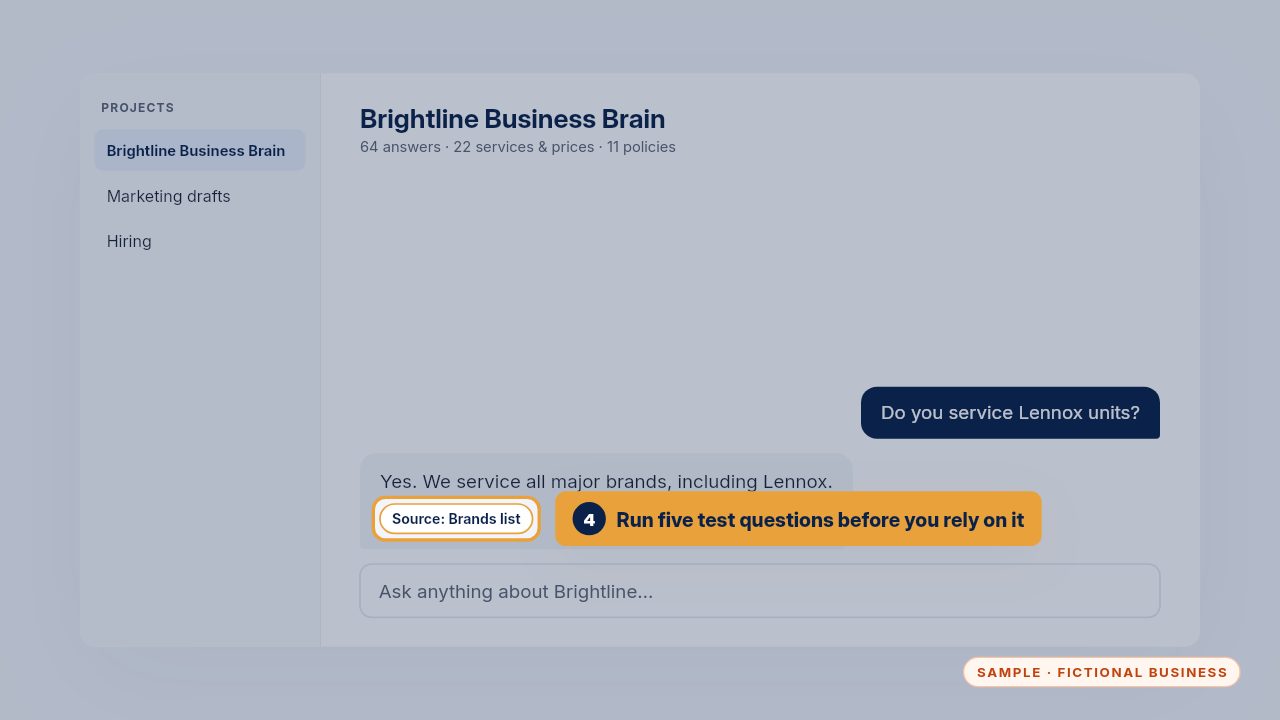
Before your team relies on it, run five of the test questions from your checklist and check each source. If one answer is off, fix the file before anyone uses it.
Your Business Brain now works in one more place, and the next tool takes the same five minutes.
Get the Business Brain
Your business knowledge, ready for the AI tools you already use. Every Kit and Install comes with these videos, and an Install adds a walkthrough made from your own setup.