Kit · you set it up
Never Miss a Lead Kit
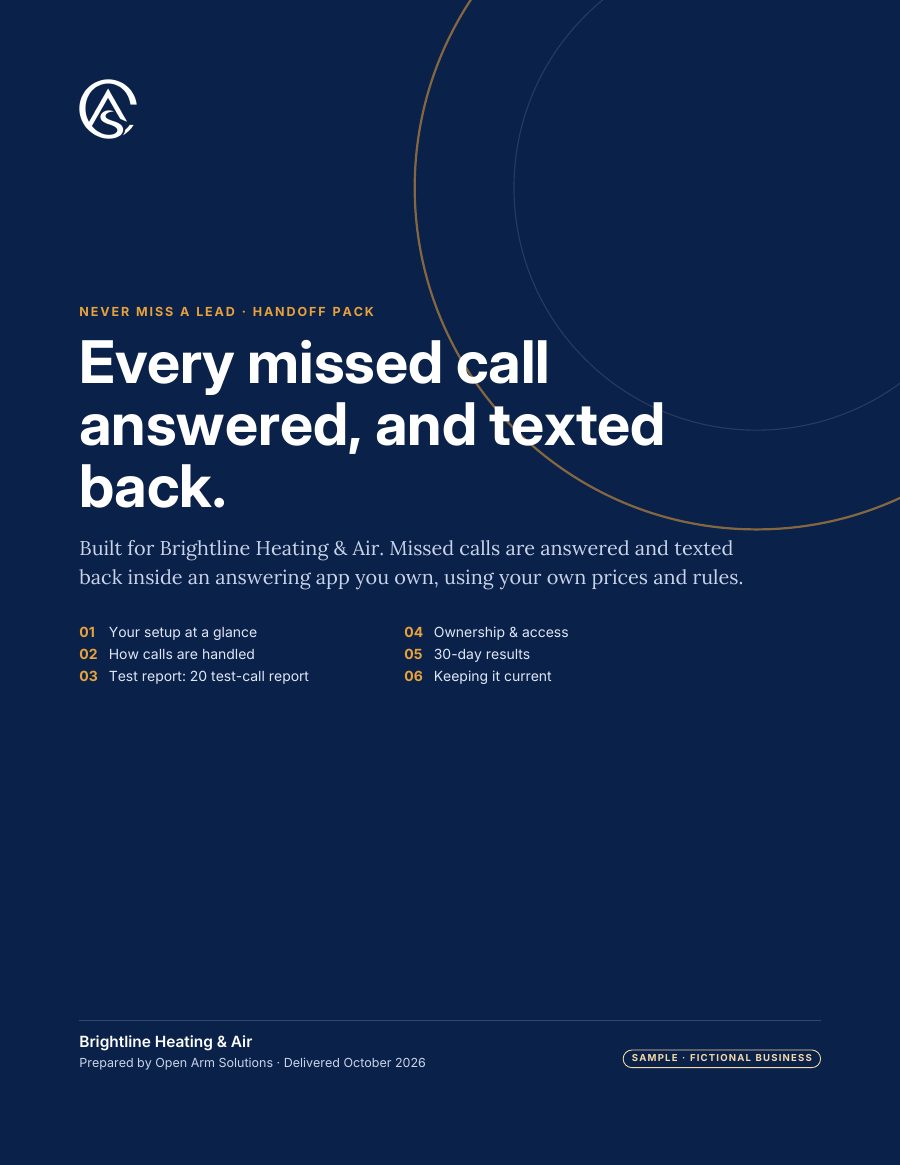
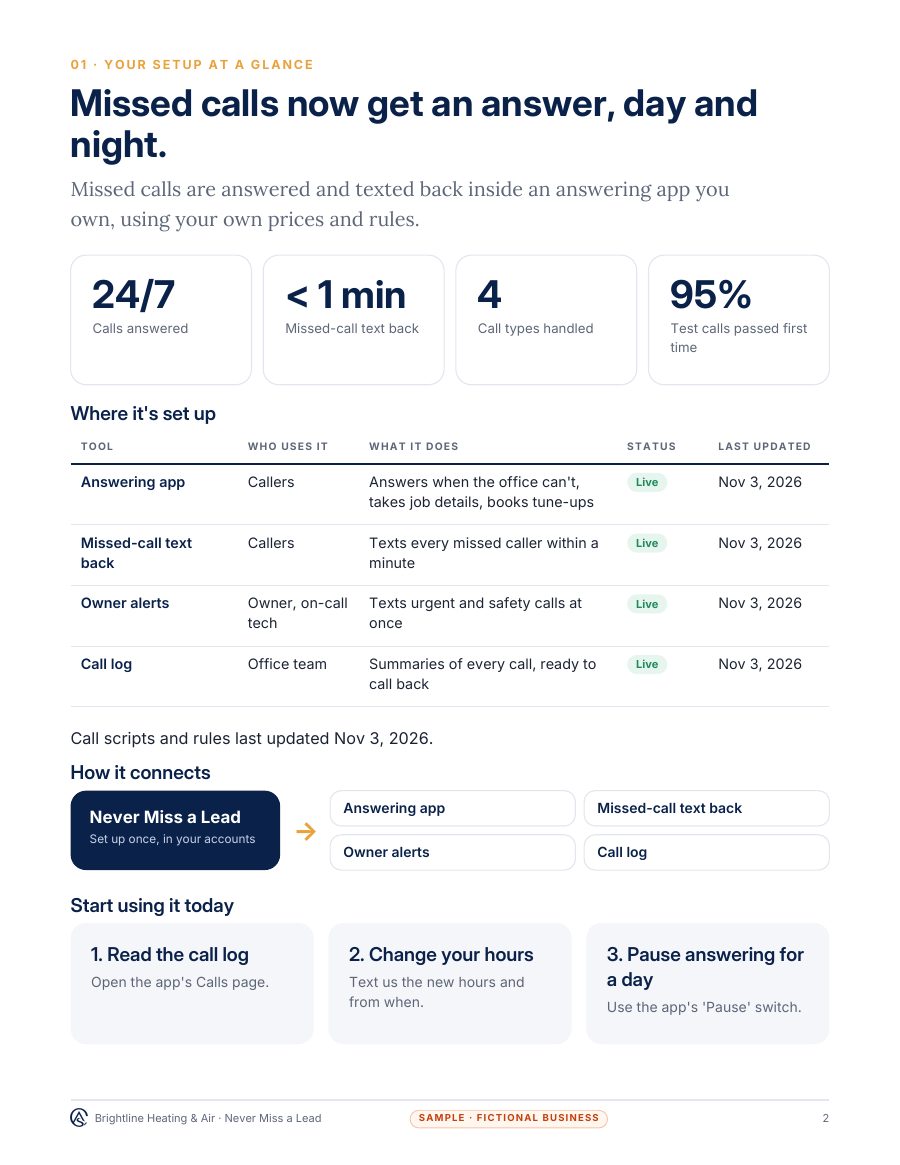
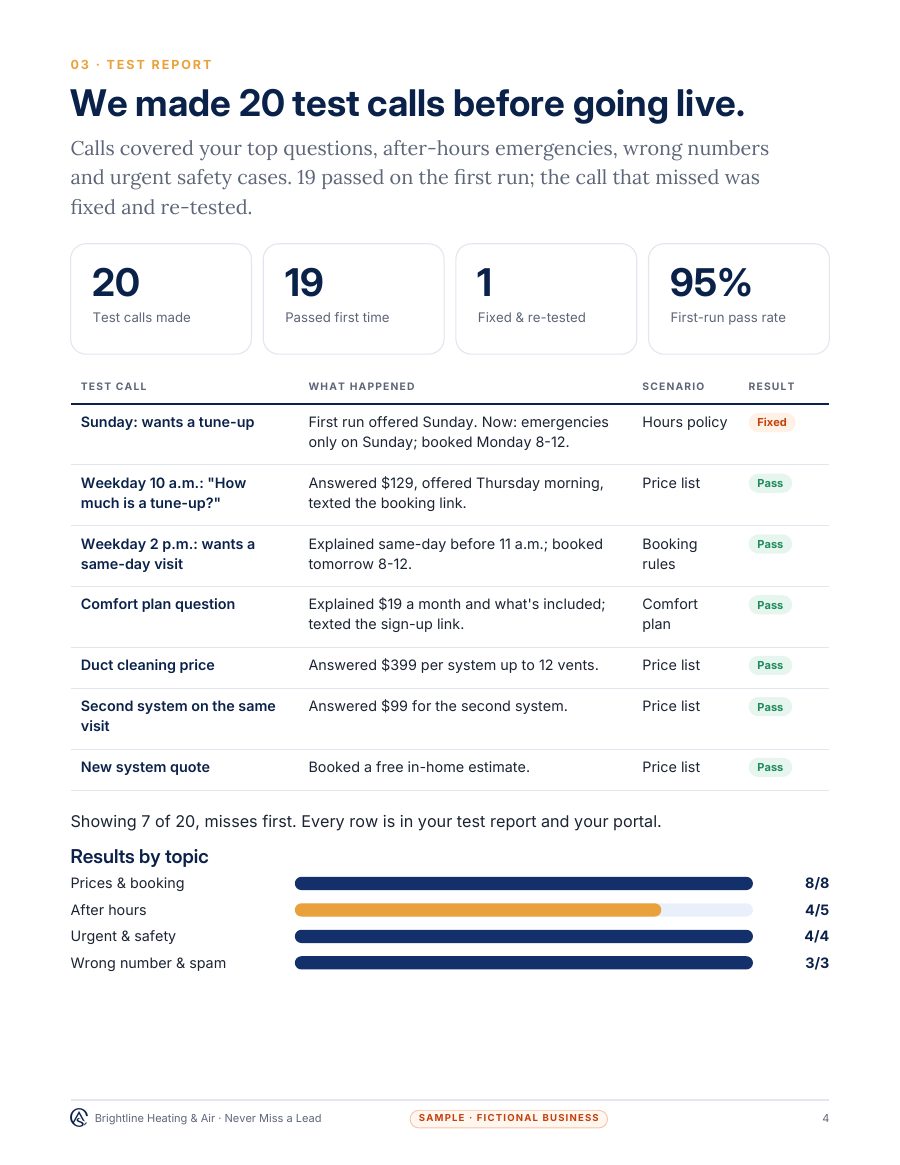
How to pick an answering app, set it up with filled-in sample scripts and test it with 20 calls, plus AI-ready app info, builder prompts and paste-in instructions for six tools, starting with a 15-minute quick start.
$49one time
What's in the kit
Start here
Your first test call in 15 minutes, and how to pick an answering app.
PDF
Setup and scripts
Step-by-step setup with filled-in sample scripts. Opens in Google Docs.
Word · PDF
App comparison worksheet
Compare apps on price, features and fit before you sign up.
Word · PDF
Test-call log
20 test calls to run before it answers real customers.
Word · PDF
AI-ready app info
Your business and call rules as one file AI tools read well.
AI-ready Markdown
Paste-in instructions and builder prompts
Instructions for six tools, and prompts that write your scripts with you.
Text to paste
See all 13 files
15-minute quick start (PDF)
Count your missed calls, shortlist apps and write your texts in 15 minutes.
Choosing an answering app (PDF)
What it costs, the must-haves, questions to ask before you pay, and red flags.
Setup and scripts (Word + PDF)
Forwarding, the greeting with the AI disclosure, missed-call and after-hours texts and hand-off rules, each with a filled-in sample.
App comparison worksheet (Word + PDF)
Score up to three apps side by side on price, features and terms, with a sample scored for you.
Test-call log (Word + PDF)
20 test calls to make before it goes live, with space to record each result and what to fix when one fails.
AI-ready answering app info (Markdown)
Everything your answering app needs to know, as Markdown to paste in, with a filled-in sample.
Builder prompts (Text)
Prompts that write your greeting and texts, reply to missed callers, and review call summaries.
ChatGPT project instructions (Text)
What to paste into a ChatGPT project, and which files to add.
Custom GPT instructions (Text)
Instructions, knowledge files and conversation starters for a custom GPT.
Gemini Gem instructions (Text)
What to paste into a Gemini Gem, and which files to add.
Microsoft Copilot instructions (Text)
What to paste into a Microsoft 365 Copilot agent, with its knowledge files.
Website chat instructions (Text)
Rules for your website chat assistant, written for customers.
Phone bot instructions (Text)
A greeting and spoken rules for your phone answering app.
Plus 16 narrated videos, 17 min in all: 3 quick starts, an 8 min full walkthrough with chapters and 12 "How do I" clips. See the videos
Download right after checkout, and any time later from the link in your email. Start with the 15-minute quick start; the workbooks and templates come with filled-in examples. If a file won't open or something's missing, tell us within 30 days and we fix it or refund you.
Upgrade later: the $49 comes off the Never Miss a Lead Install within 60 days.
Secure checkout on Stripe. Card, Apple Pay or Google Pay.