
How-to guides · Business Brain · How do I
How do I load it into Microsoft Copilot?
Create an agent and add your file from OneDrive or SharePoint.
Narrated video with captions, 35 s. Made with a fictional company, Brightline Heating & Air (sample · fictional business). Read the transcript · Download the step-by-step PDF
Step by step

If your team uses Microsoft 365, you can load your Business Brain into a Copilot agent.
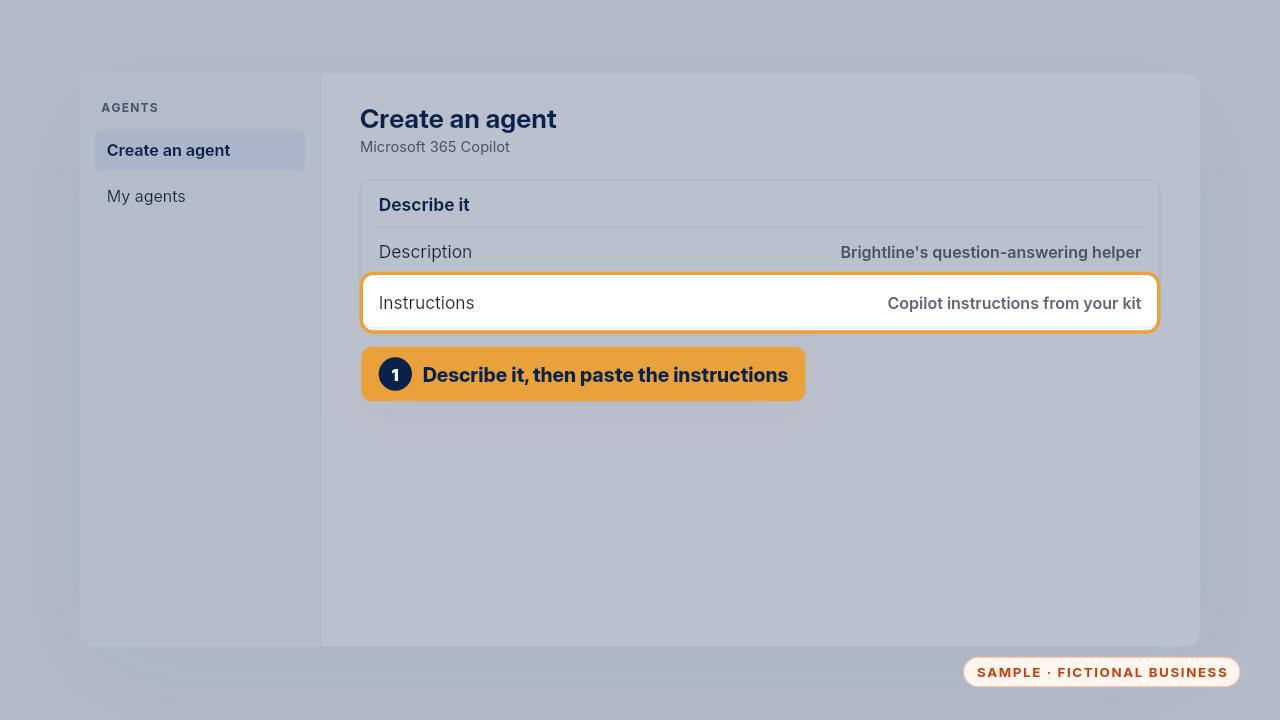
Look for create an agent. Describe it as your business's question answering helper, then paste the Copilot instructions from your kit.
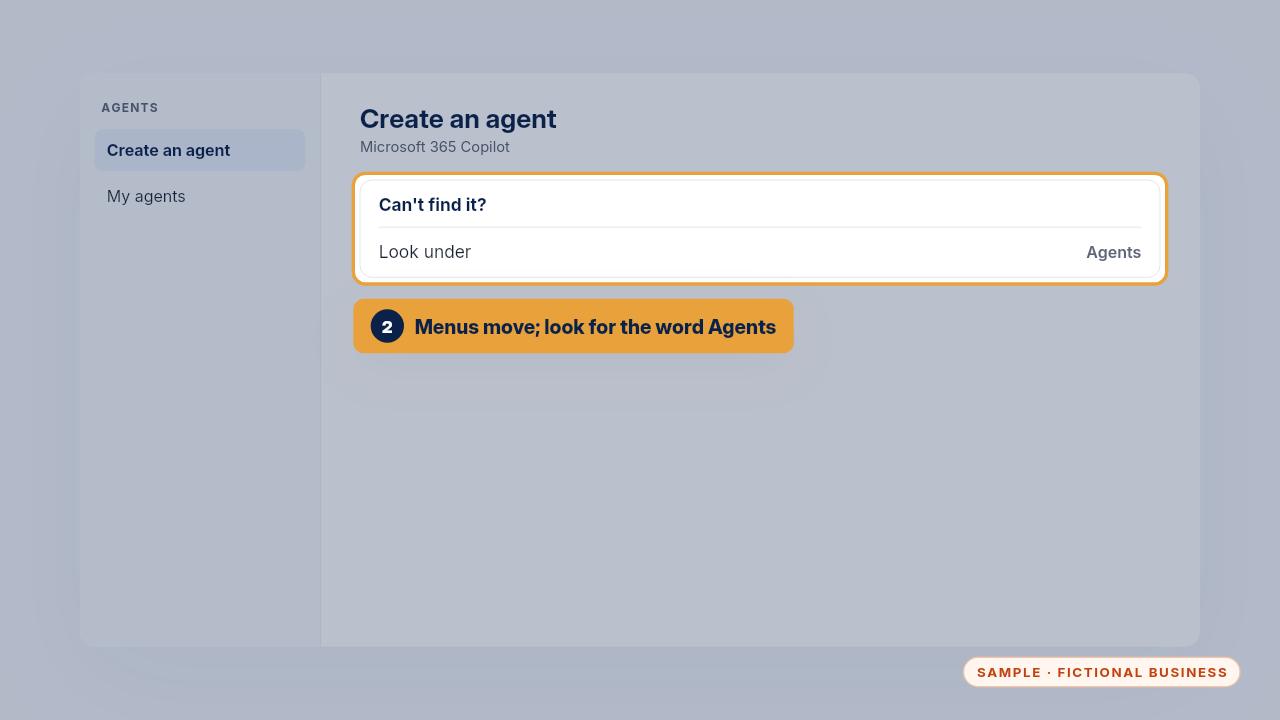
Menus change from time to time. If you can't find it, look for the word agents.
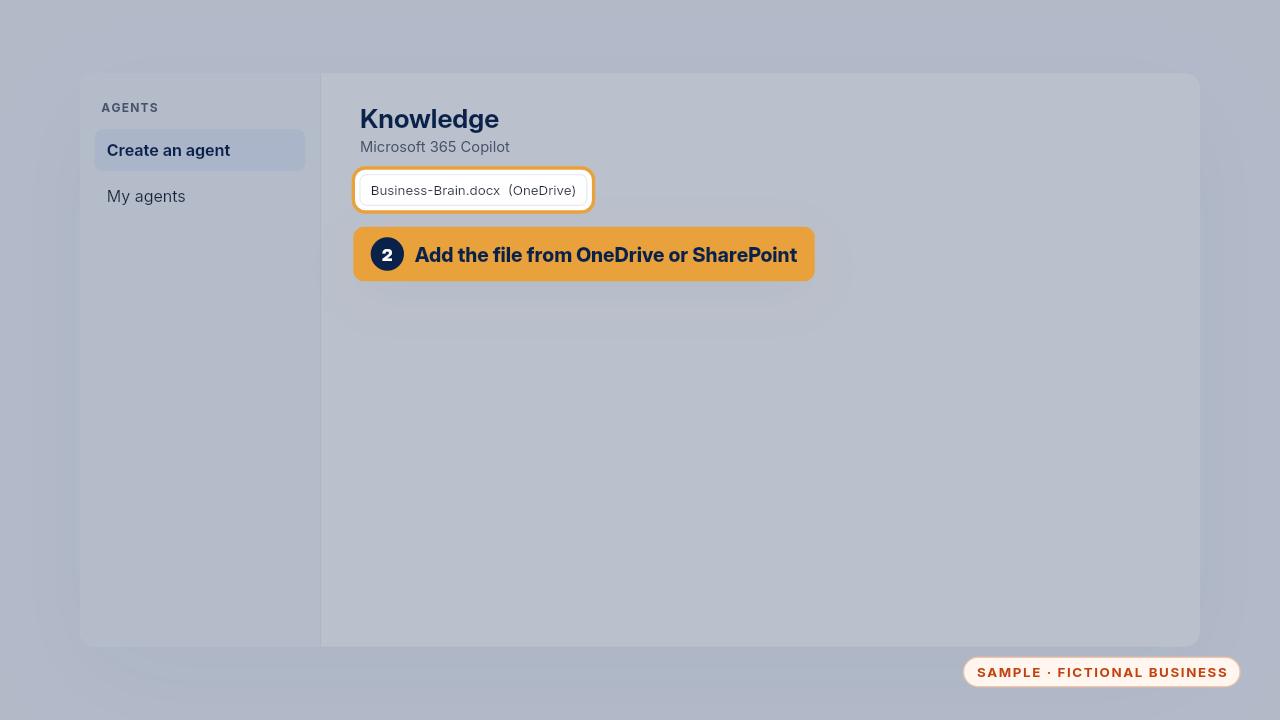
Add your Business Brain file as knowledge from OneDrive or SharePoint, so only your team can see it.
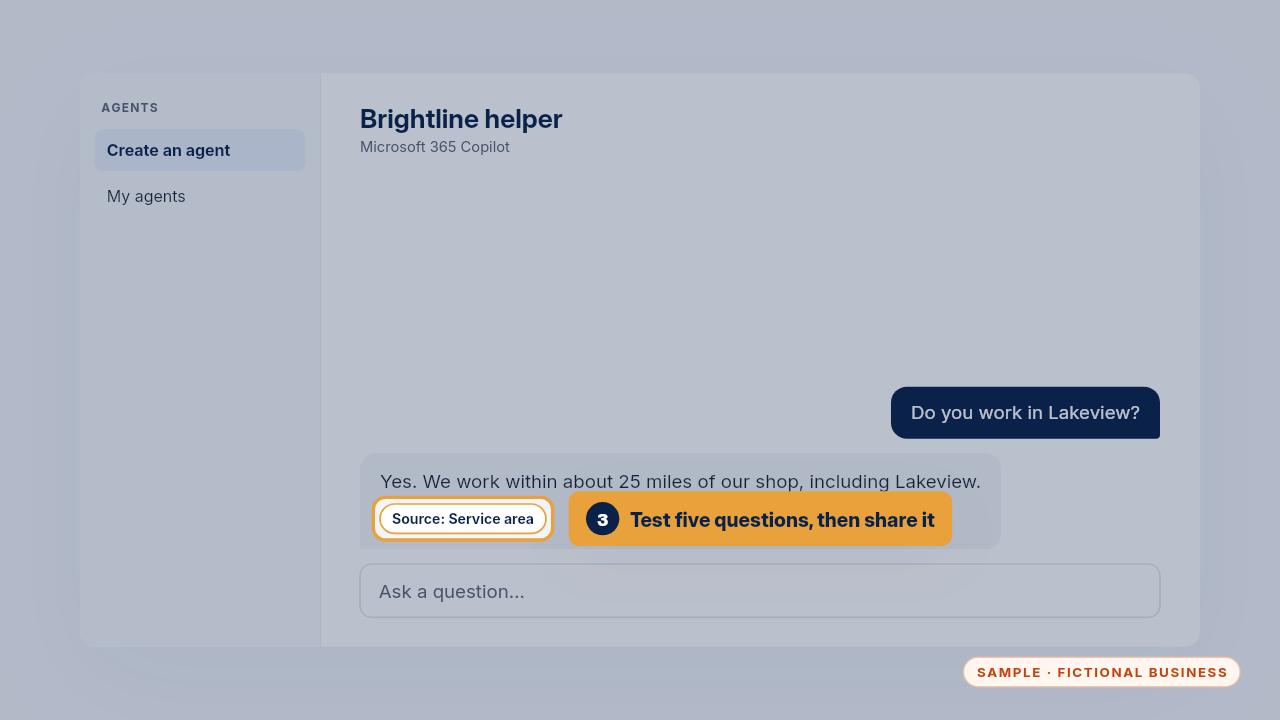
Test it with five questions from section four, then share the agent with your team.
Get the Business Brain
Your business knowledge, ready for the AI tools you already use. Every Kit and Install comes with these videos, and an Install adds a walkthrough made from your own setup.