
How-to guides · Business Brain · Quick start
Update a price or service
Change a price once in the master file and reload it, so every tool gives the new answer.
Narrated video with captions, 57 s. Made with a fictional company, Brightline Heating & Air (sample · fictional business). Read the transcript · Download the step-by-step PDF
Step by step
When a price or service changes, here's how to update your Business Brain in about a minute, so no tool keeps quoting the old answer.
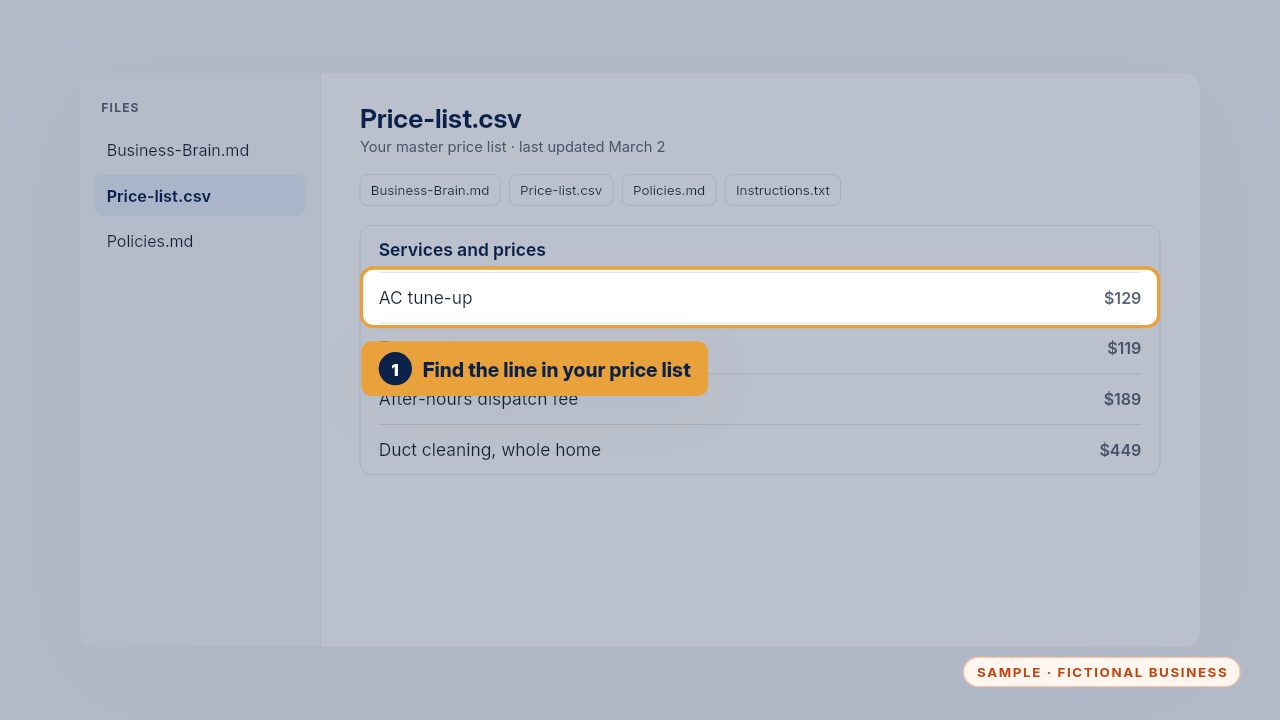
Open the price list in your master file and find the line that changed. There is only one master file, so this is the only place you ever edit.
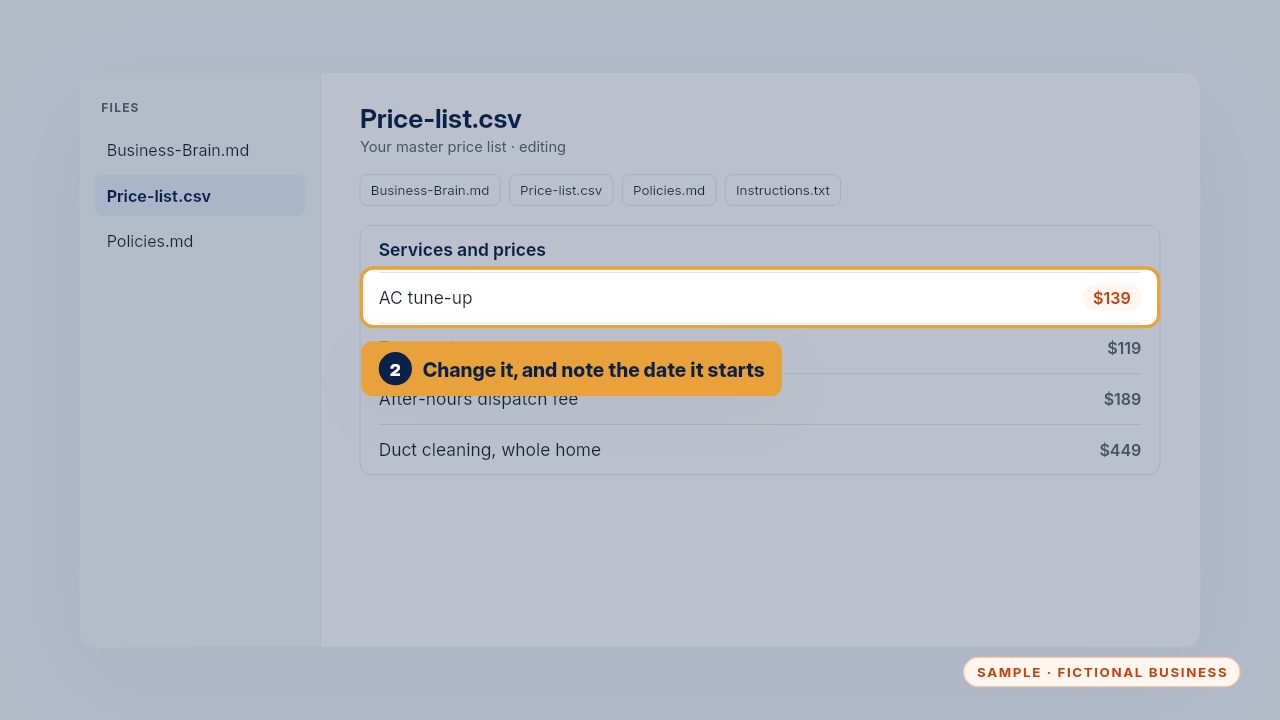
Change the price, and add the date it starts, so nobody quotes the old one. If the old price still applies to jobs already booked, say that too.
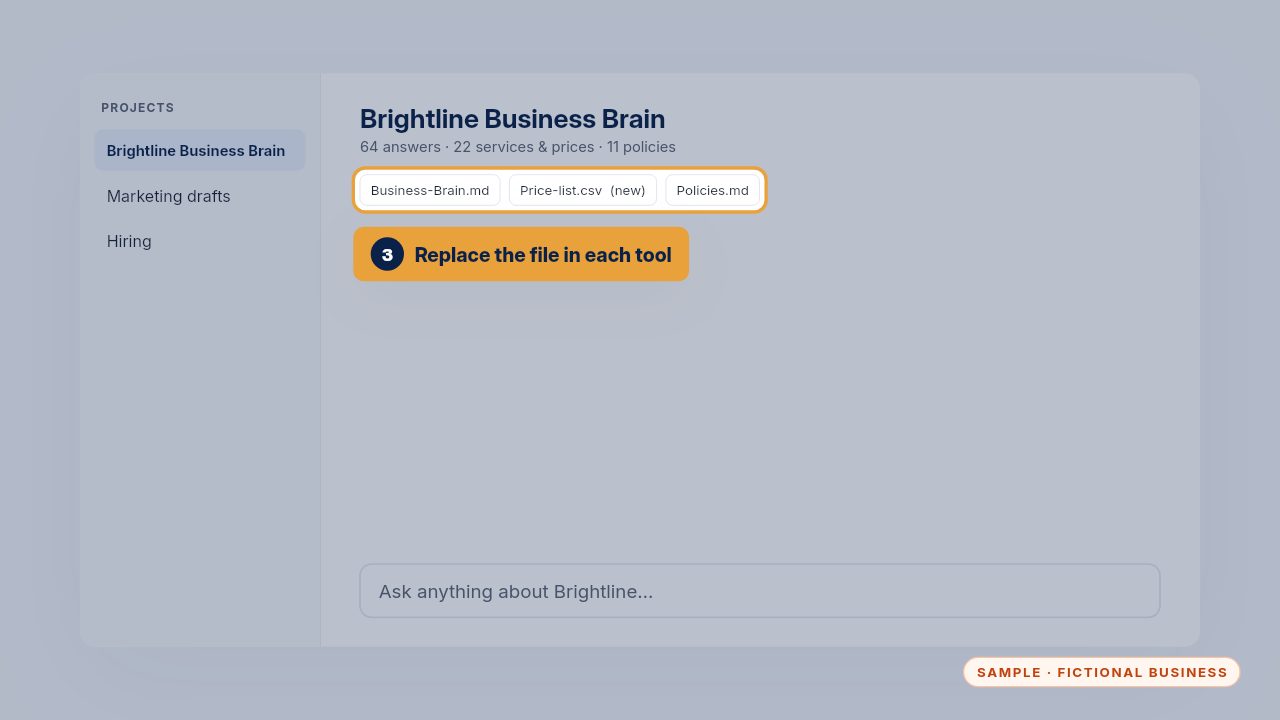
Then replace the old file in each tool where your Business Brain is loaded. The load guide lists every place, from your AI project to your website chat and phone app.
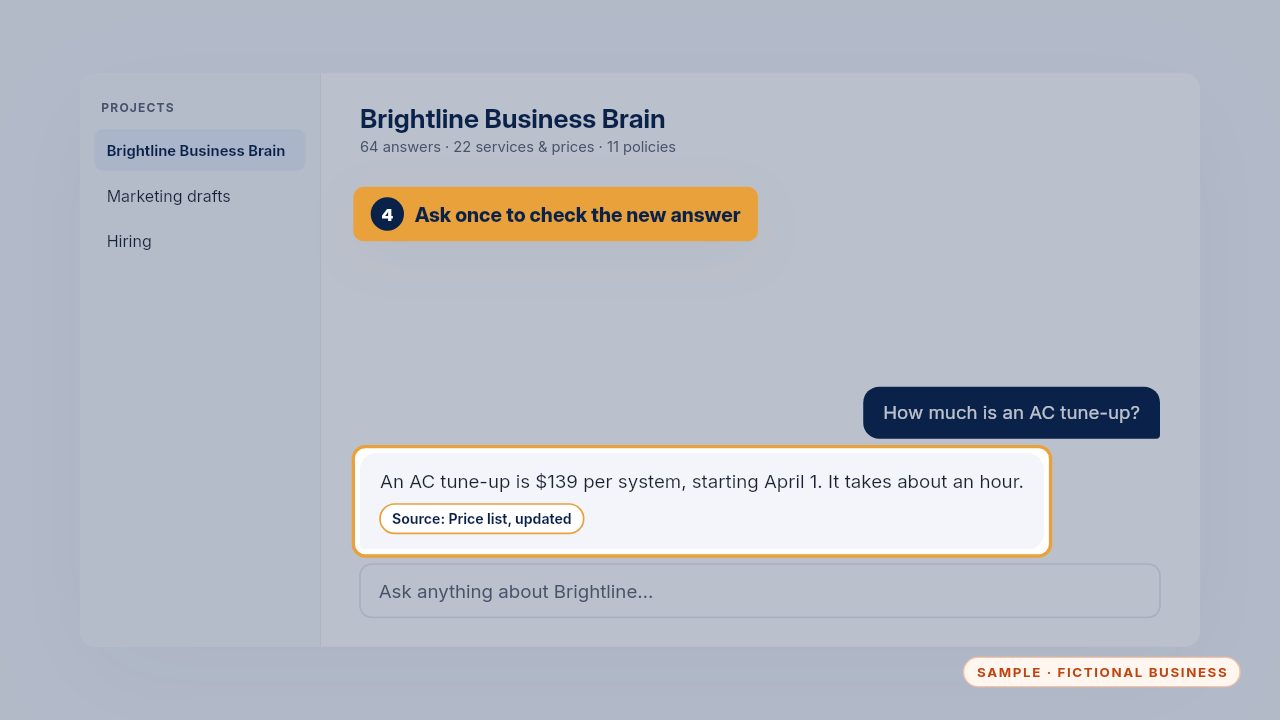
Ask the question once to check the new answer. On the care plan, just text us the change and we do all of this for you.
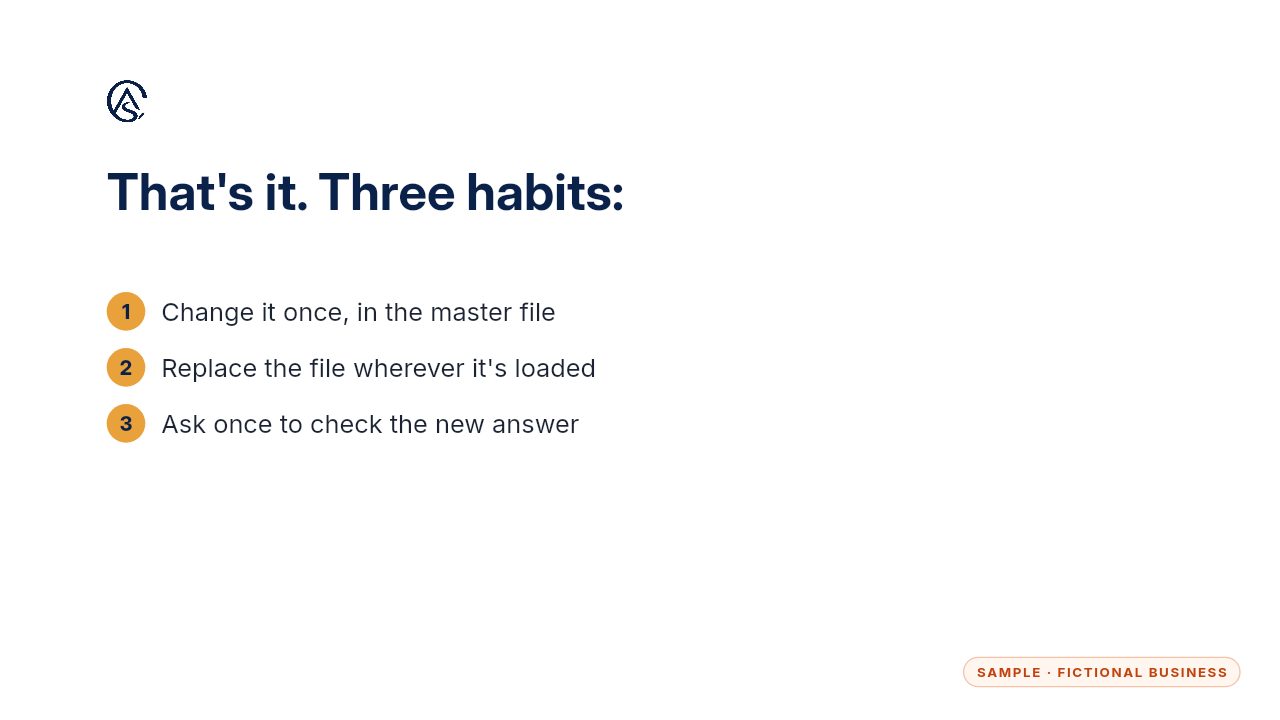
Change it once, replace the file, and check. That's all it takes, and it keeps every answer your team gives in line with your real prices.
Get the Business Brain
Your business knowledge, ready for the AI tools you already use. Every Kit and Install comes with these videos, and an Install adds a walkthrough made from your own setup.