
How-to guides · Business Brain · How do I
How do I use a starter library?
Borrow the questions for your kind of business, then fill in your own facts.
Narrated video with captions, 35 s. Made with a fictional company, Brightline Heating & Air (sample · fictional business). Read the transcript · Download the step-by-step PDF
Step by step
Your kit has five starter libraries, with fifty questions each, for different kinds of business.
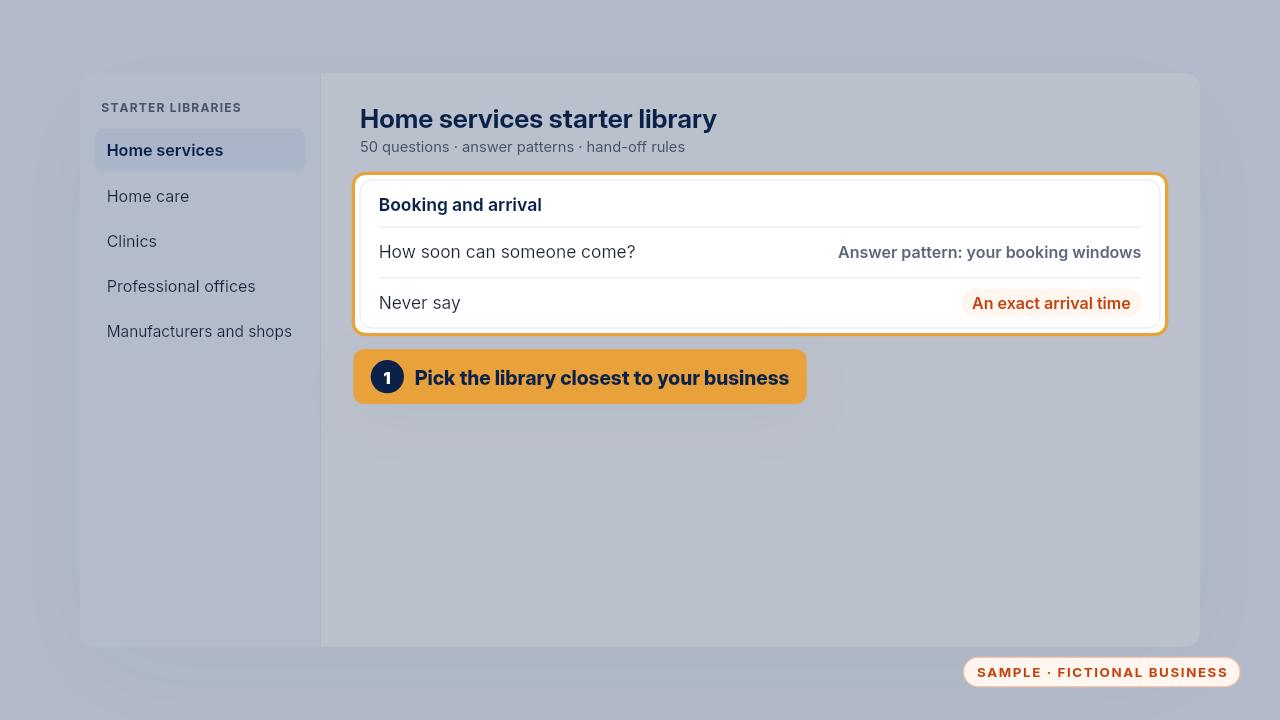
Pick the one closest to your business. Each entry has the question, an answer pattern, when to hand off, and what to never say.
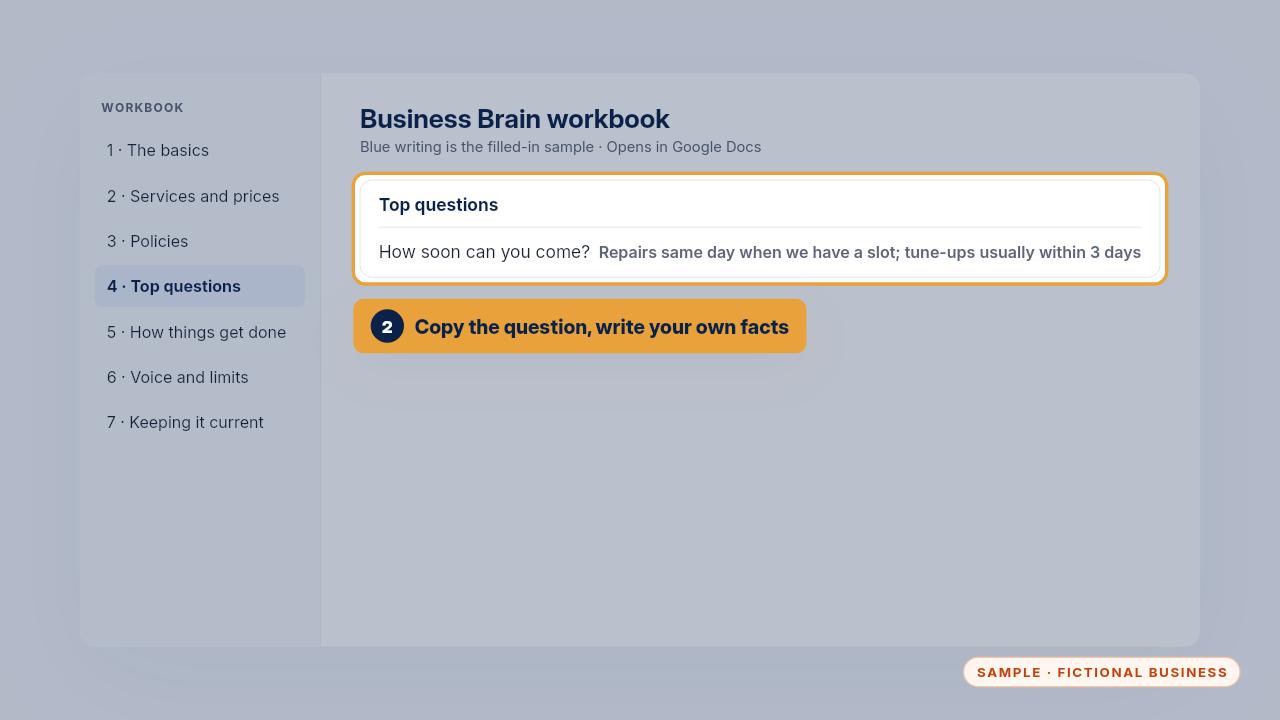
Copy the questions that fit into section four, then replace each answer pattern with your own facts. A pattern without your facts will give wrong answers.
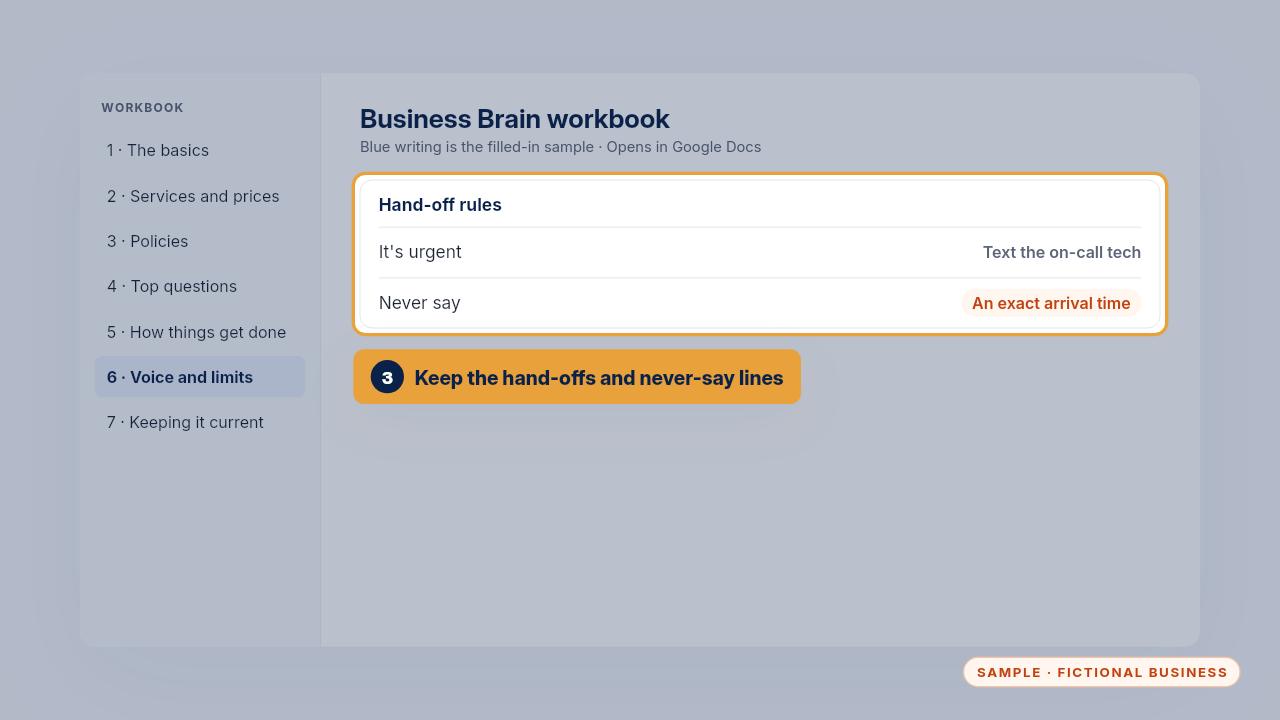
Keep each entry's hand off rule and never say line, and name your own person for each hand off. Then run the new questions through your test list.
Get the Business Brain
Your business knowledge, ready for the AI tools you already use. Every Kit and Install comes with these videos, and an Install adds a walkthrough made from your own setup.