
How-to guides · Business Brain · How do I
How do I use the Brain Builder prompt?
Let your AI tool interview you and fill in the workbook for you.
Narrated video with captions, 37 s. Made with a fictional company, Brightline Heating & Air (sample · fictional business). Read the transcript · Download the step-by-step PDF
Step by step
The Brain Builder prompt lets your AI tool interview you and fill in the workbook for you.
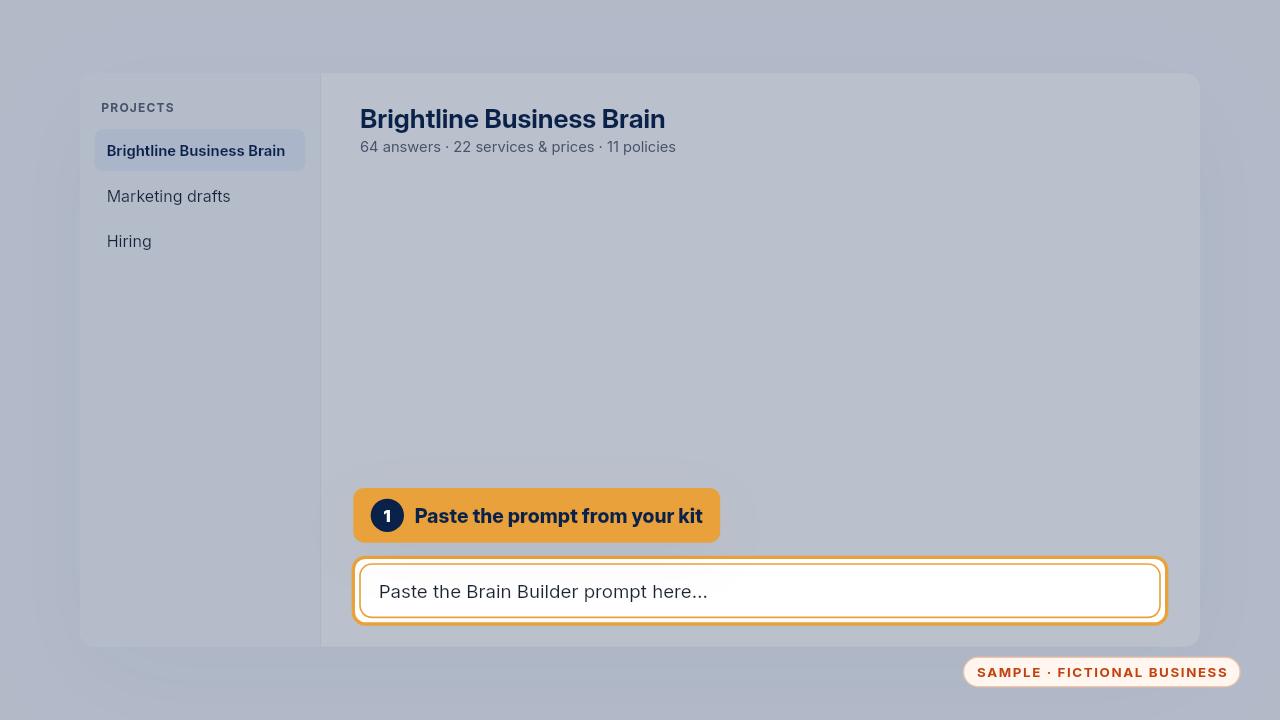
Open a new chat in your business AI tool and paste the Brain Builder prompt from your kit.
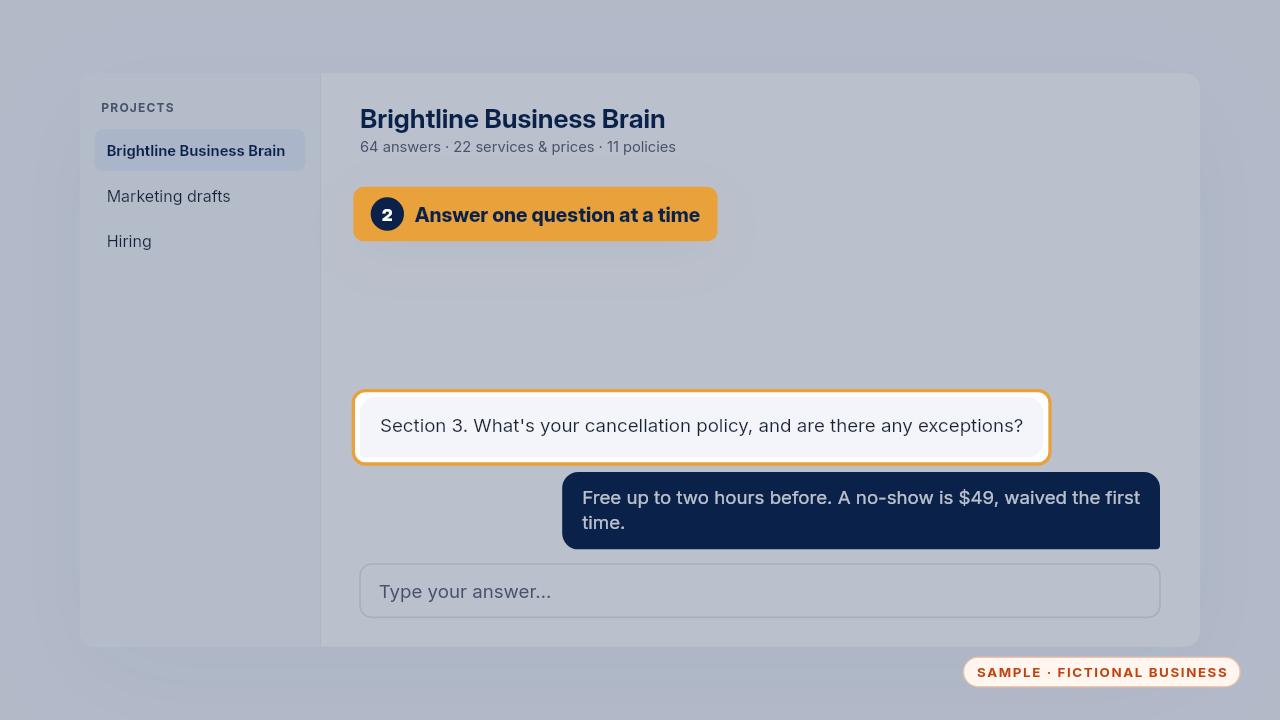
It asks one question at a time, section by section. Answer the way you'd explain it to a new hire, including the exceptions.
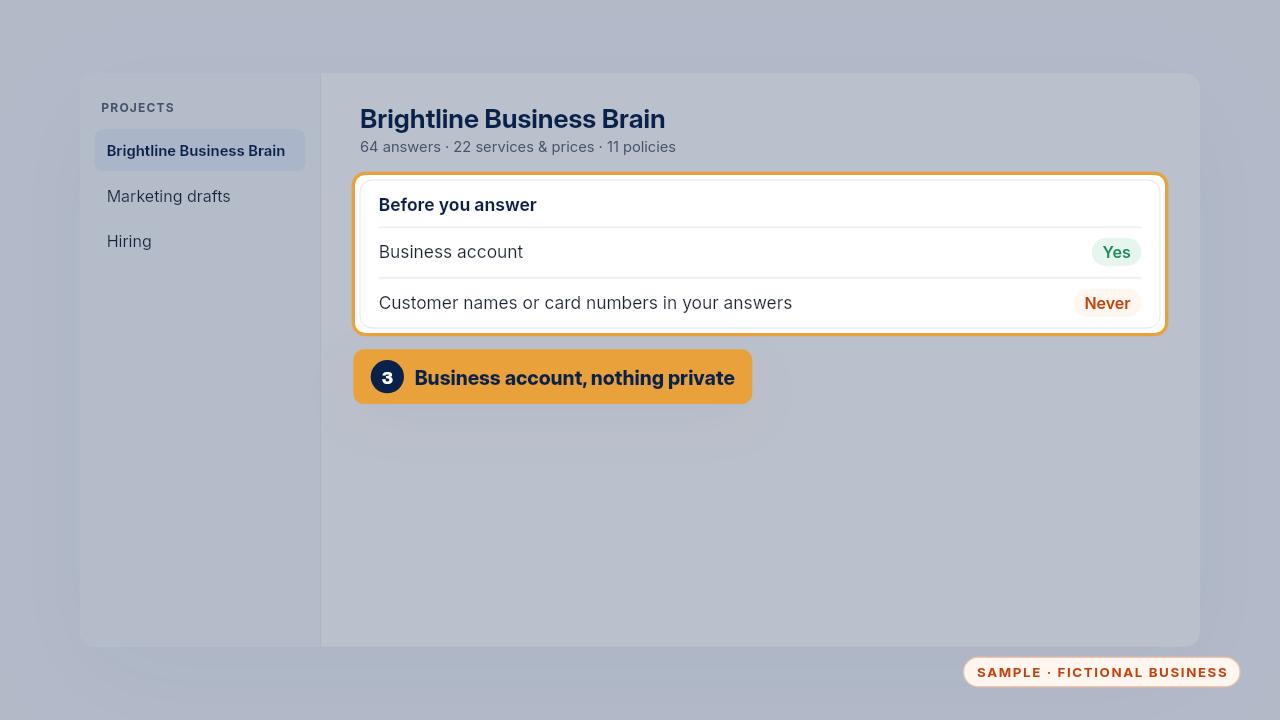
Use a business account for the interview, and keep customer names, card numbers and passwords out of your answers.
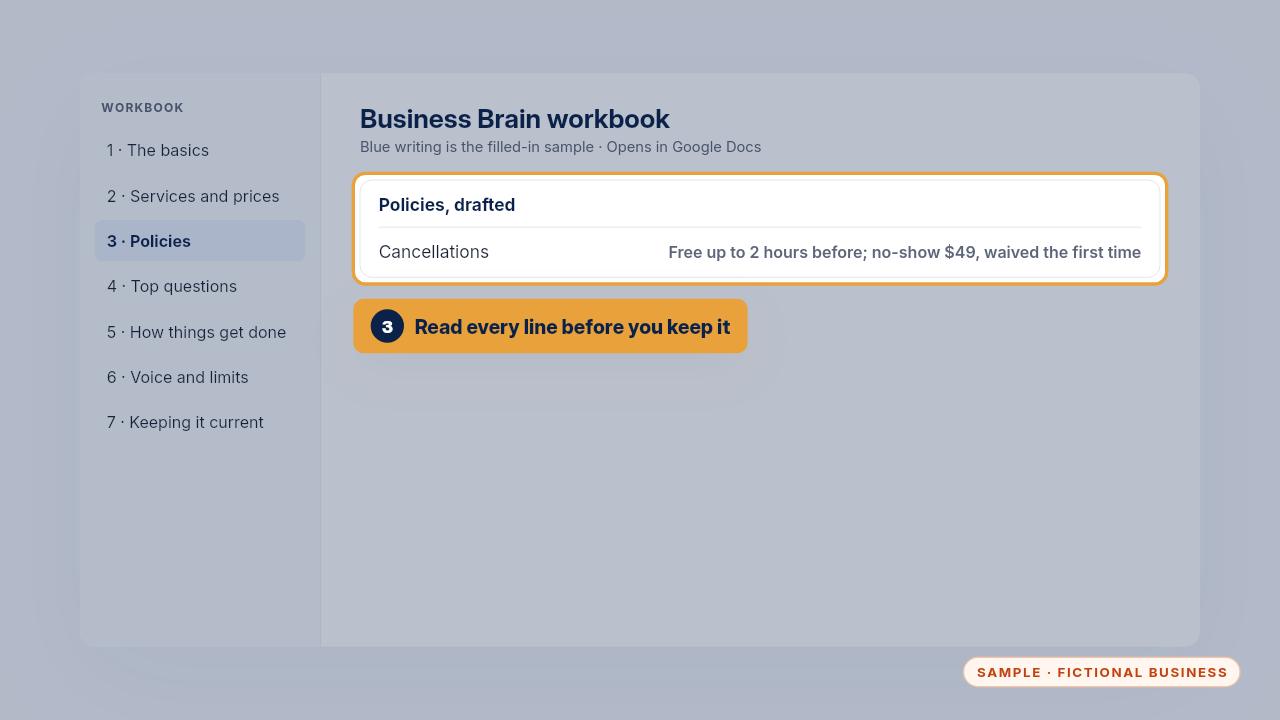
Read what it writes and correct anything it guessed. Then paste each section into your workbook and save it as one file.
Get the Business Brain
Your business knowledge, ready for the AI tools you already use. Every Kit and Install comes with these videos, and an Install adds a walkthrough made from your own setup.