
How-to guides · Document Desk · Quick start
Ask your documents
Ask a question about your contracts or policies and get an answer with the page cited.
Narrated video with captions, 39 s. Made with a fictional company, Brightline Heating & Air (sample · fictional business). Read the transcript · Download the step-by-step PDF
Step by step
Here's how to ask your documents a question and get the page it came from, in plain words.
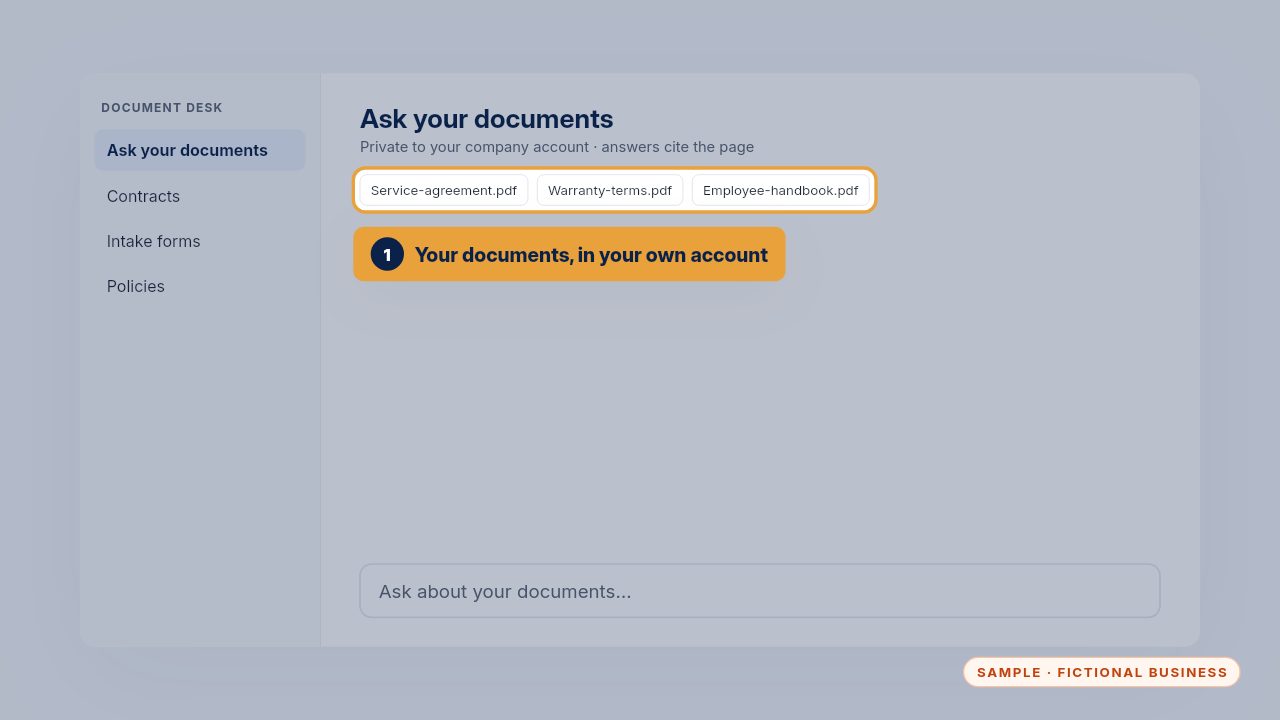
Document Desk reads the documents in your own company account. Nothing leaves it, and it only reads the folders you've chosen.
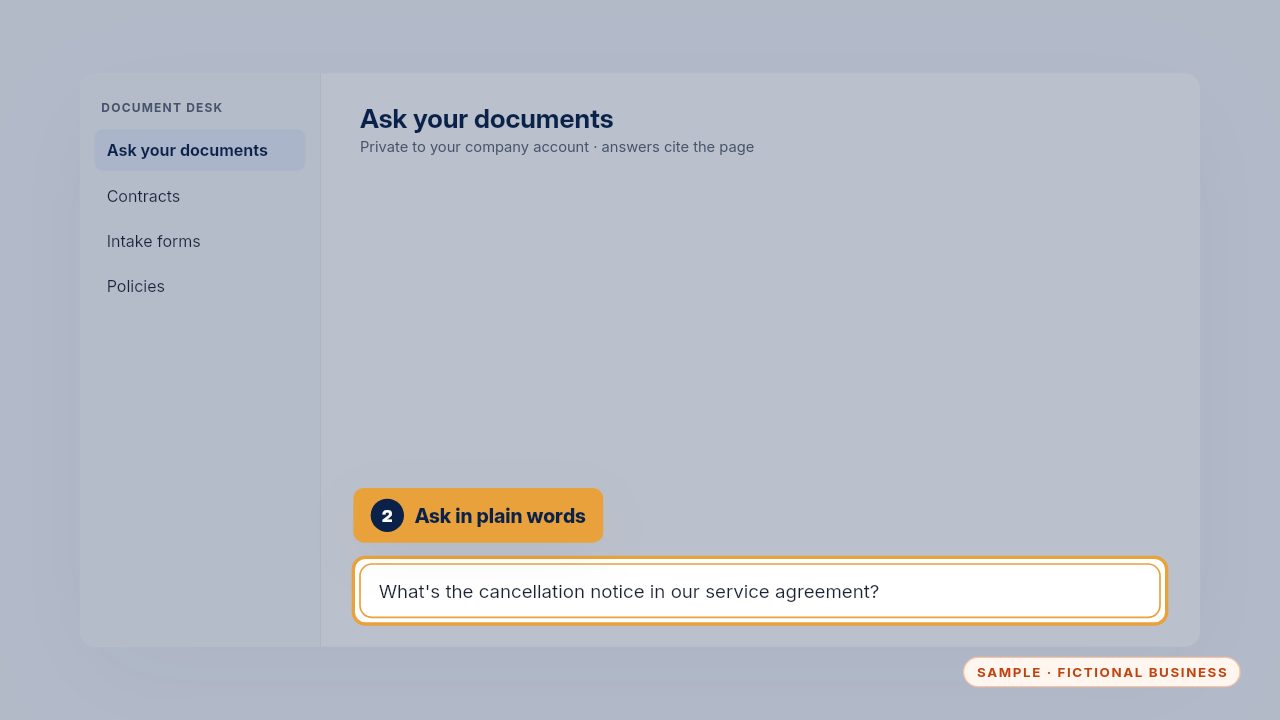
Ask in plain words, the way you'd ask a colleague. You don't need the document's name or the clause number.
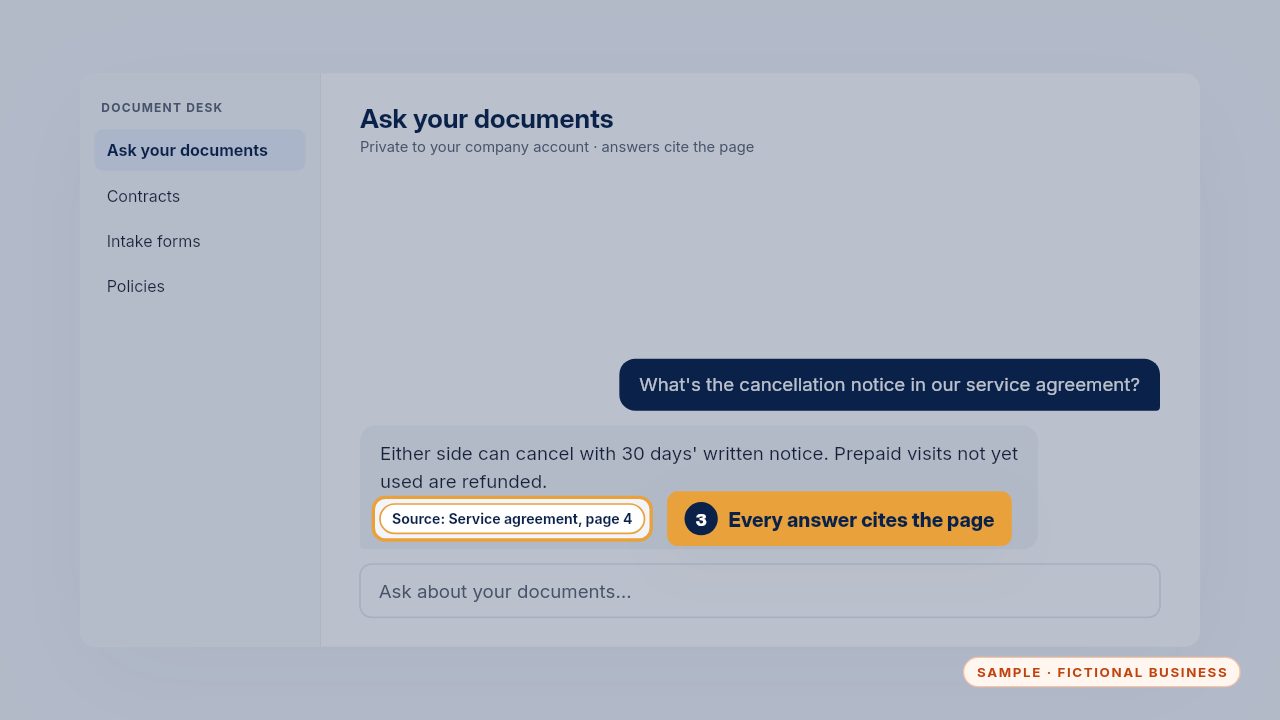
The answer cites the document and the page, so you can open it and check. If it can't find the answer, it says so instead of guessing.
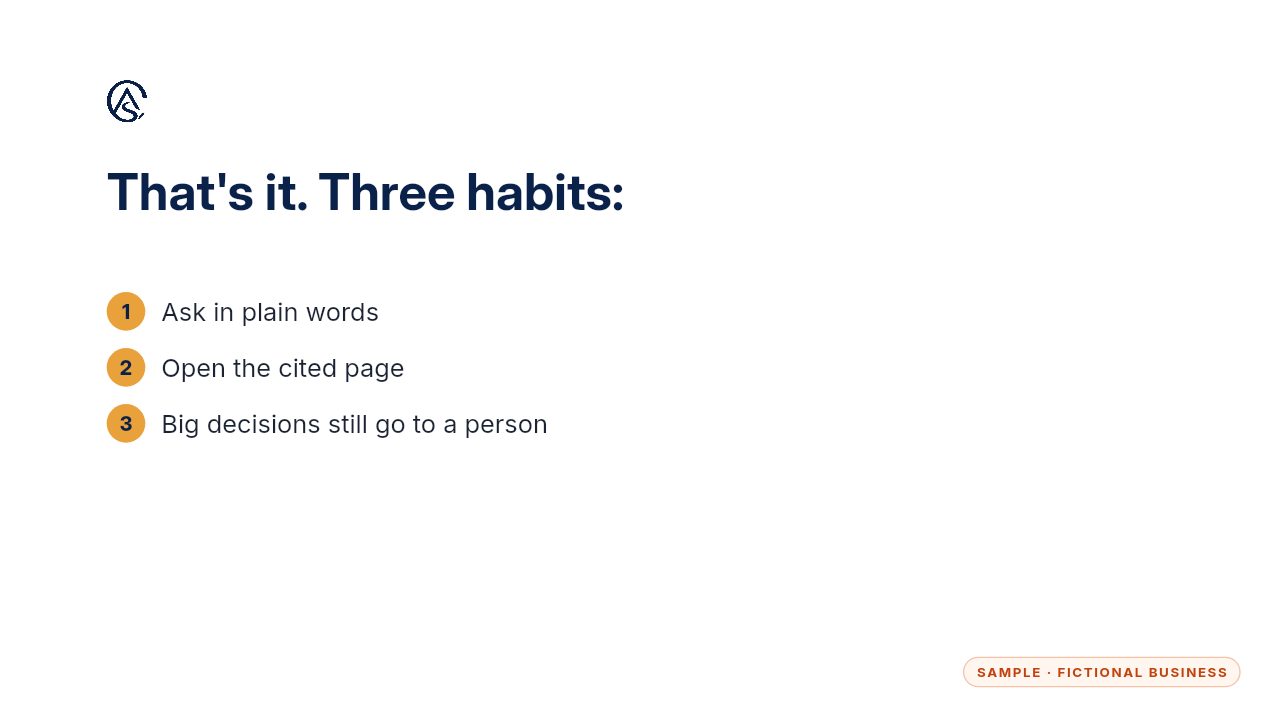
Ask plainly, check the page, and leave big decisions to a person. It finds the answer fast; you decide what to do with it.
Get the Document Desk
Ask your contracts and policies, get the page cited. Every Kit and Install comes with these videos, and an Install adds a walkthrough made from your own setup.