
How-to guides · Document Desk · How do I
How do I check a contract for red flags?
Use the red-flags checklist to find risky terms before you sign.
Narrated video with captions, 35 s. Made with a fictional company, Brightline Heating & Air (sample · fictional business). Read the transcript · Download the step-by-step PDF
Step by step
Before you sign a contract, use the red-flags checklist with Document Desk. Here's how.
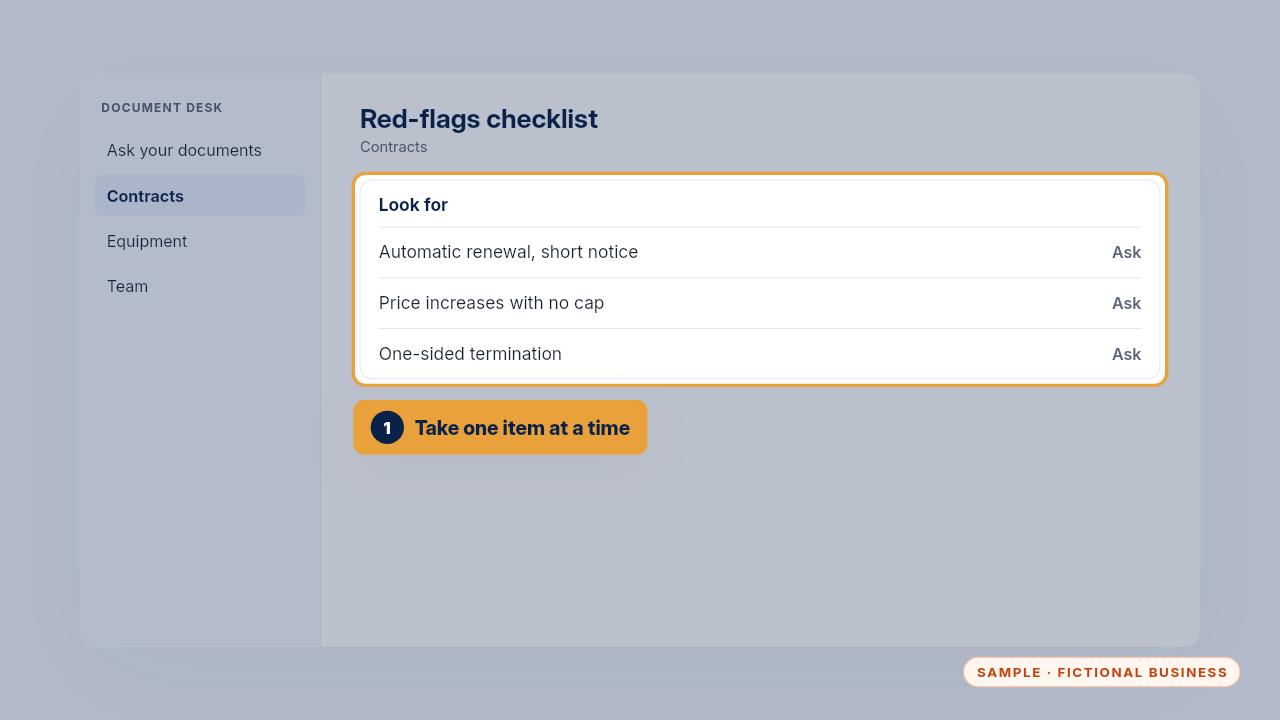
Take the checklist one item at a time, starting with automatic renewal, price increases and termination.
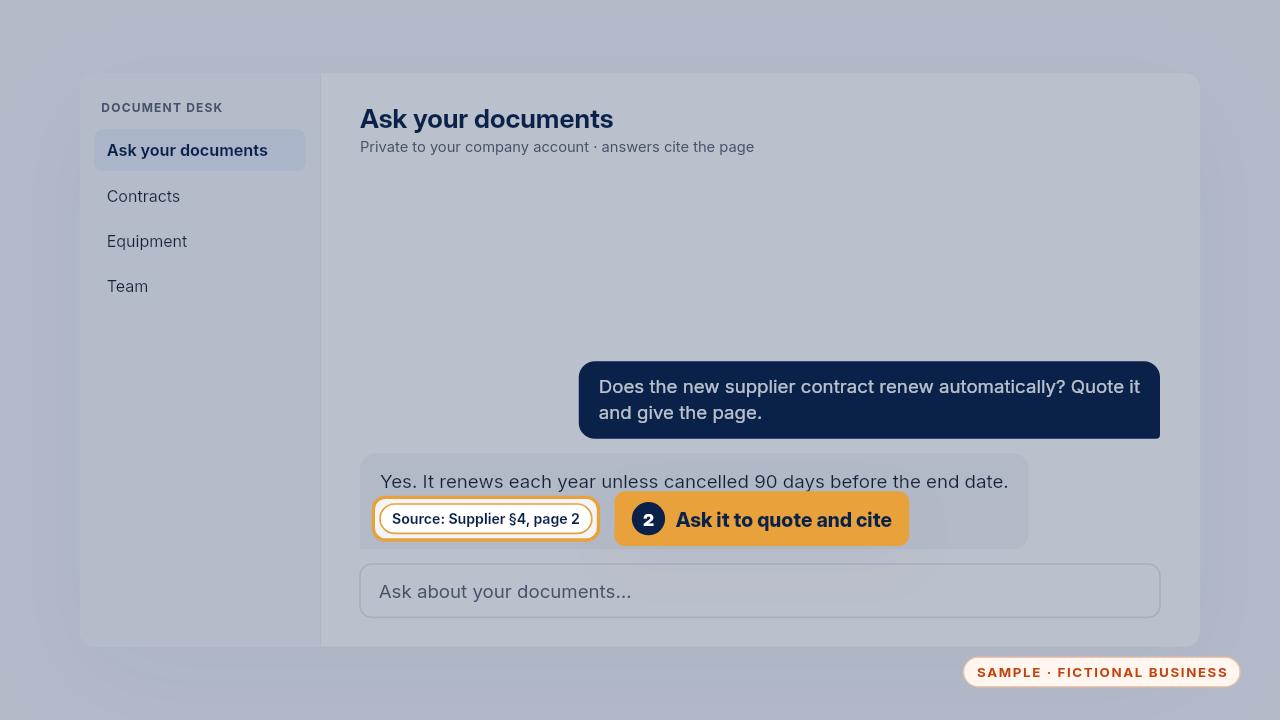
Ask the assistant to find each one, quote the exact sentence and give the page. Then read that page yourself.
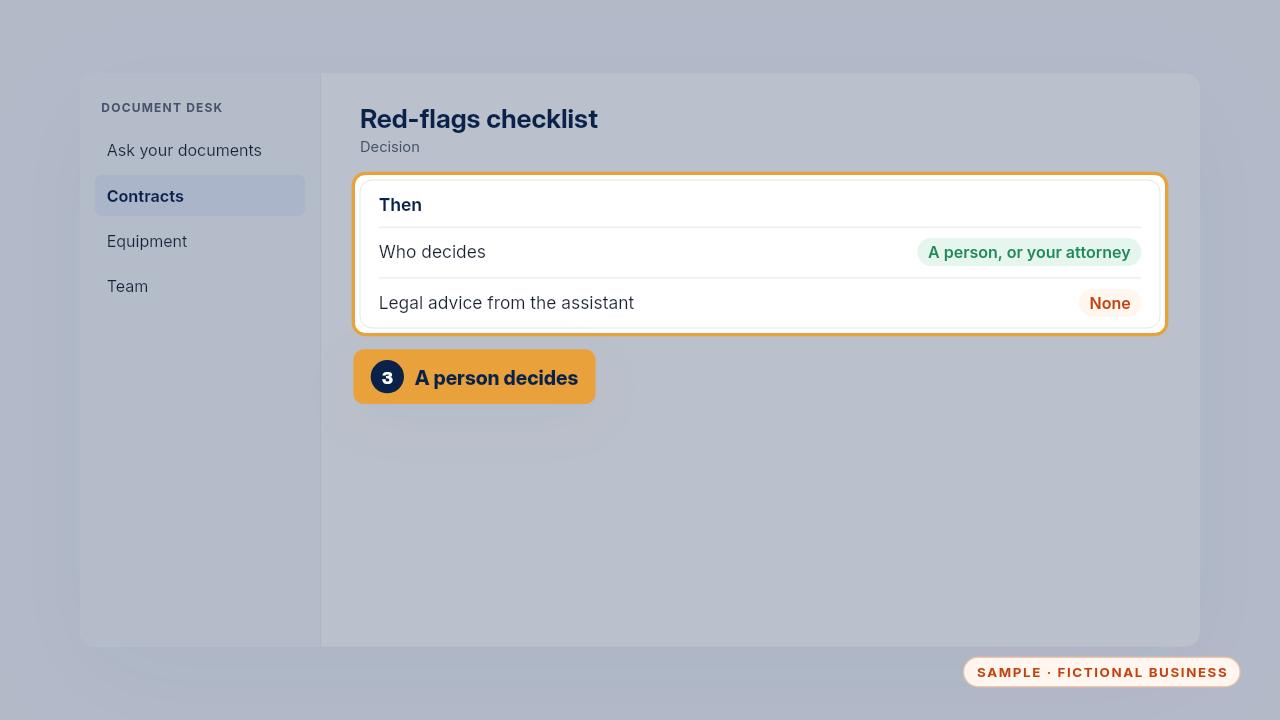
The assistant helps you spot what to ask about. A person, or your attorney, decides what to do.
One item at a time, quoted and cited, and a person decides.
Get the Document Desk
Ask your contracts and policies, get the page cited. Every Kit and Install comes with these videos, and an Install adds a walkthrough made from your own setup.