
How-to guides · Document Desk · Quick start
Check the cited page
Open the cited page and confirm the answer before you act on it.
Narrated video with captions, 37 s. Made with a fictional company, Brightline Heating & Air (sample · fictional business). Read the transcript · Download the step-by-step PDF
Step by step
Every answer cites a page. Here's how to check it in thirty seconds, before you rely on it.
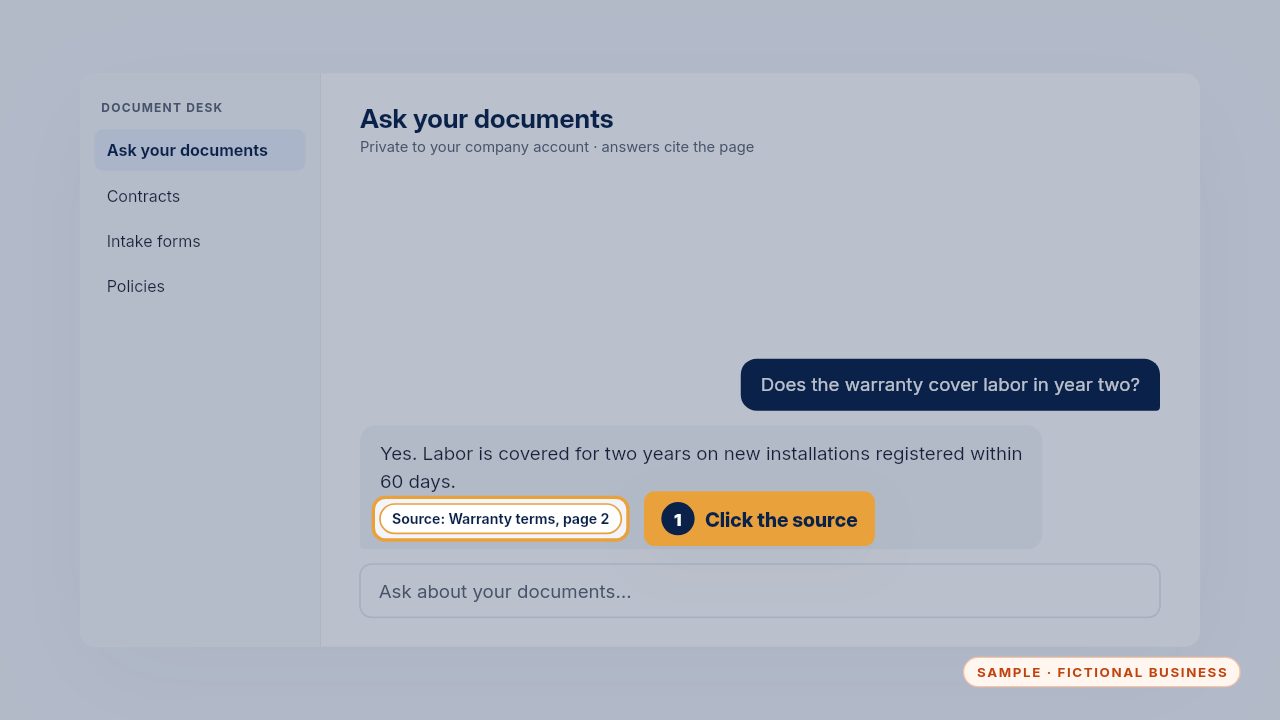
Click the source under the answer. It opens the document at the page it quoted.
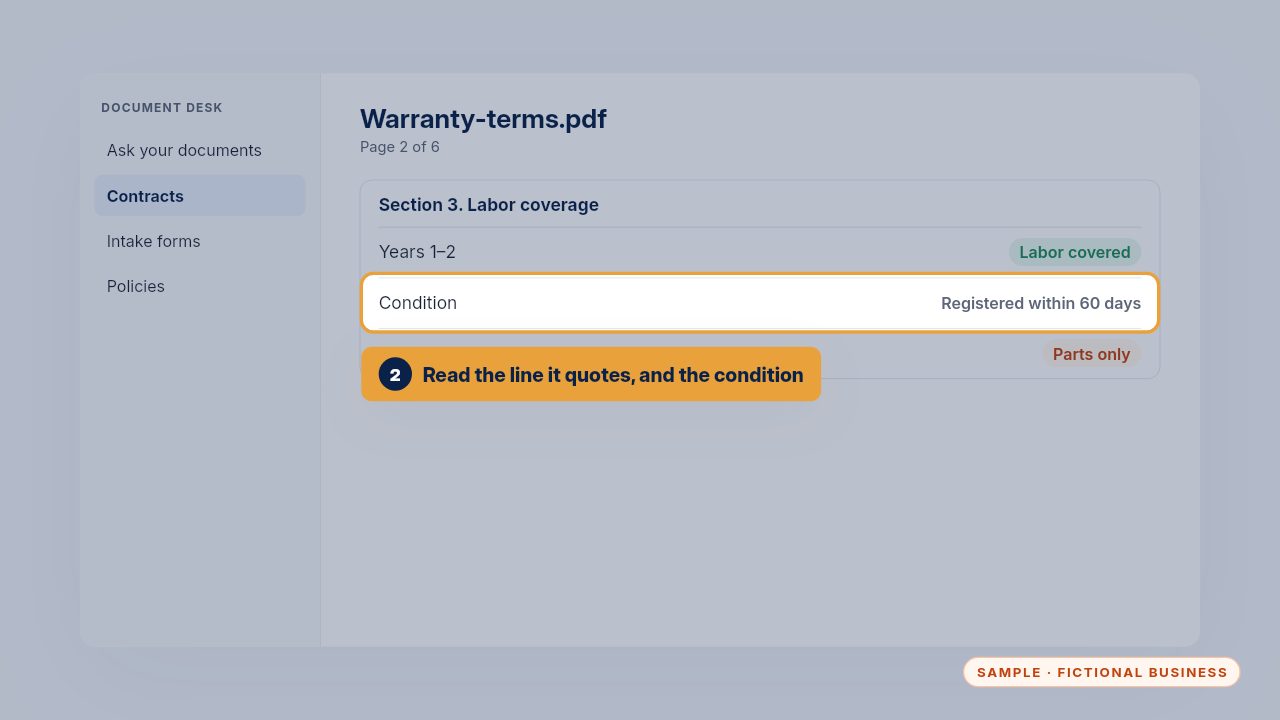
Read the line it quoted, and any condition next to it. Here, registration within sixty days matters, and a short answer can leave that out.
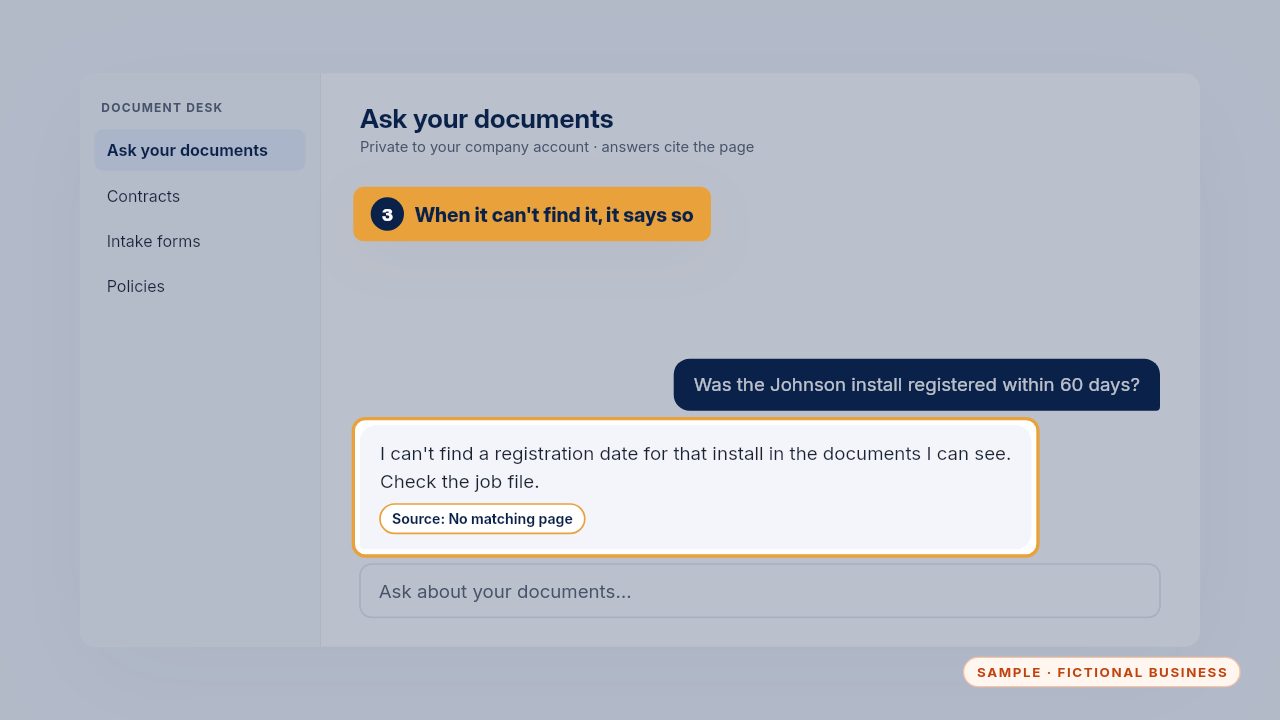
When the answer isn't in your documents, it says so, instead of guessing. That's your cue to check the job file yourself.
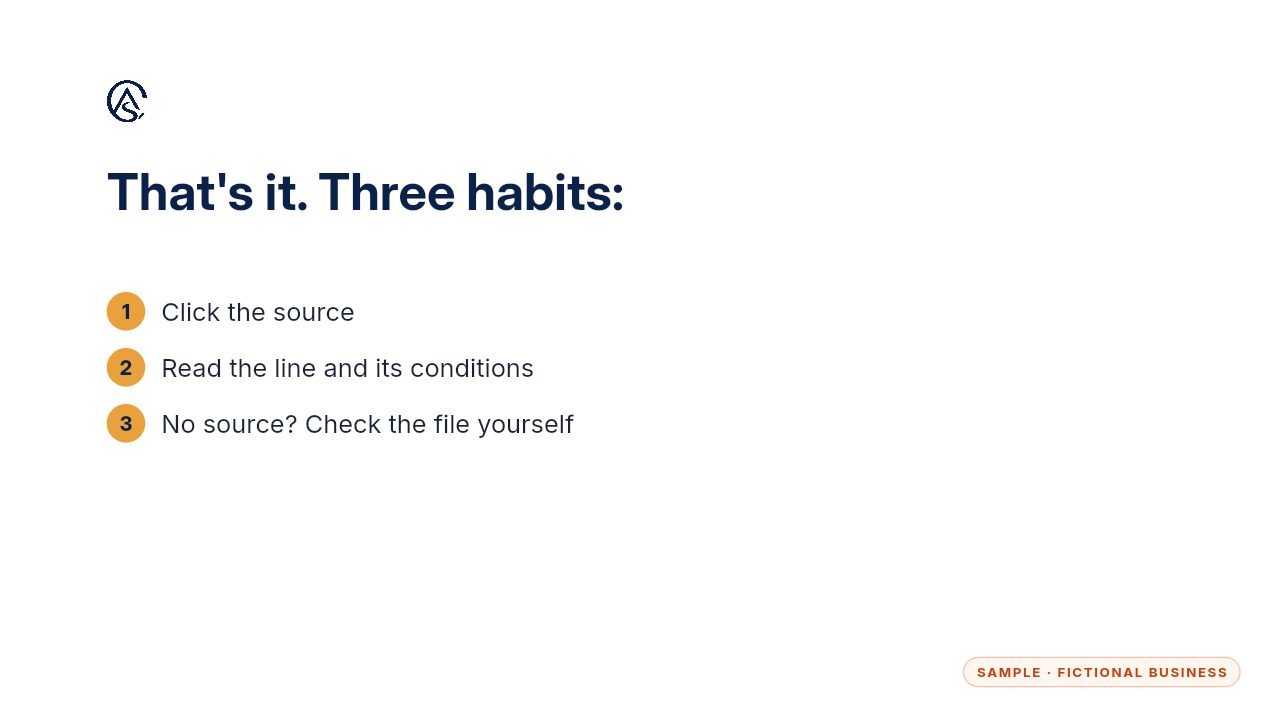
Click, read, and when there's no source, check the file yourself.
Get the Document Desk
Ask your contracts and policies, get the page cited. Every Kit and Install comes with these videos, and an Install adds a walkthrough made from your own setup.