
How-to guides · Document Desk · How do I
How do I fill in the document map?
Decide where each kind of document lives, who sees it and whether it's OK for AI.
Narrated video with captions, 39 s. Made with a fictional company, Brightline Heating & Air (sample · fictional business). Read the transcript · Download the step-by-step PDF
Step by step
The document map comes before any setup. Here's how to fill it in.
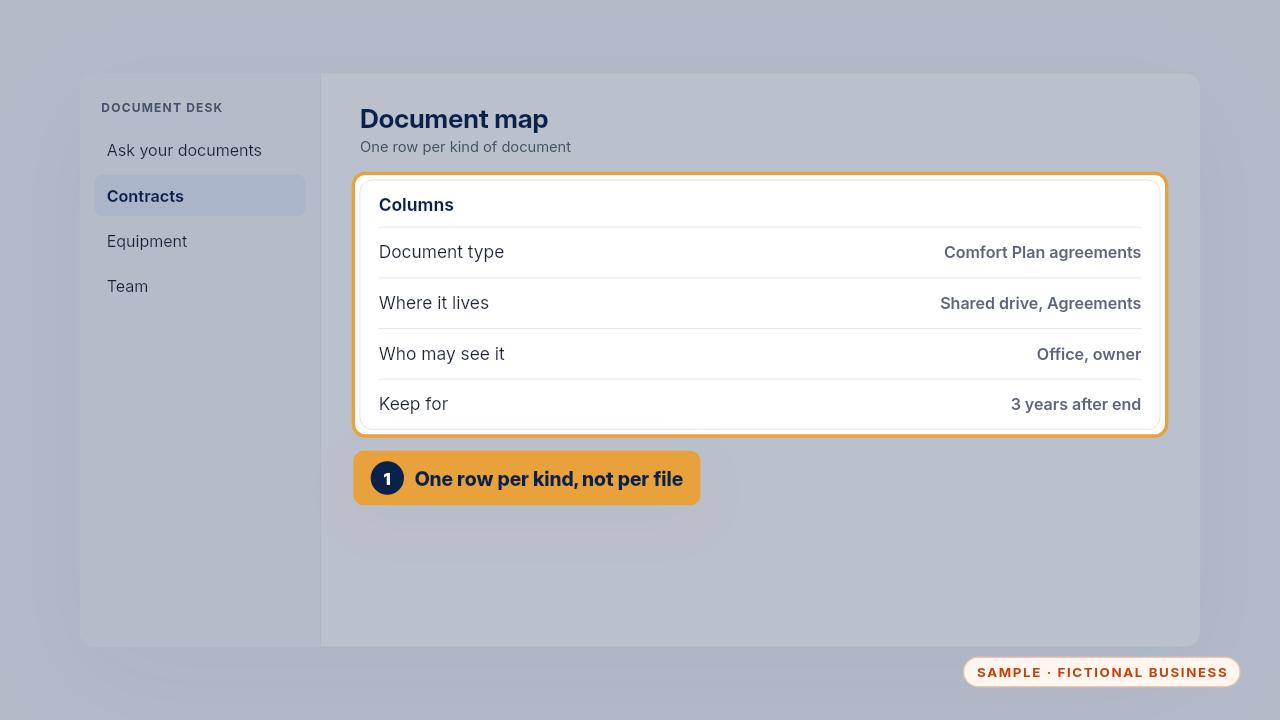
Write one row for each kind of document, not each file. Note where it lives, who may see it, and how long you keep it.
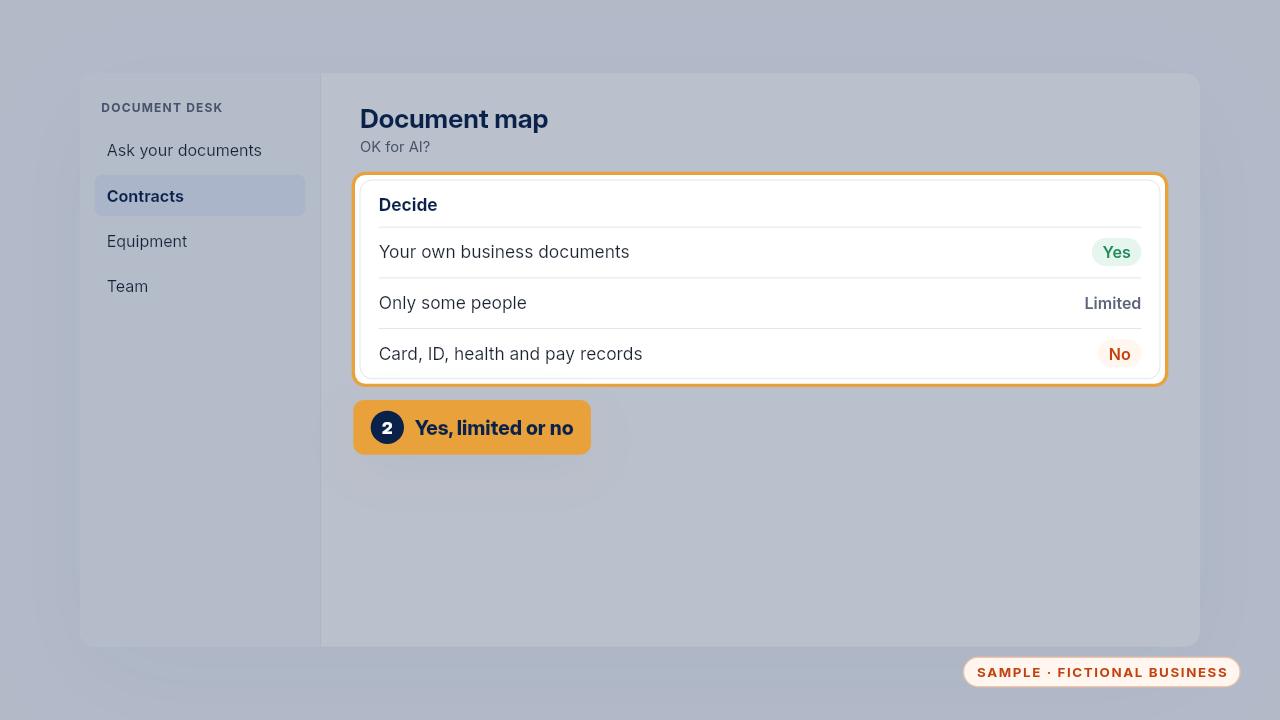
Then decide yes, limited or no for AI. Your own agreements and policies are usually yes. Card, ID, health and pay records are always no.
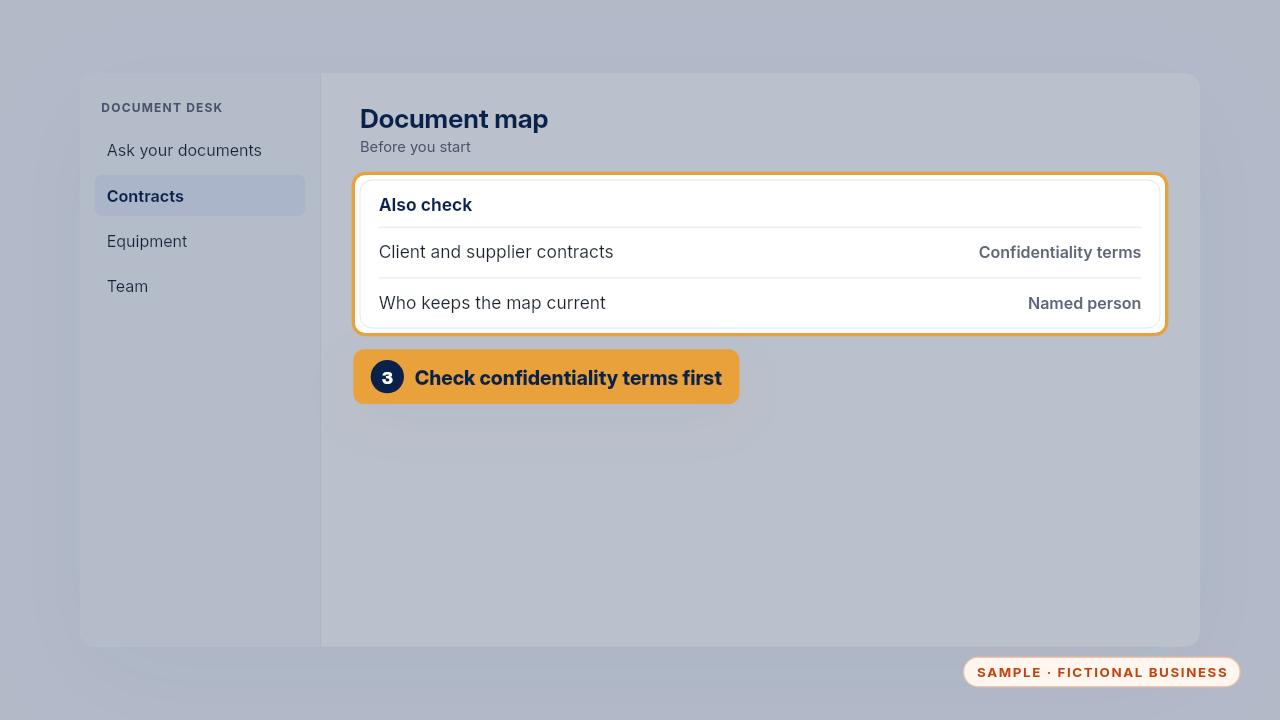
Check each client or supplier contract for confidentiality terms, and name the person who keeps the map current.
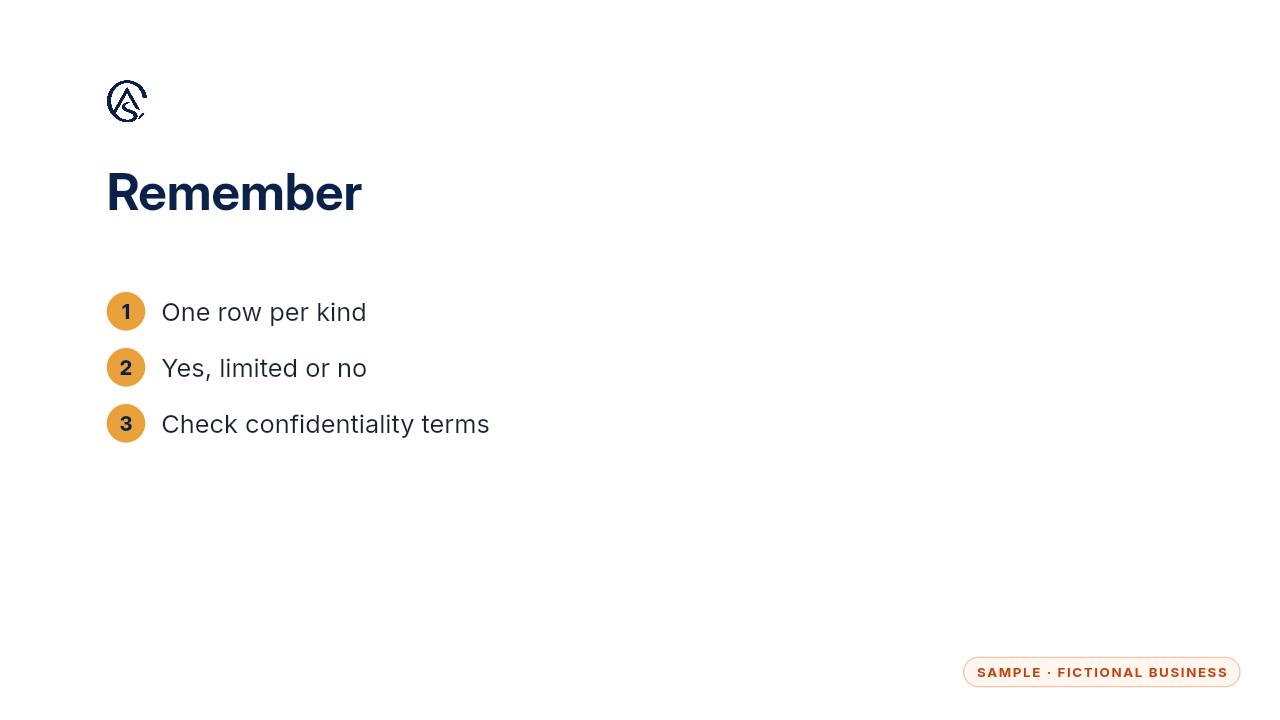
One row per kind, a clear yes or no, and contracts checked first.
Get the Document Desk
Ask your contracts and policies, get the page cited. Every Kit and Install comes with these videos, and an Install adds a walkthrough made from your own setup.