
How-to guides · Document Desk · How do I
How do I give someone access to a folder?
Let a team member ask about a folder, and confirm what they can see.
Narrated video with captions, 33 s. Made with a fictional company, Brightline Heating & Air (sample · fictional business). Read the transcript · Download the step-by-step PDF
Step by step
Here's how to let someone ask about a folder they couldn't see before.
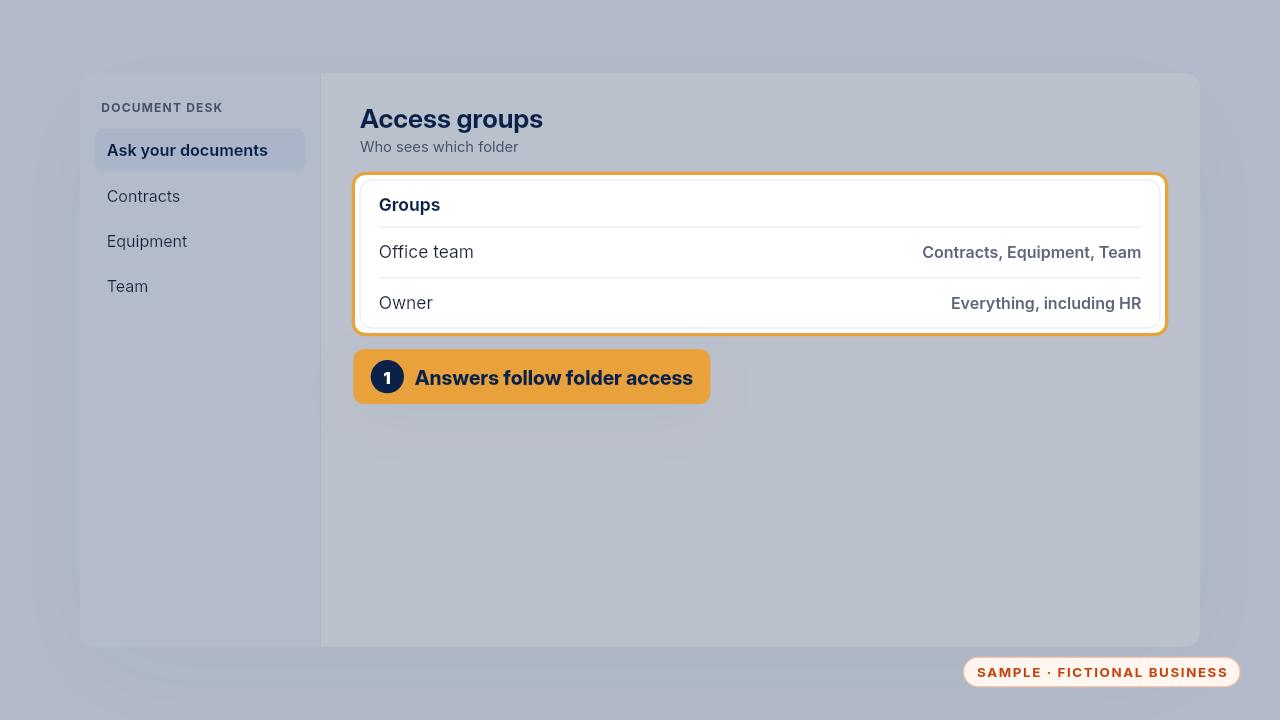
The assistant only answers from folders a person can open. So giving access to answers means giving access to the folder.
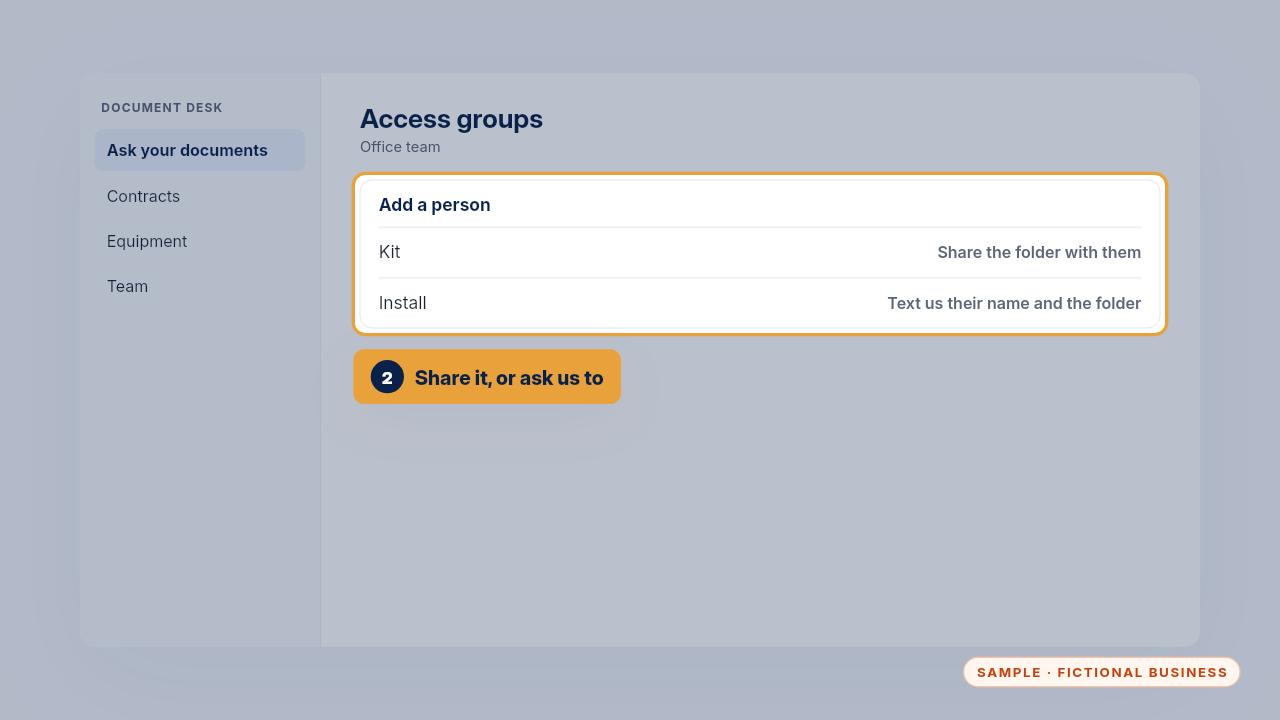
With the Kit, share the folder with that person. With the Install, text us their name and the folder, and we add them to the right group.
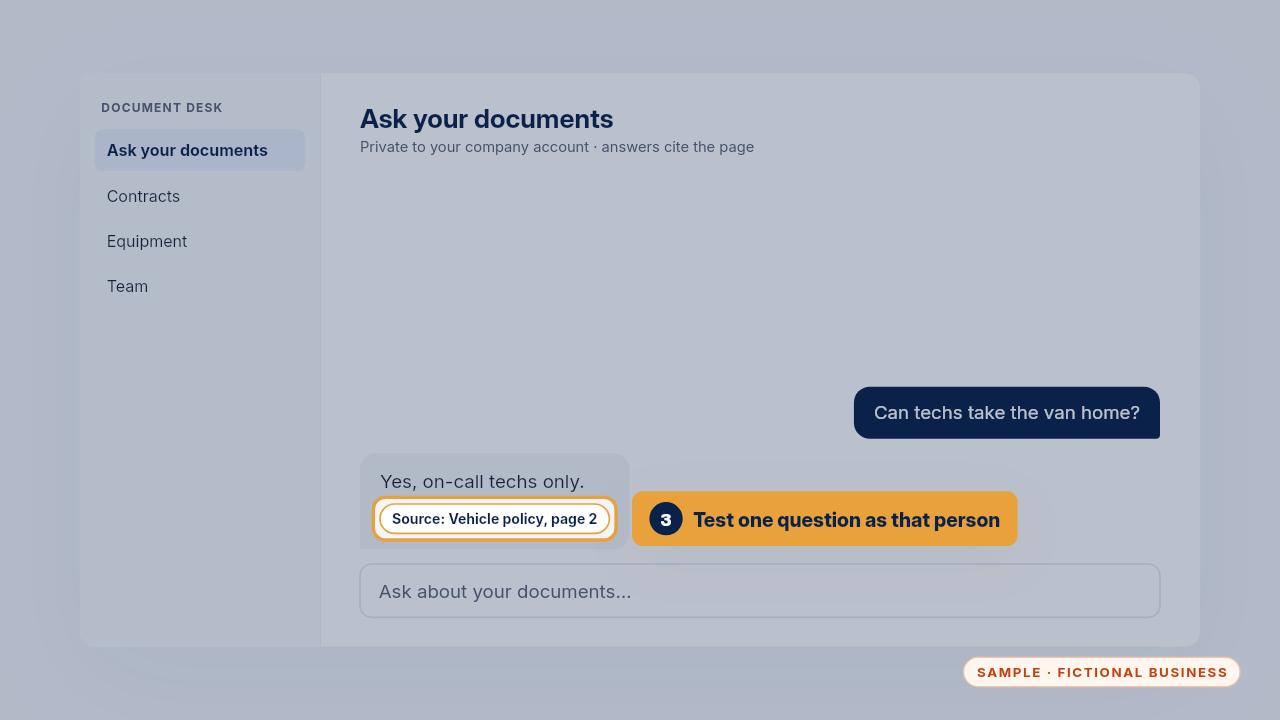
Then test one question as that person, to confirm they see what they should and nothing more.
Share only what they need, then test it as them.
Get the Document Desk
Ask your contracts and policies, get the page cited. Every Kit and Install comes with these videos, and an Install adds a walkthrough made from your own setup.