
How-to guides · Document Desk · How do I
How do I keep a folder out of the assistant?
Keep sensitive folders, like payroll, away from the assistant.
Narrated video with captions, 31 s. Made with a fictional company, Brightline Heating & Air (sample · fictional business). Read the transcript · Download the step-by-step PDF
Step by step
Some folders should never be searchable. Here's how to keep one out.
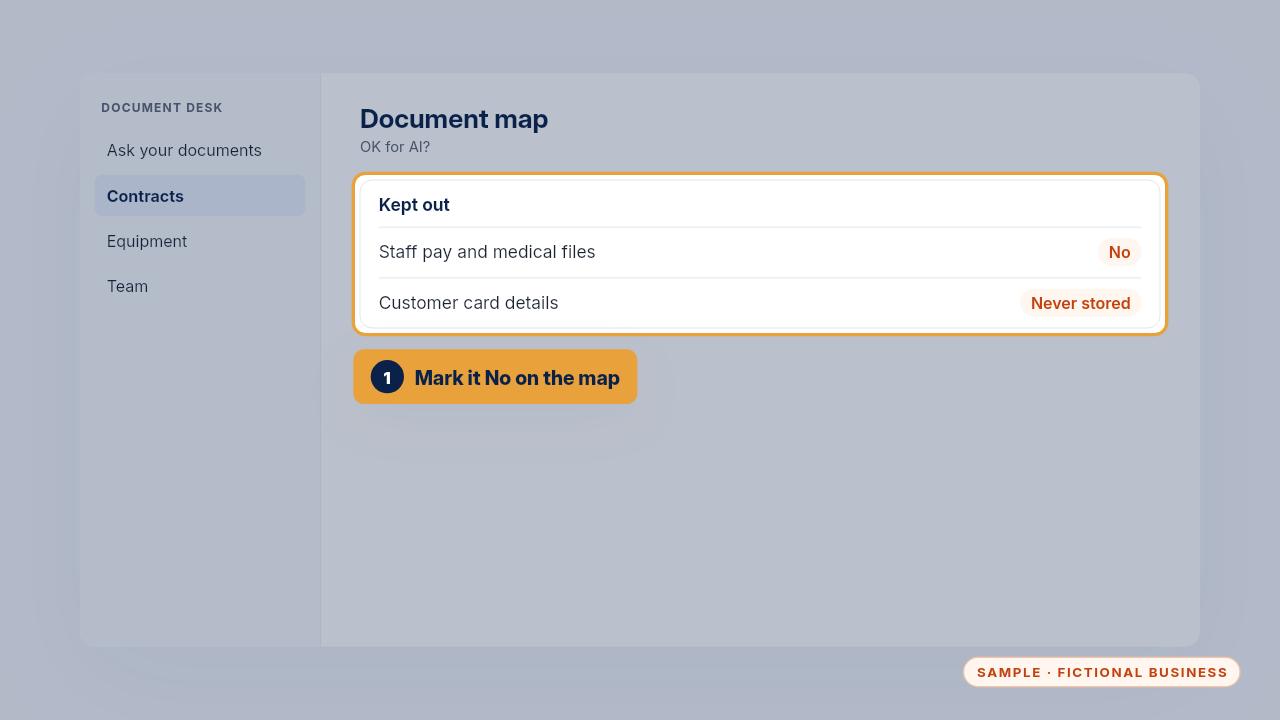
Start with the document map. Mark the folder as not OK for AI, like staff pay and medical files.
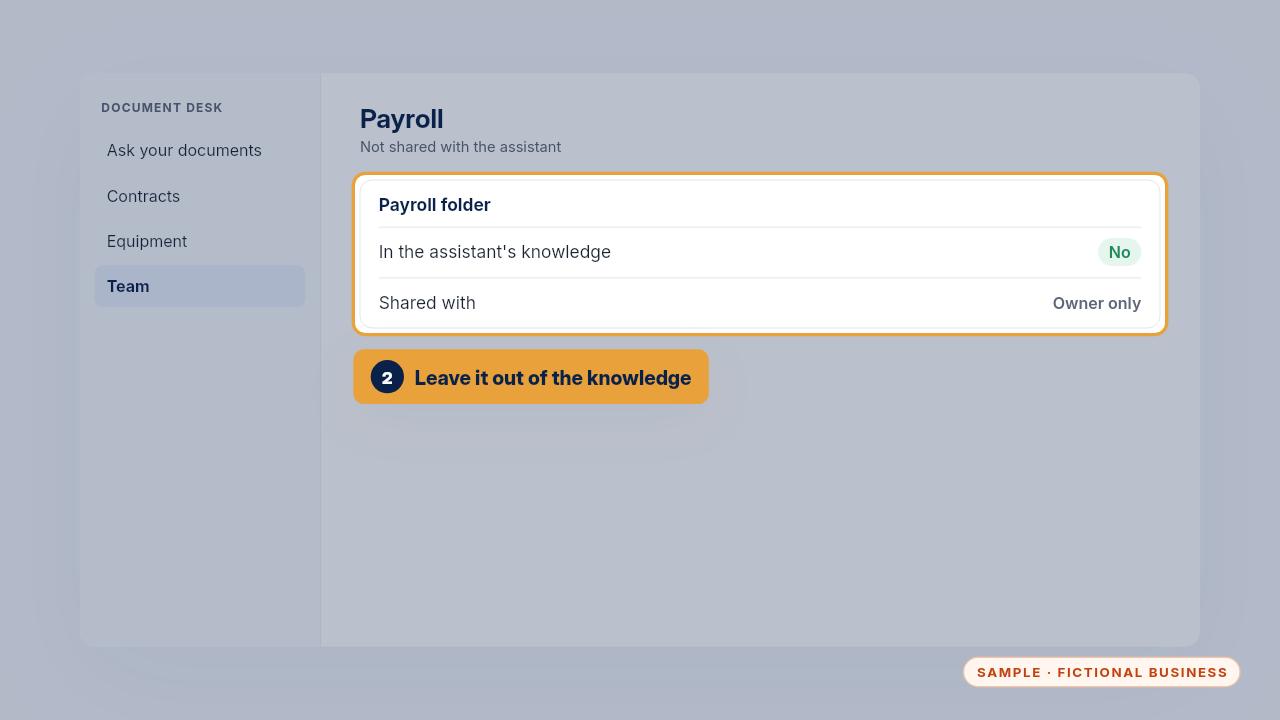
Then make sure that folder isn't one of the assistant's knowledge sources, and that only the owner can open it.
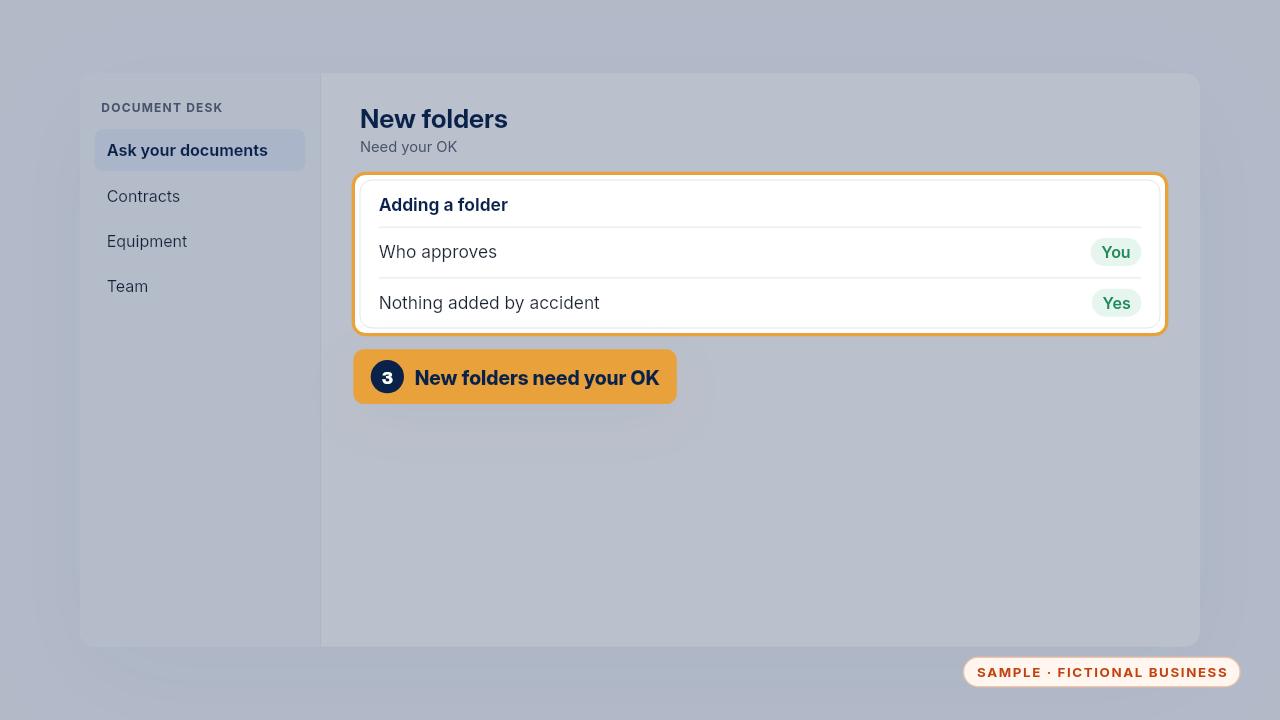
On the Install, adding any folder needs your OK, so nothing new becomes searchable by accident.
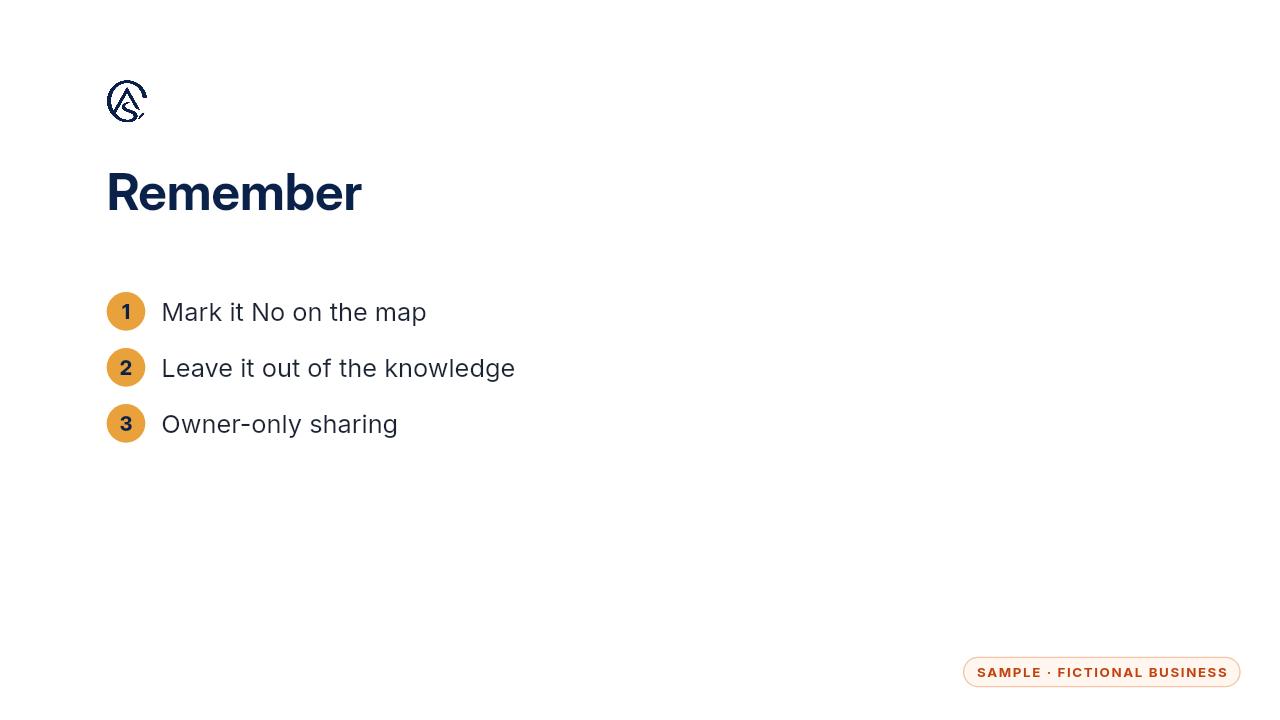
Mark it on the map, leave it out, and keep the sharing tight.
Get the Document Desk
Ask your contracts and policies, get the page cited. Every Kit and Install comes with these videos, and an Install adds a walkthrough made from your own setup.