
How-to guides · Document Desk · How do I
How do I paste the starting rule?
Add the prompt pack's starting rule so every answer cites a page.
Narrated video with captions, 39 s. Made with a fictional company, Brightline Heating & Air (sample · fictional business). Read the transcript · Download the step-by-step PDF
Step by step
Every Document Desk chat starts with one rule from the prompt pack. Here's where it goes.
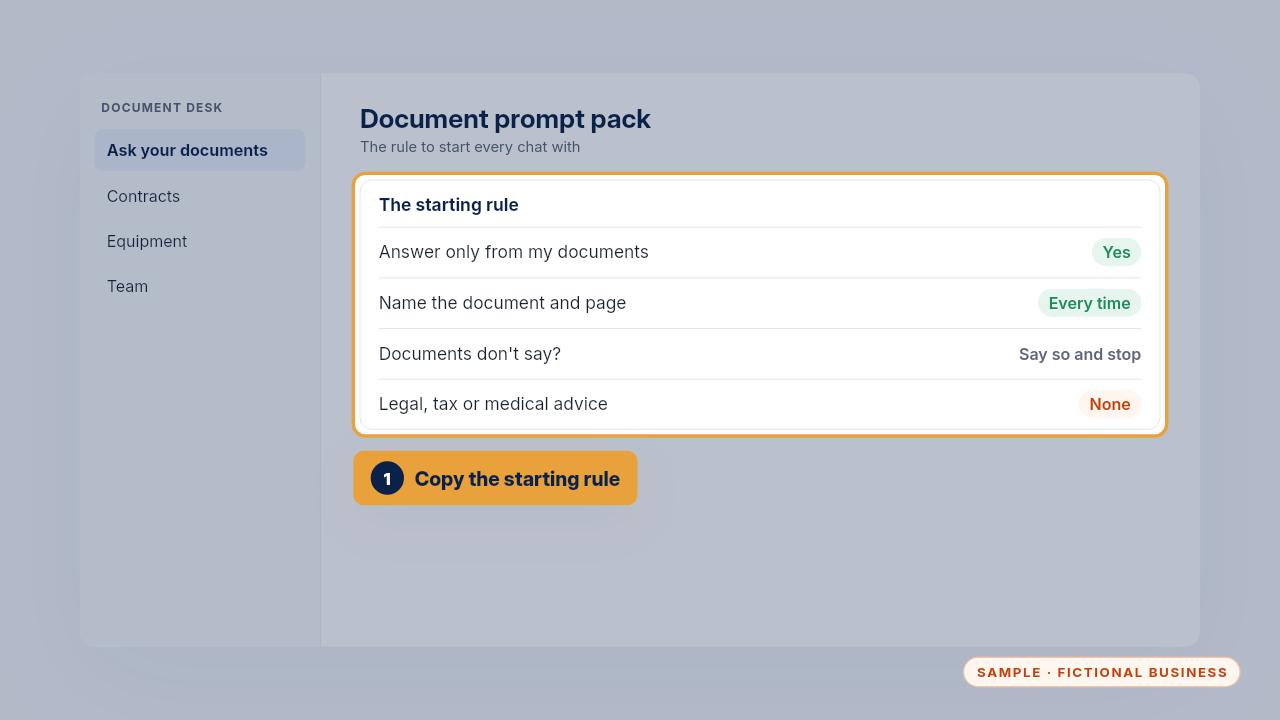
Copy the starting rule from the prompt pack. It keeps answers to your documents, makes them cite the page, and stops at the edge of what the documents say.
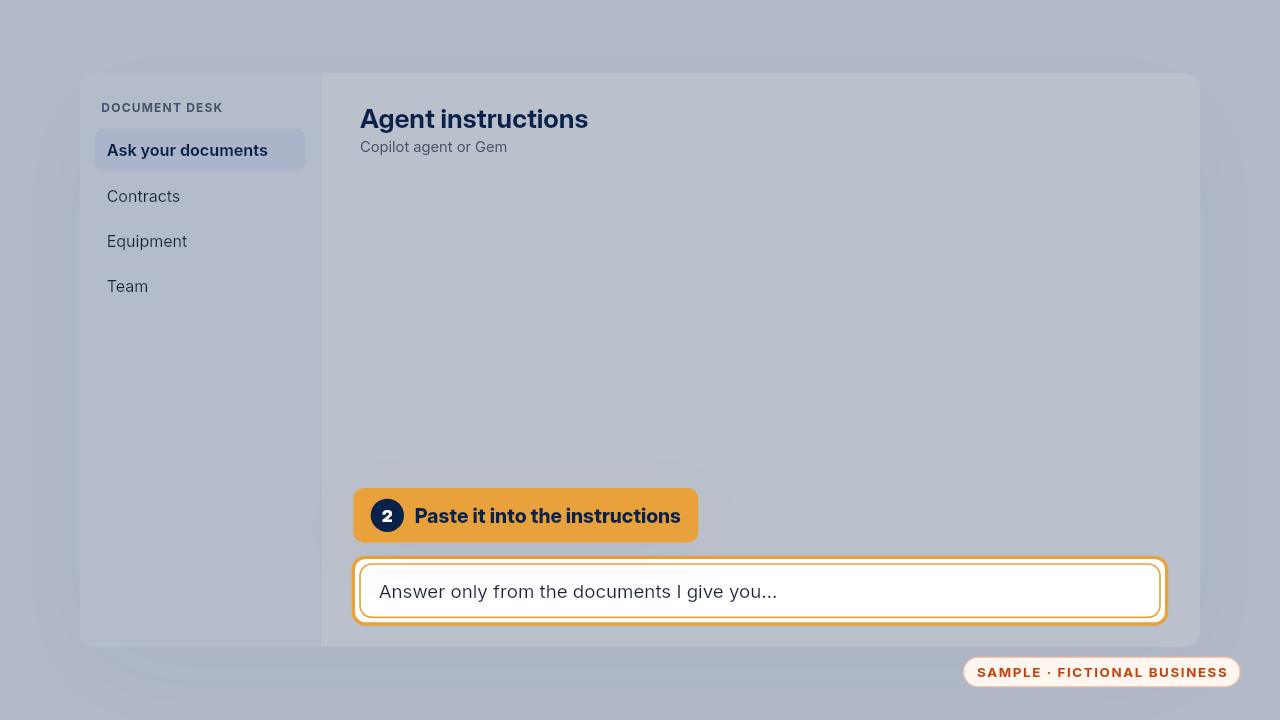
Paste it into the instructions of your Copilot agent or your Gem, so it applies to every chat. In a one-off chat, paste it first.
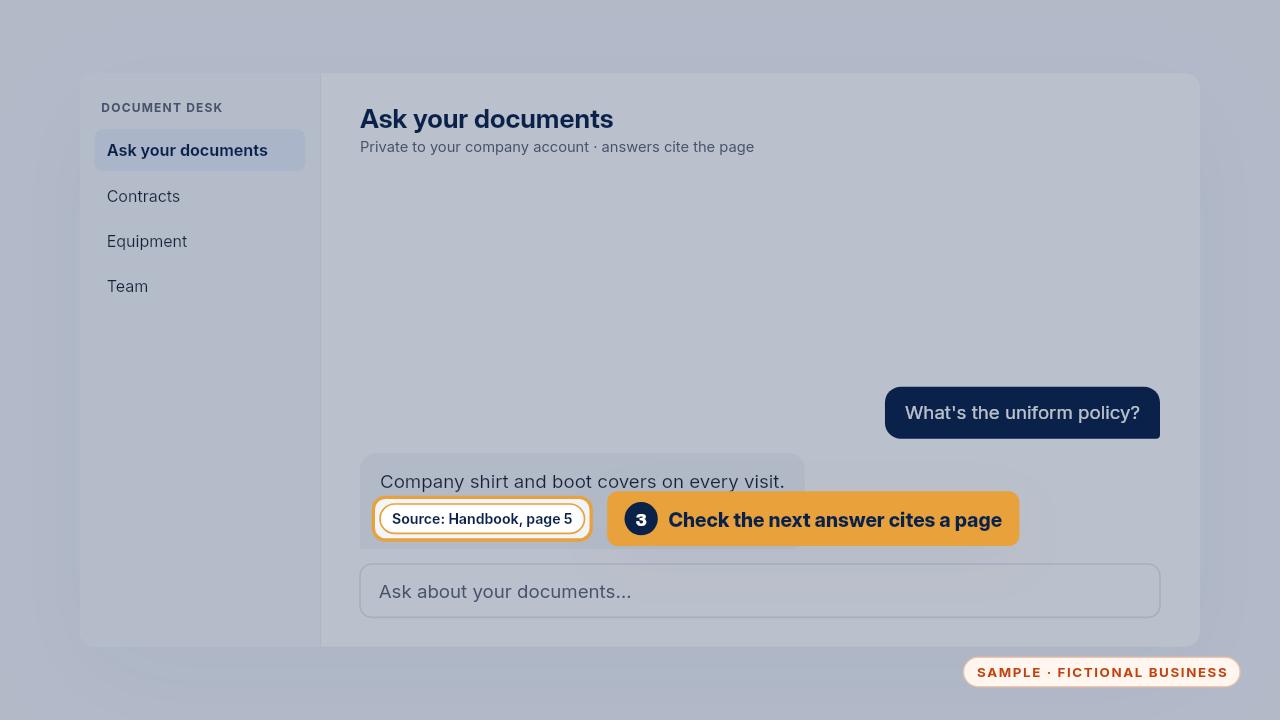
Ask a question and check the answer names a page. If one ever comes back without a page, paste the rule again.
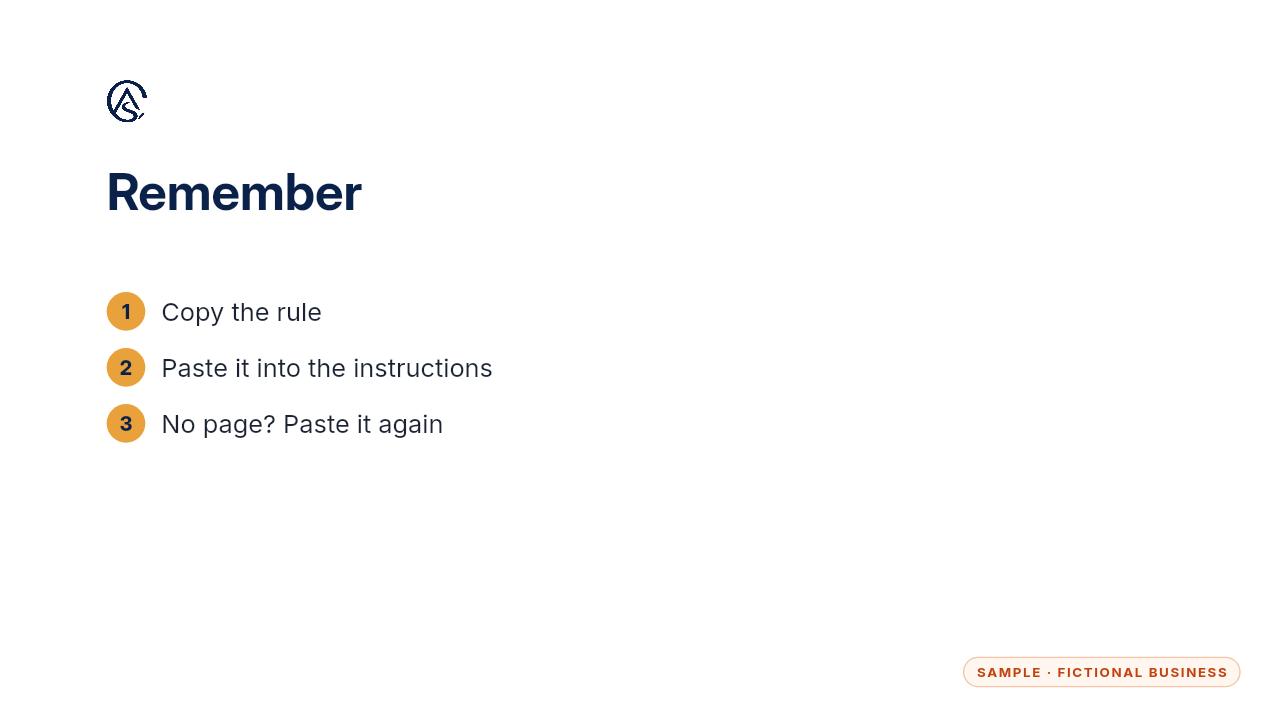
Copy it, paste it into the instructions, and check for the page.
Get the Document Desk
Ask your contracts and policies, get the page cited. Every Kit and Install comes with these videos, and an Install adds a walkthrough made from your own setup.