
How-to guides · Document Desk · How do I
How do I use a prompt from the prompt pack?
Pick one of the 30 prompts, fill in the details and check the cited page.
Narrated video with captions, 32 s. Made with a fictional company, Brightline Heating & Air (sample · fictional business). Read the transcript · Download the step-by-step PDF
Step by step
The prompt pack has thirty ready-made prompts. Here's how to use one.
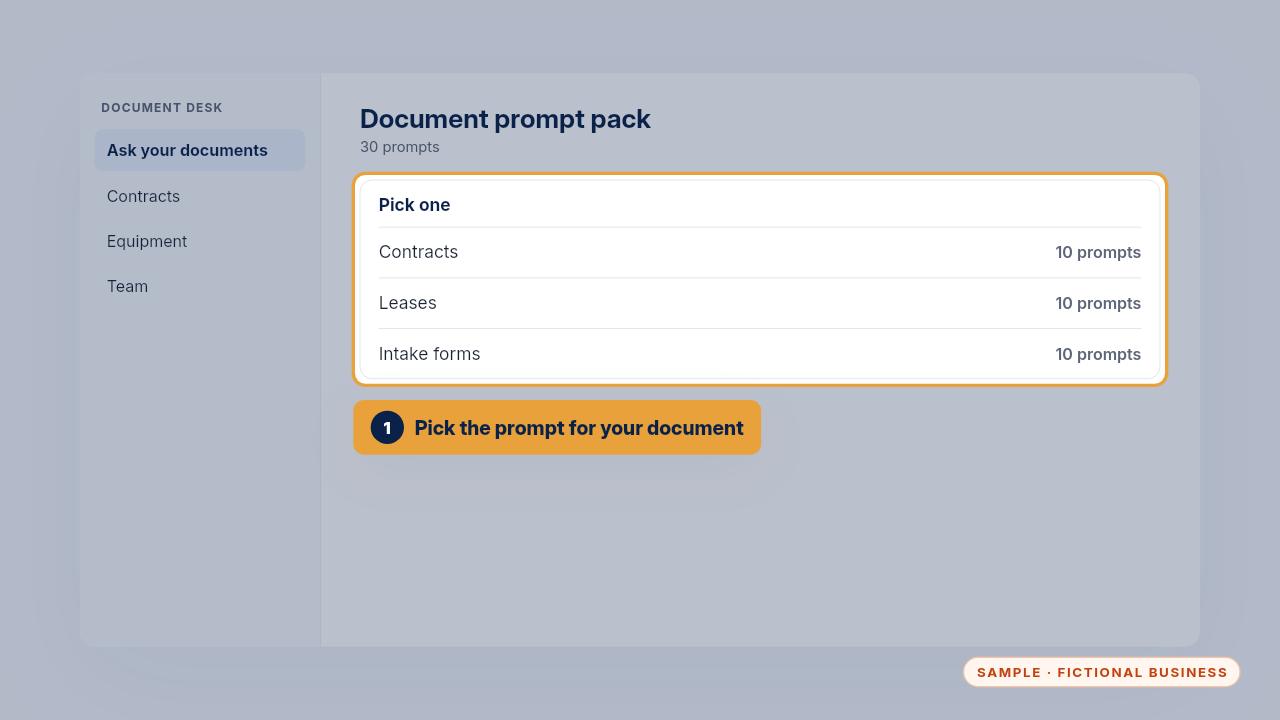
Pick the prompt that fits your document. There are ten each for contracts, leases and intake forms.
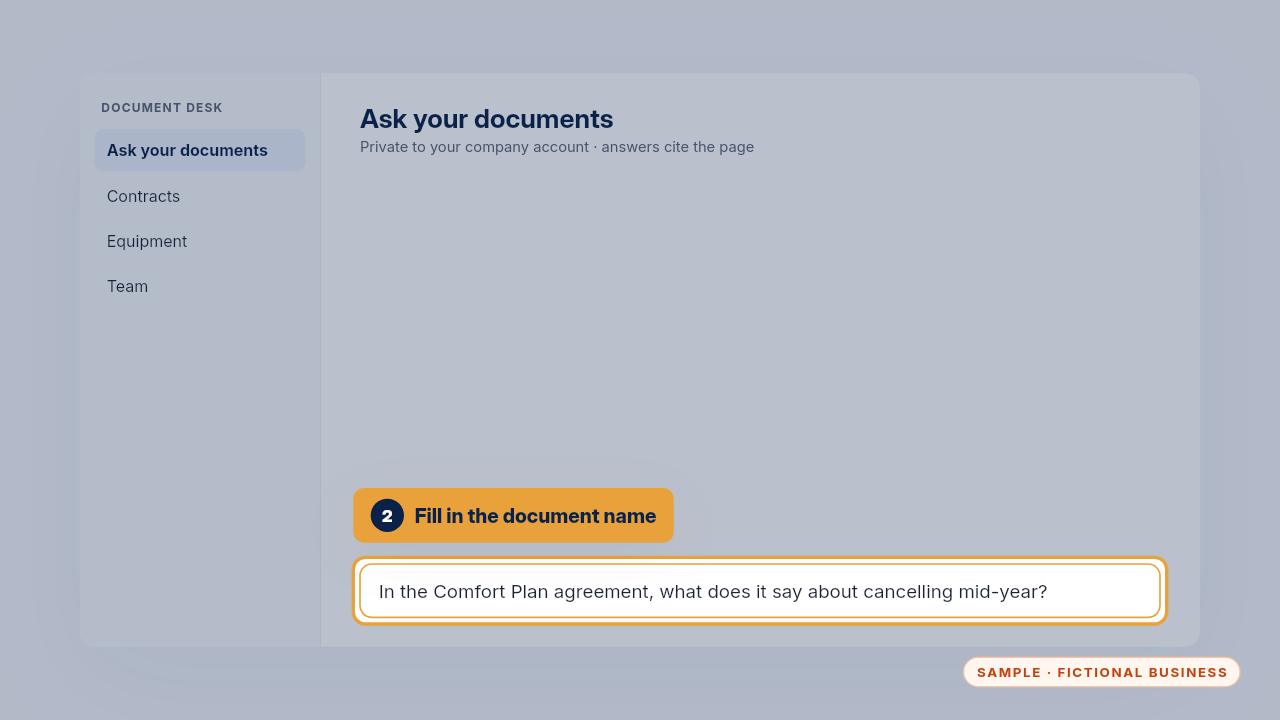
Fill in the document's name and the detail you need. Asking for the exact sentence and the page makes the answer easy to check.
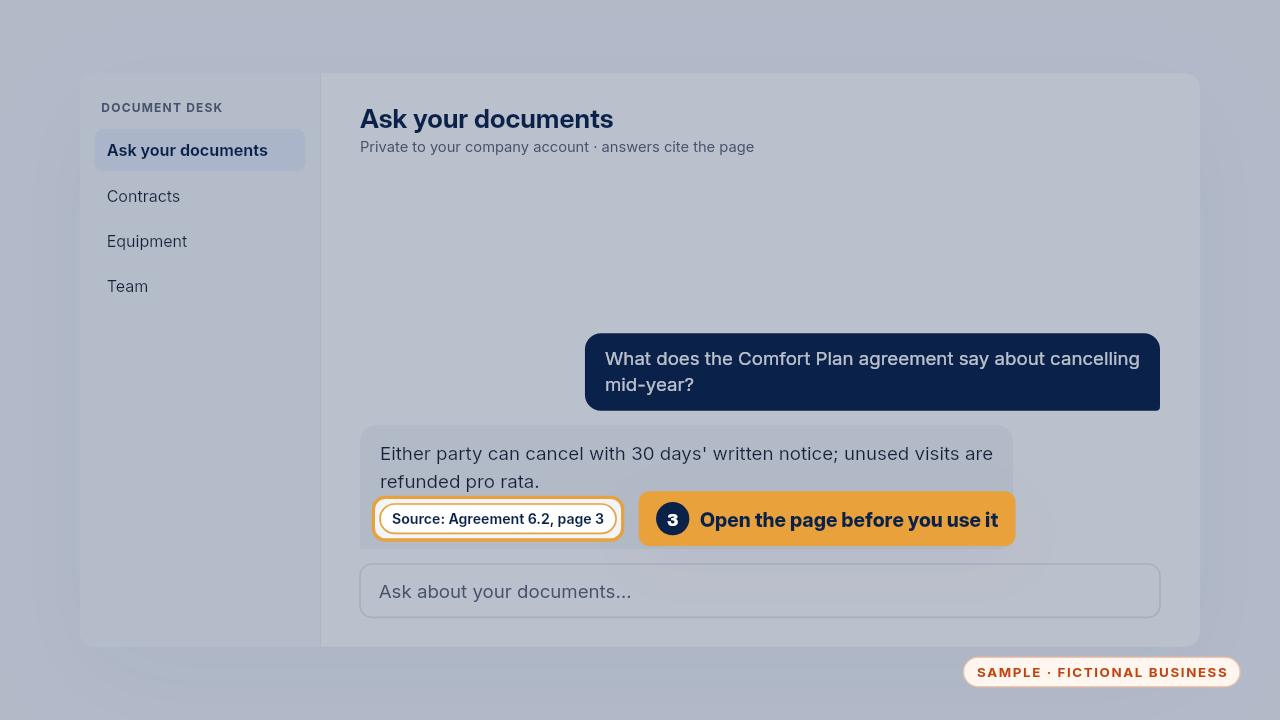
Open the cited page before you use the answer. If the page doesn't say it, don't use it.
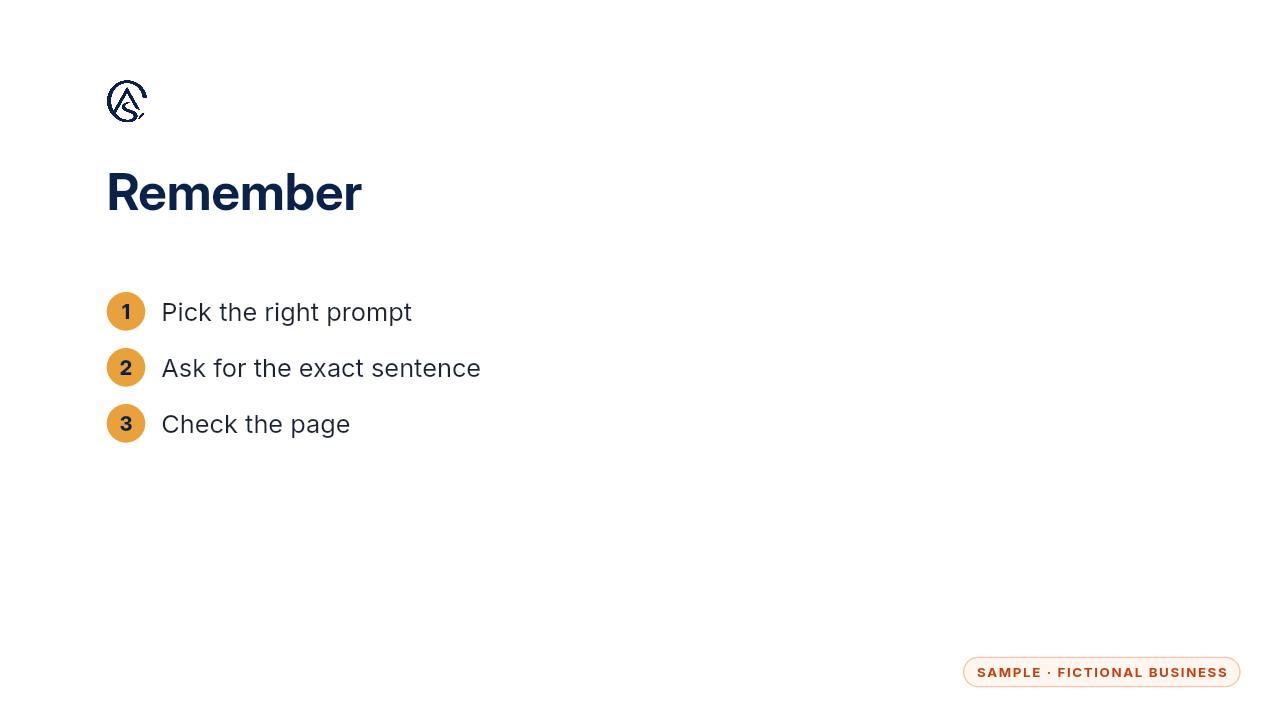
Pick a prompt, ask for the exact sentence, and check the page.
Get the Document Desk
Ask your contracts and policies, get the page cited. Every Kit and Install comes with these videos, and an Install adds a walkthrough made from your own setup.