
How-to guides · Document Desk · Quick start
What stays private
Where your documents live, who can see them, and what the assistant can and can't read.
Narrated video with captions, 40 s. Made with a fictional company, Brightline Heating & Air (sample · fictional business). Read the transcript · Download the step-by-step PDF
Step by step
Here's what stays private with Document Desk, and who can see what.
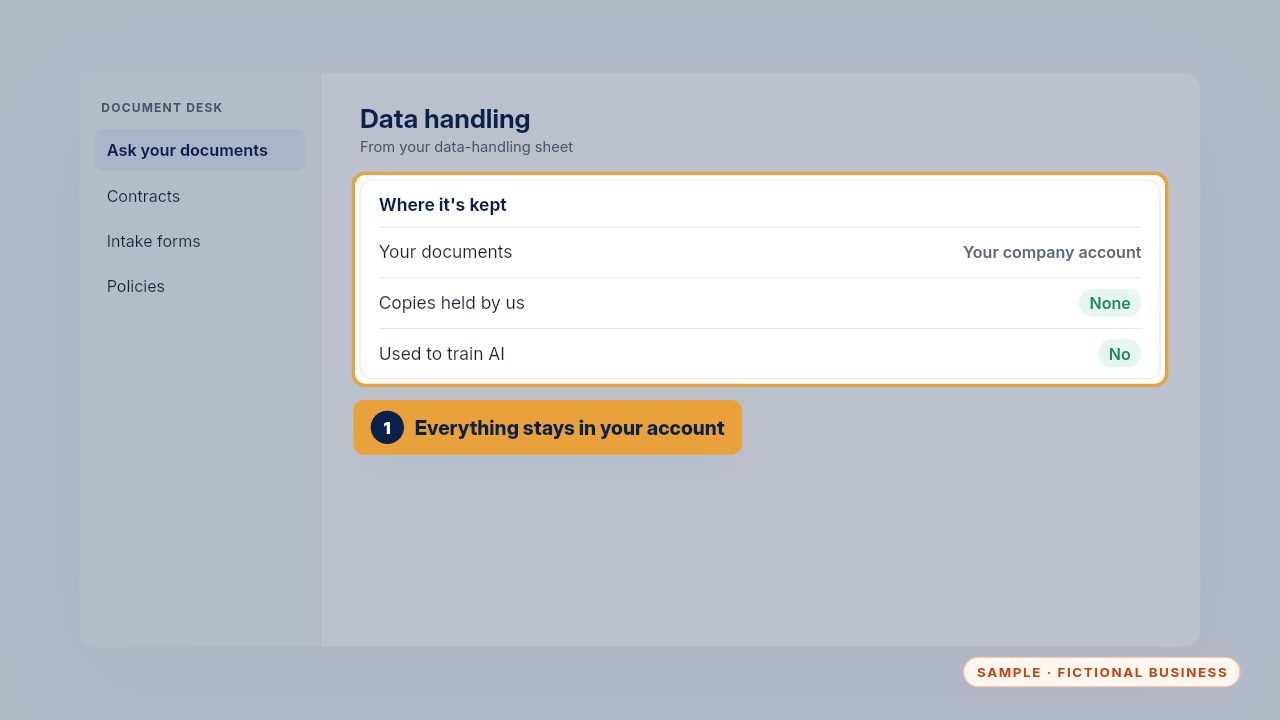
Your documents stay in your own company account. We keep no copies, and they're not used to train AI. Your data-handling sheet says all of this in writing.
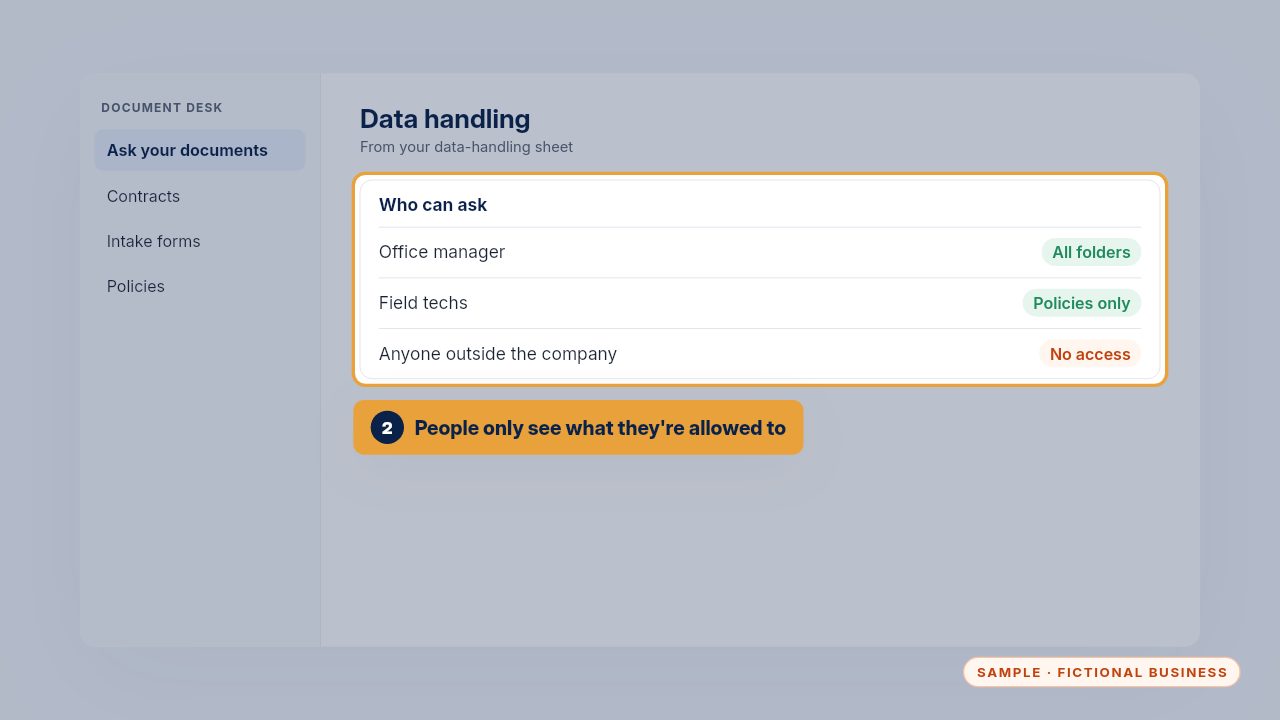
People can only ask about the folders they're allowed to open. Techs see policies, not contracts, and nobody outside the company has access.
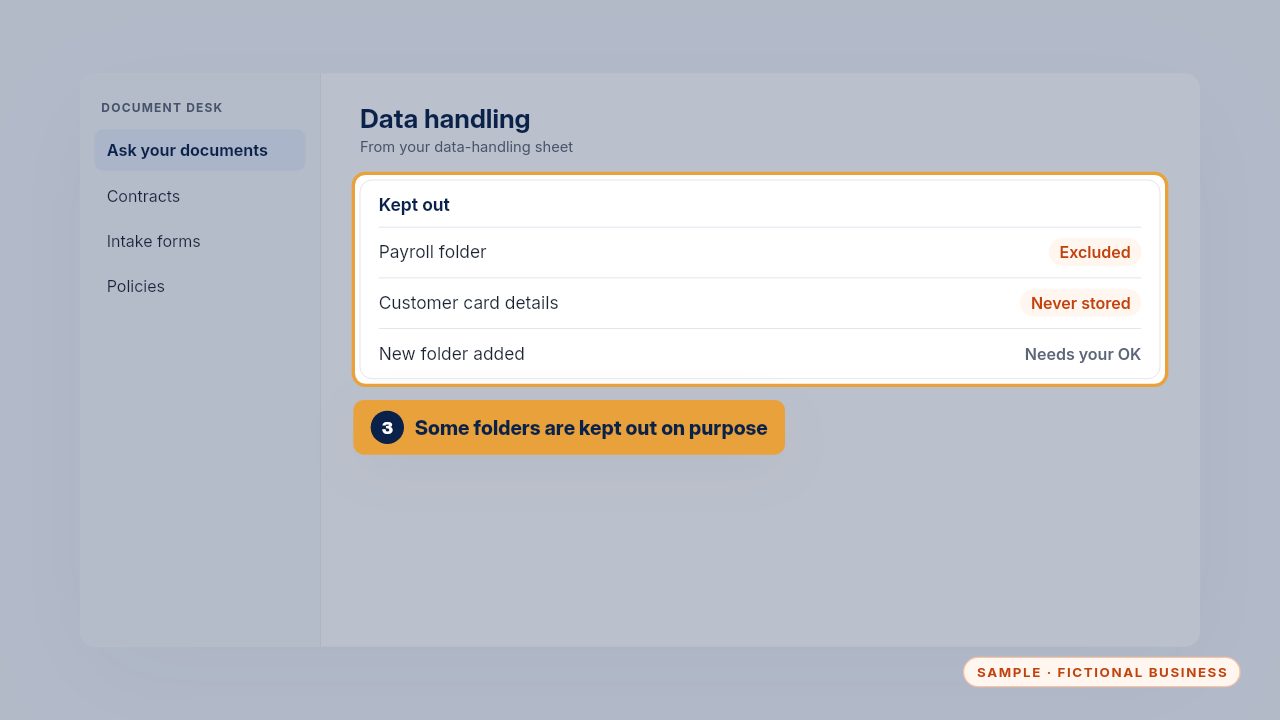
Some folders are kept out on purpose, like payroll. Adding a folder always needs your OK, so nothing new becomes searchable by accident.
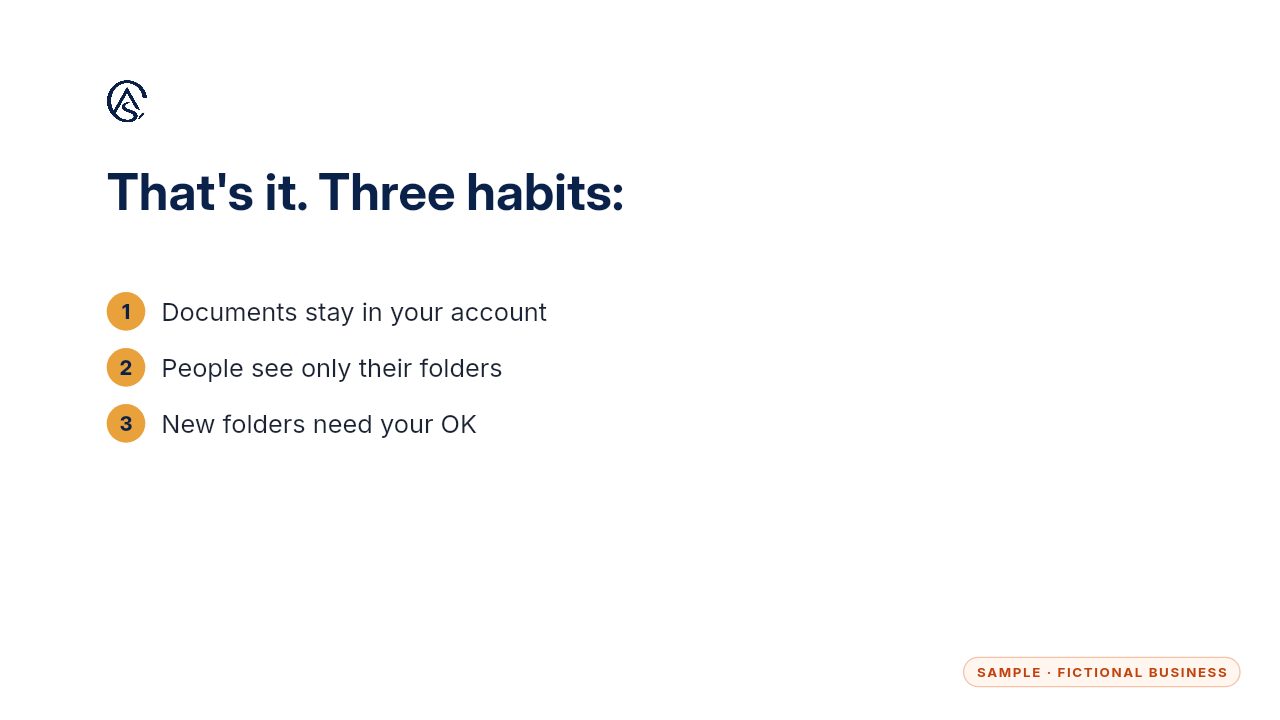
Your account, the right people, and your OK for anything new.
Get the Document Desk
Ask your contracts and policies, get the page cited. Every Kit and Install comes with these videos, and an Install adds a walkthrough made from your own setup.