
How-to guides · Google Profile Tune-Up · How do I
How do I add someone as a manager?
Give someone access to your profile without sharing your password.
Narrated video with captions, 30 s. Made with a fictional company, Brightline Heating & Air (sample · fictional business). Read the transcript · Download the step-by-step PDF
Step by step
Here's how to give someone access to your profile without sharing your password, including us for the Tune-Up.
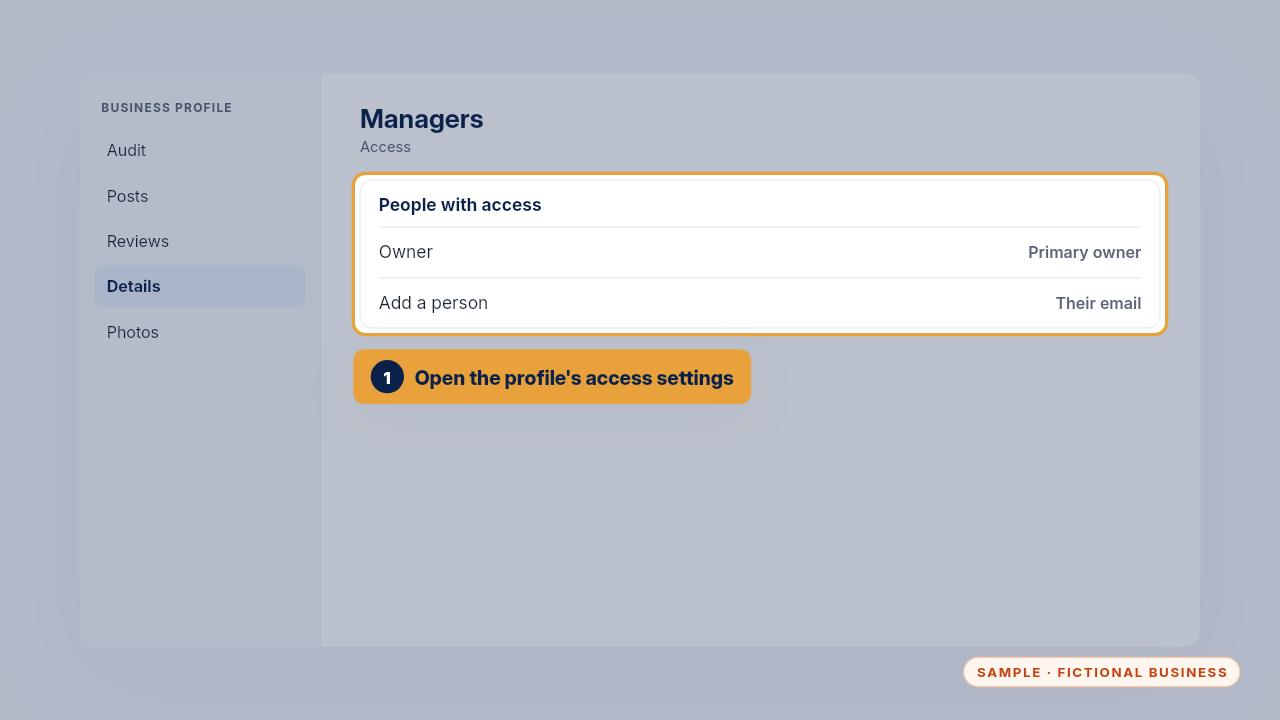
Open the profile's access settings. That's the list of everyone who can manage your profile.
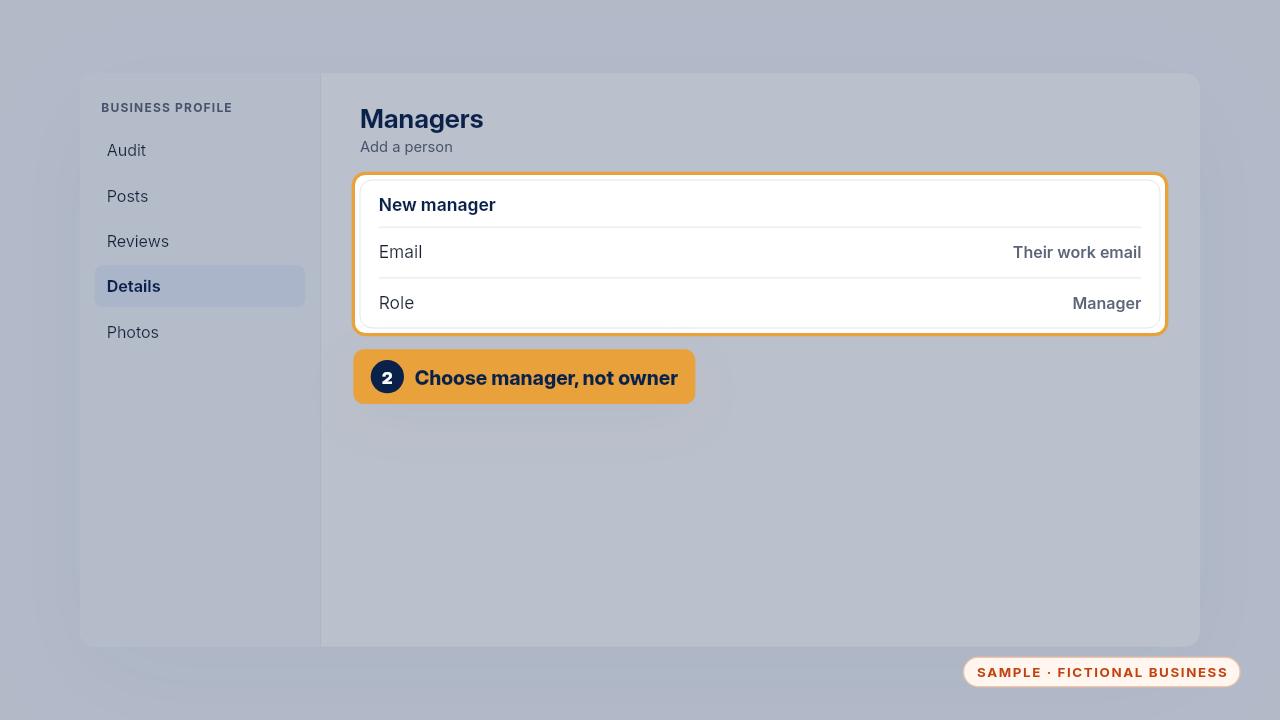
Add their email and choose manager. For the Tune-Up, that's our email. You stay the owner.
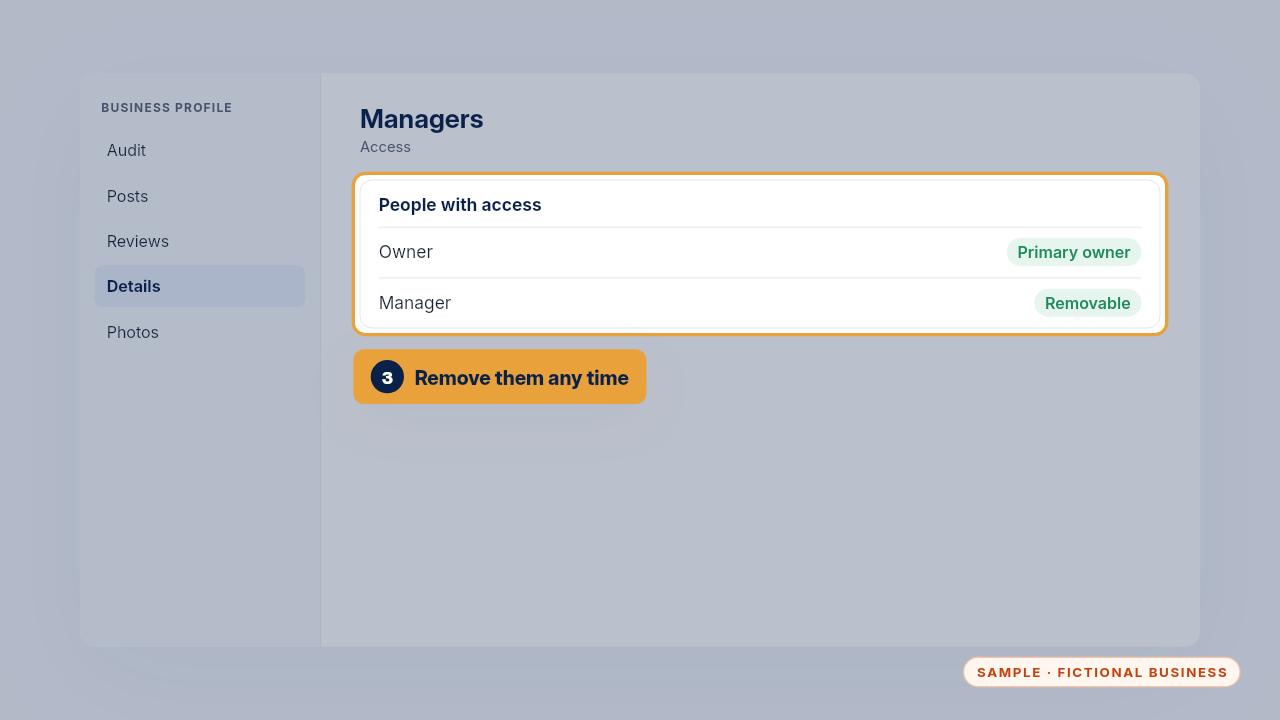
You can remove a manager at any time, and nobody ever needs your password.
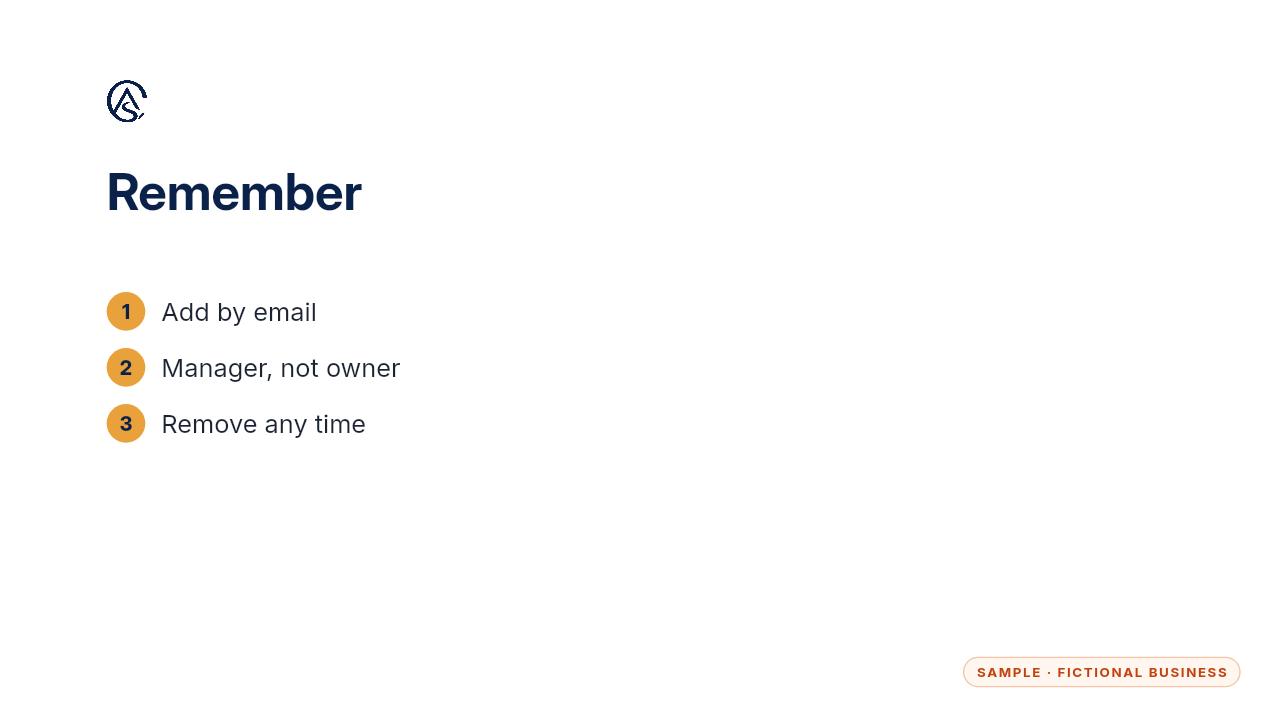
Add by email, as a manager, and remove them whenever you choose.
Get the Google Profile Tune-Up
Your Google Business Profile right, and your details matched everywhere. Every Kit and Install comes with these videos, and an Install adds a walkthrough made from your own setup.