
How-to guides · Google Profile Tune-Up · How do I
How do I add job photos safely?
Add real job photos every month without showing anything private.
Narrated video with captions, 32 s. Made with a fictional company, Brightline Heating & Air (sample · fictional business). Read the transcript · Download the step-by-step PDF
Step by step
Fresh photos keep your profile looking active. Here's how to add them safely.
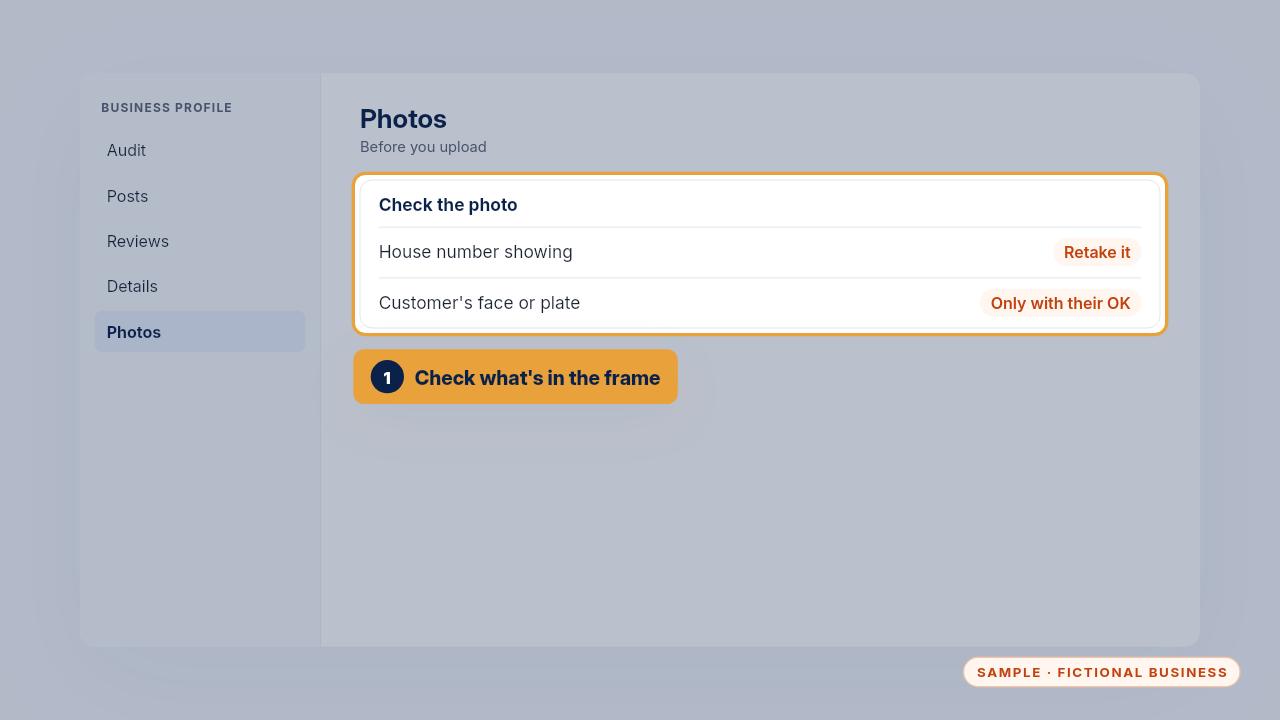
Before you upload, check the frame. No house numbers, and no faces or plates unless the customer has said yes.
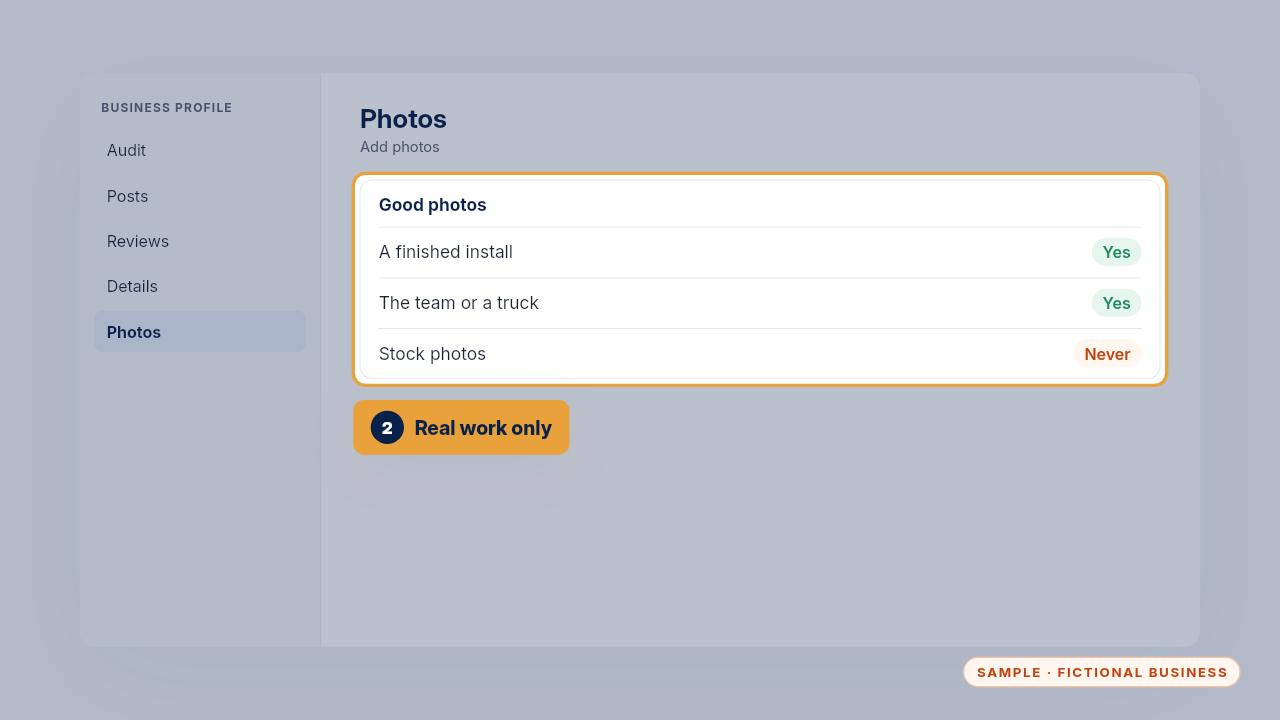
Upload real photos: a finished install, the team, a truck. Never stock photos.
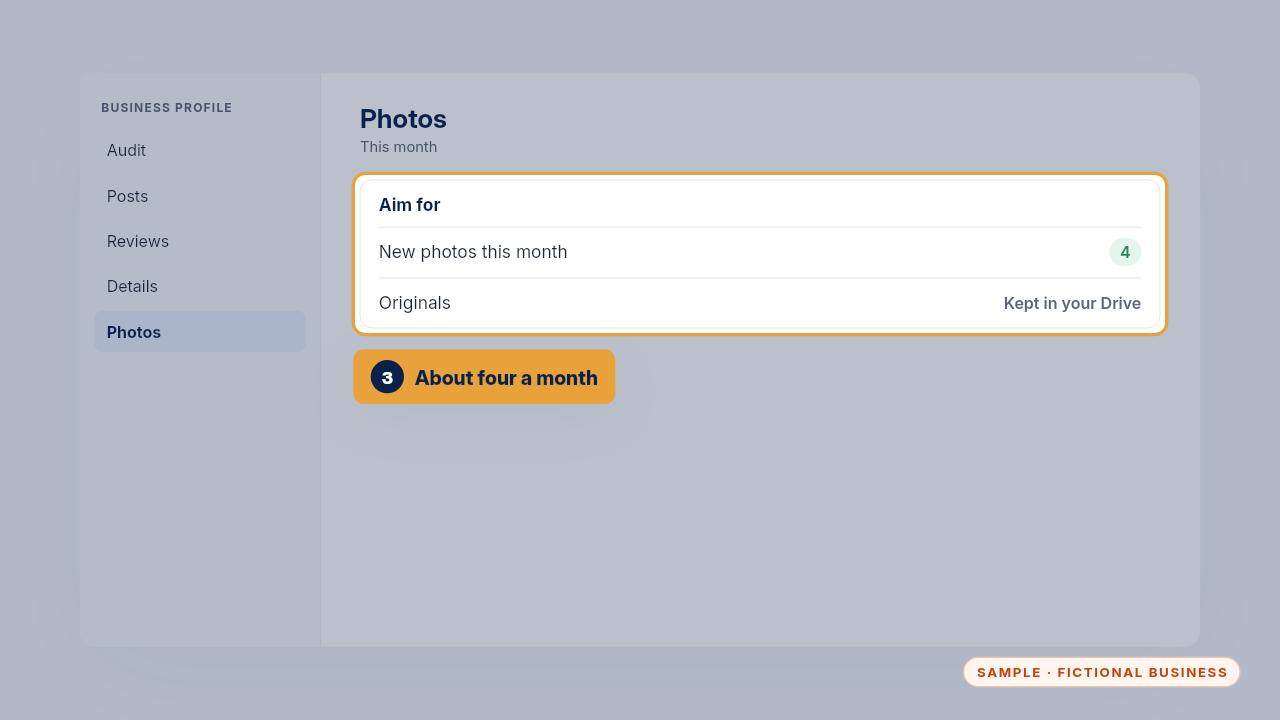
Aim for about four new photos a month, and keep the originals in your own Google Drive.

Check the frame, show real work, and add a few every month.
Get the Google Profile Tune-Up
Your Google Business Profile right, and your details matched everywhere. Every Kit and Install comes with these videos, and an Install adds a walkthrough made from your own setup.