
How-to guides · Google Profile Tune-Up · How do I
How do I find my review link?
Get your profile's review link so customers can leave a review in one tap.
Narrated video with captions, 32 s. Made with a fictional company, Brightline Heating & Air (sample · fictional business). Read the transcript · Download the step-by-step PDF
Step by step
Your review link takes customers straight to the box where they write a review, so it only takes them a moment. Here's how to find it and use it.
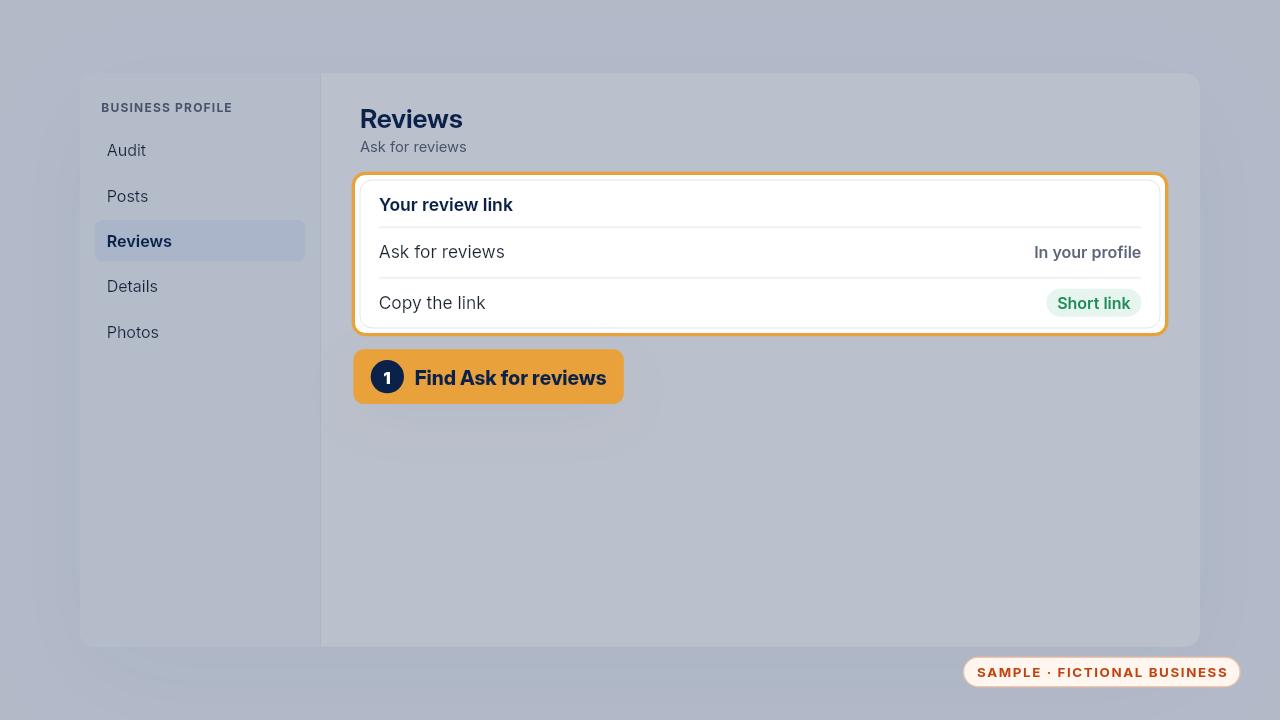
In your profile, find the option to ask for reviews, and copy the short link it gives you.
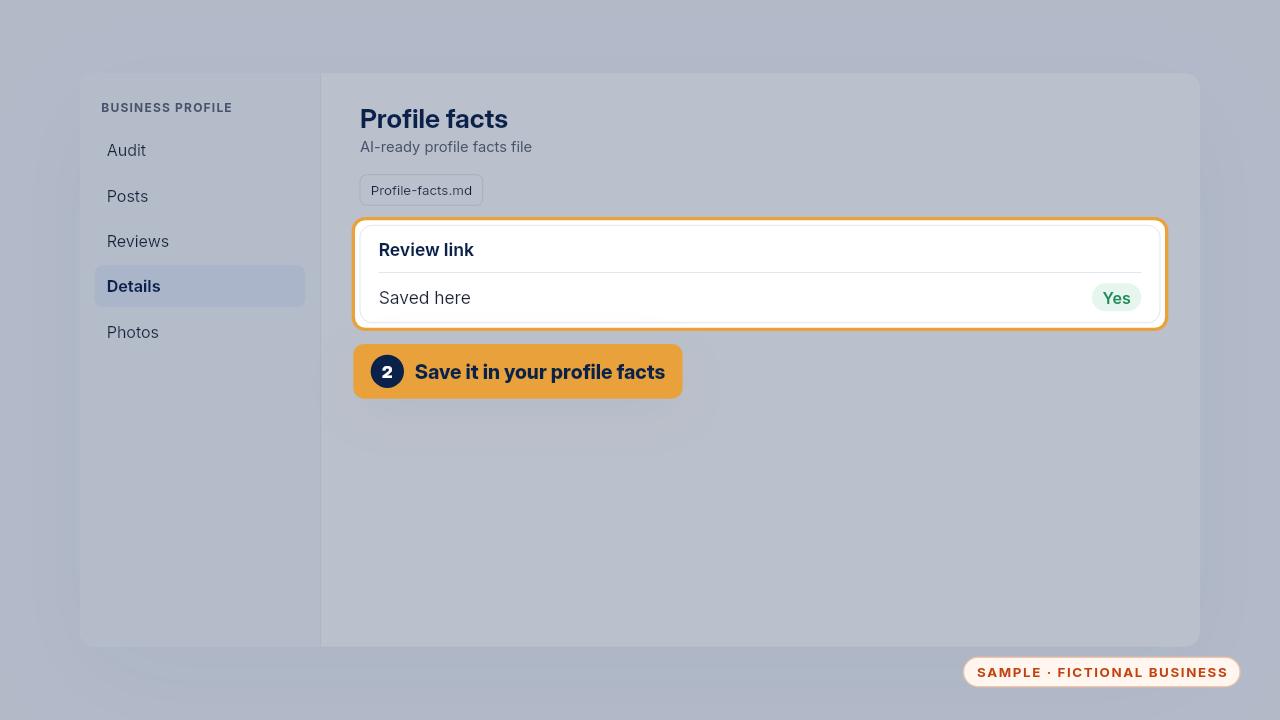
Save it in your profile facts file, so everyone uses the same link.
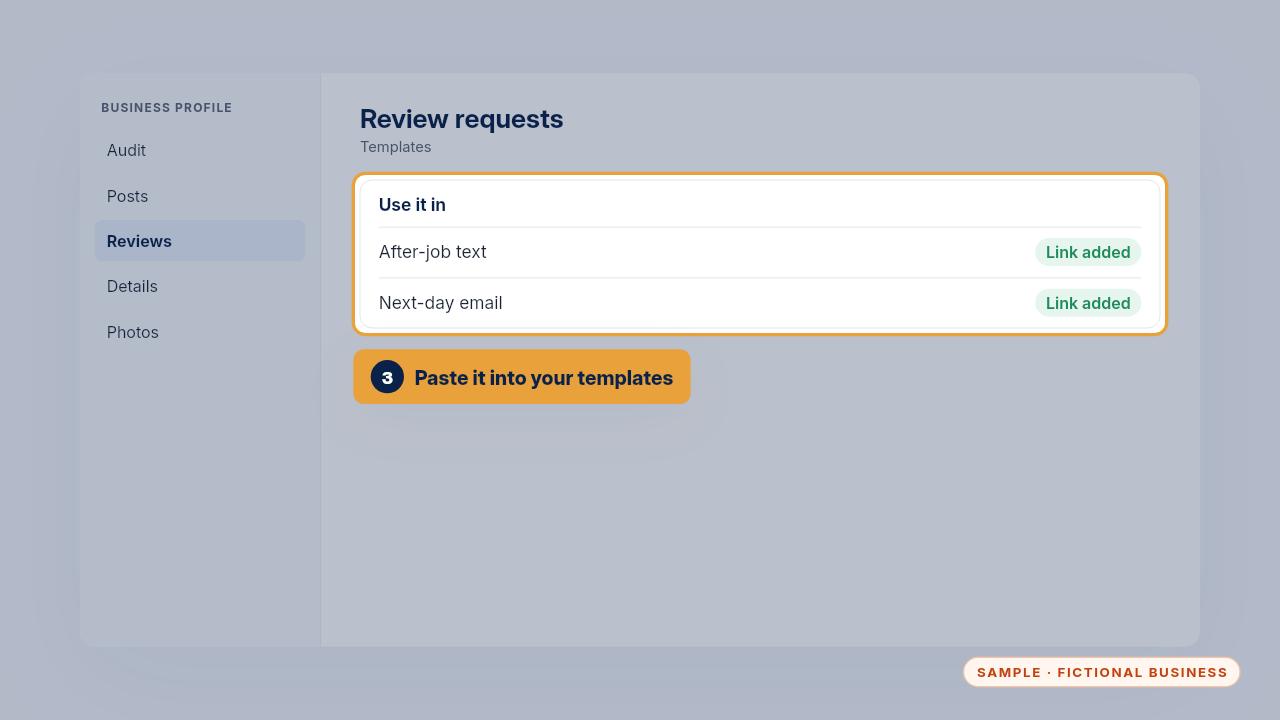
Then paste it into your review request texts and emails, in place of the review link placeholder.
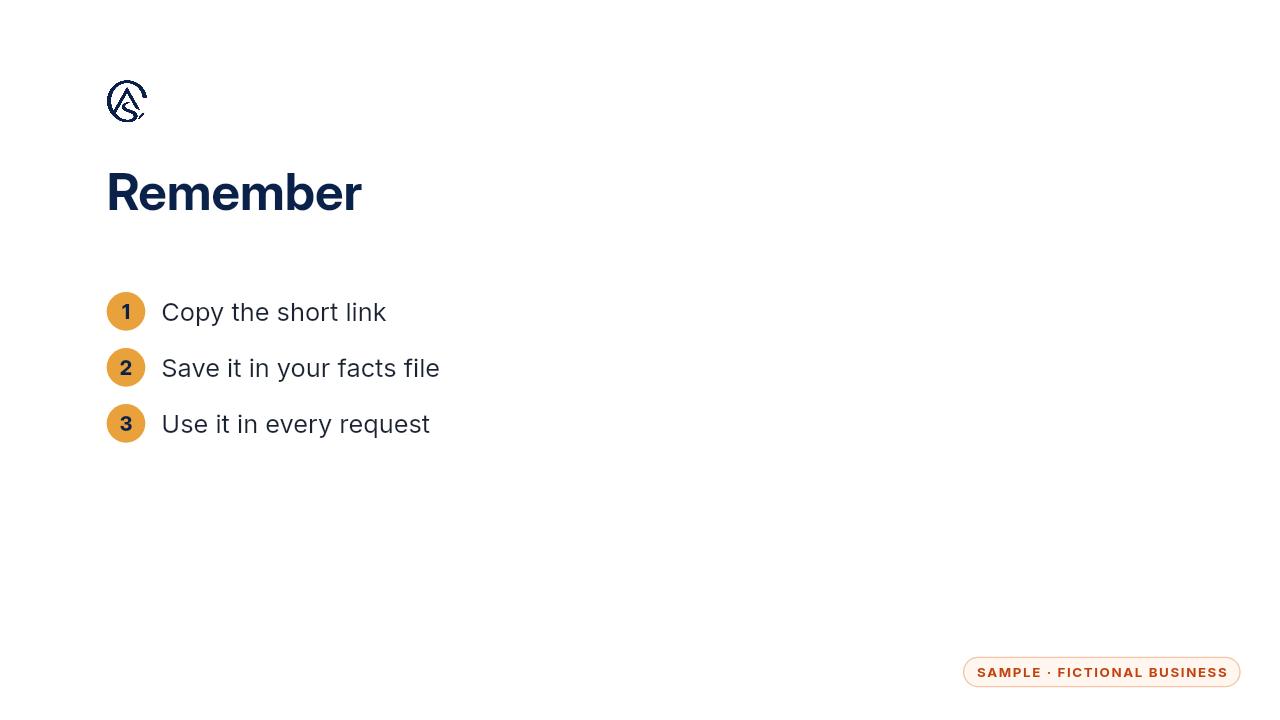
Copy it once, save it, and use it in every request.
Get the Google Profile Tune-Up
Your Google Business Profile right, and your details matched everywhere. Every Kit and Install comes with these videos, and an Install adds a walkthrough made from your own setup.