
How-to guides · Google Profile Tune-Up · Full walkthrough
Google Profile Tune-Up: the full walkthrough
Get your Google Business Profile right, keep it current, handle reviews and run the weekly check.
Narrated video with captions, 8 min 28 s. Made with a fictional company, Brightline Heating & Air (sample · fictional business). Read the transcript · Download the step-by-step PDF
Step by step

This is the full walkthrough for the Google Profile Tune-Up, from setup to the weekly check. Use the chapters to skip to the part you need.
What it does and what it won't do
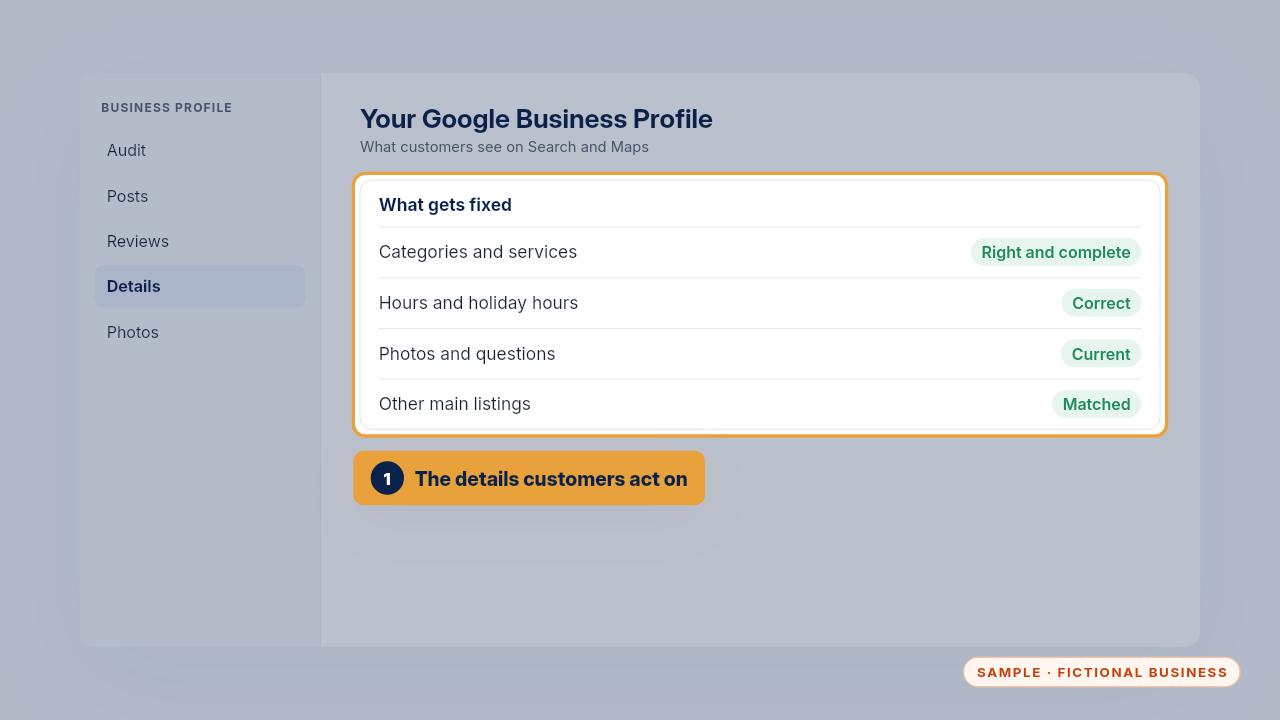
Your Google Business Profile is what customers see when they find you on Search and Maps. The tune-up gets it right: categories, services, hours, photos and answers to common questions. It also matches your details on the other main listings and sets up a way to ask for reviews.
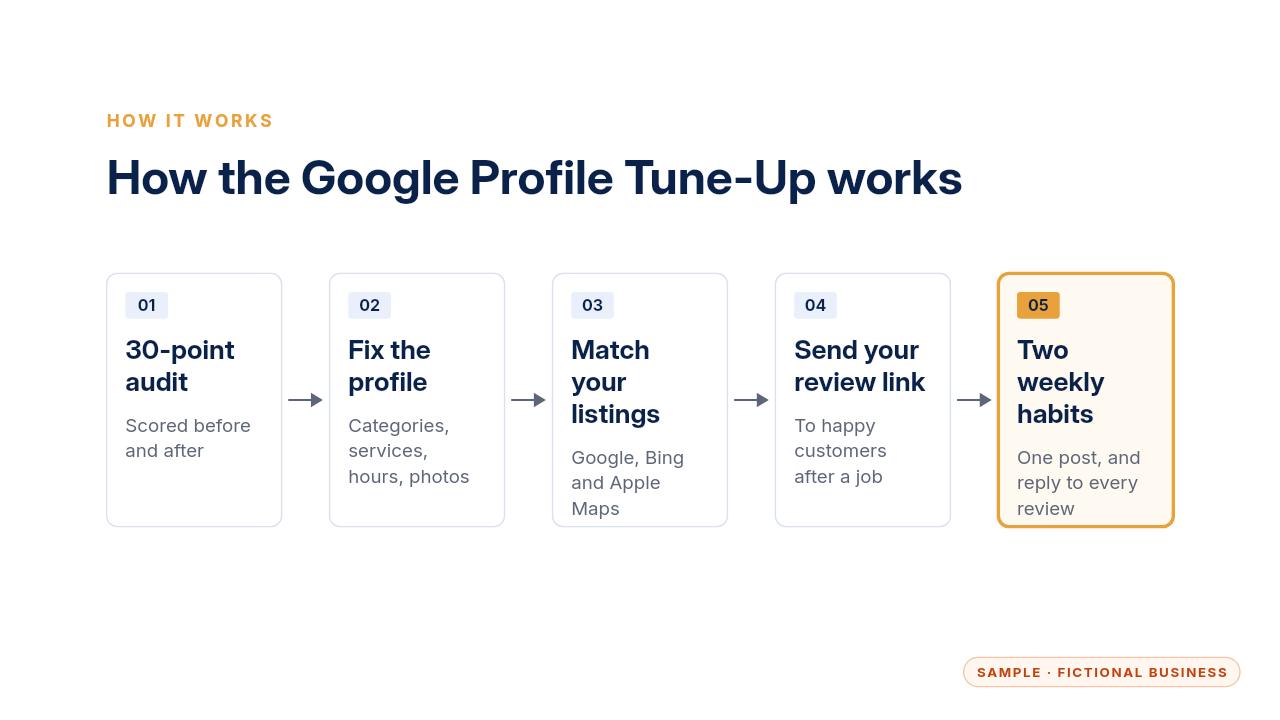
Here's how it fits together. The profile gets audited and fixed. Your name, phone and website get matched on the other listings. Happy customers get your review link after a job. Then a weekly post and a reply to every review keep it current.
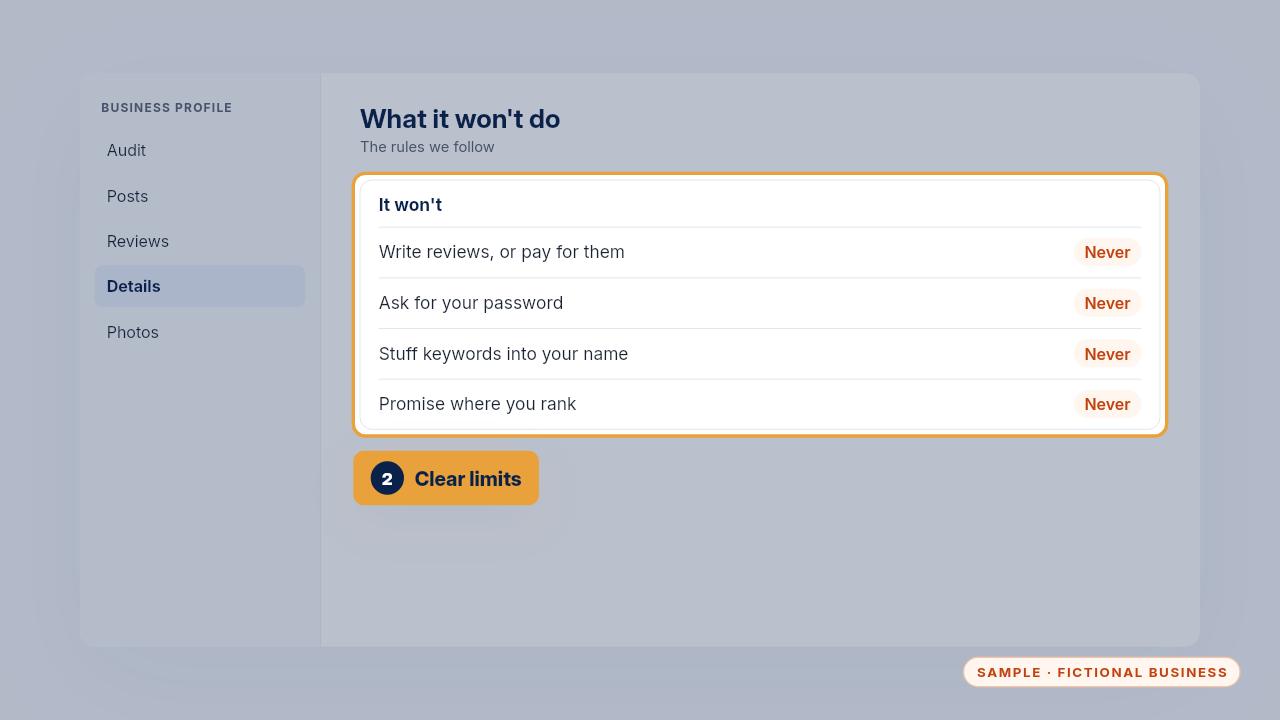
It won't write reviews or offer anything in return for them, because Google's rules don't allow it. It never needs your password. It won't add keywords to your business name, and nobody can honestly promise where you'll rank.
Setup, step by step
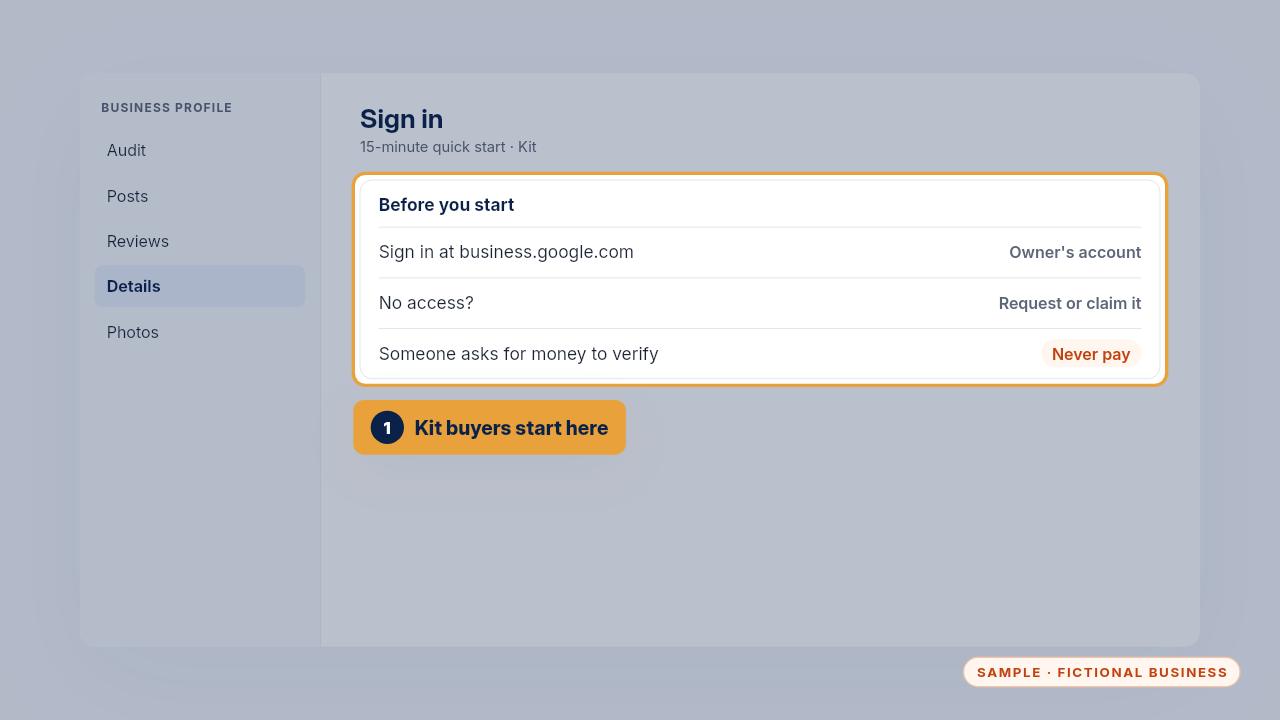
If you bought the Kit, start with the fifteen-minute quick start. Sign in at business dot google dot com with the account that owns your profile. If you don't have access, use the request access or claim steps. Never pay anyone who says they're from Google to verify your profile.
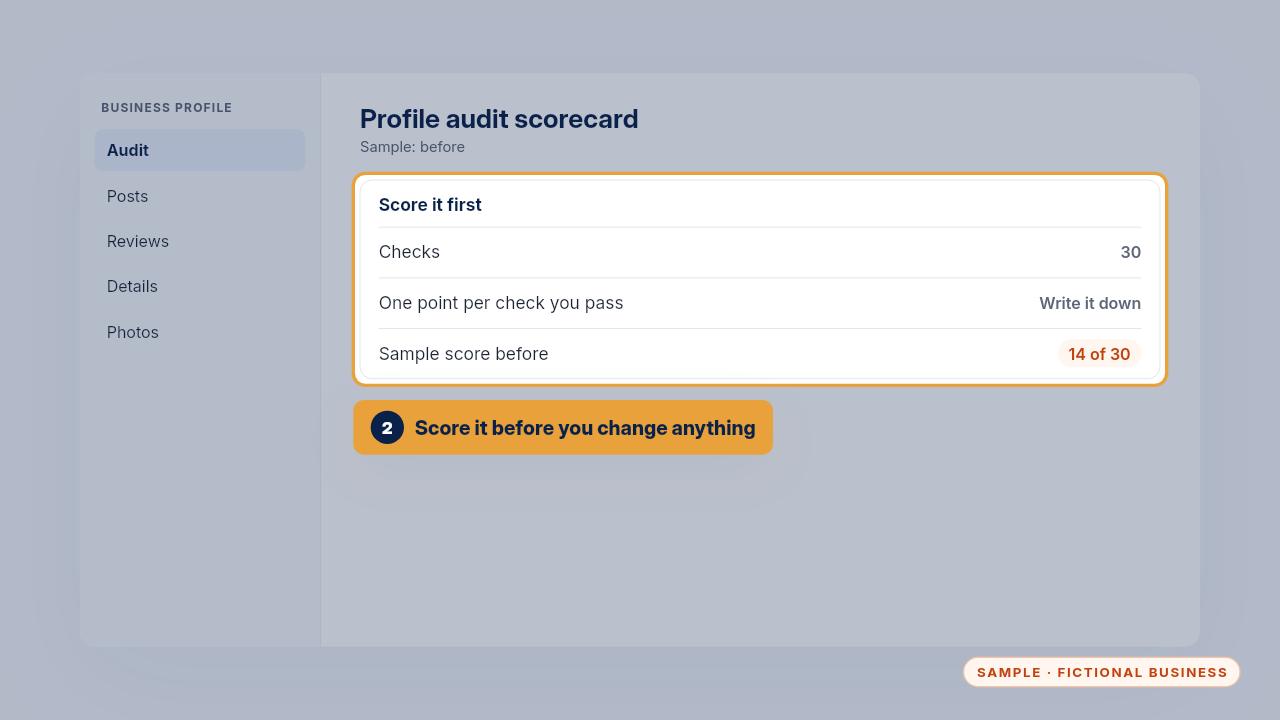
Score your profile with the audit scorecard before you change anything. There are thirty checks, one point each. The sample business started at fourteen out of thirty.
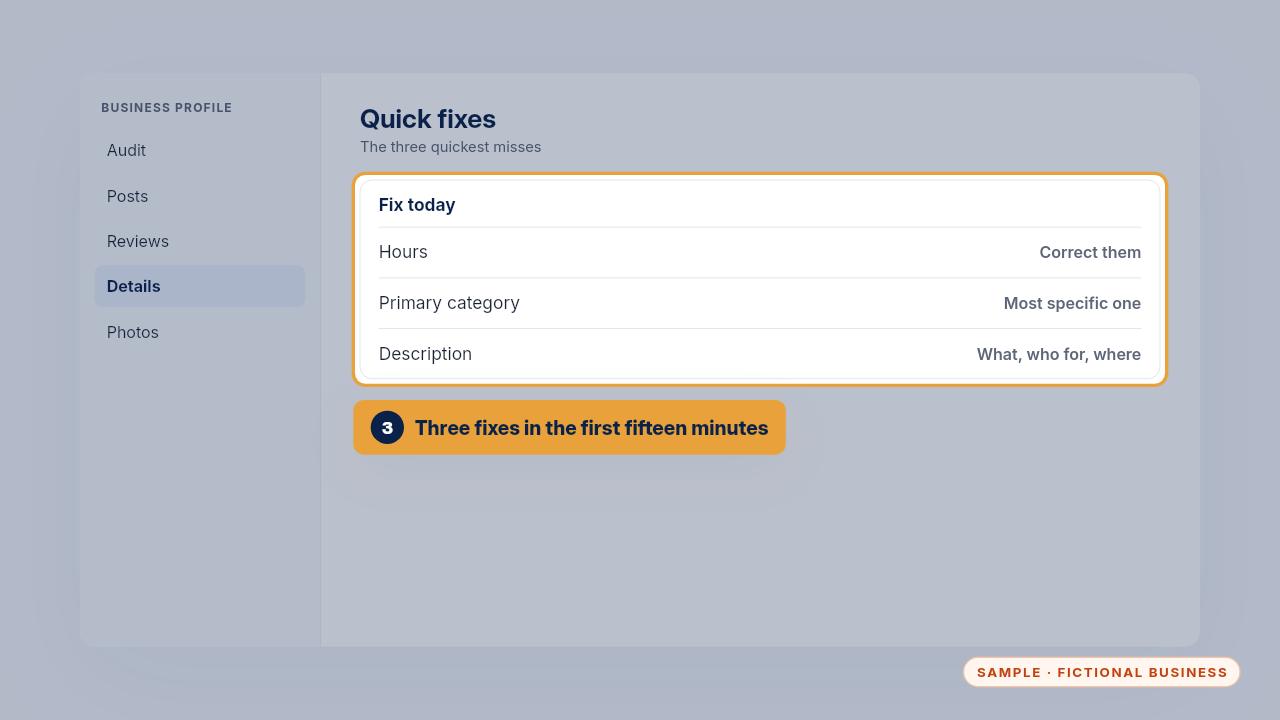
Then fix the three quickest misses. Usually that's the hours, the primary category and the description. Pick the most specific category that fits what you mostly do.
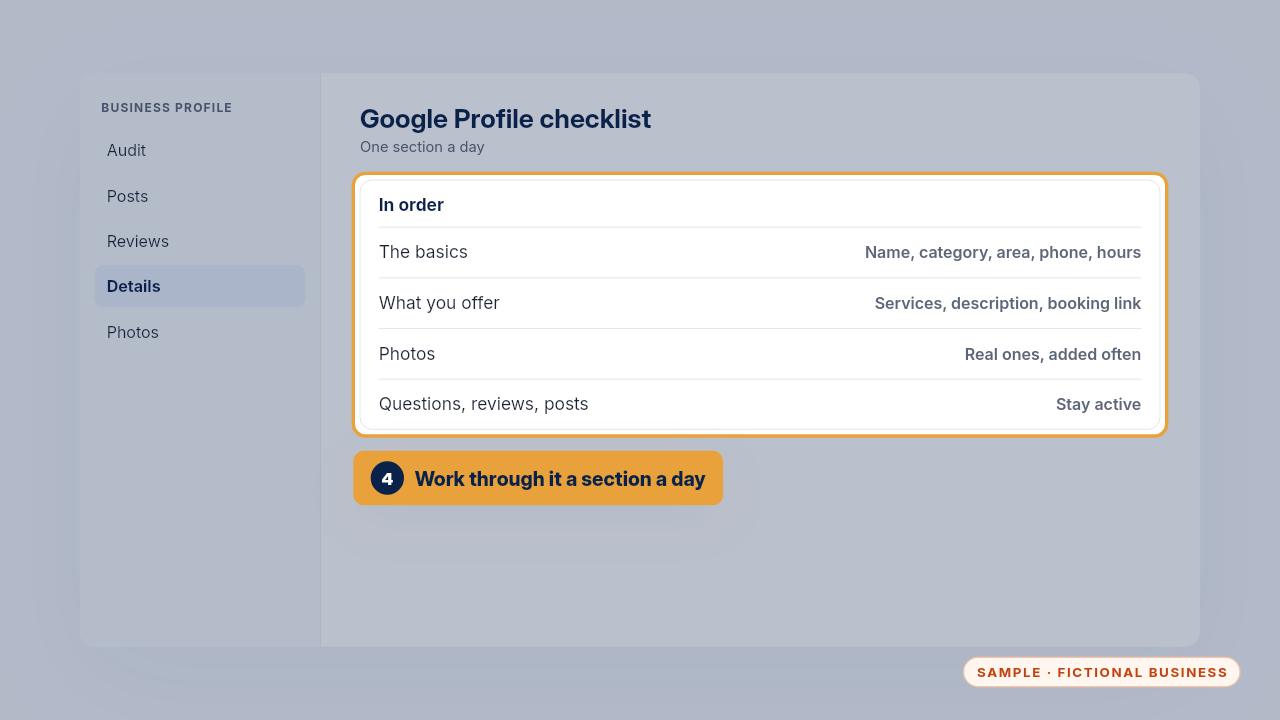
Next, work through the checklist one section a day: the basics, what you offer, photos, and then questions, reviews and posts. It's in the order that matters most.
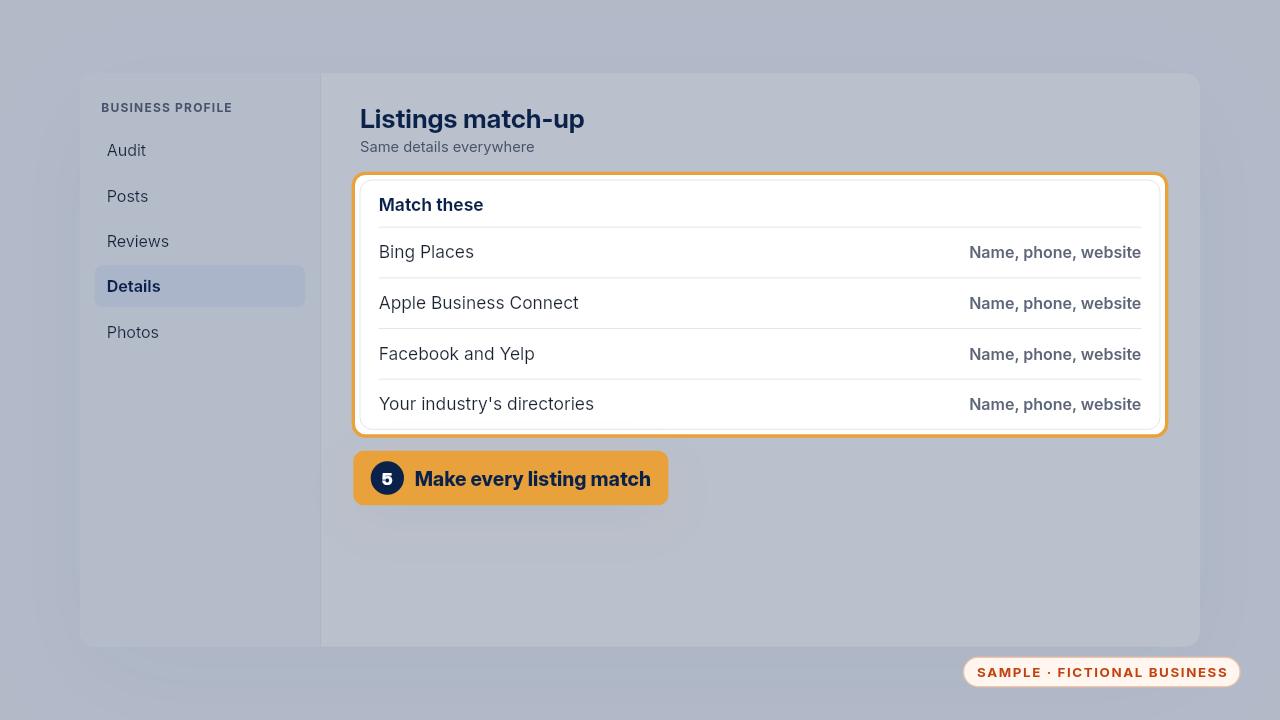
Then use the listings match-up to make your name, phone and website match exactly on Bing, Apple Maps, Facebook, Yelp and your industry's directories. Search engines compare them, and matching details help customers reach the right number. Reply to every review from the last three months, and score the profile again after thirty days.
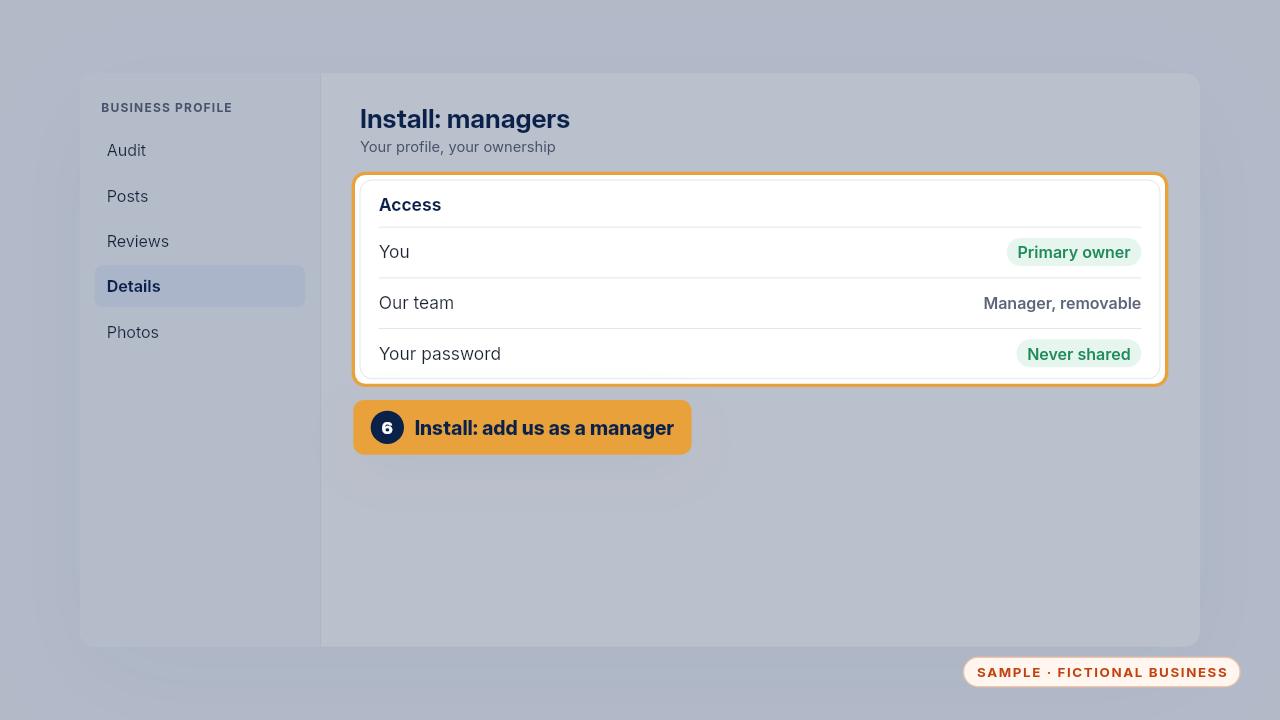
If we did the Tune-Up, you added our email as a manager of your profile. You stay the owner, you never share your password, and you can remove us at any time.
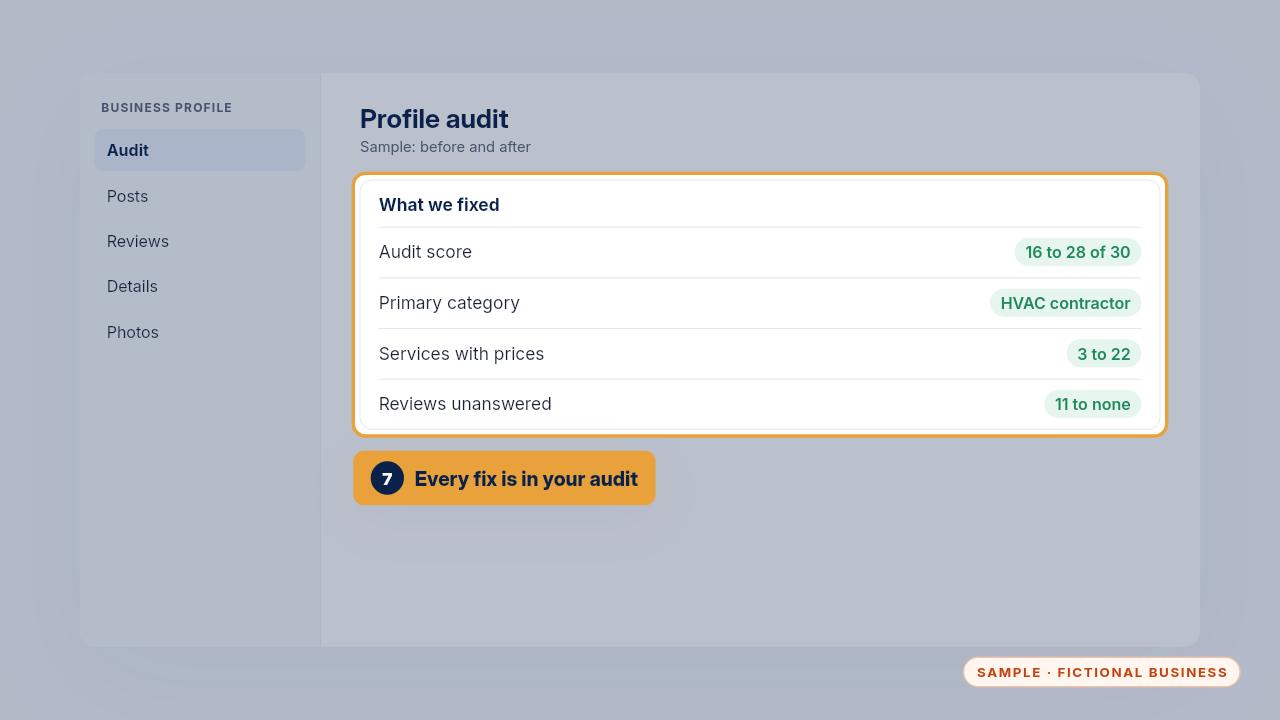
In the sample, the score went from sixteen to twenty-eight out of thirty. The primary category became HVAC contractor, the services list grew from three to all twenty-two with prices, hours and holiday hours were set, and eleven unanswered reviews got replies.
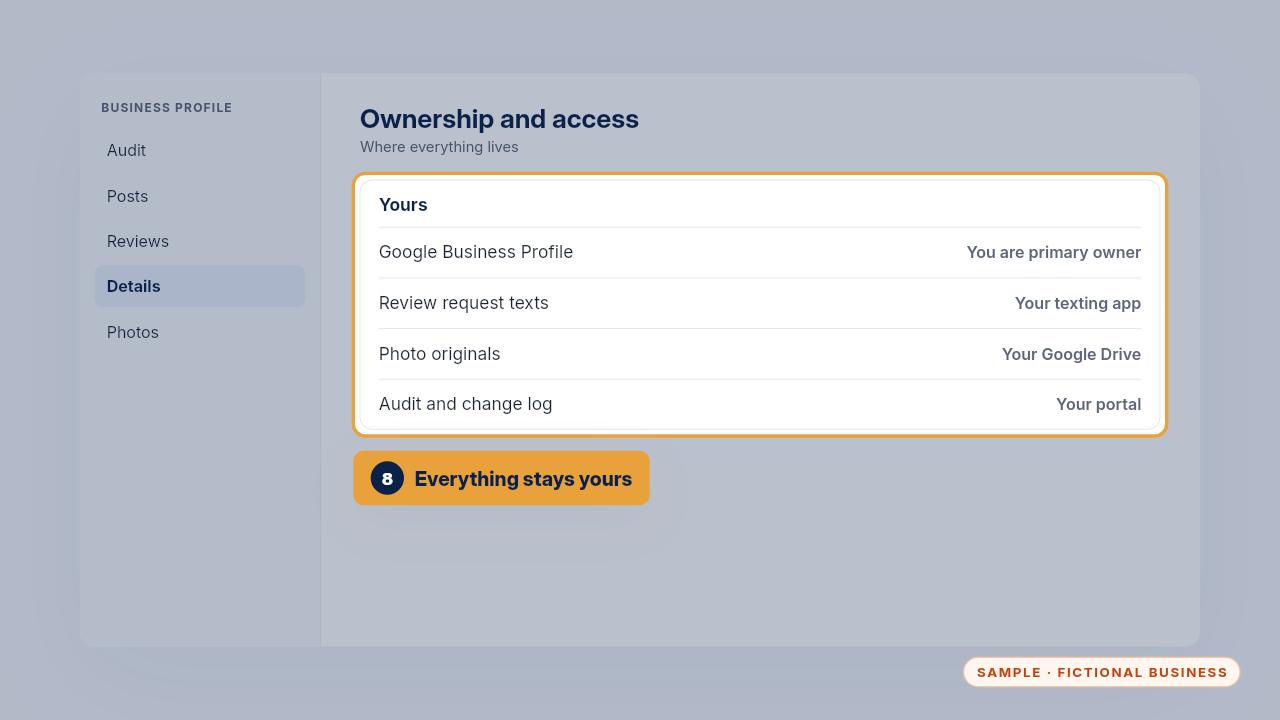
Here's where everything lives. The profile is yours. The review request text is in your own texting app. The photo originals are in your Google Drive, and the audit and change log are in your portal. The last two checks, weekly posts and review replies, are habits we leave with you.
Daily use
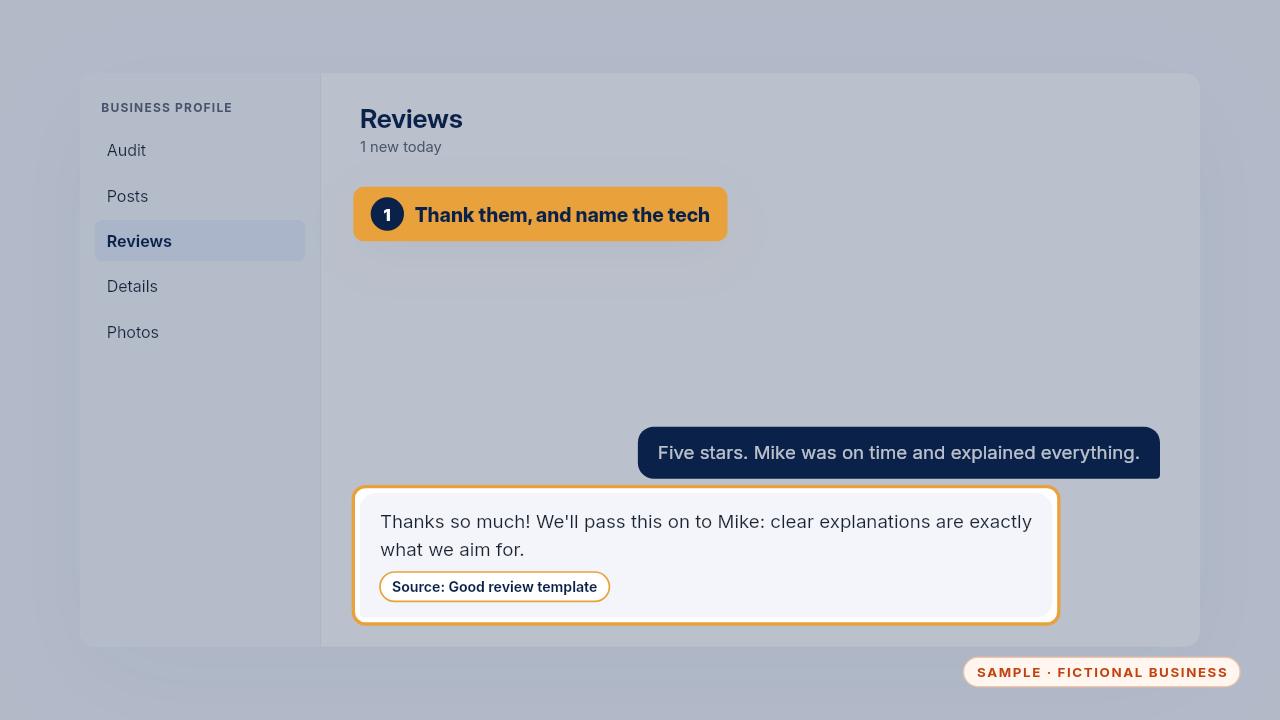
Here are four everyday tasks. First, a new five-star review. Thank them by first name, mention the tech they named, and keep it short. Future customers read these replies too.
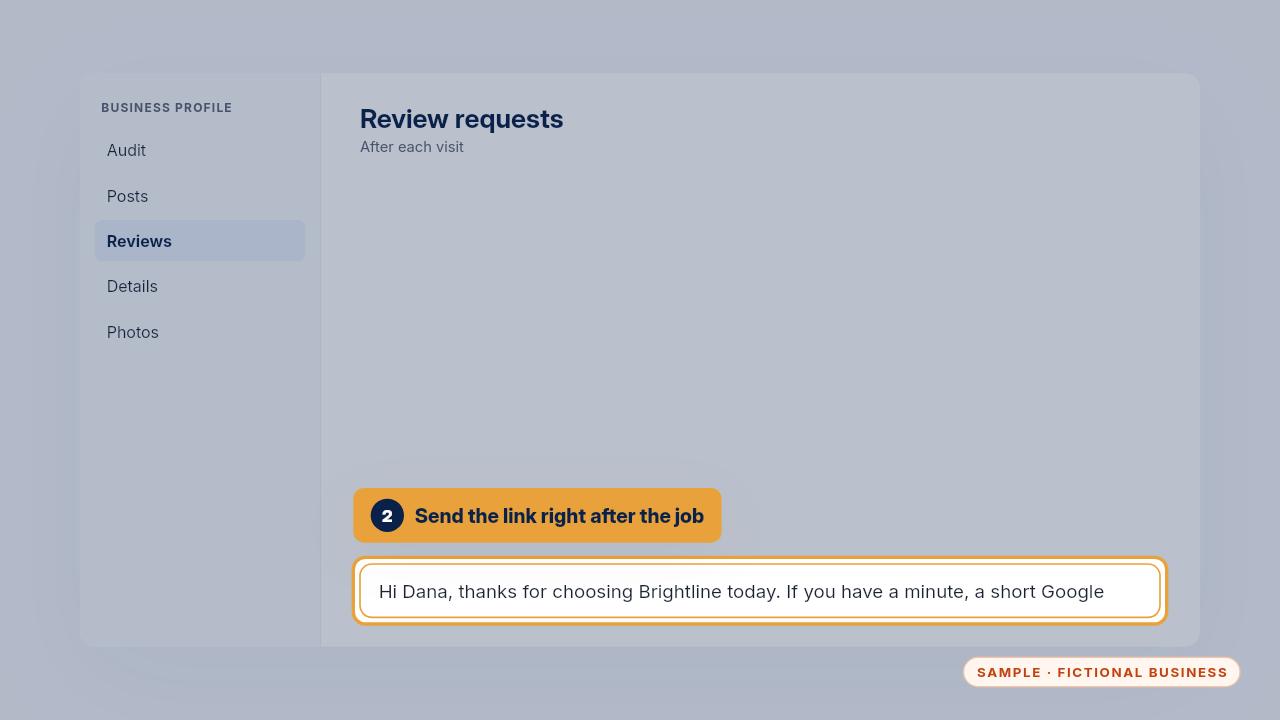
Second, asking for a review. Right after a job, the customer gets a short text with your review link. Ask every real customer, including the ones you're less sure about, and never offer anything in return.
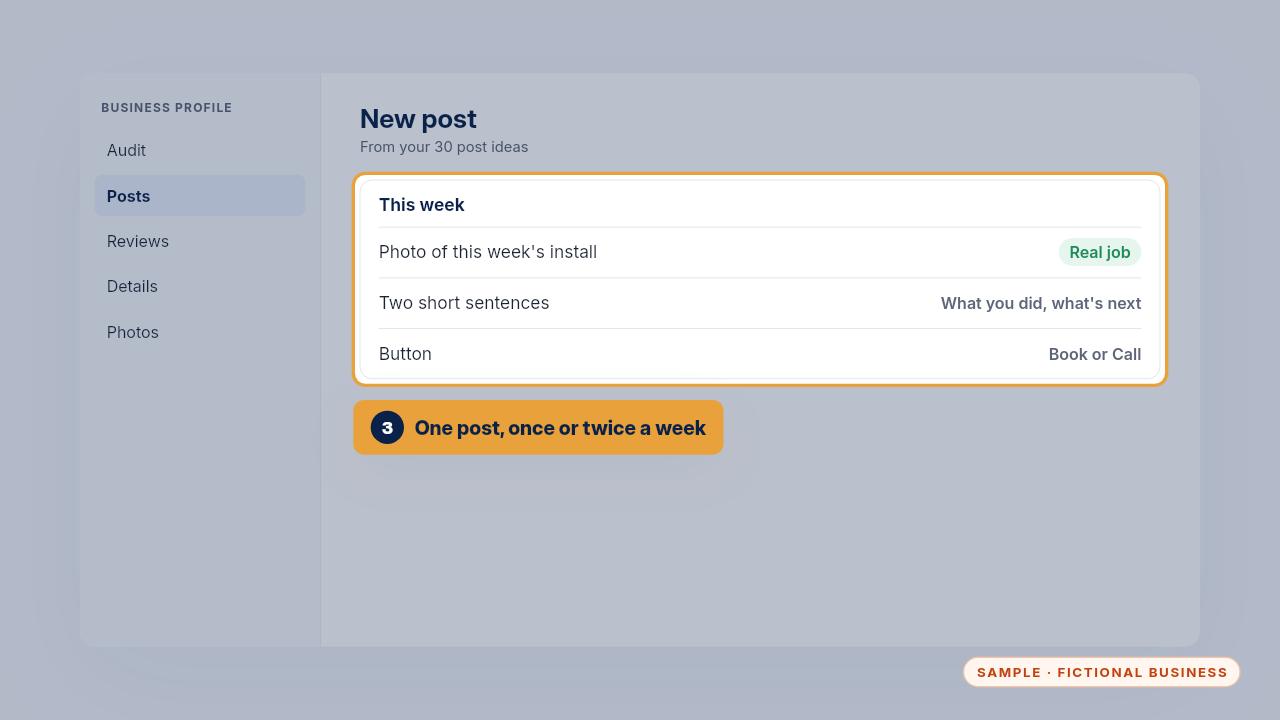
Third, the weekly post. Pick an idea from your thirty post ideas, add a real photo, write two short sentences and add a button like Book or Call.
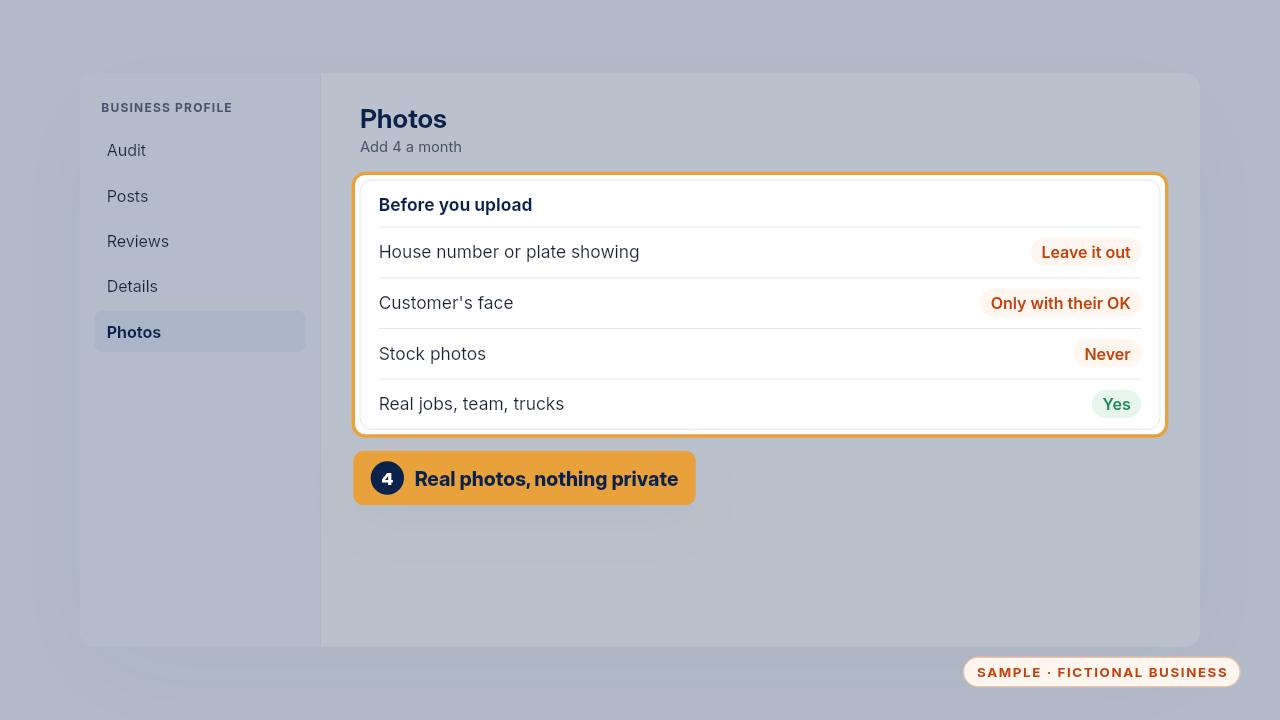
Fourth, job photos. Add about four a month: real jobs, the team, the trucks. Leave out house numbers, plates and customers' faces unless they've said yes. Stock photos don't belong on your profile.
When something is wrong
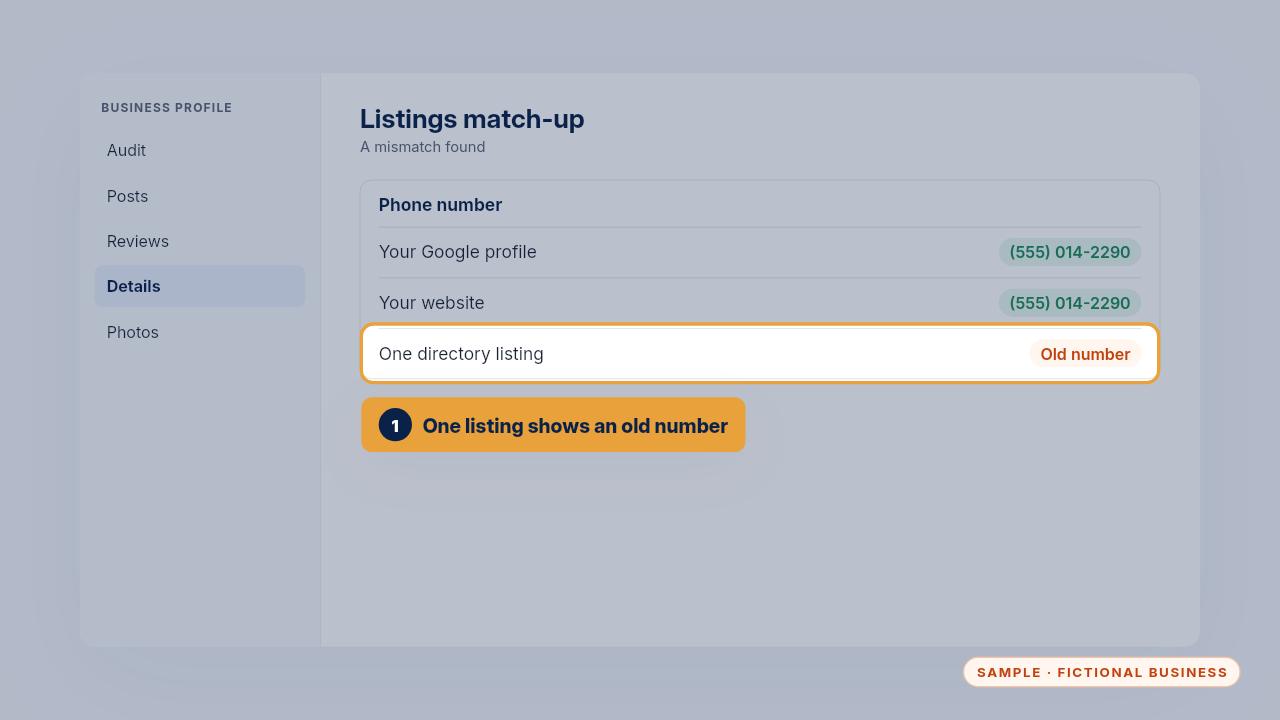
Sometimes a detail is wrong somewhere. You might hear it from a customer who called an old number, or spot it during a check. Here, one directory still lists an old phone number.
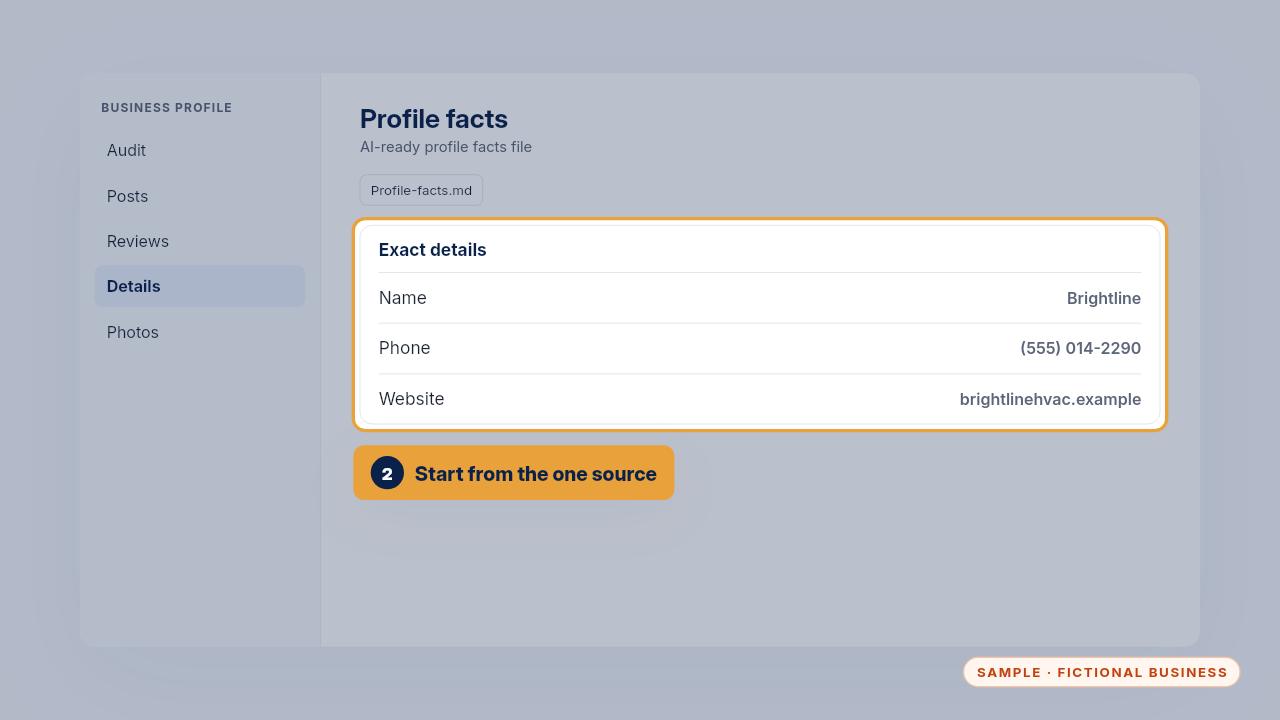
Start from the source. Your profile facts file holds the exact name, phone, website, hours and category. Check it's right first, because the profile, your website and any AI assistant should all copy from it.
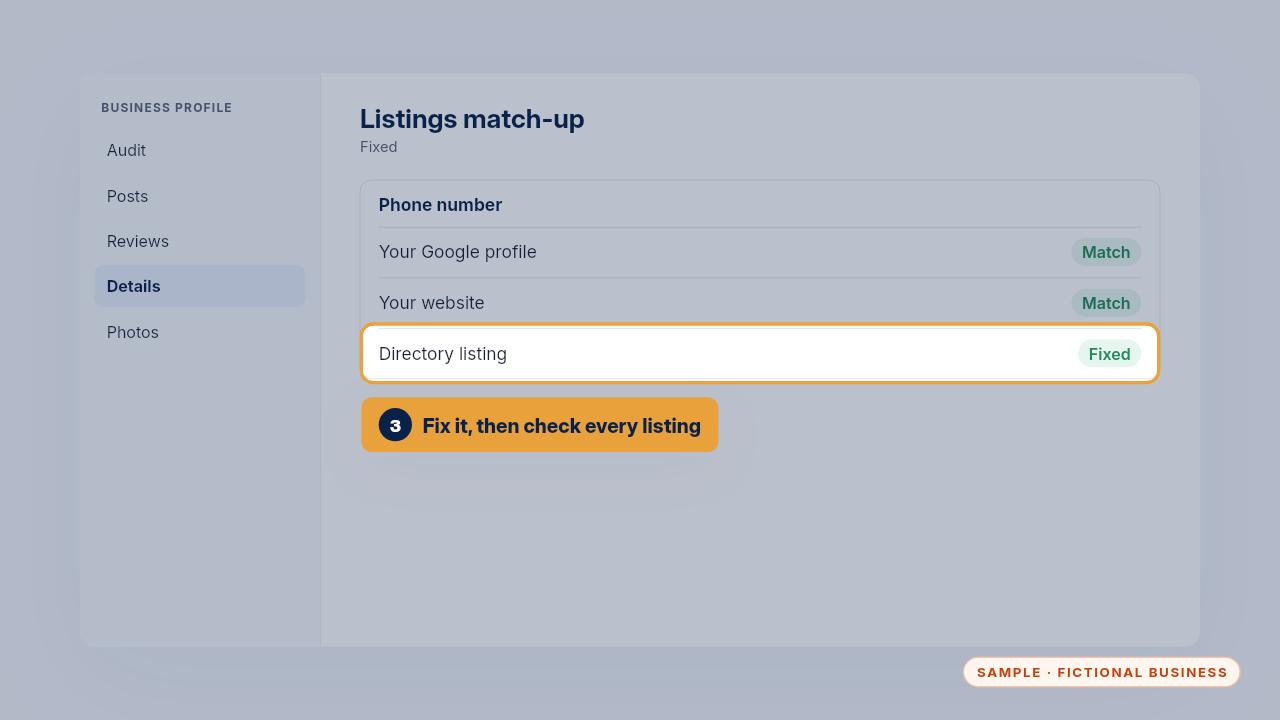
Then sign in to that listing and fix it, and run down the match-up worksheet to check the others while you're there. Note the date you fixed it.
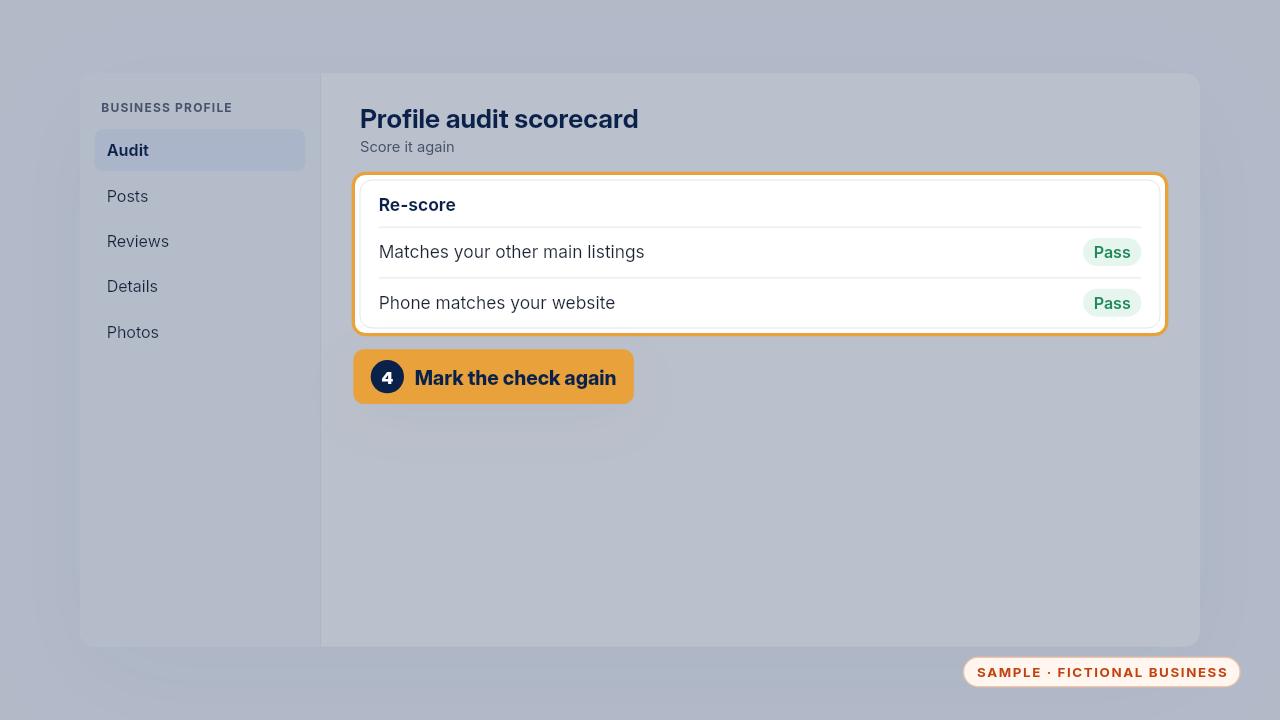
Last, mark the matching checks on your scorecard again. If you're on Keep It Running, text us what's wrong and we fix it on the profile and the listings.
Updating hours, services and prices
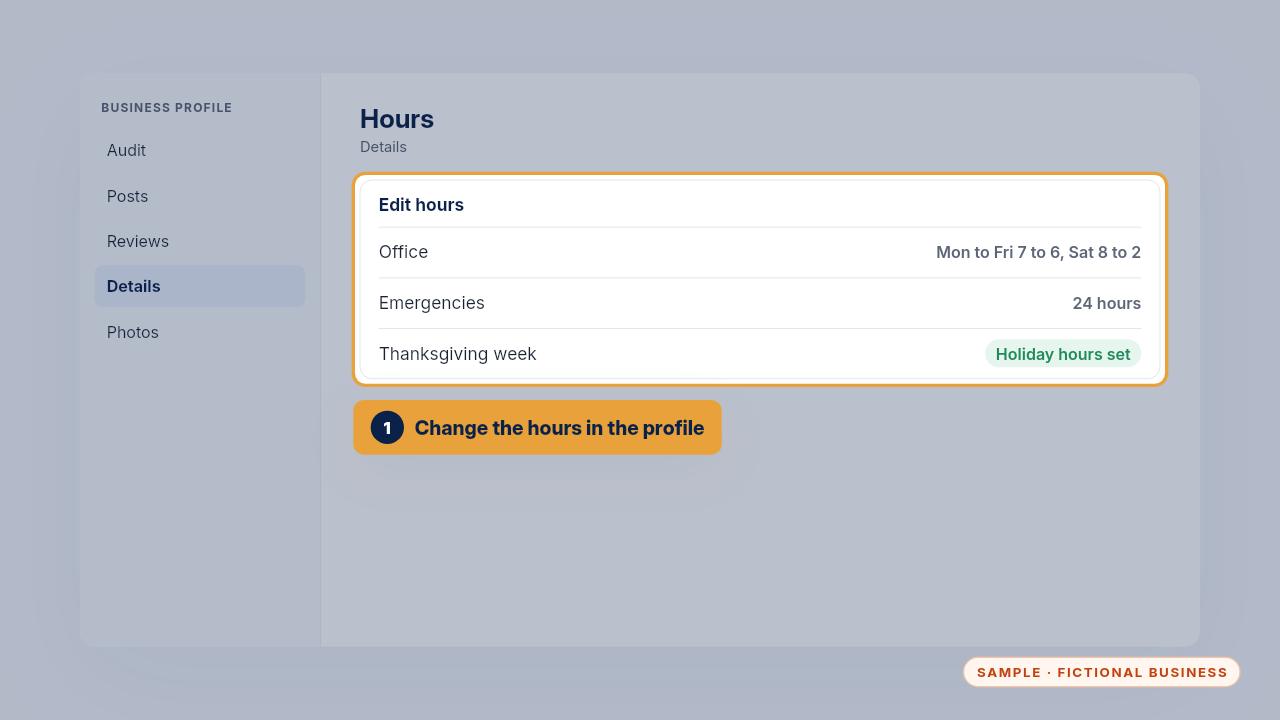
To change your hours, edit them in the profile's details. Set holiday hours before each holiday, so nobody drives over to a closed office or calls when you can't answer.
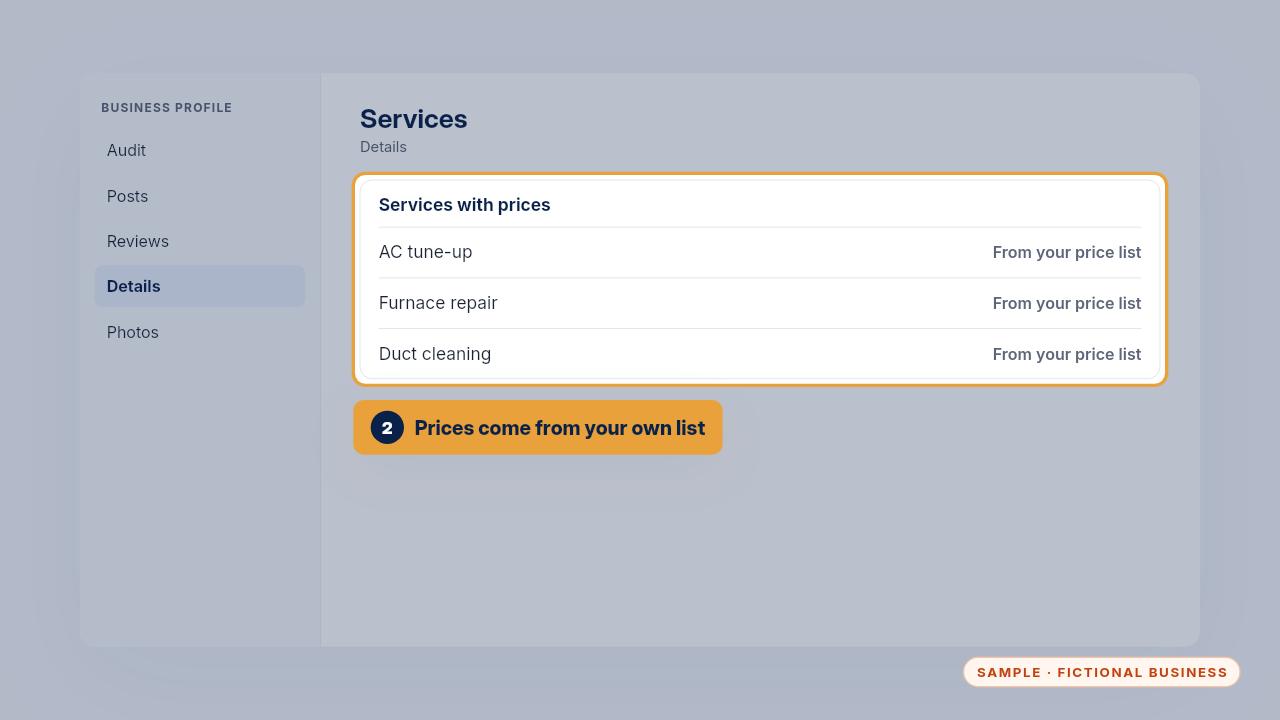
When you add a service or change a price, take the wording and the price from your own price list, and update your profile facts file at the same time. Only list services you really offer.
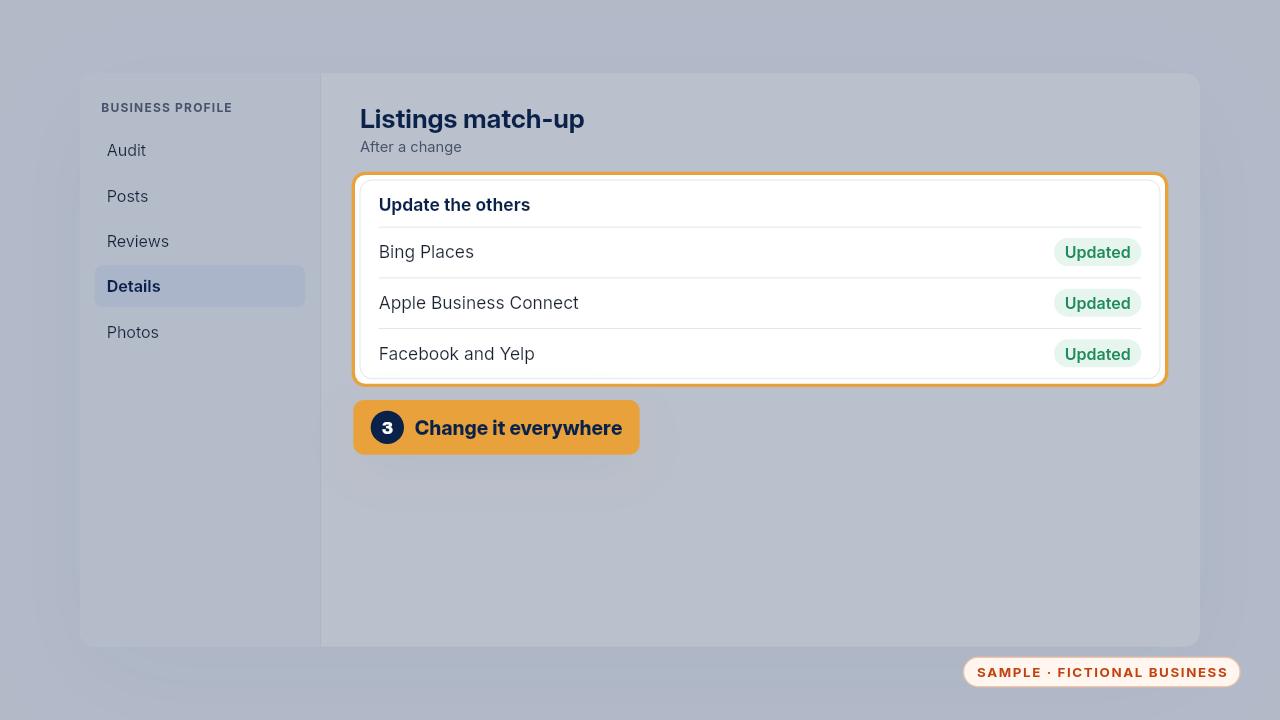
Then make the same change on your other main listings, so they still match. If you're on Keep It Running, text us the change and we update the listings for you.
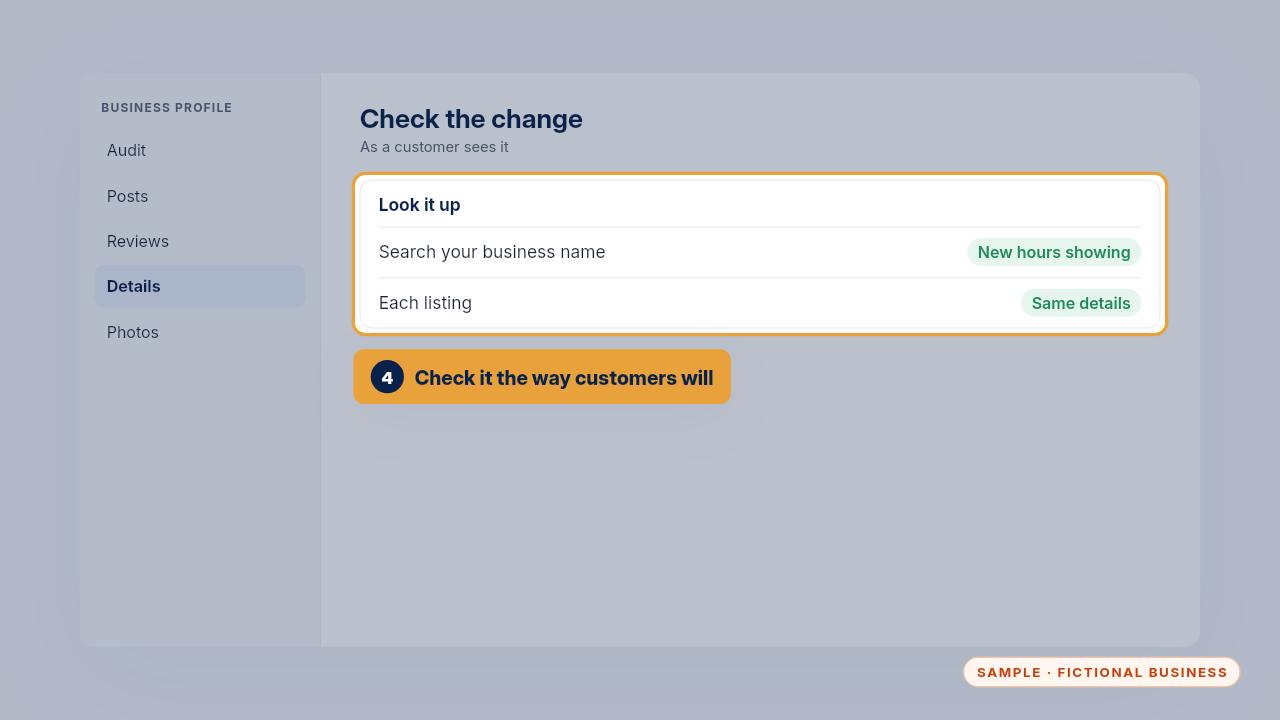
To check the change took, search your business name the way a customer would and look at the hours on your profile. Then open each listing in the match-up and confirm it says the same.
Edge cases
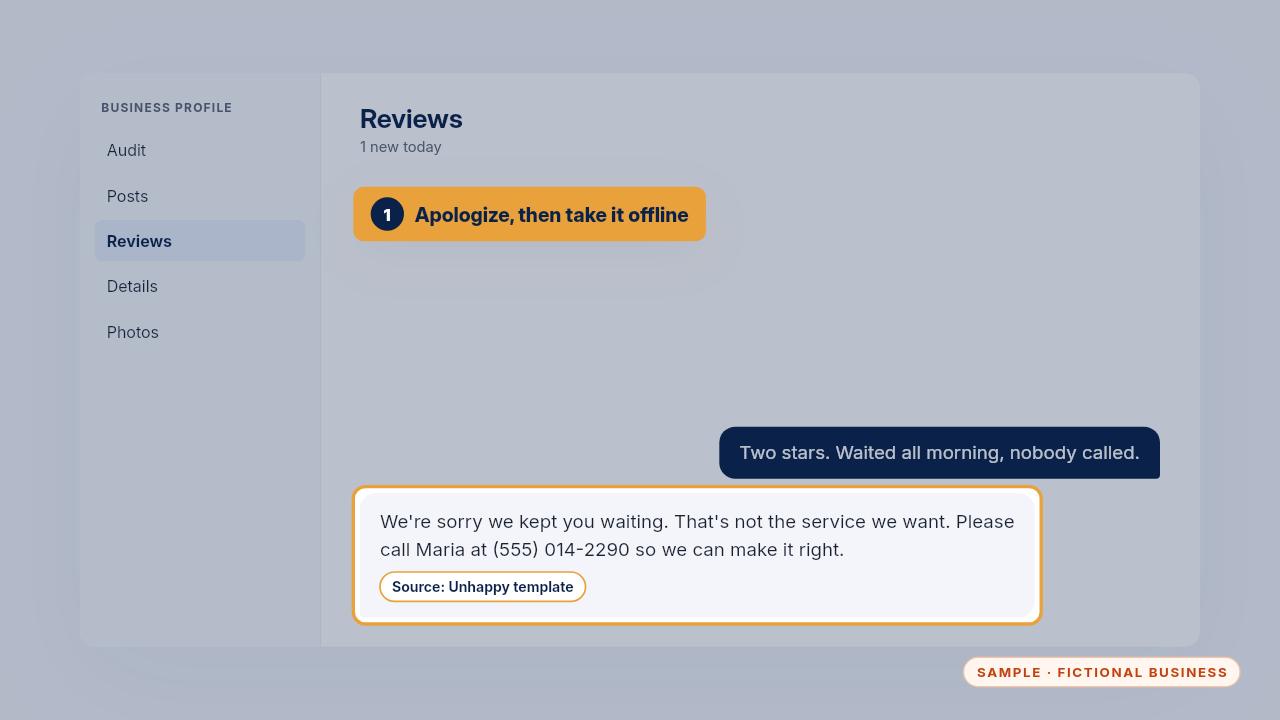
Here are the harder cases. An angry review: apologize once, don't argue, and invite them to contact a named person. Never share job details in a public reply.
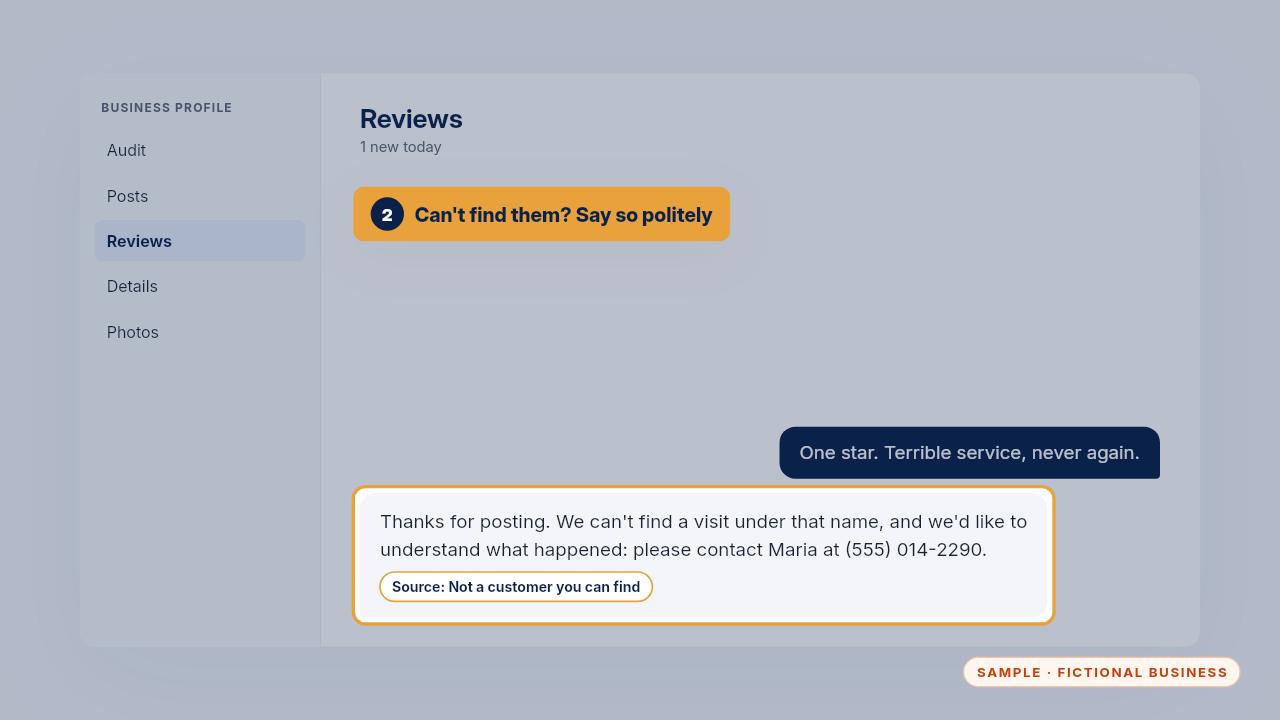
A review from someone you can't find in your records: reply calmly, say you can't find a visit under that name, and invite them to get in touch.
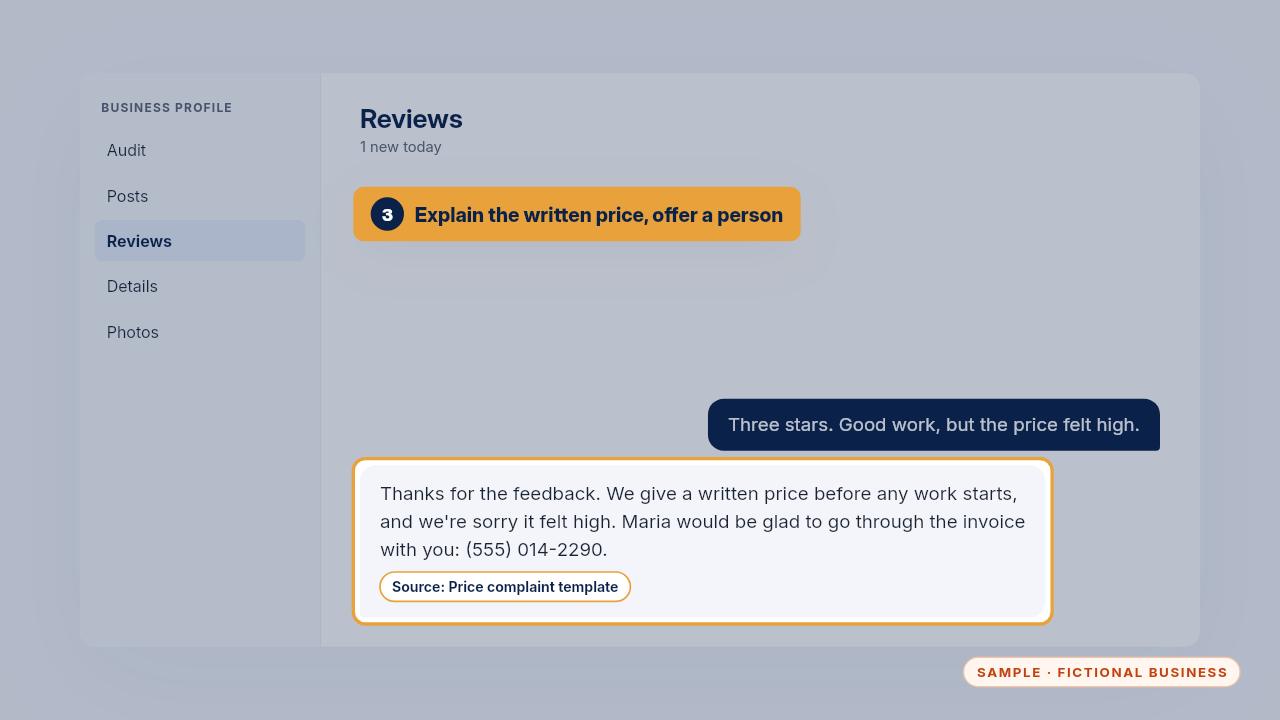
A price complaint: thank them, explain that you always give a written price before work starts, and offer a named person to go through the invoice with them. The review templates have a reply for each of these cases.
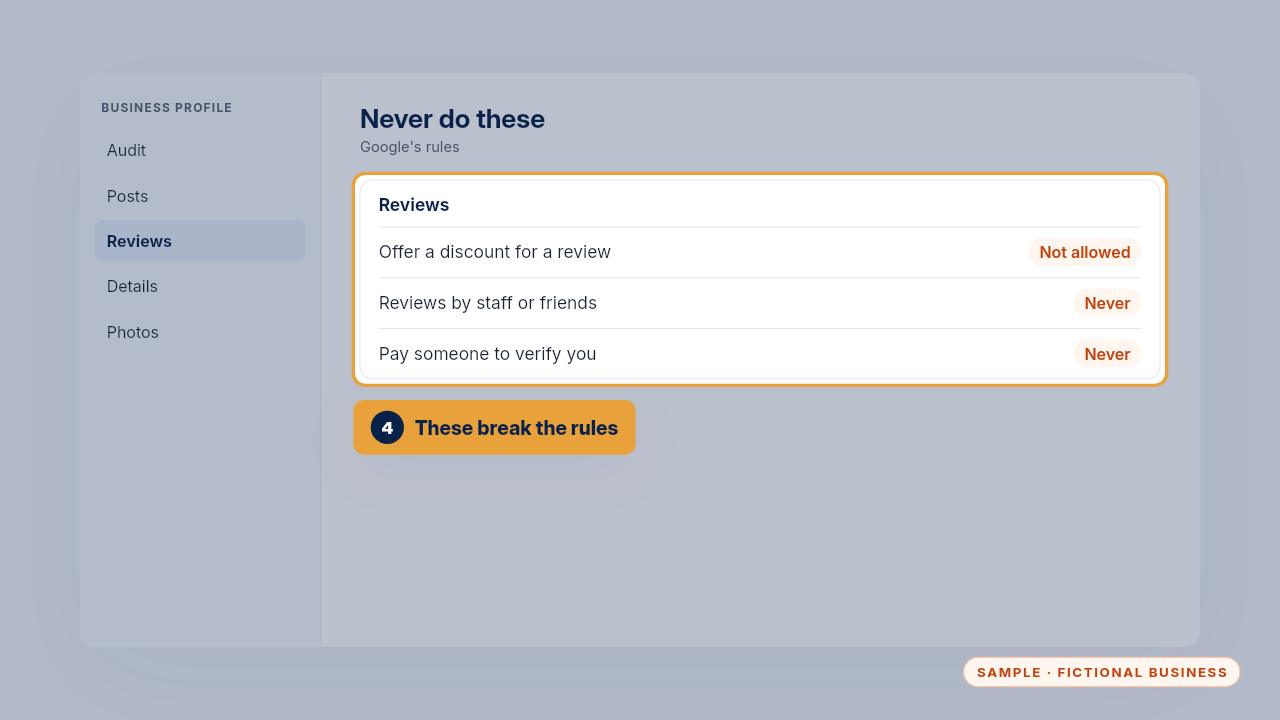
Some requests you always refuse. No discounts or gifts in return for reviews. No reviews written by staff, friends or anyone posing as a customer. And never pay a caller who says they need money to verify your profile.
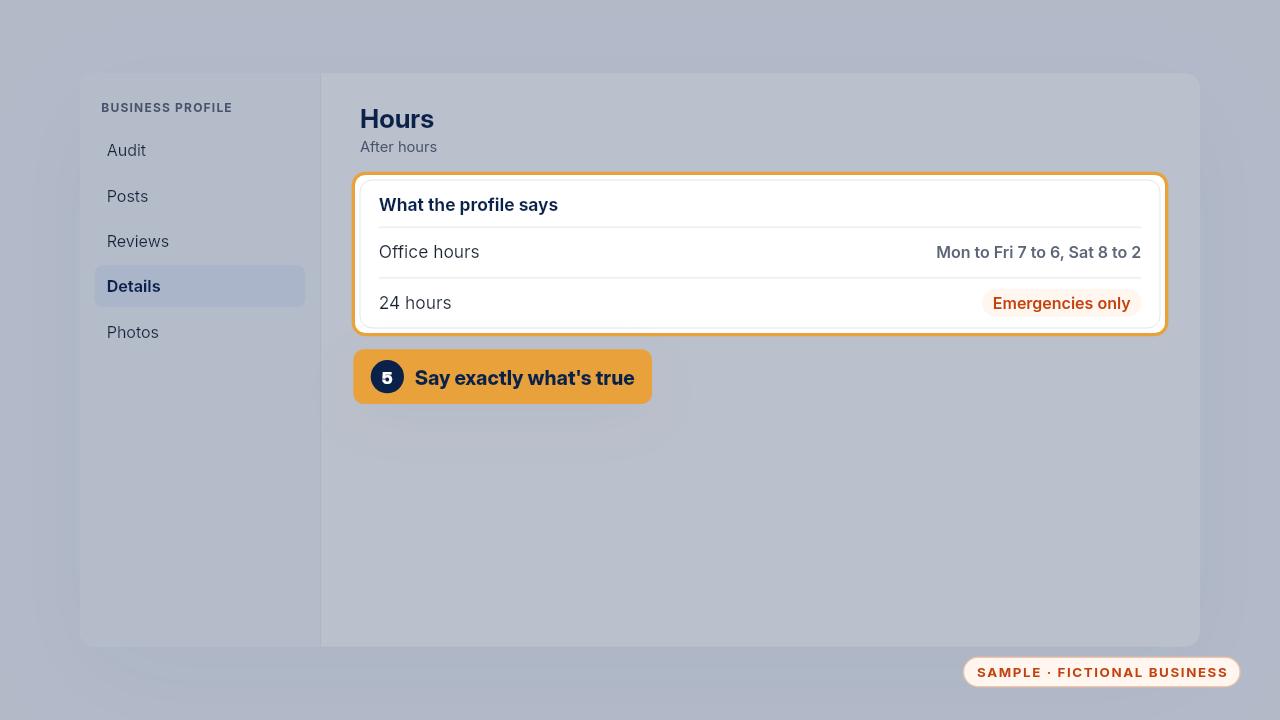
After hours, the profile should say exactly what's true. If you take emergency calls around the clock, say emergencies, and don't list twenty-four hour service for anything else.
Privacy rules
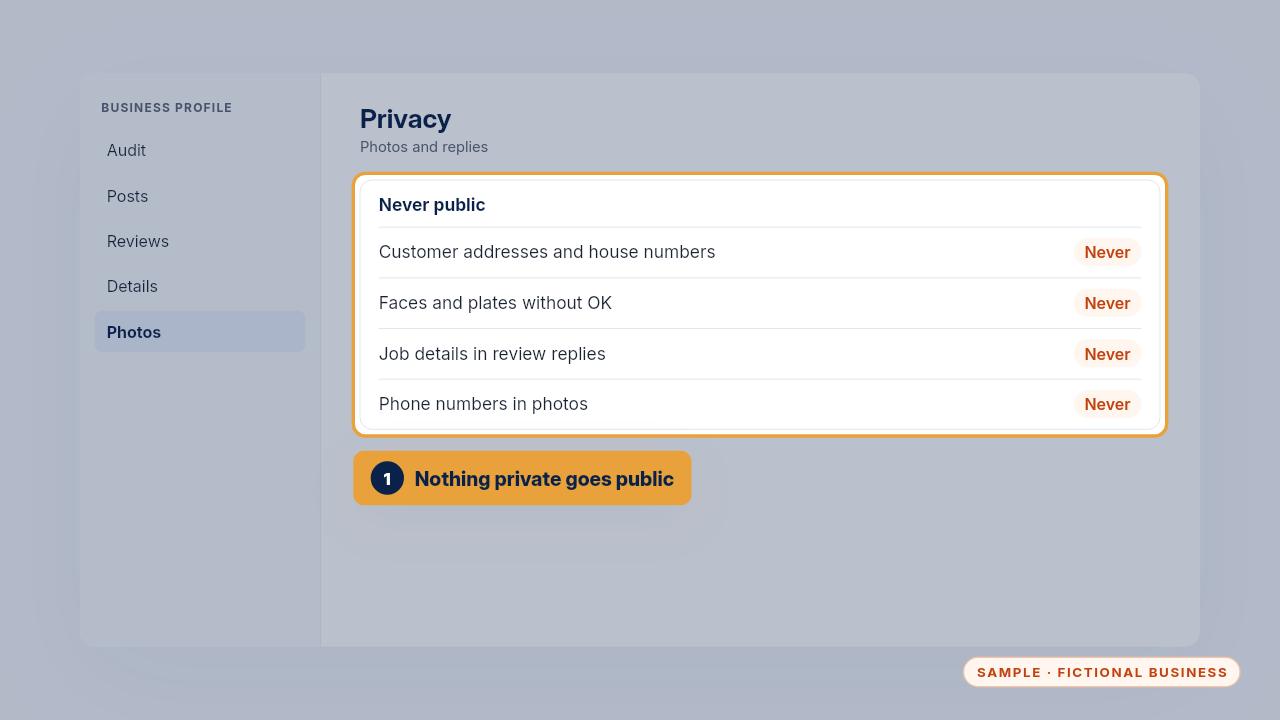
Some things never go on the profile. Customer addresses or house numbers in photos. Faces or plates without permission. Job details in a review reply. And no phone numbers or links inside the photos themselves.
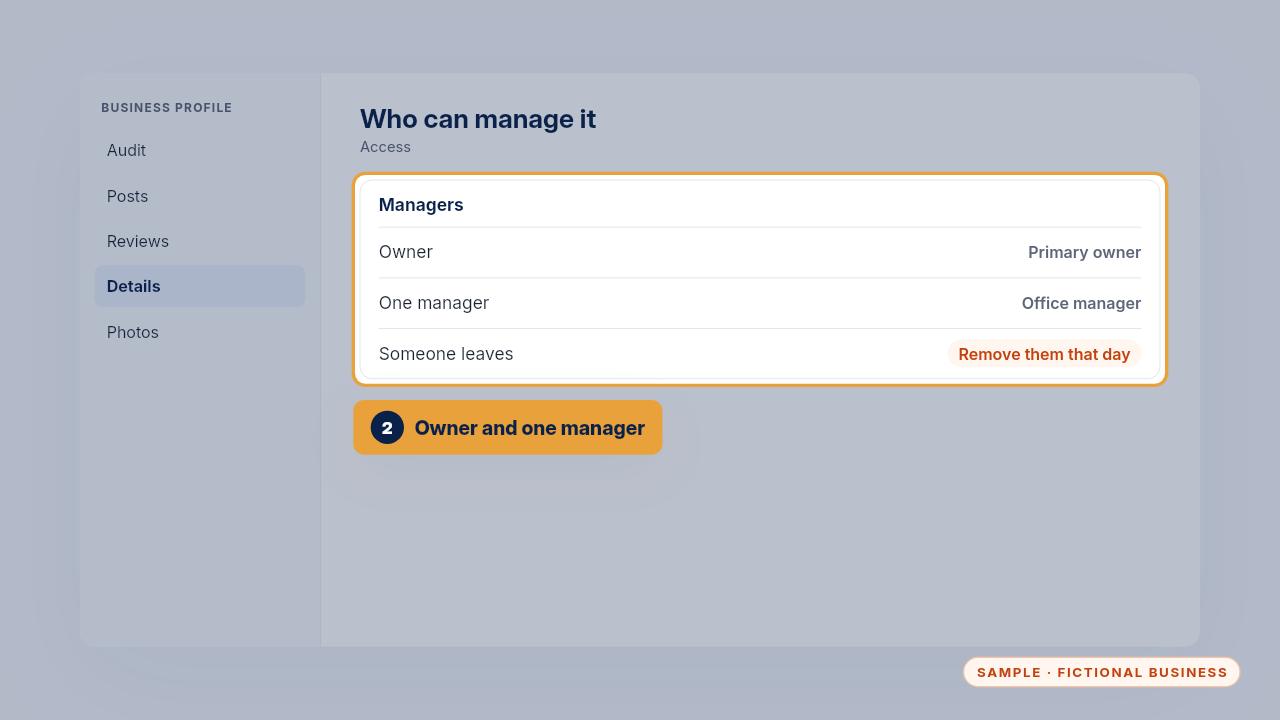
Keep access tight. The owner and one manager should have access, nobody shares a password, and when someone leaves, remove them from the profile that day.
The weekly 5-minute check
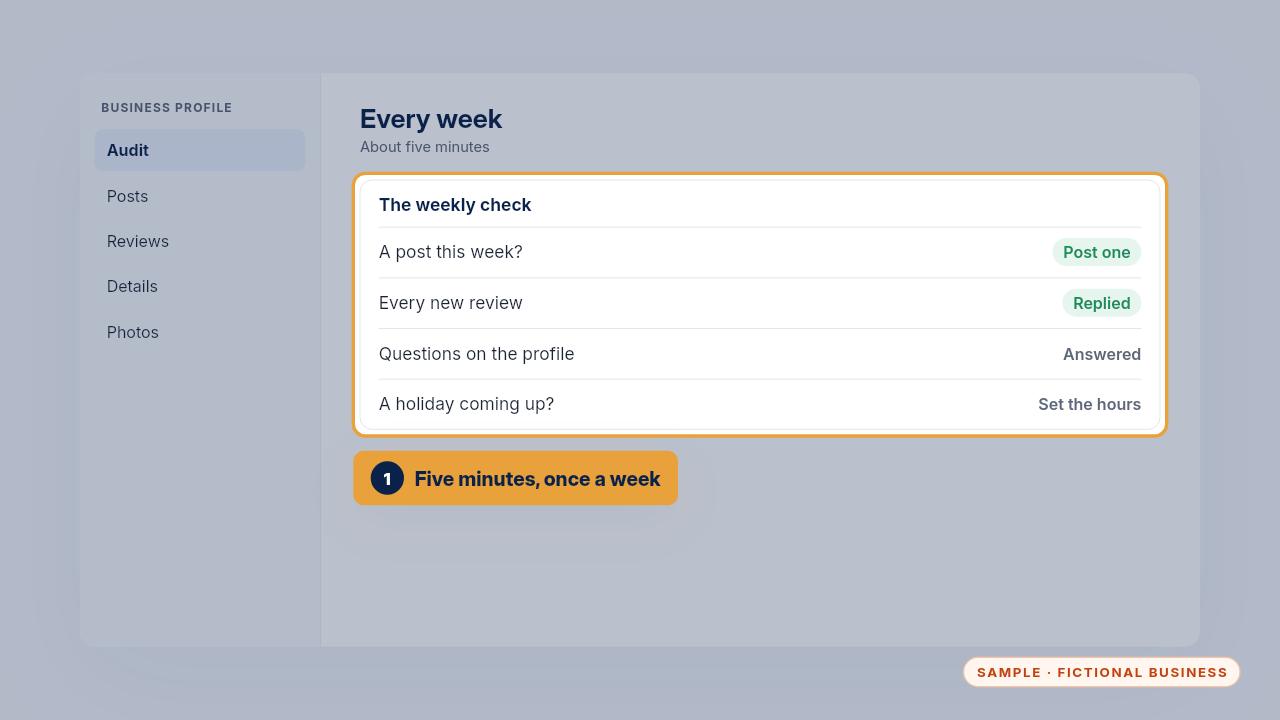
Once a week, take five minutes. Post if you haven't this week. Reply to every new review. Answer any new questions on the profile, and set holiday hours if one is coming.
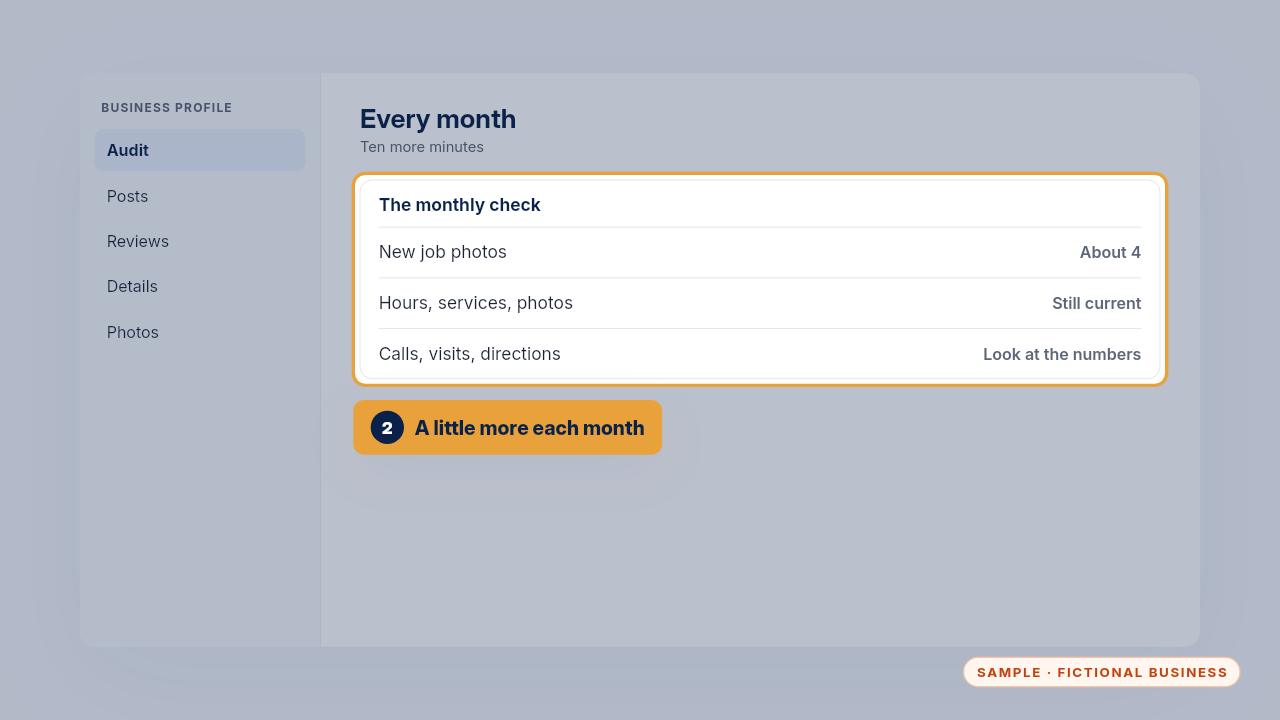
Once a month, add a few new job photos, check that hours, services and photos are still current, and look at the profile's numbers: calls, website visits and direction requests.
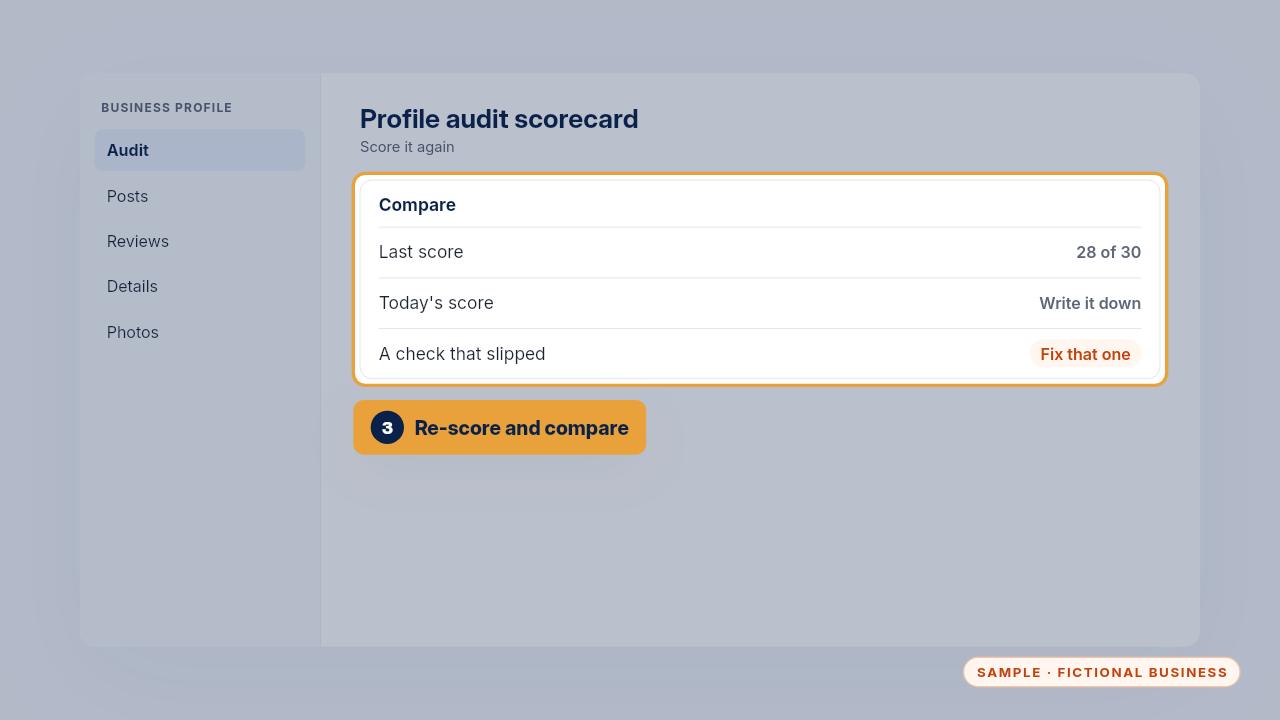
From time to time, score it again with the audit scorecard and compare it with your last score. A check that slipped tells you exactly what to fix next.
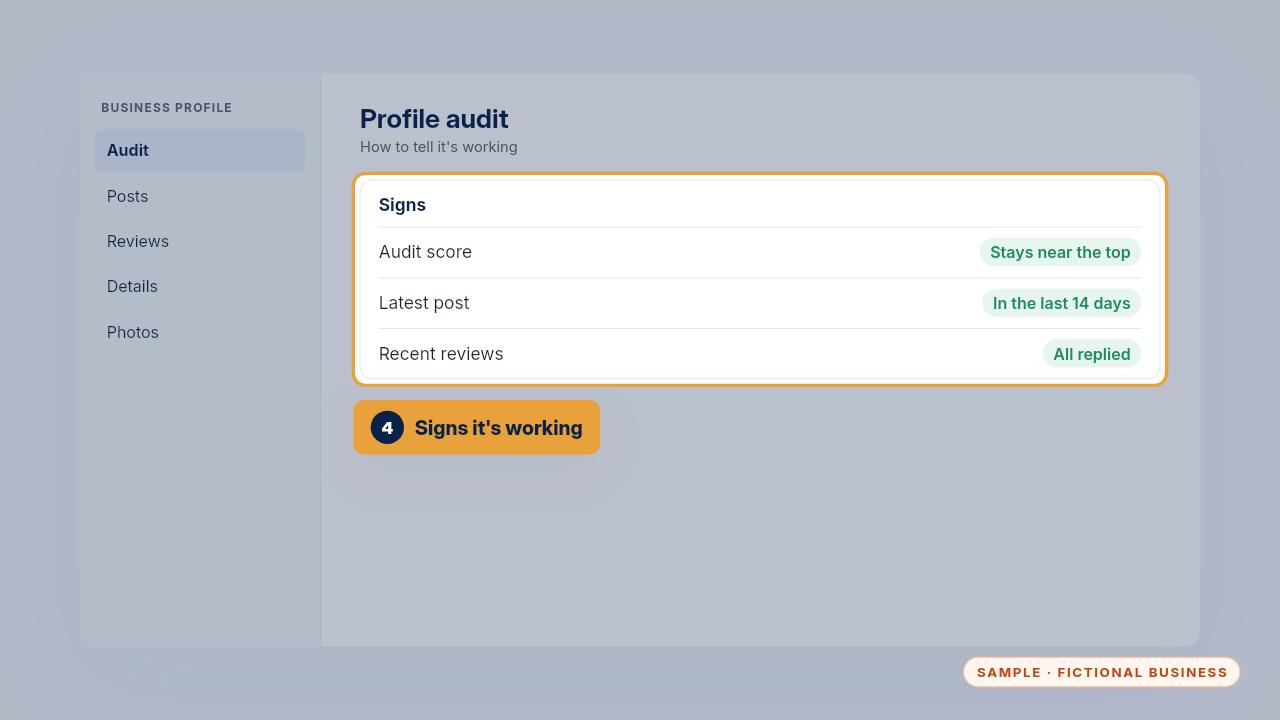
You'll know it's working when the audit score stays near where the tune-up left it, there's always a post from the last two weeks, and no review sits without a reply.
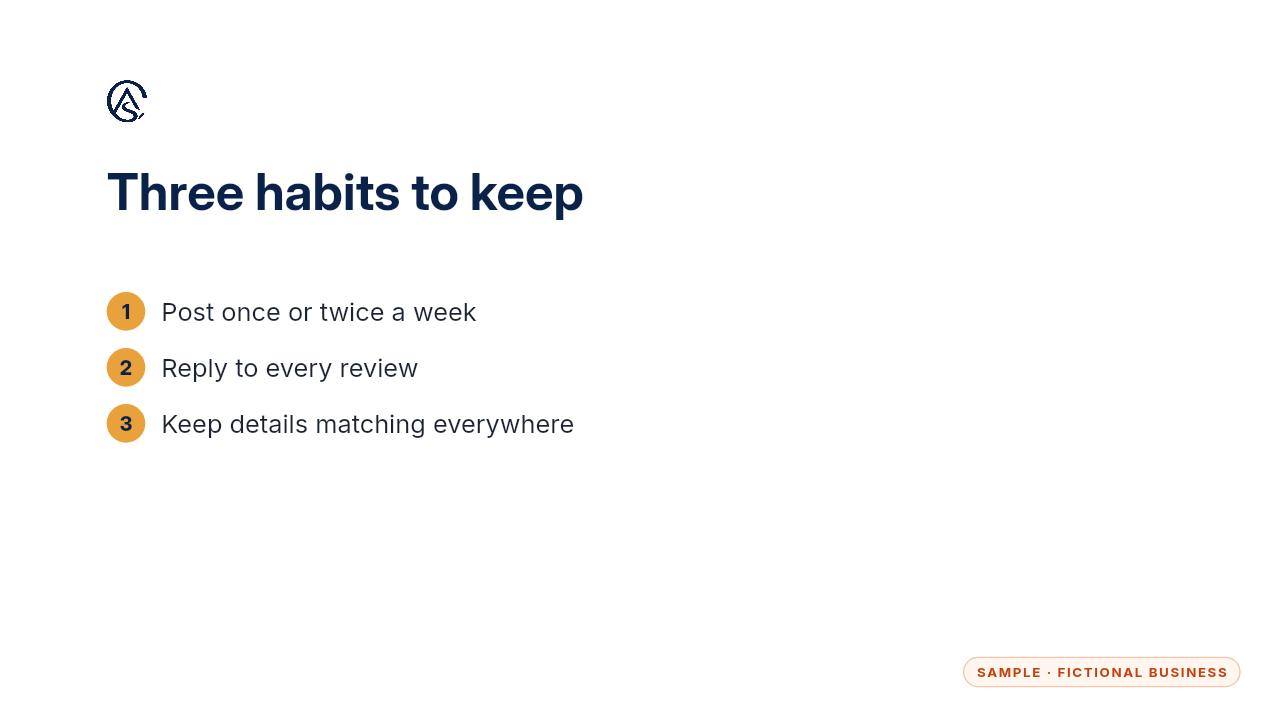
Post every week, reply to every review, and keep your details matching everywhere. Those habits keep the profile working for you.
Get the Google Profile Tune-Up
Your Google Business Profile right, and your details matched everywhere. Every Kit and Install comes with these videos, and an Install adds a walkthrough made from your own setup.