
How-to guides · Google Profile Tune-Up · How do I
How do I remove someone's access?
Take away profile access when someone leaves, or when you end the Tune-Up.
Narrated video with captions, 32 s. Made with a fictional company, Brightline Heating & Air (sample · fictional business). Read the transcript · Download the step-by-step PDF
Step by step
When someone leaves the business, or when you want our access gone after the Tune-Up, here's how to remove it.
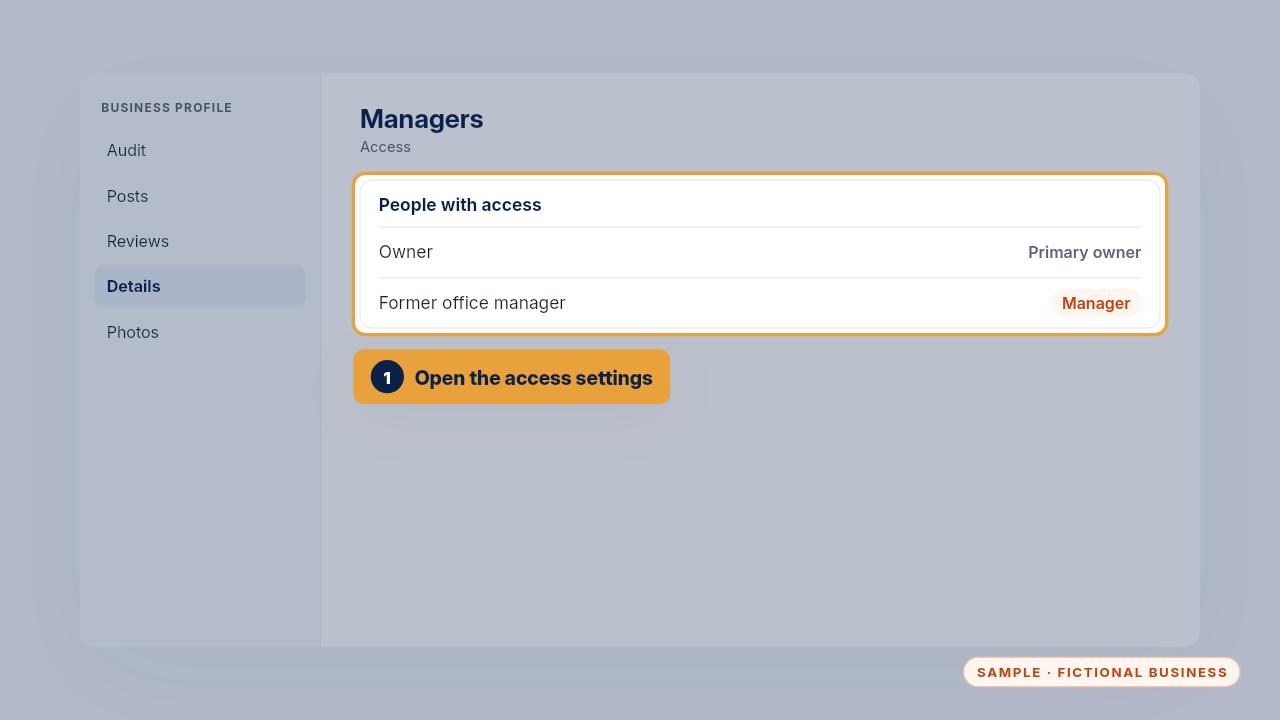
Open the profile's access settings and find the person in the list.
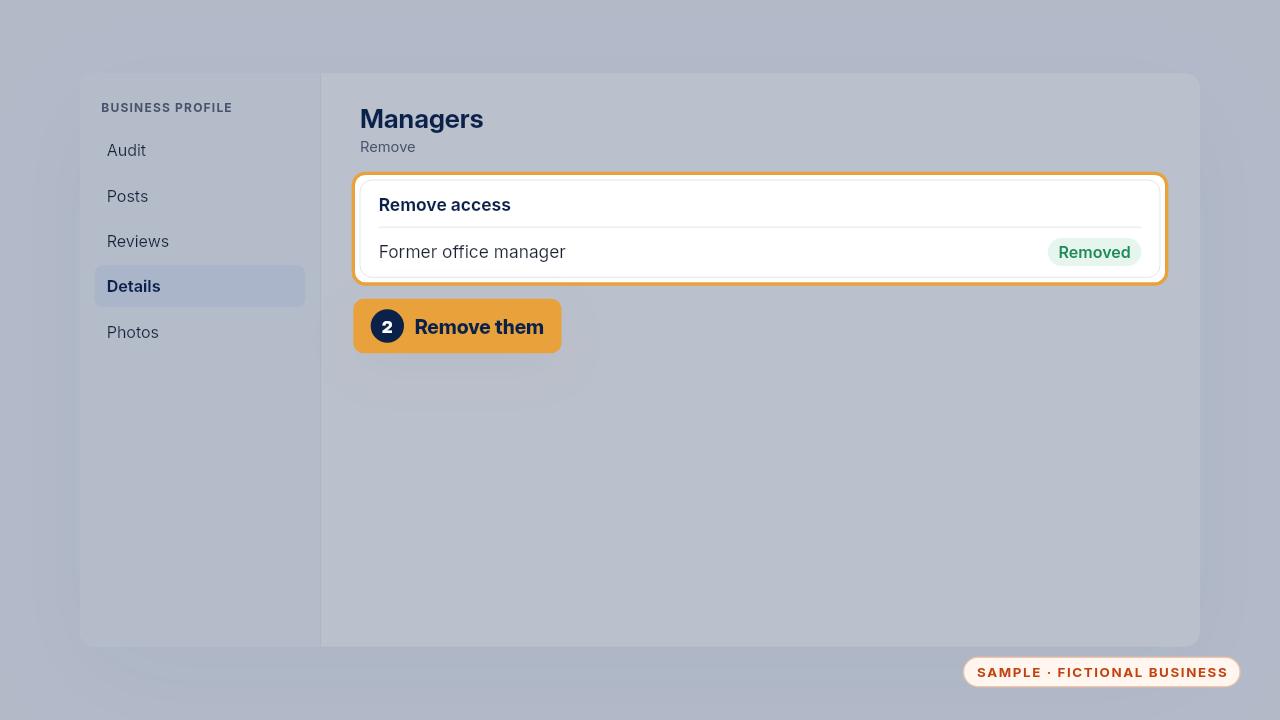
Remove them. Do it the same day they leave. Our Tune-Up access can be removed the same way, whenever you choose.
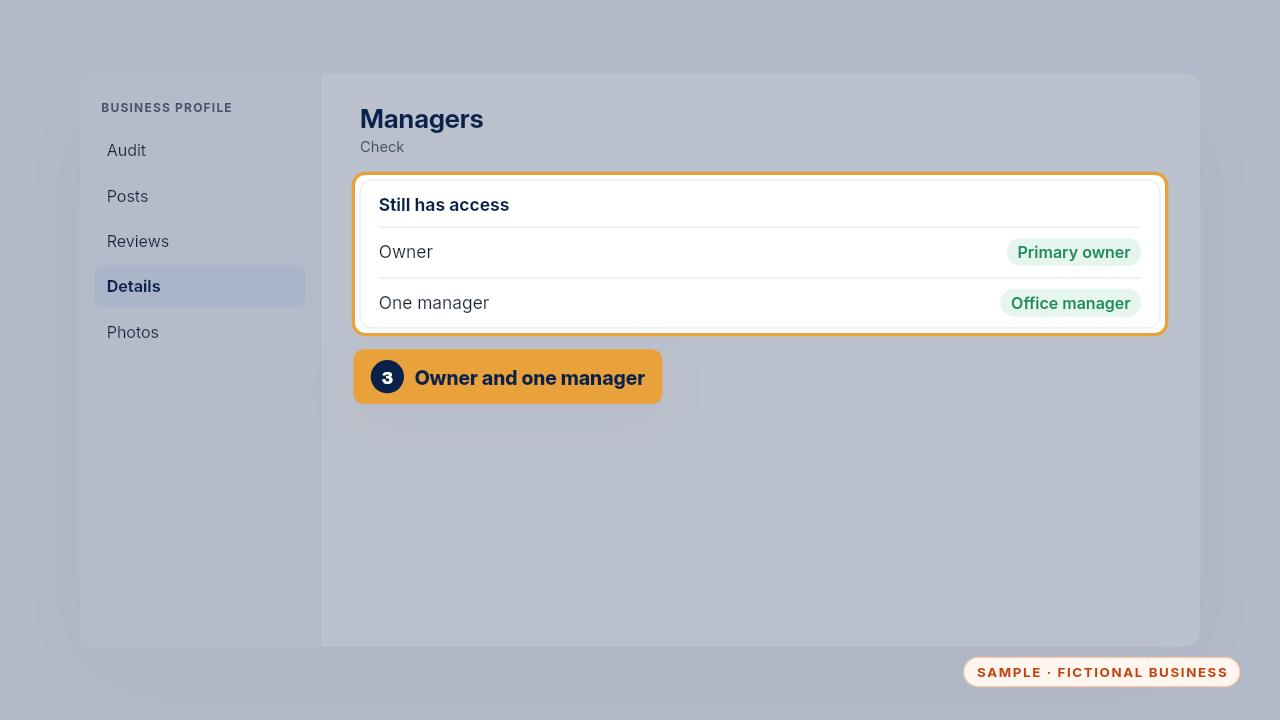
Check the list again afterwards. Only the owner and one manager should be left.
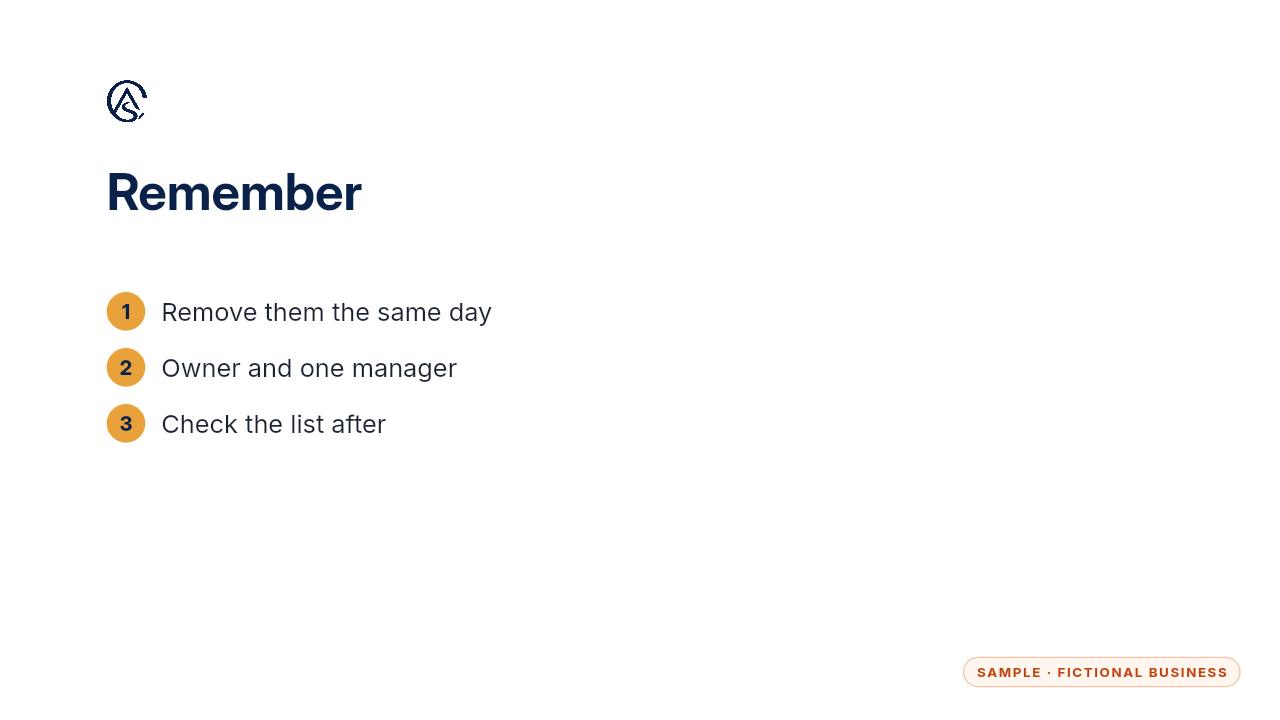
Remove access the same day, and check who's left.
Get the Google Profile Tune-Up
Your Google Business Profile right, and your details matched everywhere. Every Kit and Install comes with these videos, and an Install adds a walkthrough made from your own setup.