
How-to guides · Google Profile Tune-Up · Quick start
Reply to a review
Reply to good and bad reviews with the templates in your kit.
Narrated video with captions, 42 s. Made with a fictional company, Brightline Heating & Air (sample · fictional business). Read the transcript · Download the step-by-step PDF
Step by step

Every review deserves a reply. Here's how, for good ones and bad ones, using the templates in your kit.
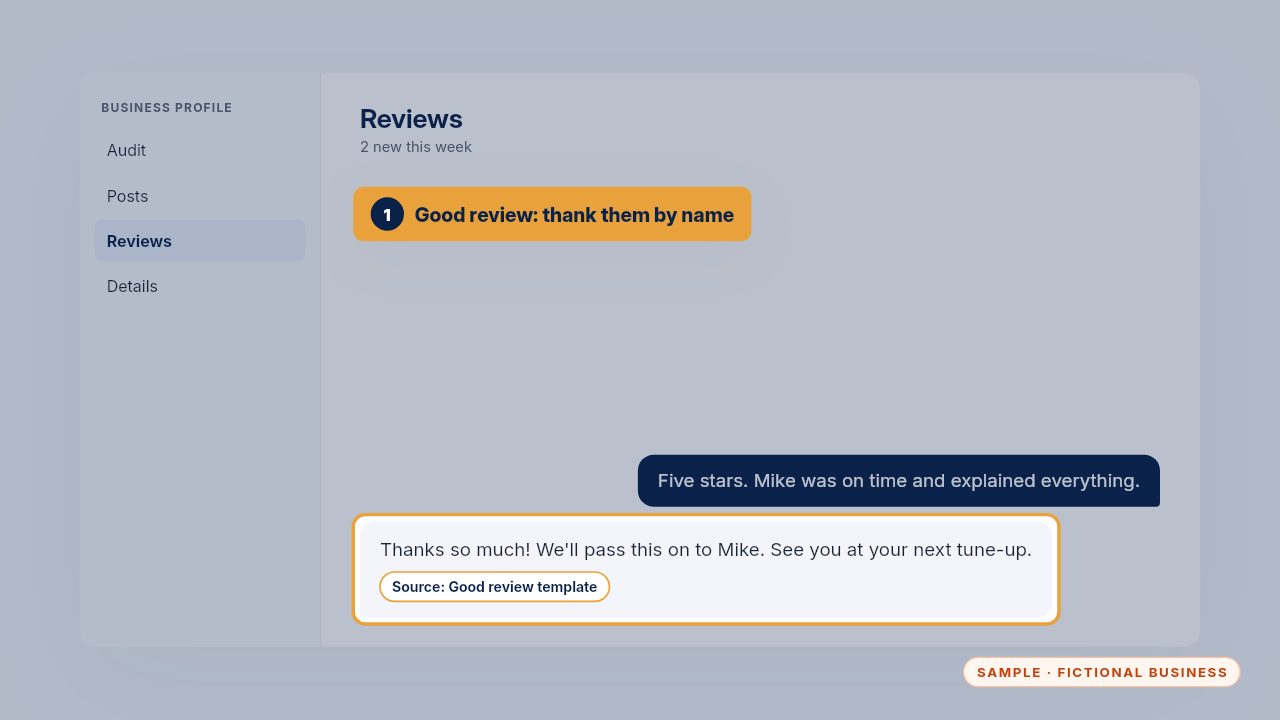
For a good review, thank them and mention the tech by name. Keep it short and warm: future customers read these replies too.
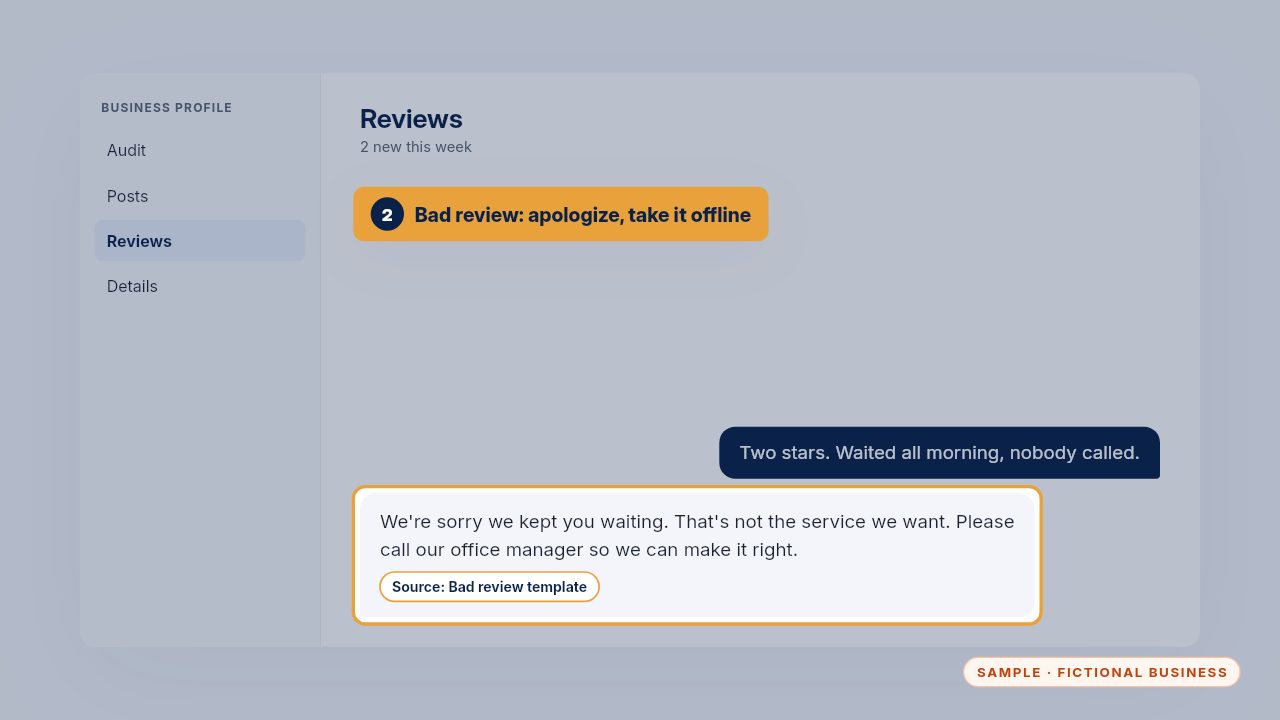
For a bad review, apologize, don't argue, and invite them to contact you directly. Never share job details in public.
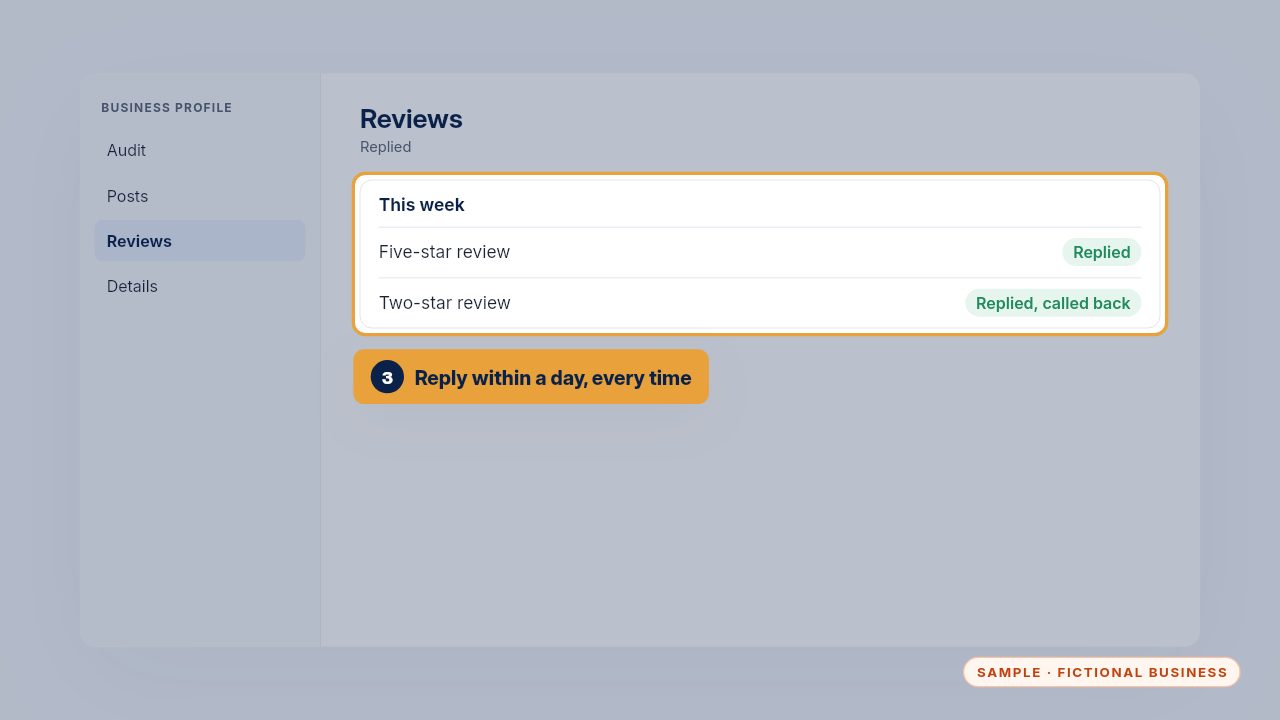
Reply within a day. Customers reading your reviews notice, and a calm reply to a bad review often wins more trust than the good ones.
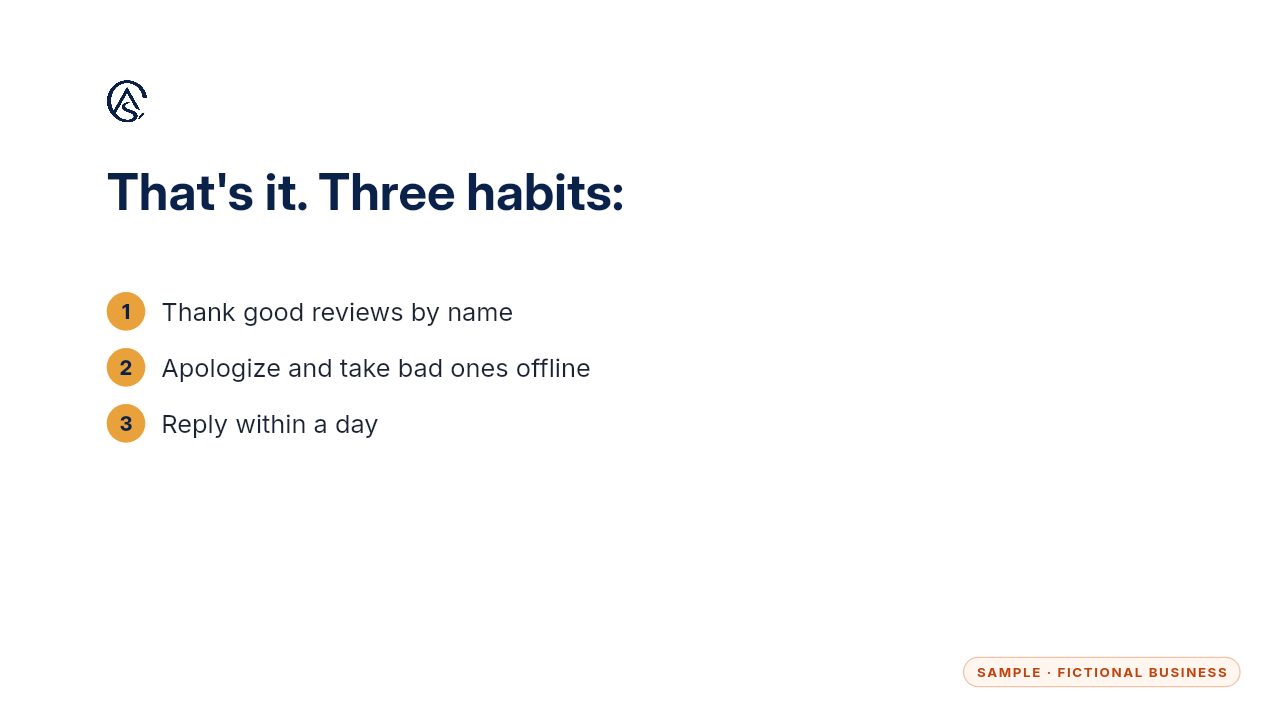
Thank, apologize when needed, and reply within a day.
Get the Google Profile Tune-Up
Your Google Business Profile right, and your details matched everywhere. Every Kit and Install comes with these videos, and an Install adds a walkthrough made from your own setup.