
How-to guides · Never Miss a Lead · How do I
How do I set what counts as urgent?
Urgent rules, hand-off rules and where summaries go.
Narrated video with captions, 36 s. Made with a fictional company, Brightline Heating & Air (sample · fictional business). Read the transcript · Download the step-by-step PDF
Step by step
These rules decide which calls reach a person right away.
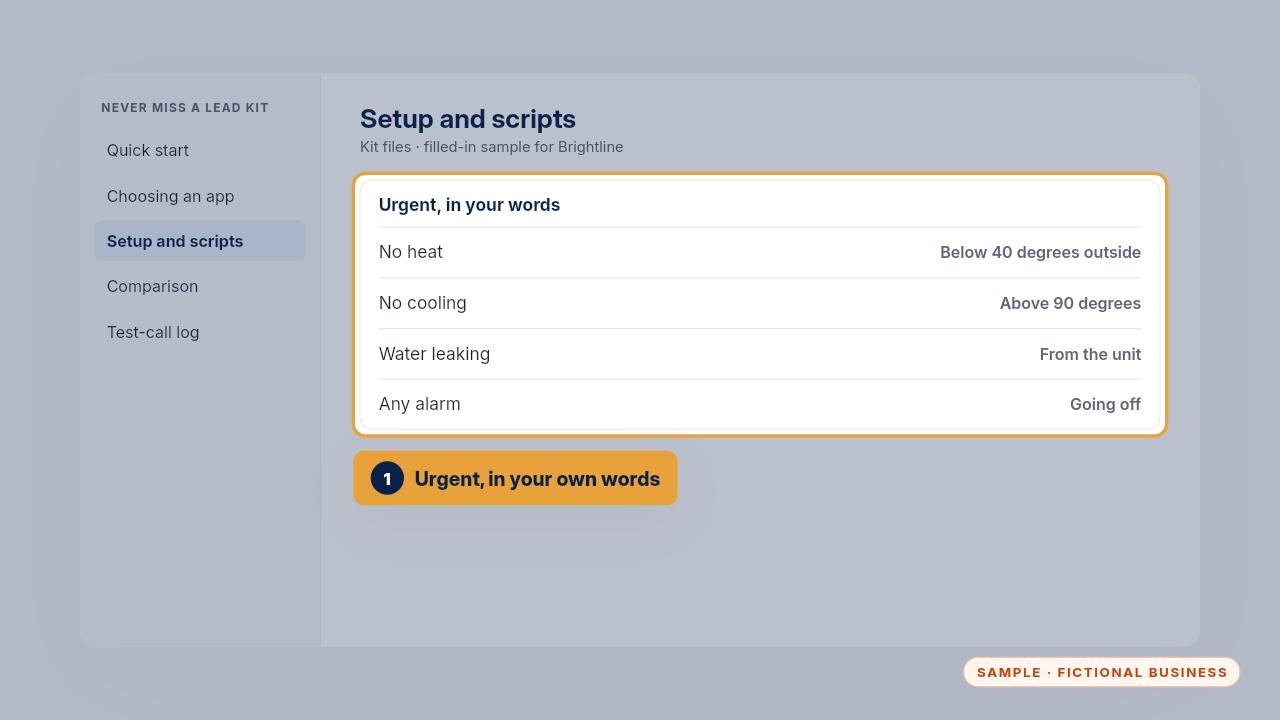
Write what's urgent in your own words. For Brightline, that's no heat below forty degrees, no cooling above ninety, water leaking from the unit, or any alarm.
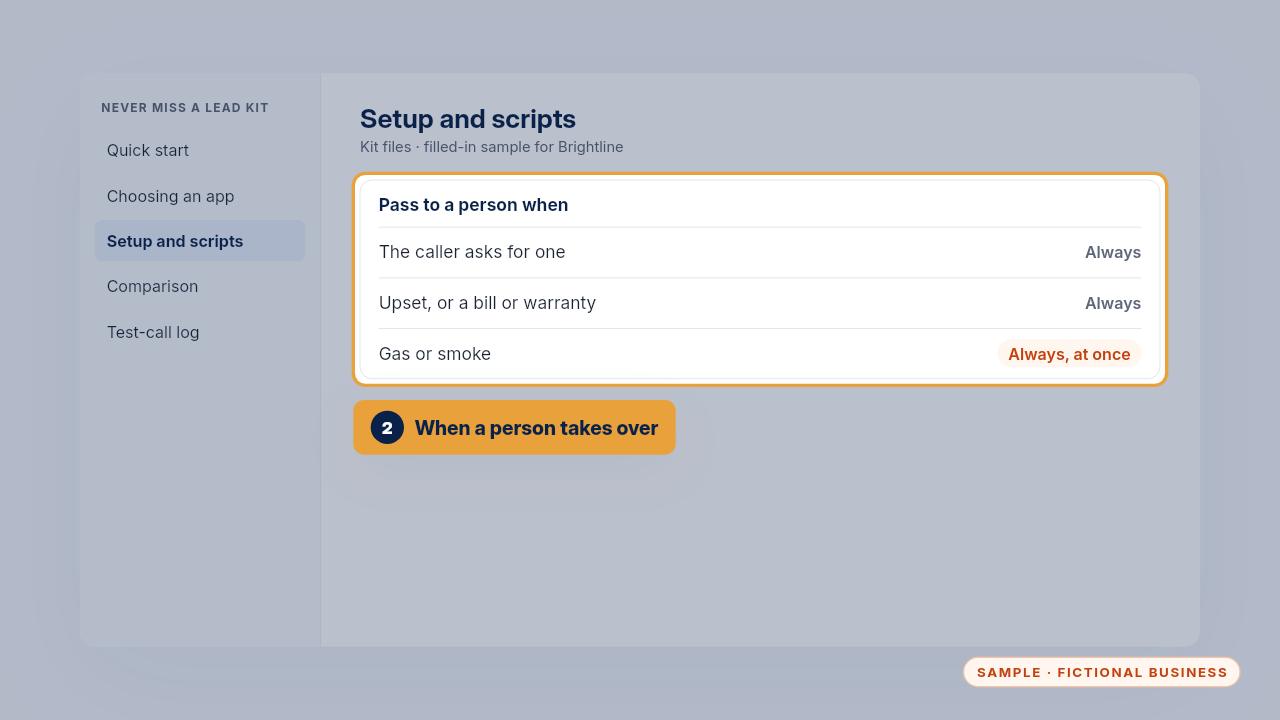
Then say when a call goes to a person: when they ask, when they're upset, when it's about a bill or a warranty, and anything about gas or smoke.
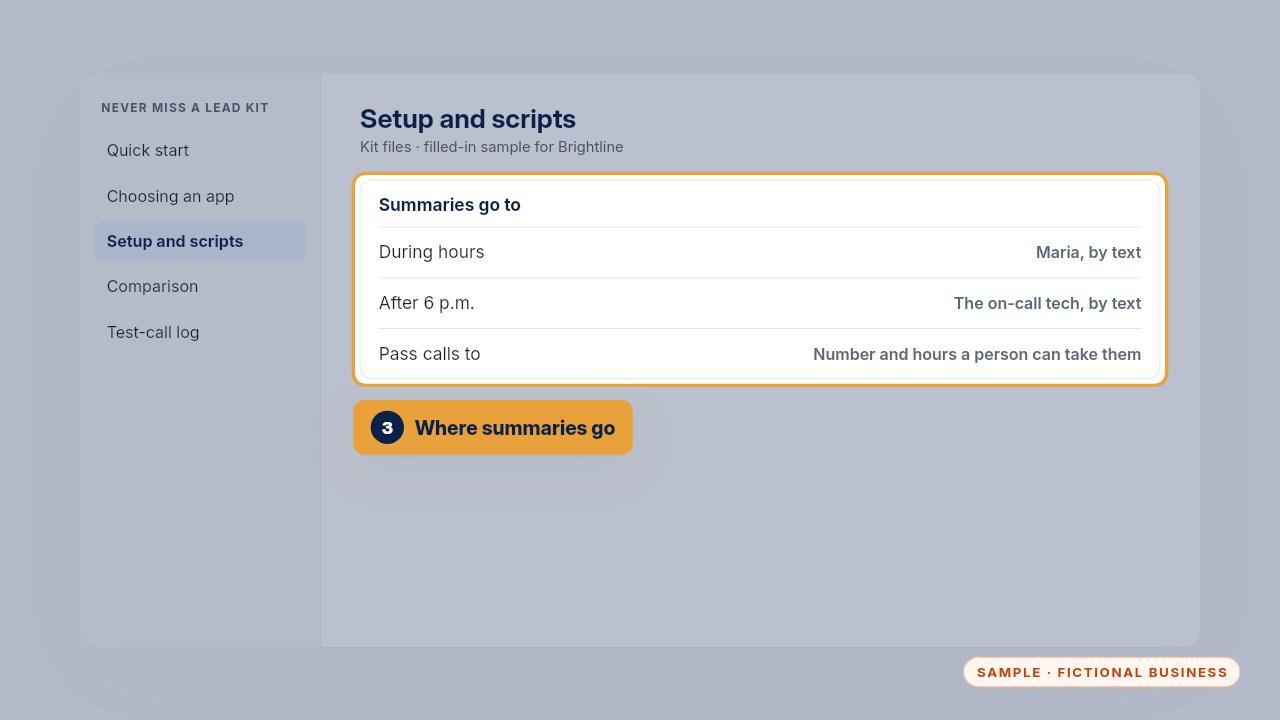
Last, set where summaries go and the number calls pass to. Brightline sends them to Maria by day and to the on-call tech after six.
Get the Never Miss a Lead
Missed calls answered and texted back, in an app you own. Every Kit and Install comes with these videos, and an Install adds a walkthrough made from your own setup.