
How-to guides · Never Miss a Lead · How do I
How do I stop texts to a customer who asked?
How opt-outs work, and how to check them.
Narrated video with captions, 33 s. Made with a fictional company, Brightline Heating & Air (sample · fictional business). Read the transcript · Download the step-by-step PDF
Step by step
Every text the app sends ends with reply STOP to opt out. Opting out has to work every time, so here's how to check it.
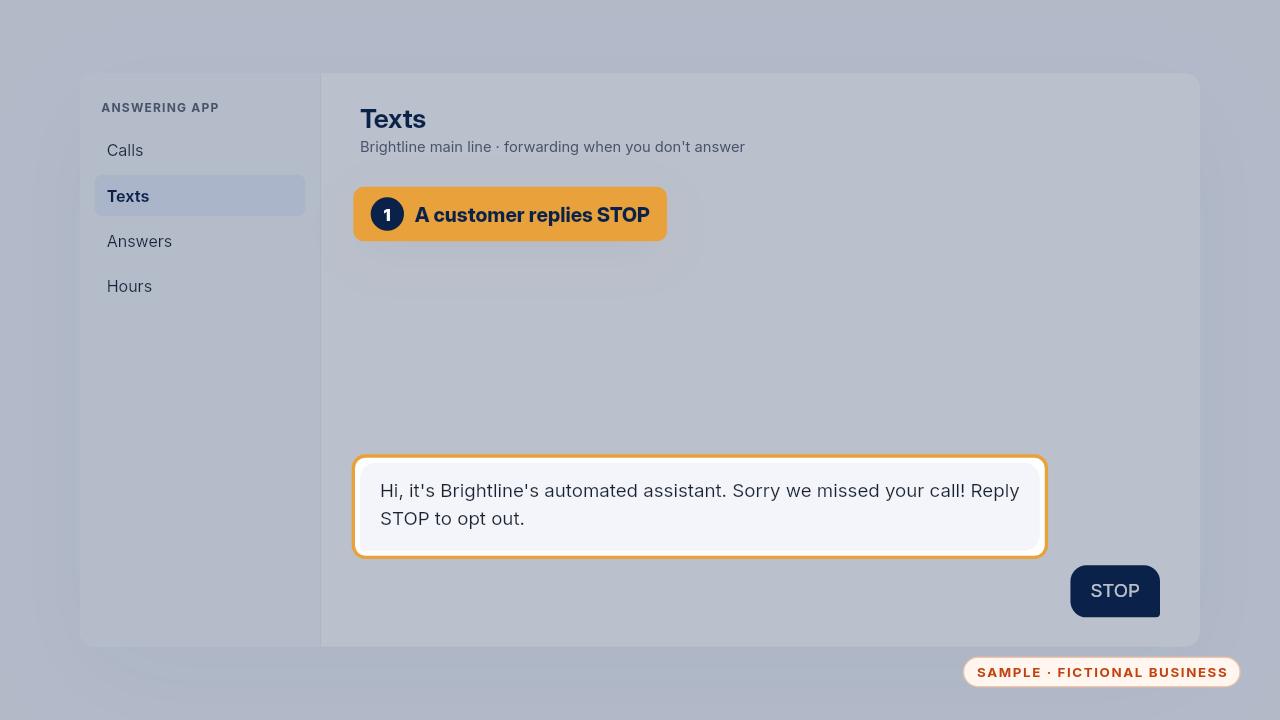
When a customer replies STOP, the app should stop texting that number. The STOP line stays on every text you write.
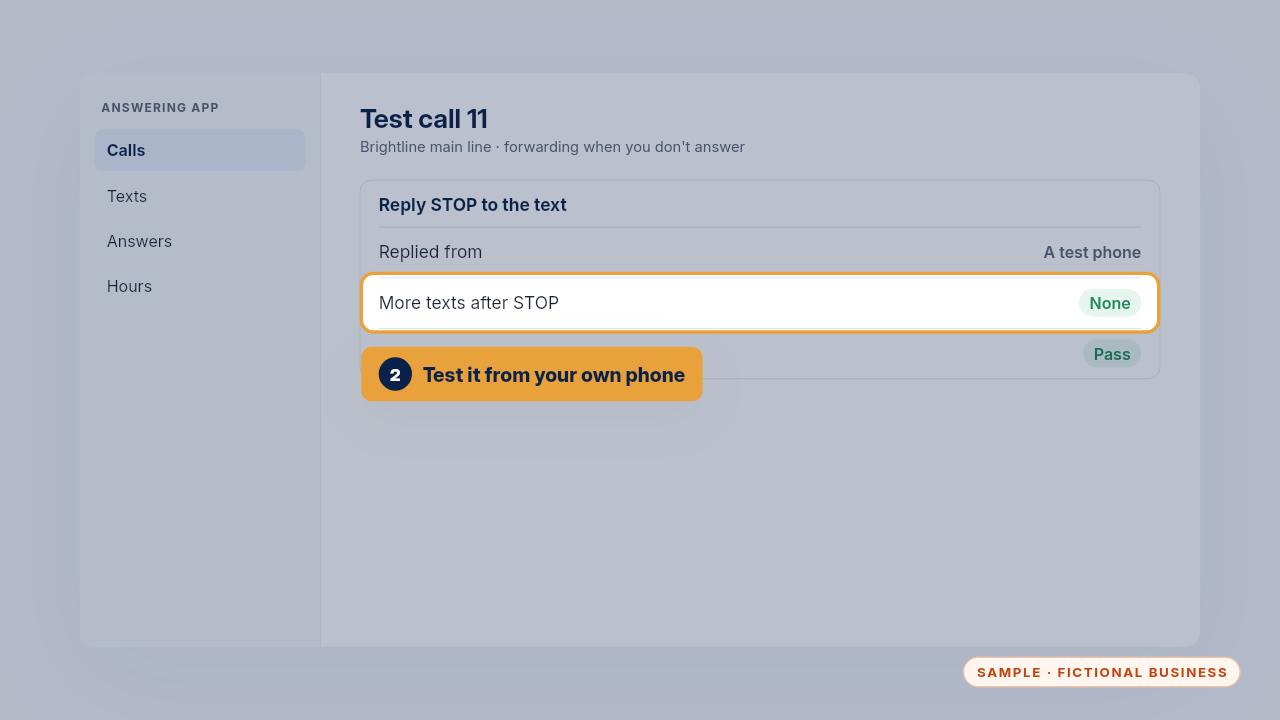
Test it yourself: it's call eleven on the test-call log. Reply STOP from a test phone, then miss another call from it and check no text arrives.
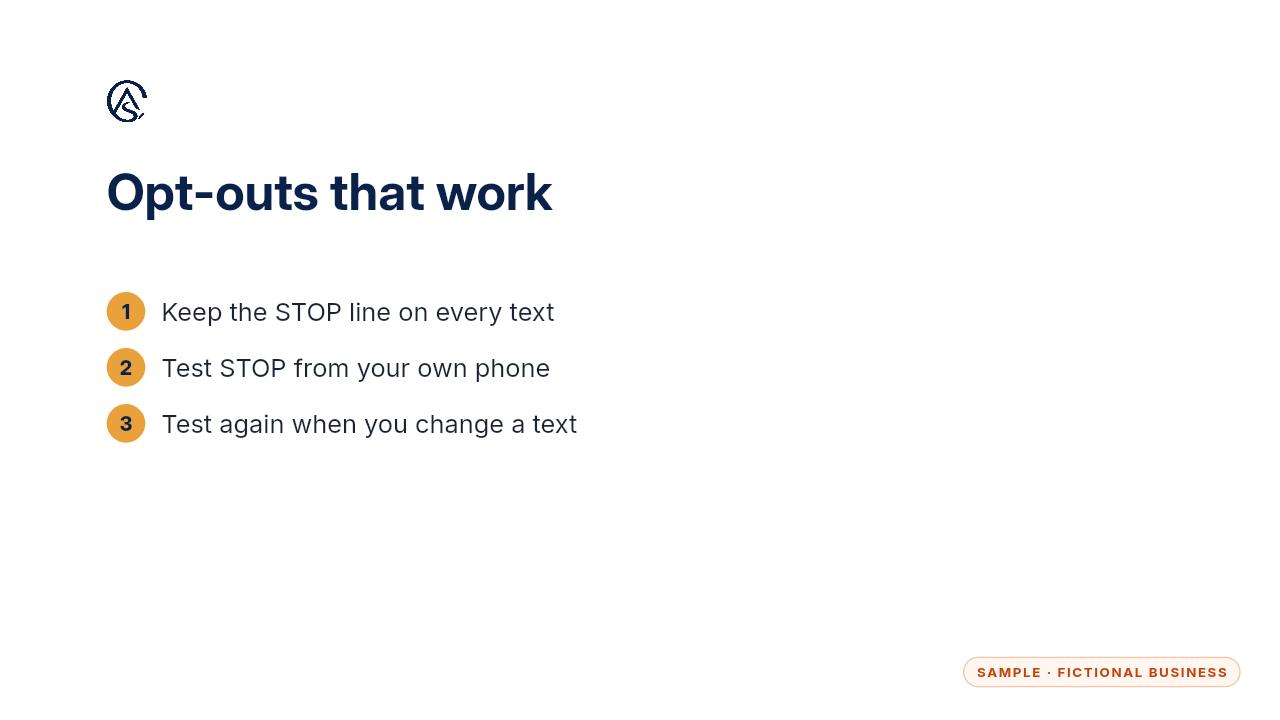
Keep the STOP line on every text, and test it again whenever you change your texts.
Get the Never Miss a Lead
Missed calls answered and texted back, in an app you own. Every Kit and Install comes with these videos, and an Install adds a walkthrough made from your own setup.