
How-to guides · Never Miss a Lead · How do I
How do I write the missed-call and after-hours texts?
Two texts that go out within a minute, each with a way to opt out.
Narrated video with captions, 36 s. Made with a fictional company, Brightline Heating & Air (sample · fictional business). Read the transcript · Download the step-by-step PDF
Step by step

Two texts go out within a minute of a missed call: one during hours, one after.
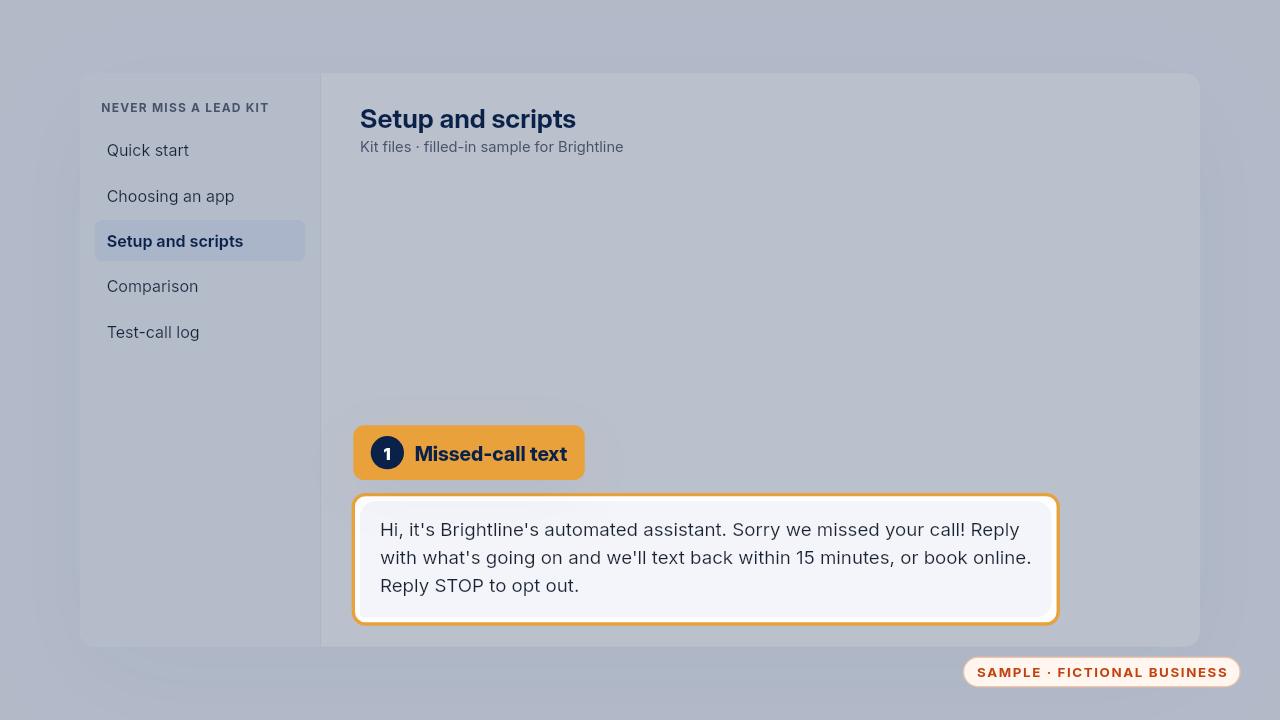
The missed-call text says it's from your automated assistant, says when you'll reply, offers a booking link, and ends with reply STOP to opt out.
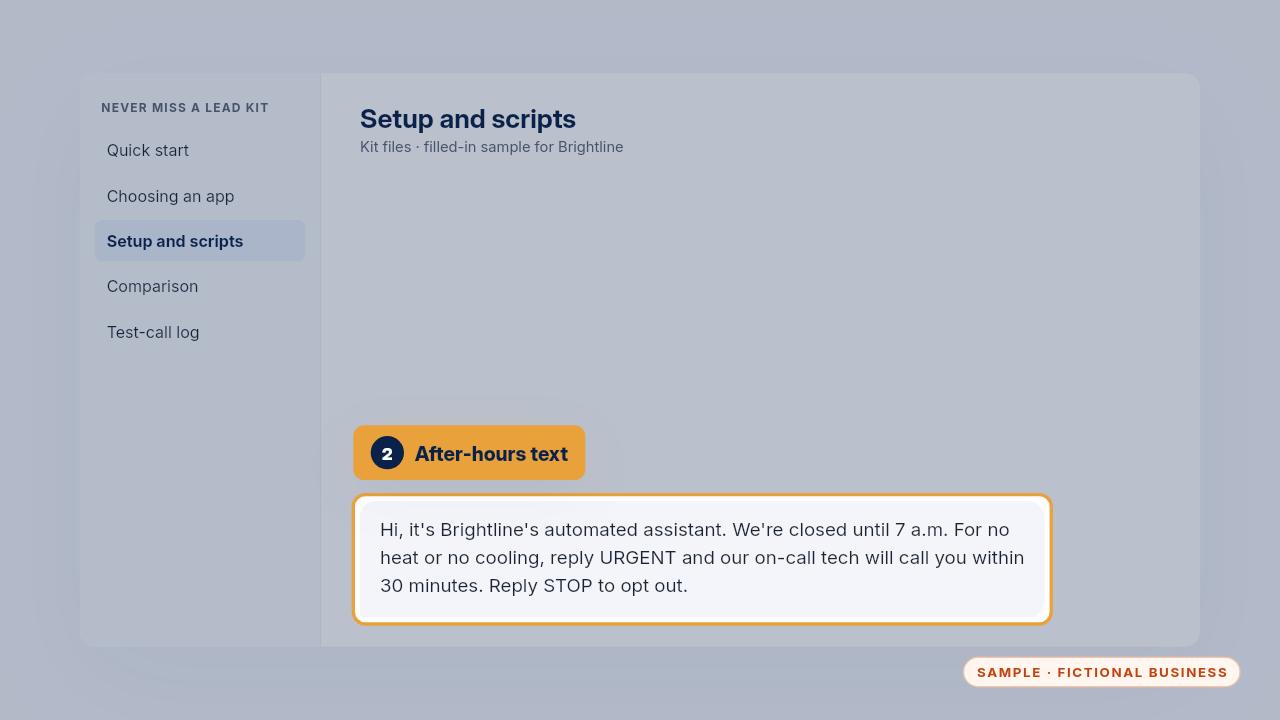
The after-hours text says when you open, and how to reach the on-call tech for no heat or no cooling. Brightline's mentions the one hundred eighty-nine dollar fee, waived with the repair.
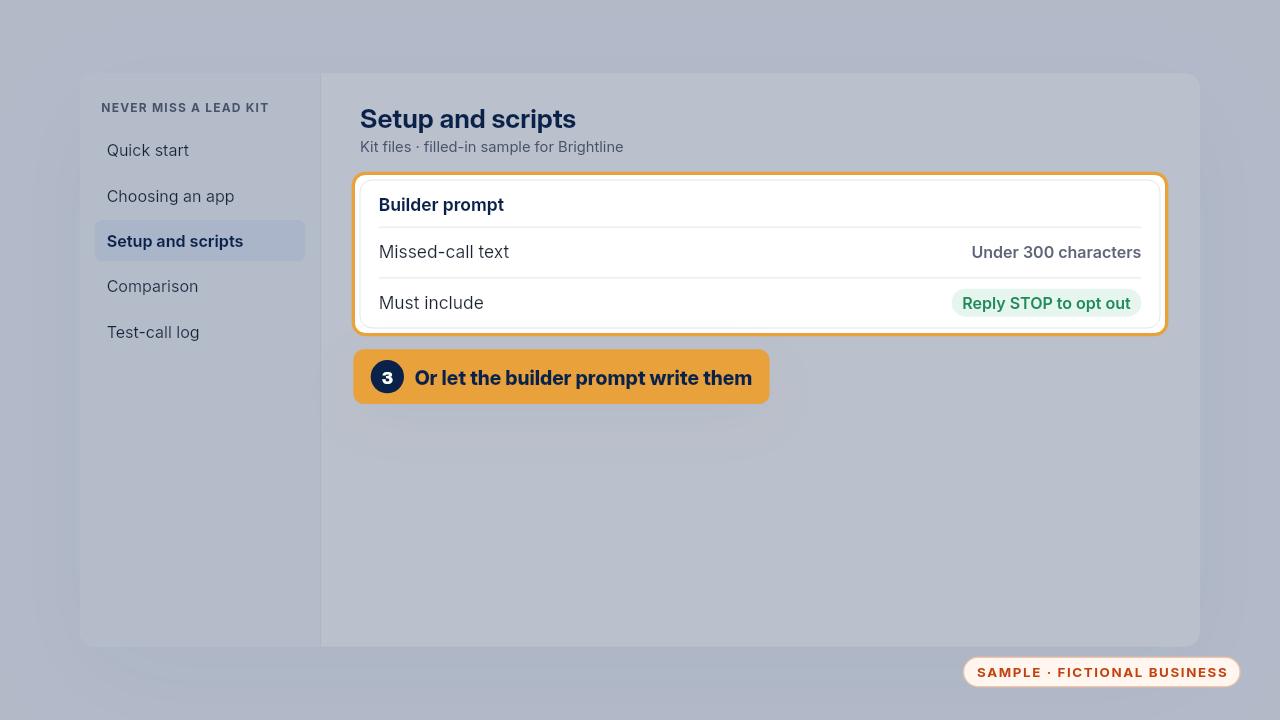
Stuck for words? The script builder prompt interviews you and writes both texts, each under three hundred characters.
Get the Never Miss a Lead
Missed calls answered and texted back, in an app you own. Every Kit and Install comes with these videos, and an Install adds a walkthrough made from your own setup.