
How-to guides · Quote & Follow-Up Assistant · Quick start
Draft a quote from job notes
Turn a tech's notes and photos into a good, better, best quote with your own prices.
Narrated video with captions, 45 s. Made with a fictional company, Brightline Heating & Air (sample · fictional business). Read the transcript · Download the step-by-step PDF
Step by step
Here's how to turn a tech's job notes into a priced quote in a couple of minutes, using only your own prices.
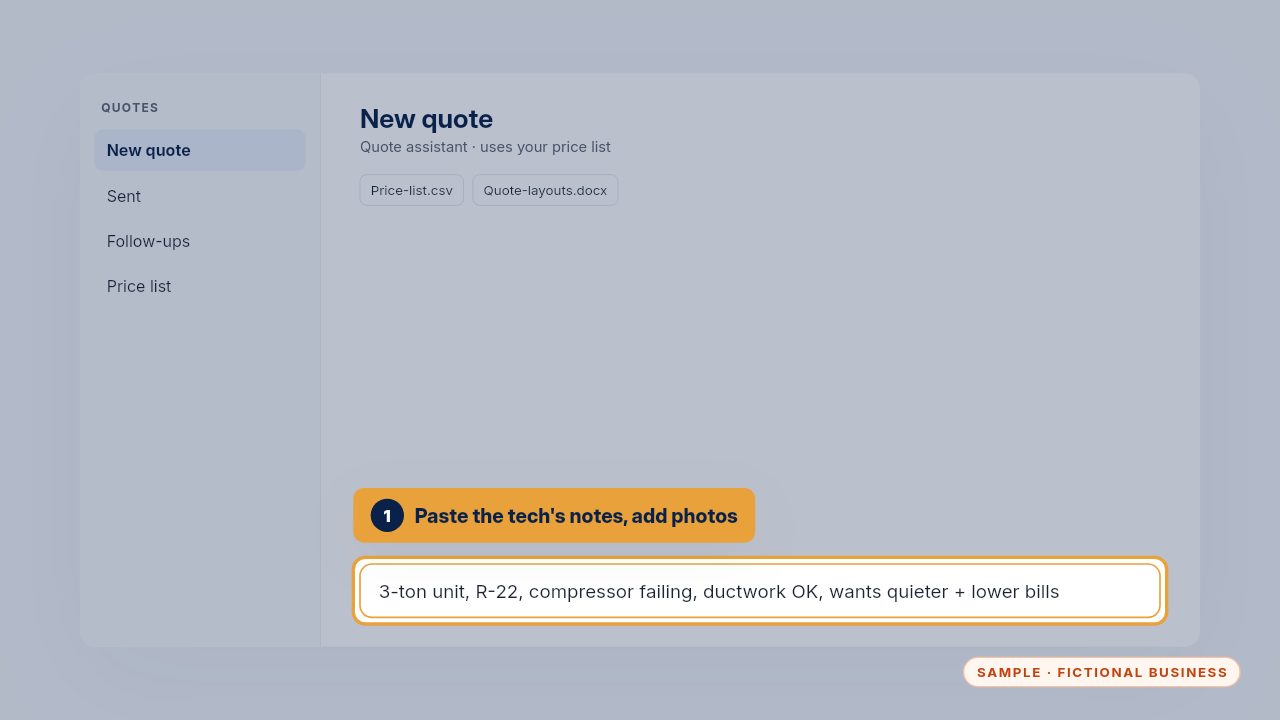
Paste the tech's notes into your quote assistant, and add photos if you have them. Short notes are fine: the size of the unit, what's failing, and what the customer wants.
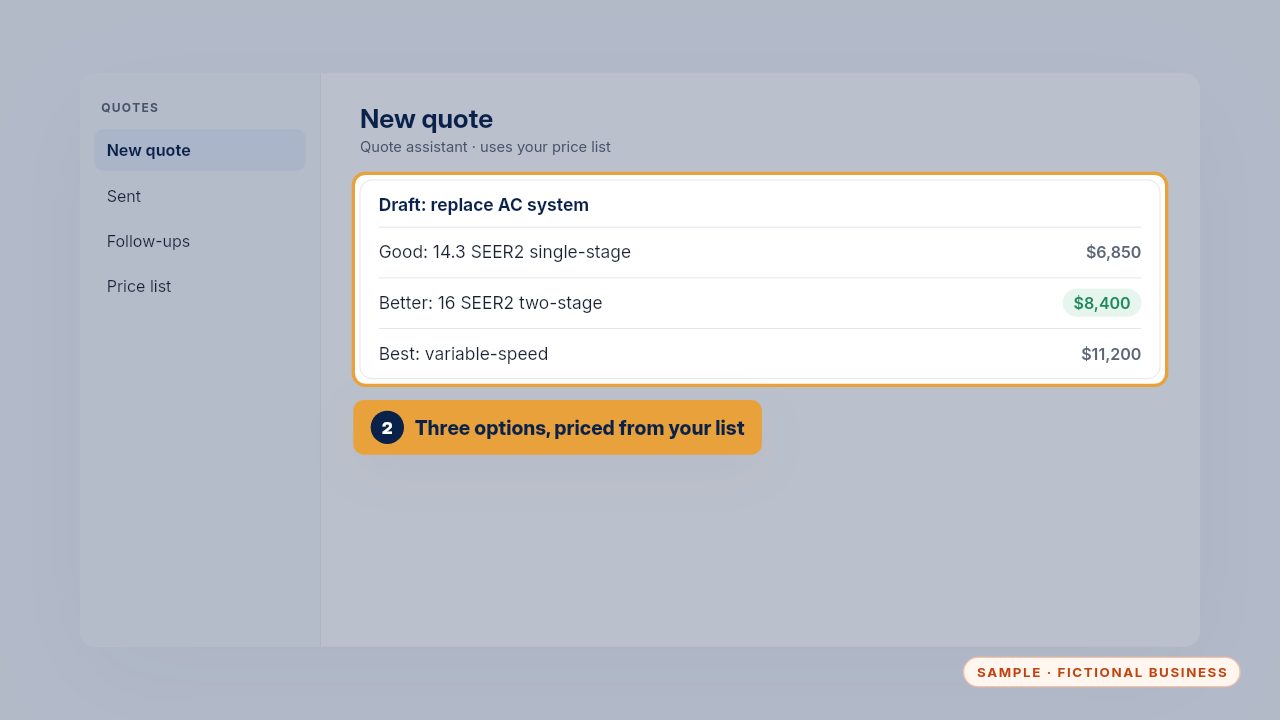
It drafts good, better and best options, priced only from your own price list. If something isn't on the list, it says so instead of making up a price.
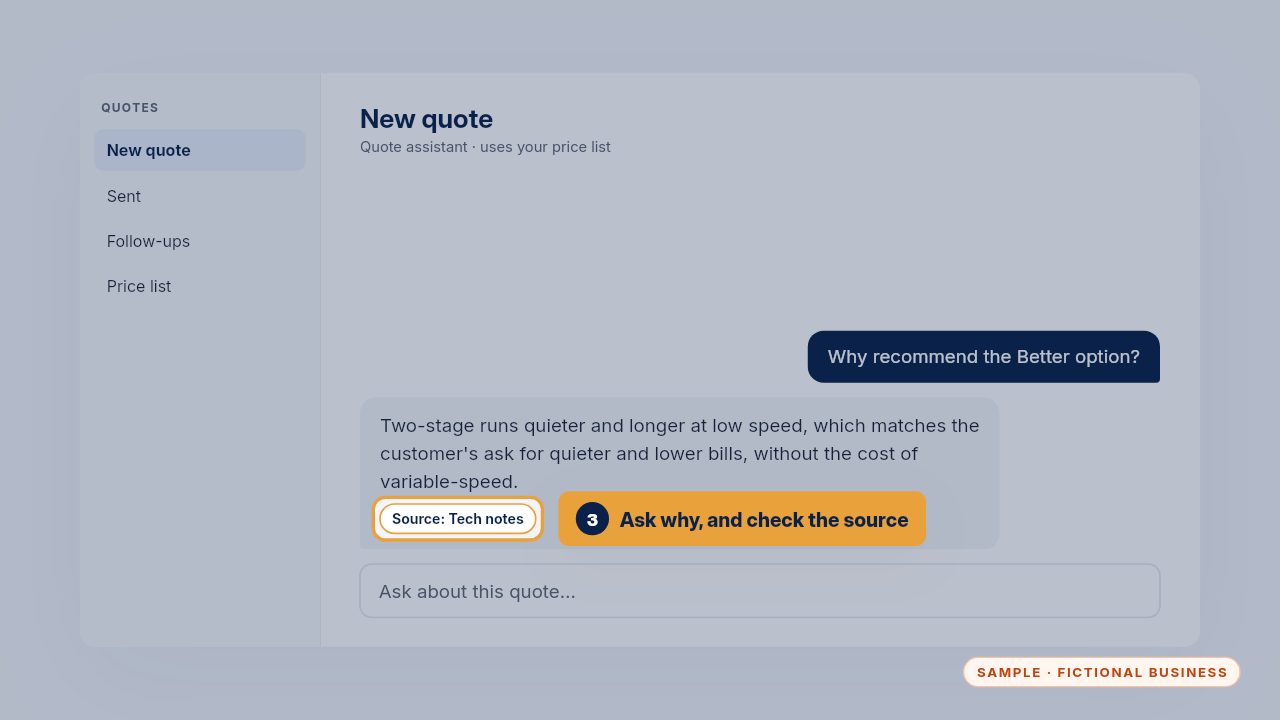
Ask why it recommends an option. It explains from the notes, so you can check its thinking, and change the recommendation if you know better.
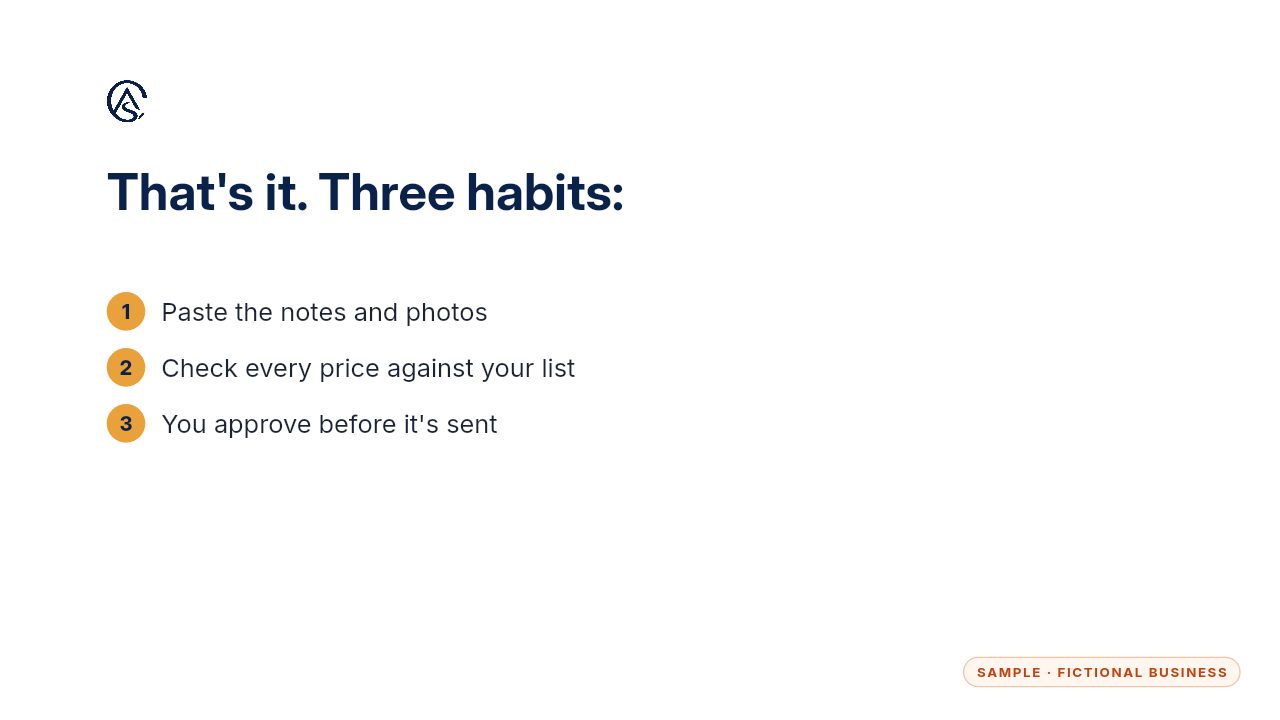
Paste, check every price, and approve. Nothing goes out without you, and a good quote goes out the same day as the visit.
Get the Quote & Follow-Up Assistant
Quotes drafted from your notes, and unsigned quotes followed up. Every Kit and Install comes with these videos, and an Install adds a walkthrough made from your own setup.