
How-to guides · Quote & Follow-Up Assistant · How do I
How do I draft a quote from photos?
Turn job photos into quote lines and assumptions to check.
Narrated video with captions, 32 s. Made with a fictional company, Brightline Heating & Air (sample · fictional business). Read the transcript · Download the step-by-step PDF
Step by step
Photos of the job work as well as notes, in ChatGPT or Gemini. Here's how to get a draft from them.
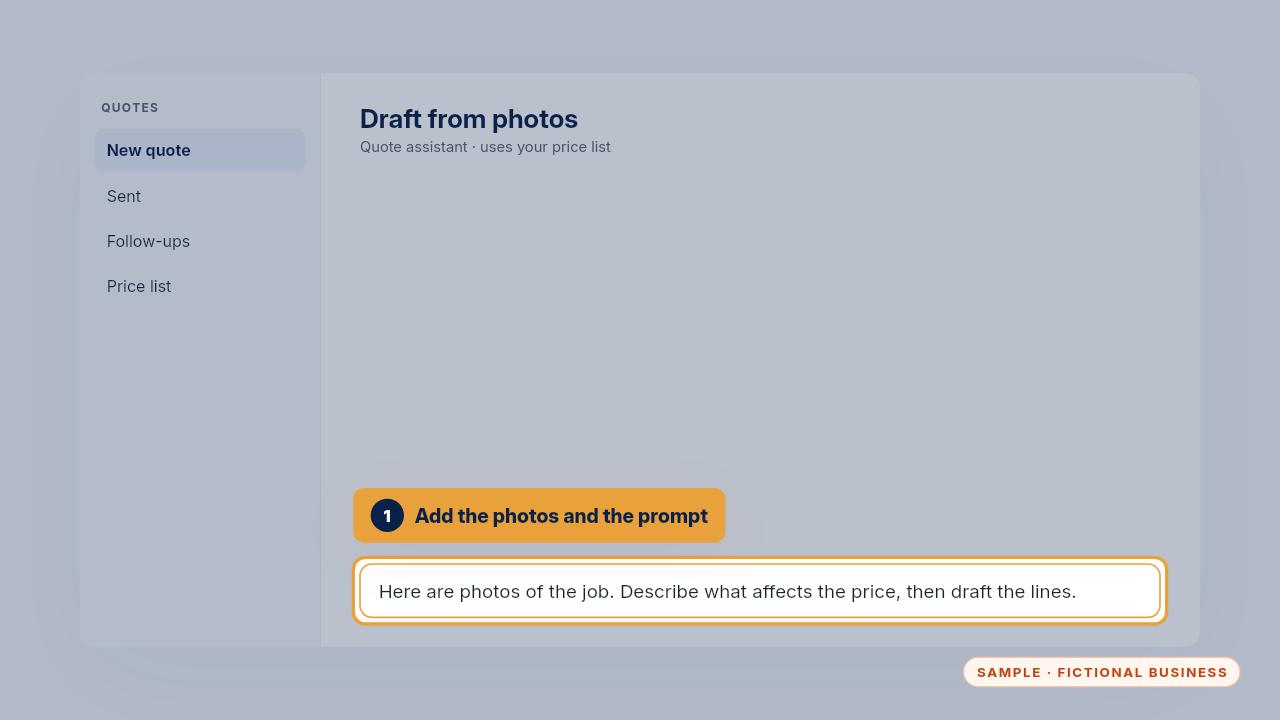
Add the photos and use the from photos prompt. It describes what it sees that affects the price, then drafts the quote lines.
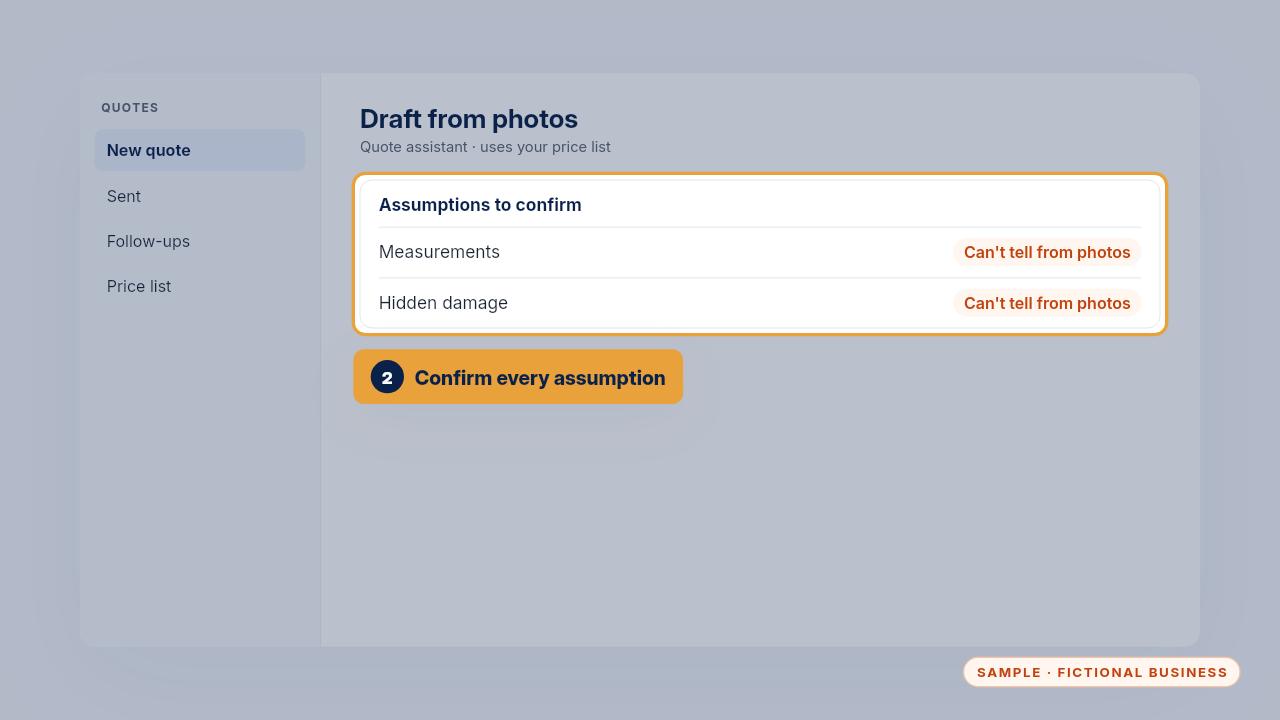
Anything it can't tell from the photos, like measurements or hidden damage, is marked as an assumption. Confirm each one before the quote goes out.
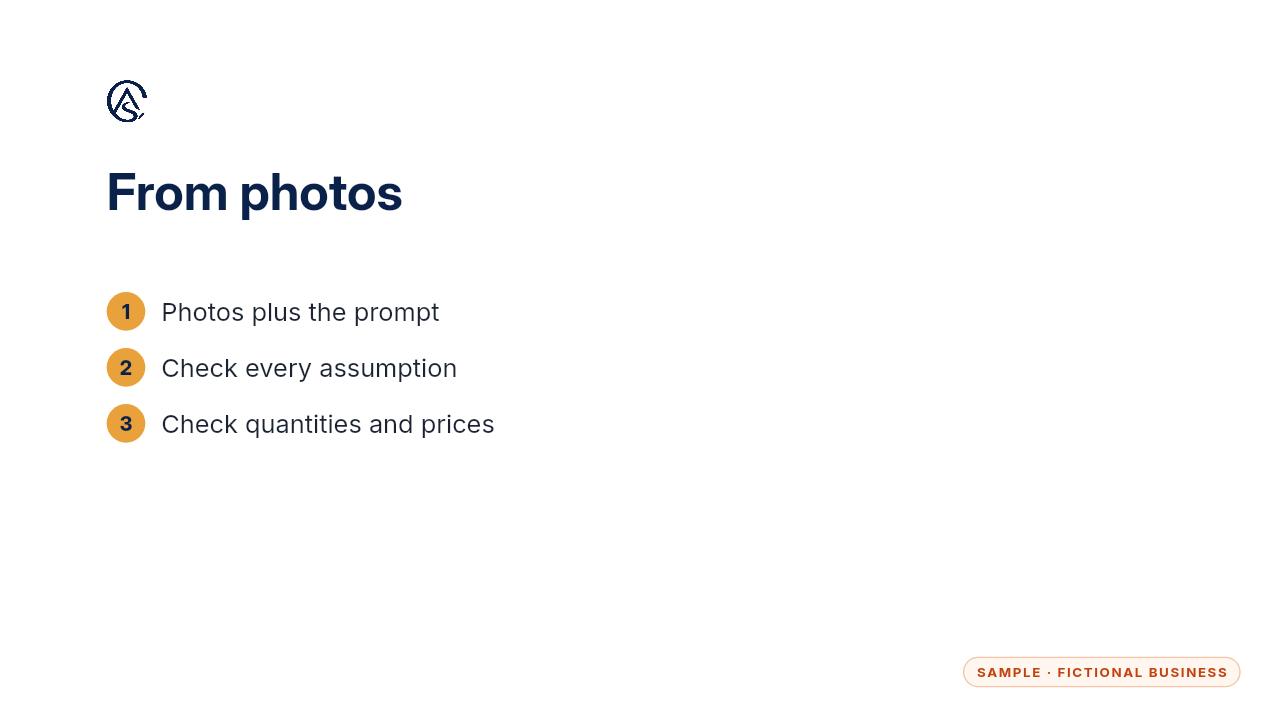
Check the measurements and quantities yourself, then approve it like any other quote.
Get the Quote & Follow-Up Assistant
Quotes drafted from your notes, and unsigned quotes followed up. Every Kit and Install comes with these videos, and an Install adds a walkthrough made from your own setup.