
How-to guides · Quote & Follow-Up Assistant · How do I
How do I keep the open quotes log?
Track every quote's follow-ups so none go quiet.
Narrated video with captions, 32 s. Made with a fictional company, Brightline Heating & Air (sample · fictional business). Read the transcript · Download the step-by-step PDF
Step by step
With the Kit, the open quotes log is how you keep follow-ups on track. It's the last page of the follow-up playbook.
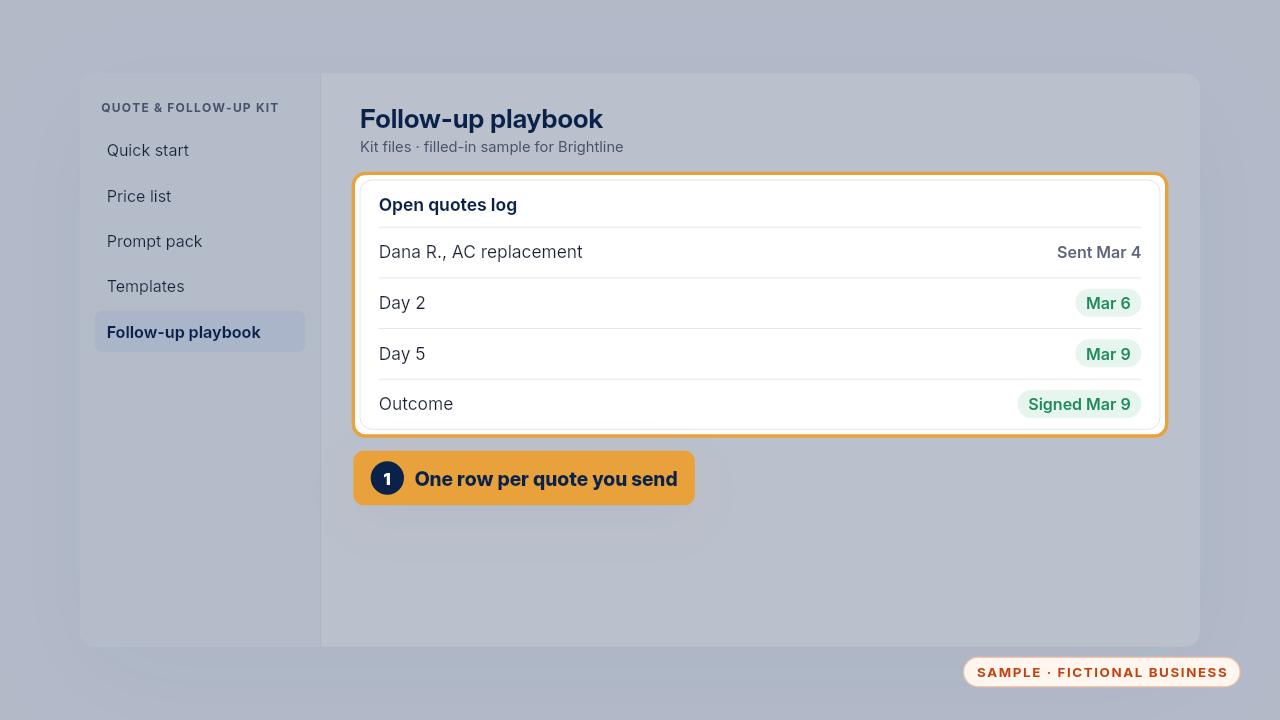
Add one row for every quote you send, with the date you sent it. Tick off each follow-up as it goes out on day two, day five and day ten.
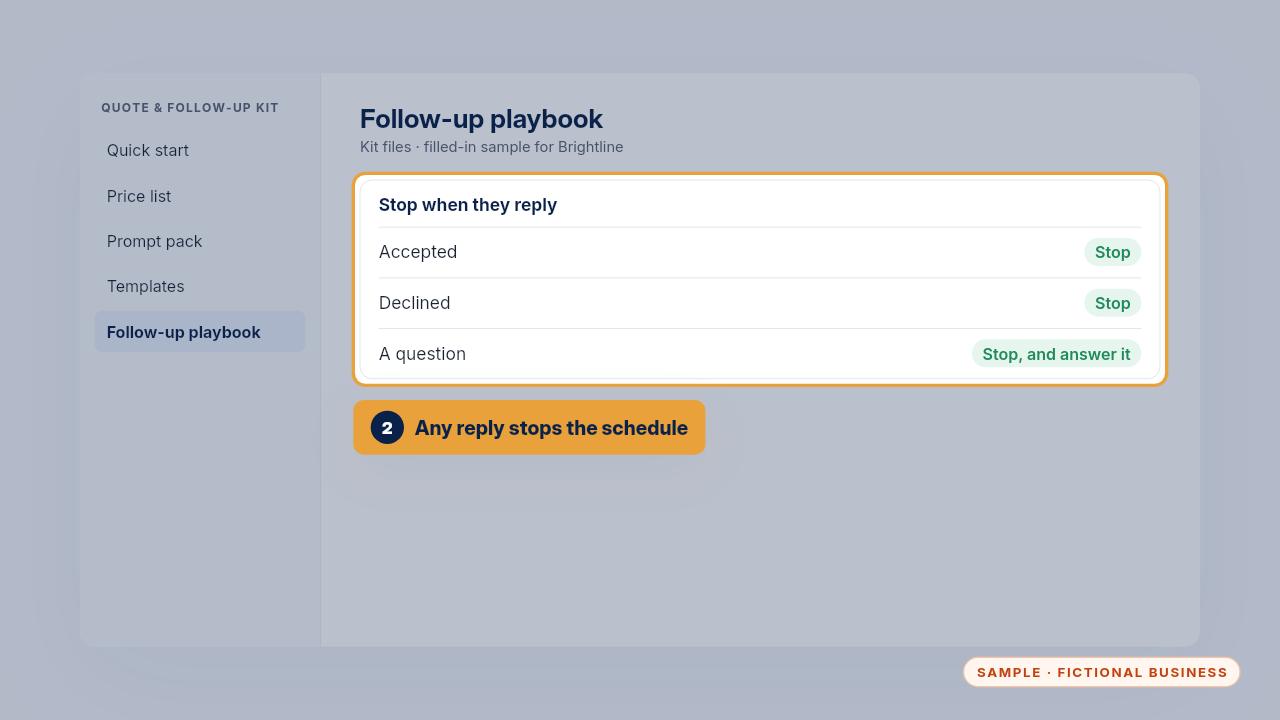
Stop as soon as the customer replies, whether they accept, decline or ask a question, and write the outcome in the last column.
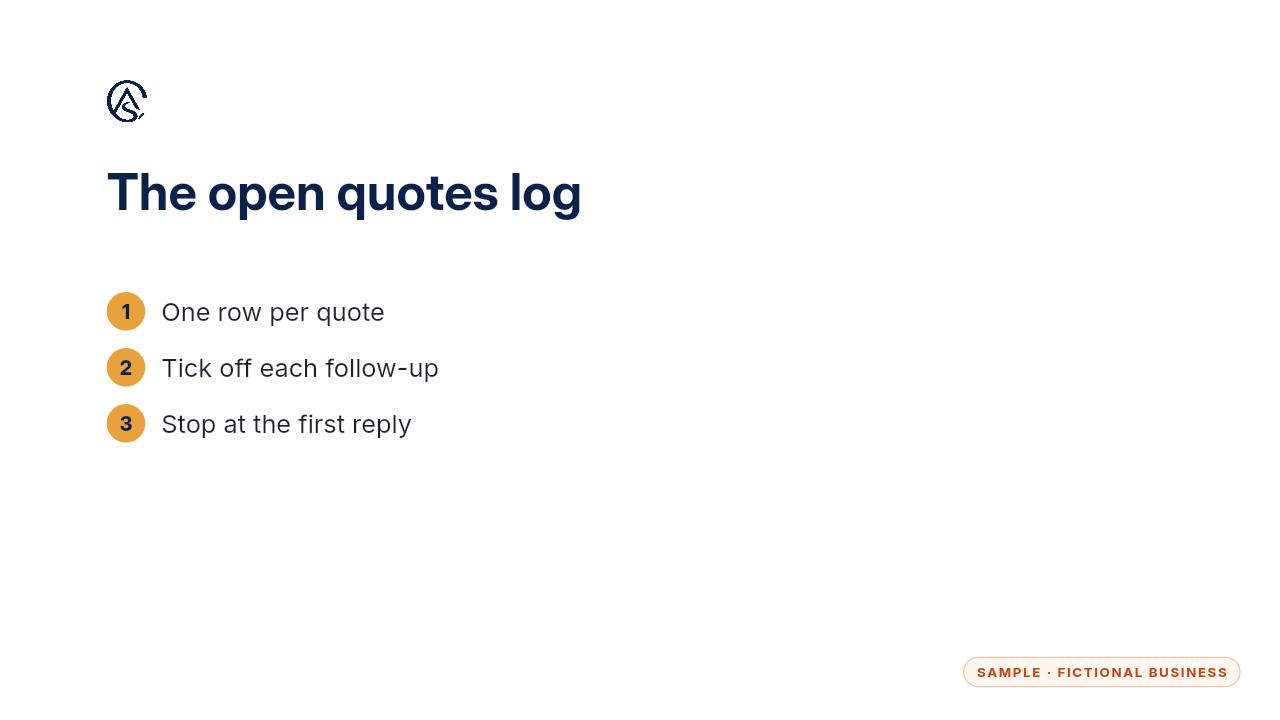
Log every message, so two people on your team never send the same one.
Get the Quote & Follow-Up Assistant
Quotes drafted from your notes, and unsigned quotes followed up. Every Kit and Install comes with these videos, and an Install adds a walkthrough made from your own setup.