
How-to guides · Quote & Follow-Up Assistant · Full walkthrough
Quote & Follow-Up: the full walkthrough
Setup with the Kit or the Install, daily quoting, fixing a wrong price, updates, edge cases, privacy and the weekly check.
Narrated video with captions, 8 min 17 s. Made with a fictional company, Brightline Heating & Air (sample · fictional business). Read the transcript · Download the step-by-step PDF
Step by step
This is the full walkthrough of the Quote and Follow-Up Assistant, shown on our fictional sample business, Brightline Heating and Air. Use the chapters to jump to the part you need.
What it does and what it won't do
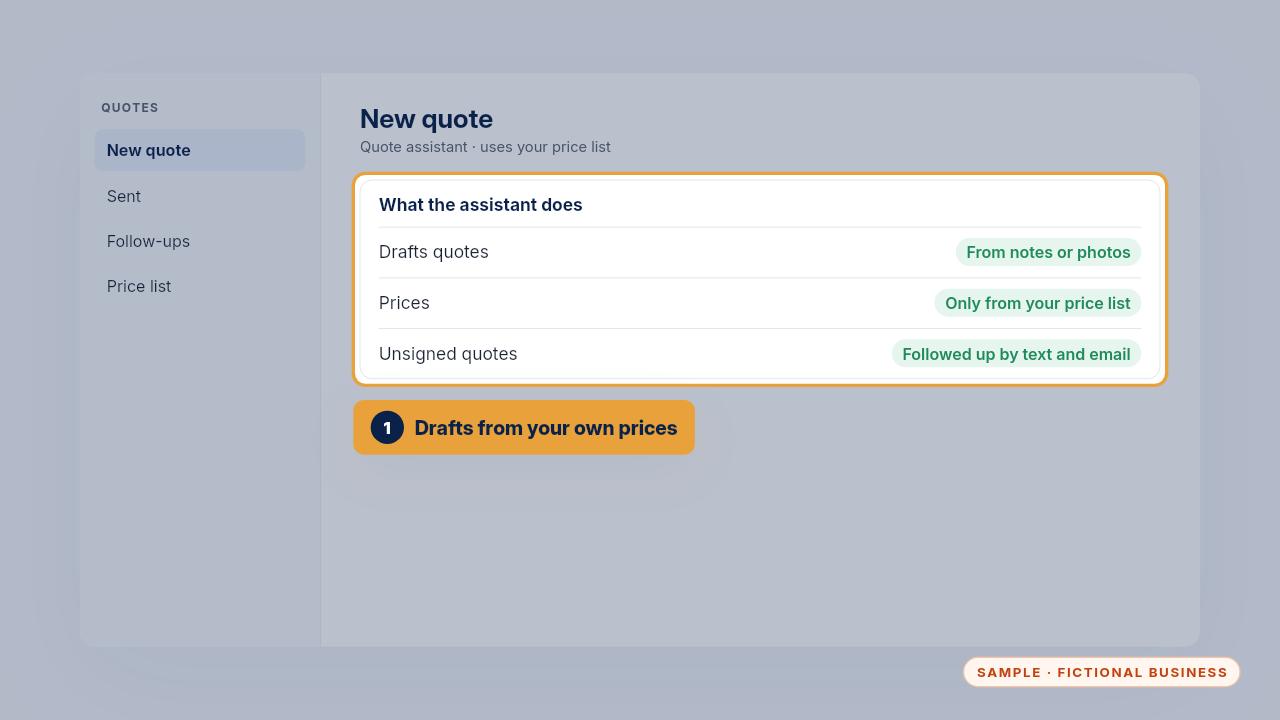
The assistant drafts quotes from your techs' notes or photos, using only your own price list. When a quote isn't signed, it follows up by text and email on the schedule you choose.
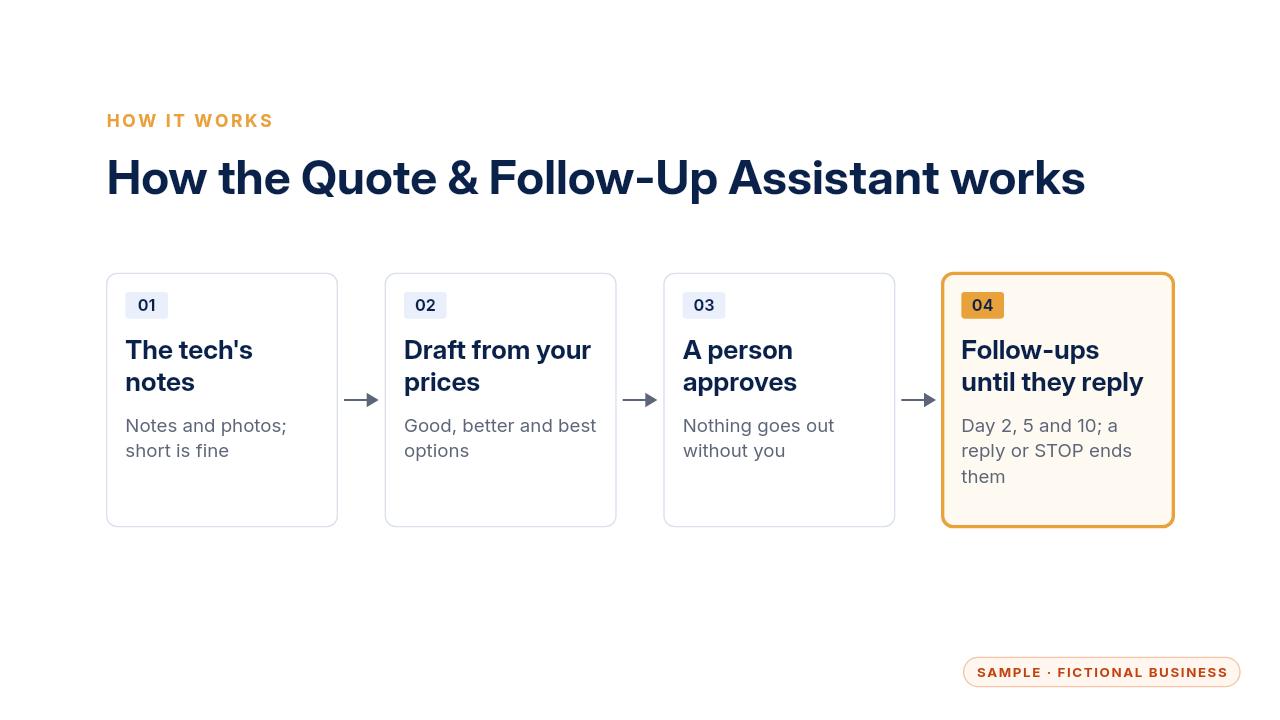
Here's the flow. The tech's notes go in. The assistant drafts the quote from your price list. A person checks and approves it, and the follow-ups run until the customer replies.
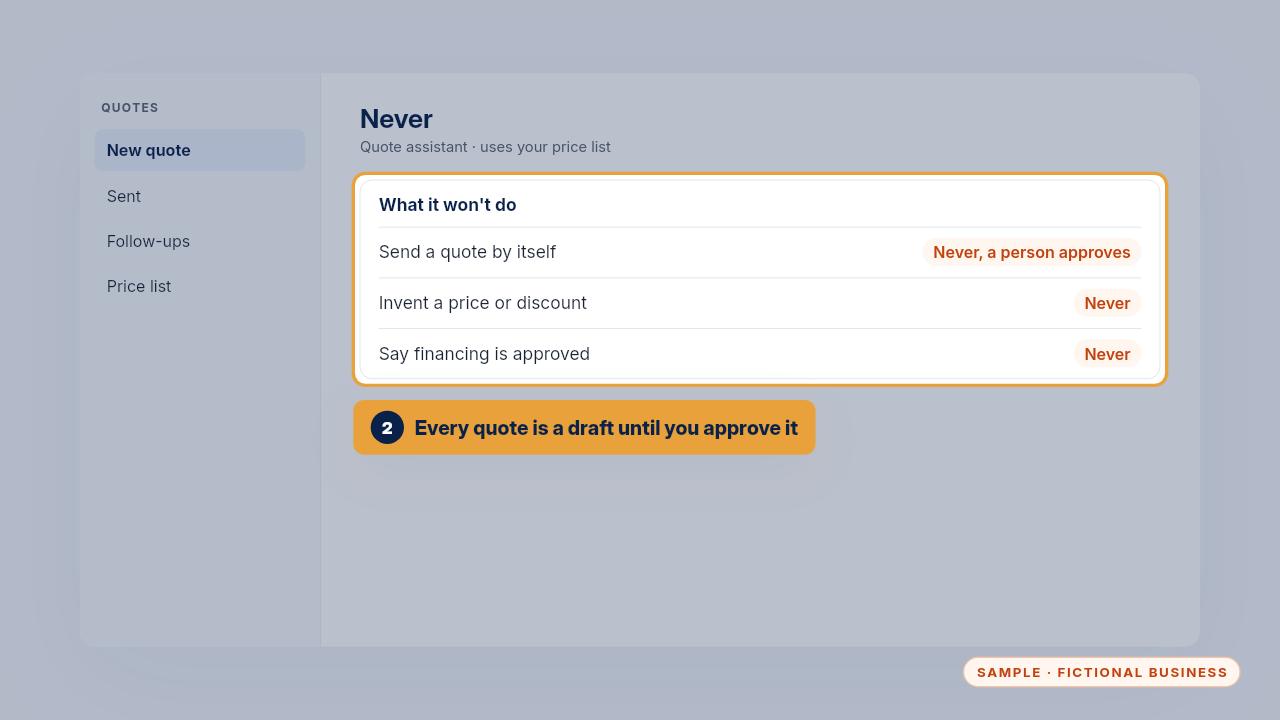
It never sends a quote on its own. Every quote stays a draft until a person approves it. It never invents a price or a discount, and it never says financing is approved.
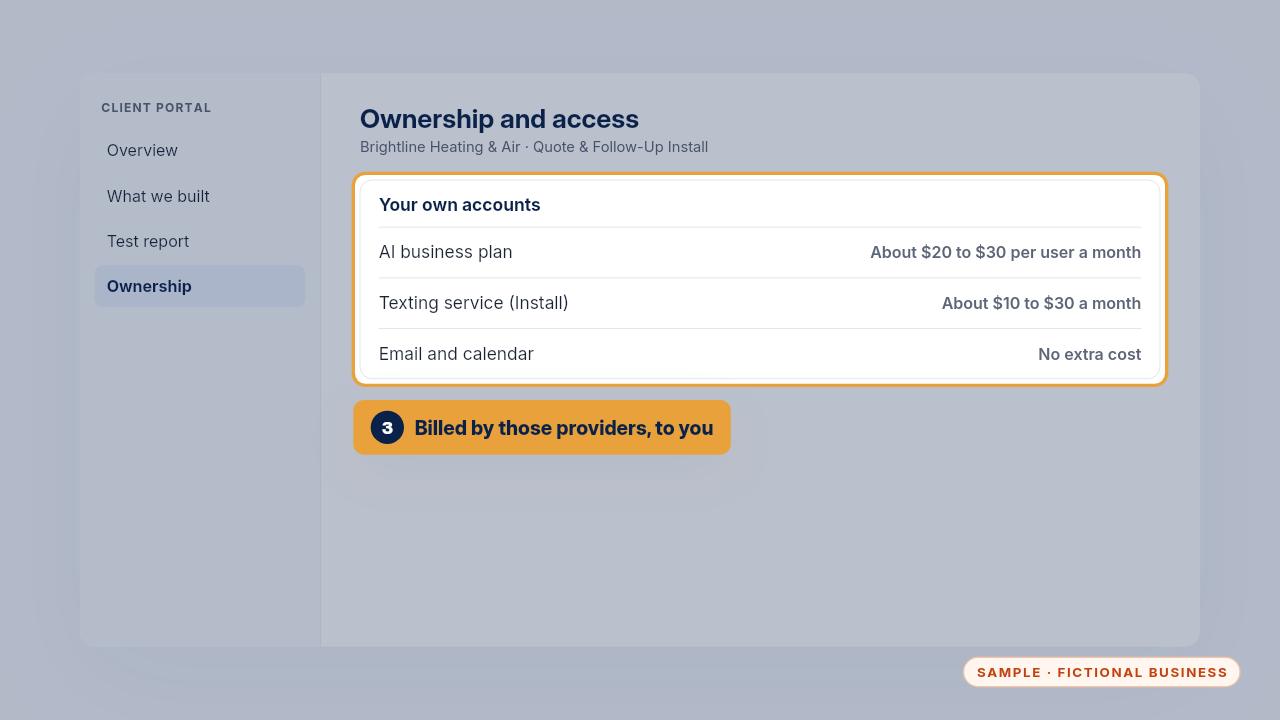
Everything runs in your own accounts. An AI business plan is about twenty to thirty dollars per user a month. The Install adds a texting service, about ten to thirty dollars a month plus a few cents a text.
Setup, step by step
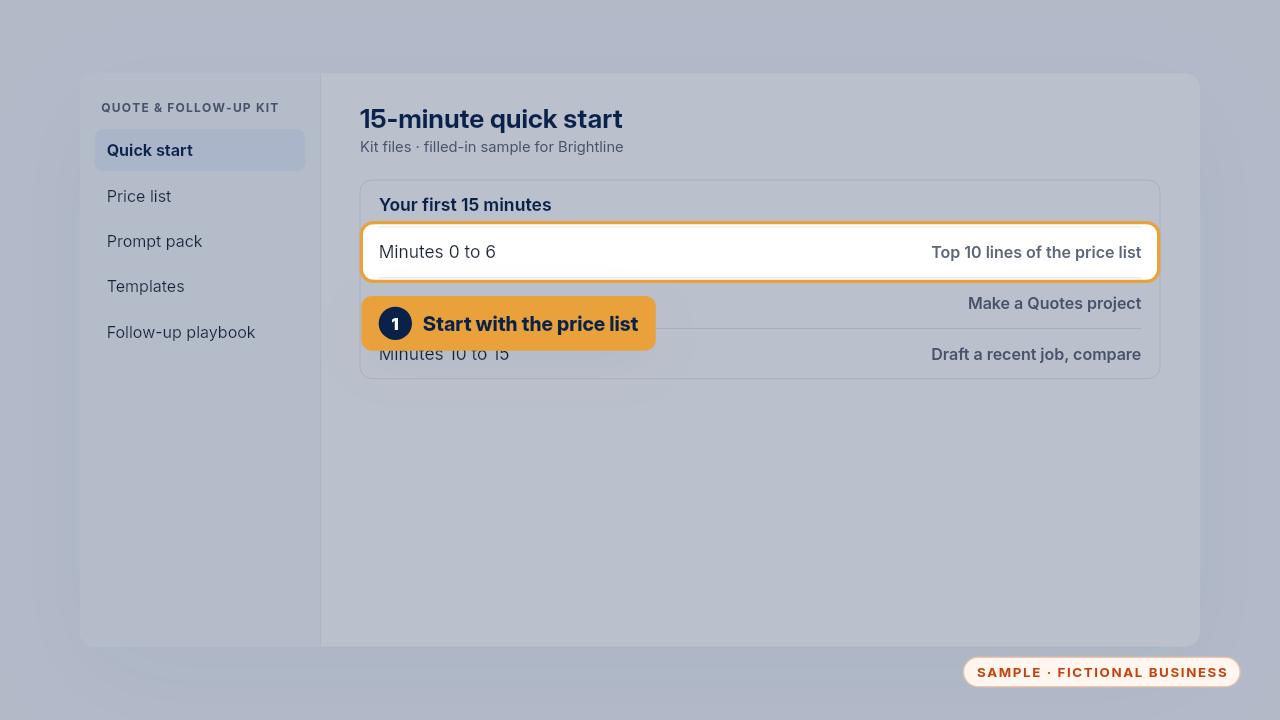
With the Kit, start with the fifteen-minute quick start. First, fill in the top ten lines of the price list template with your own prices.
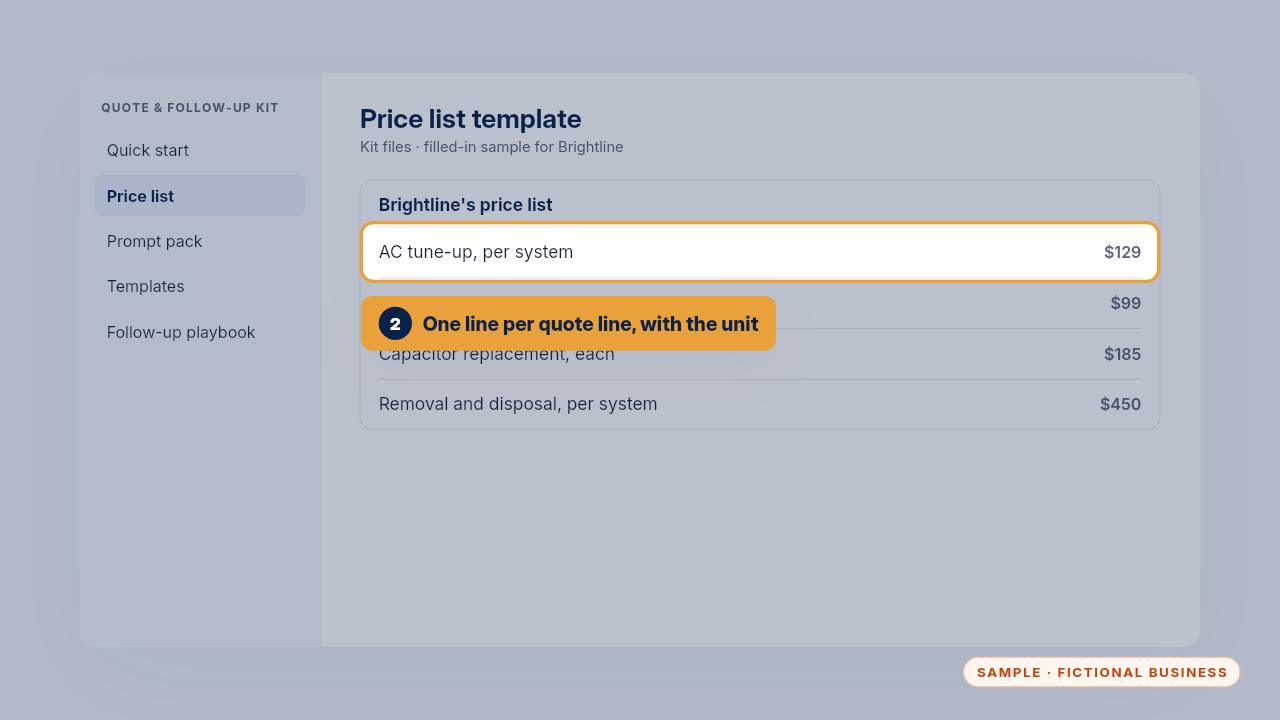
Write one line per item, the way it appears on a quote, with the unit, the price and what changes it. Brightline's tune-up is one hundred twenty-nine dollars per system, and ninety-nine for a second system on the same visit.
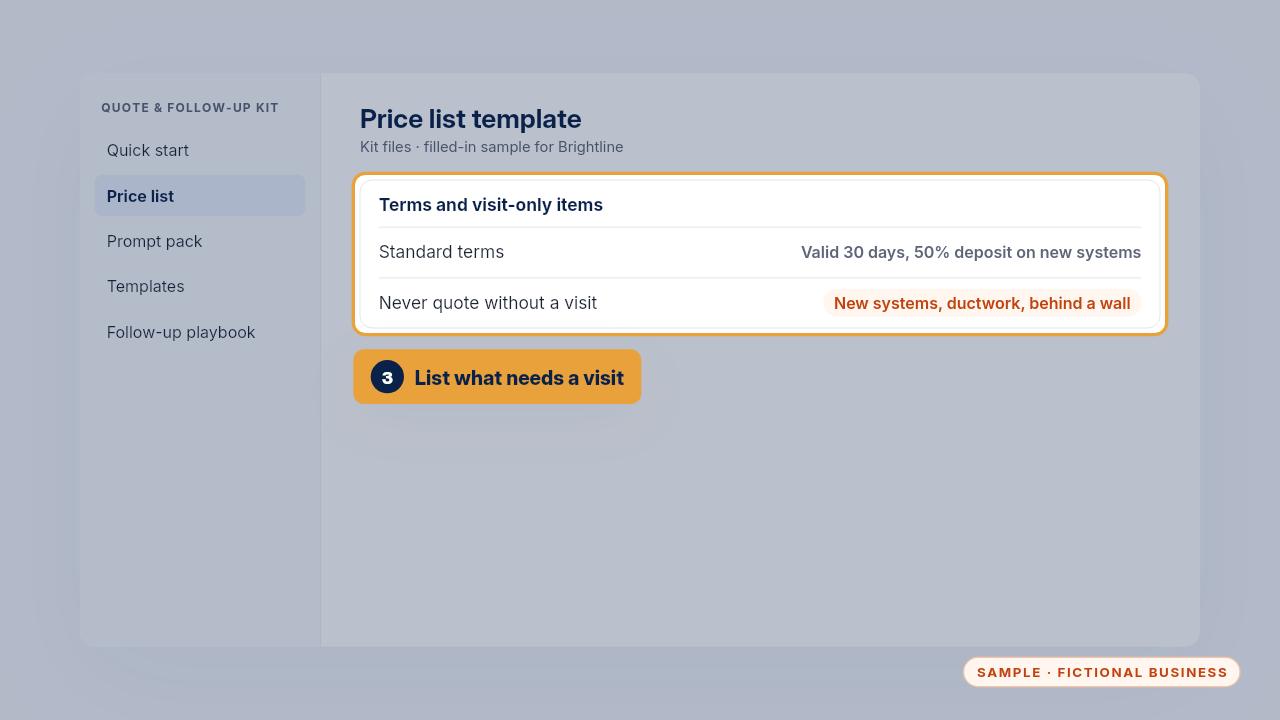
Add your standard terms, and list what you never price without a visit, like new systems, ductwork or anything behind a wall. The assistant leaves those prices blank.
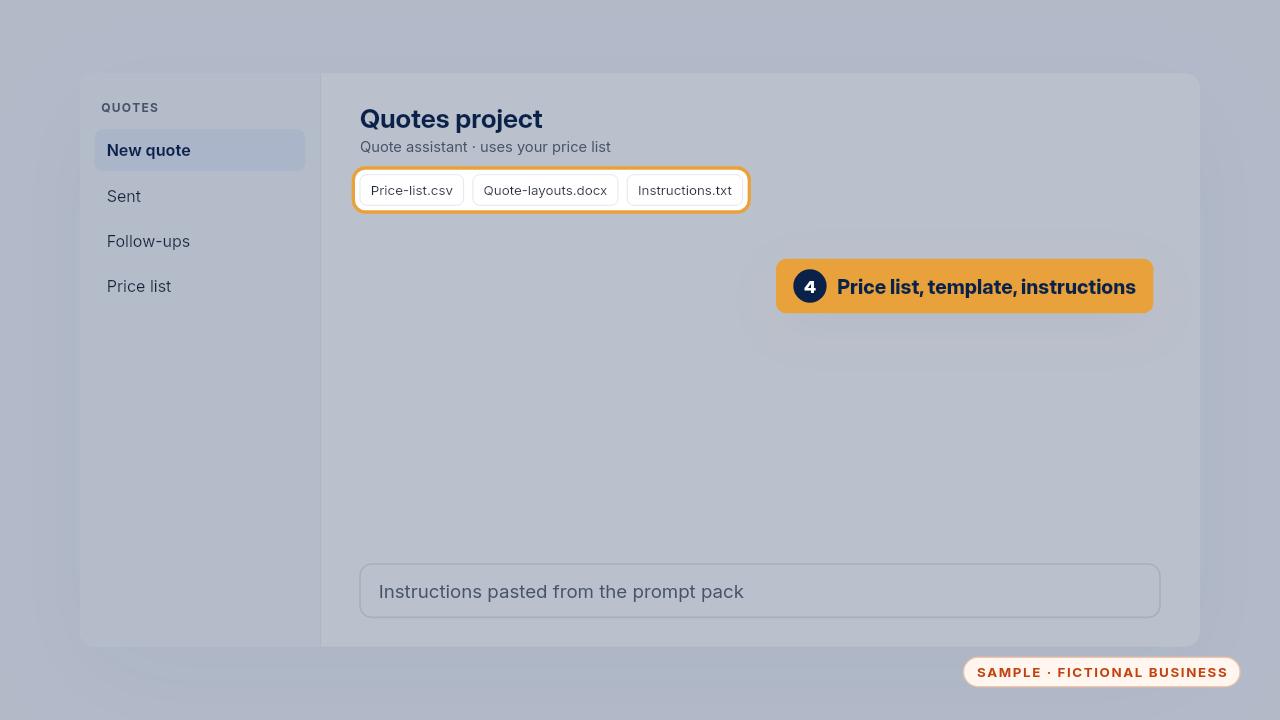
Then make a project called Quotes in ChatGPT, or a Gem in Gemini. Add your price list and quote template as files, and paste the instructions from the prompt pack.
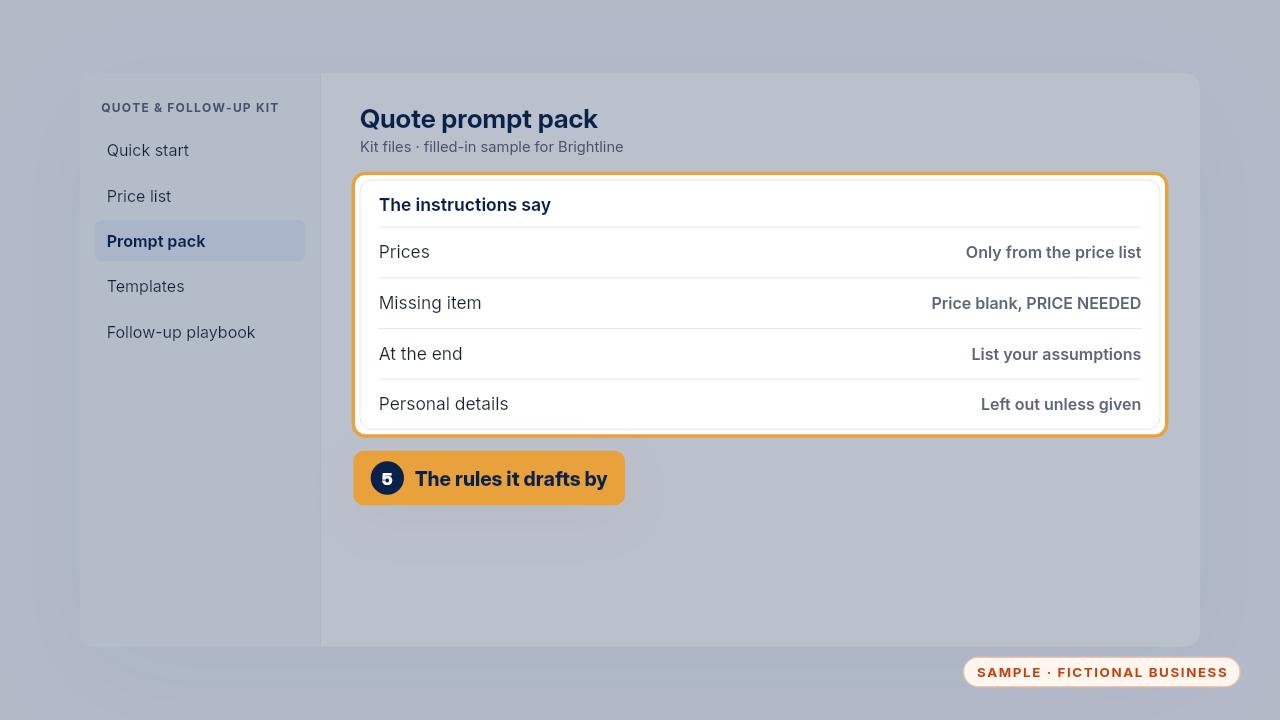
Those instructions tell it to use only your prices, mark anything missing as price needed, list its assumptions, and keep personal details out unless you give them.
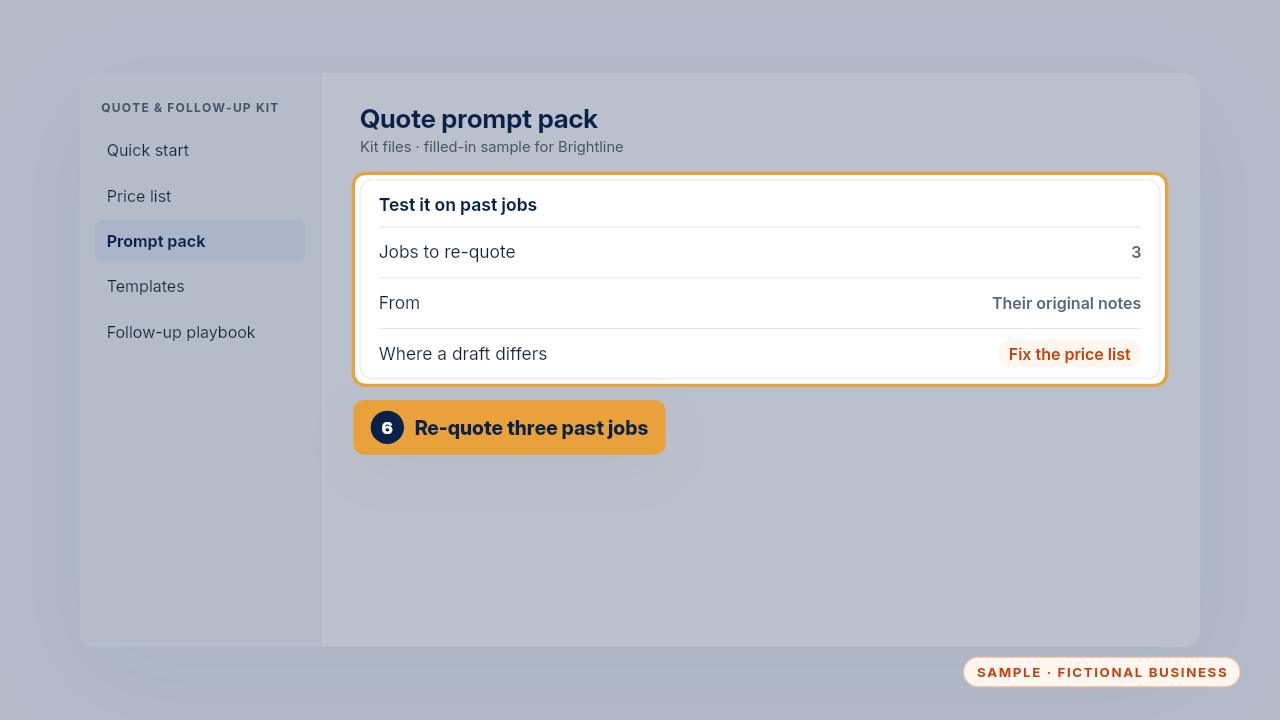
Before you rely on it, re-quote three jobs you've already done, from their original notes. Compare each draft with what you charged, and fix the price list where they differ.
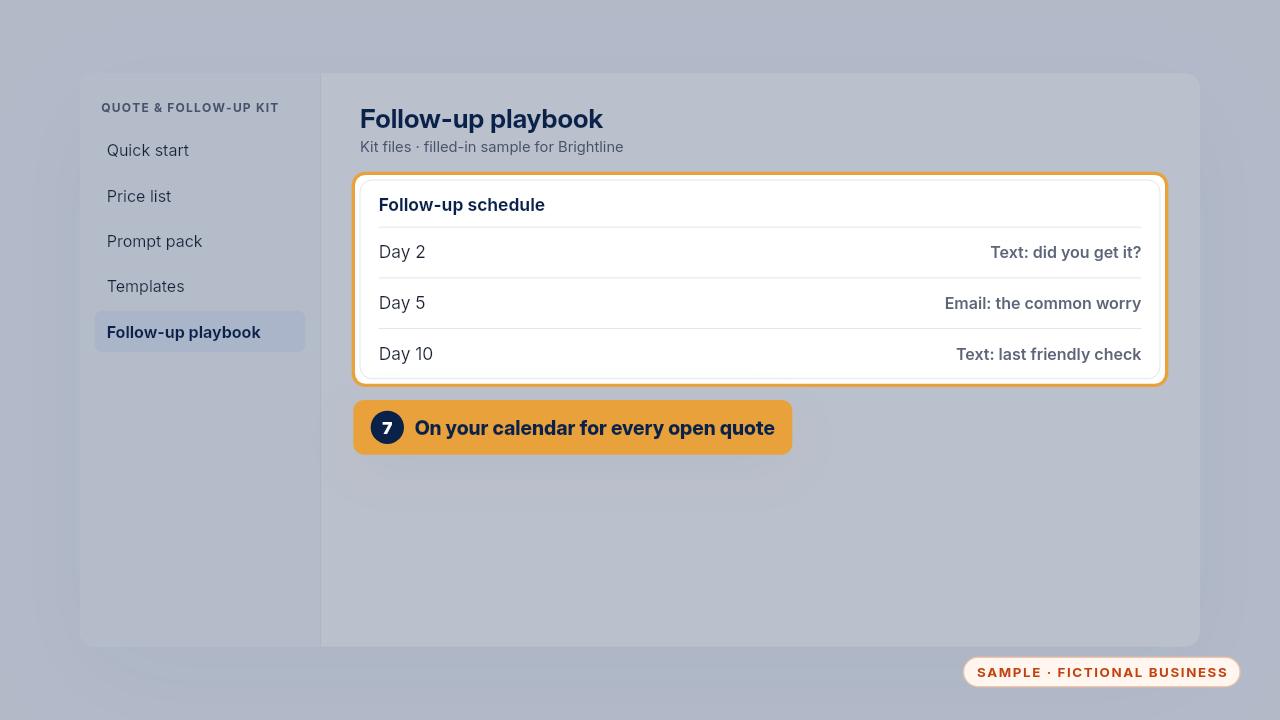
Then put the day two, day five and day ten follow-ups on your calendar for every open quote, using the scripts in the follow-up playbook.
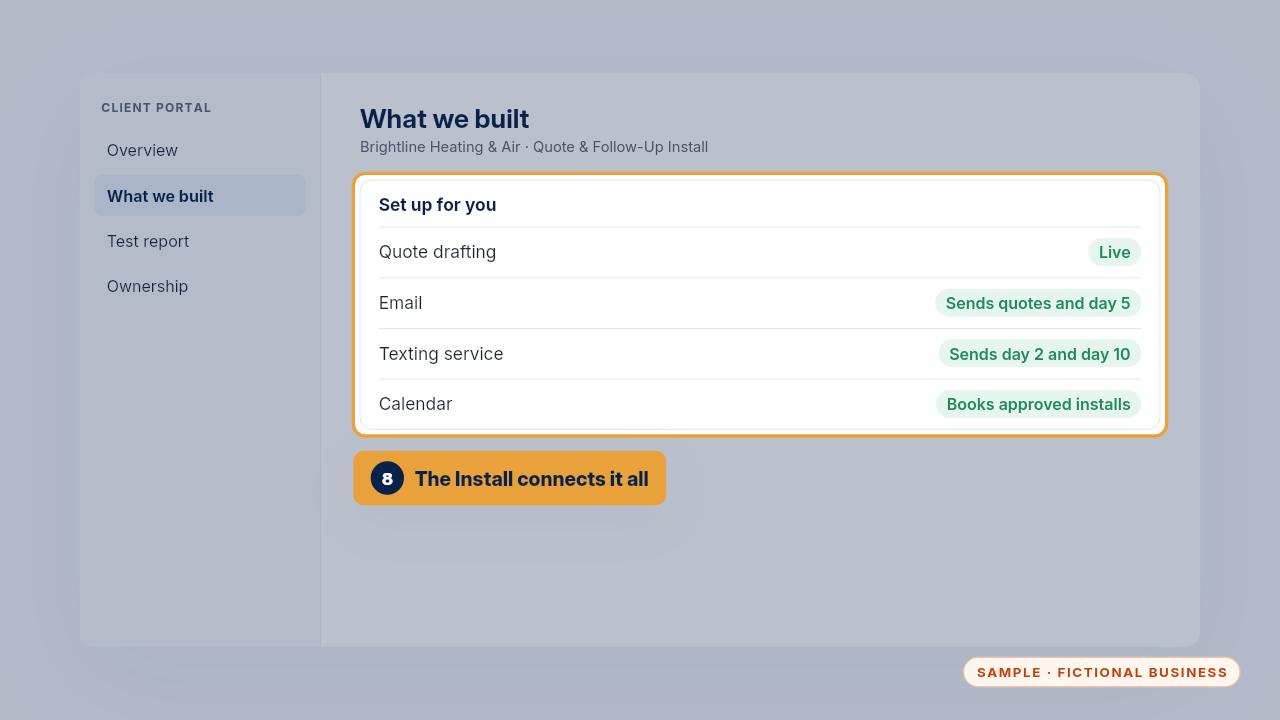
With the Install, we do this for you in two to four weeks. We load your price list and connect the assistant to your email, texting and calendar, in your own accounts.
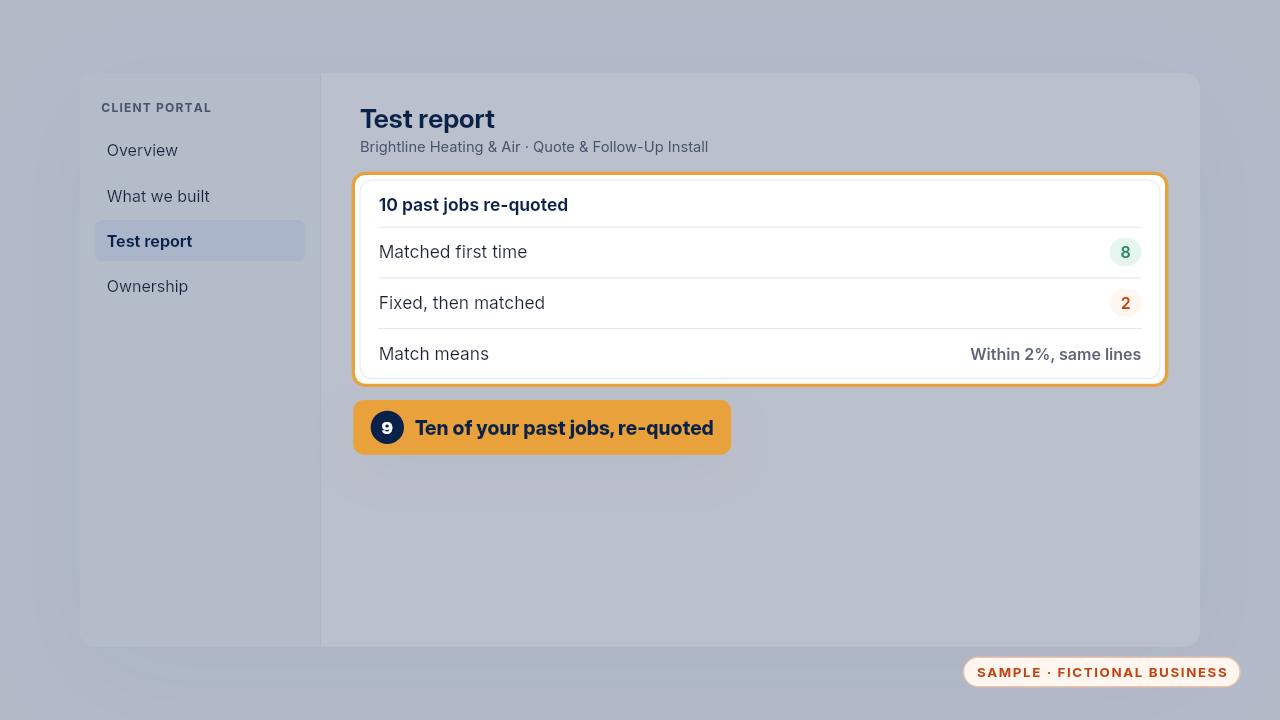
Before handoff, we re-quote ten of your past jobs. In the sample, eight matched what was charged the first time, and the other two matched after a fix.
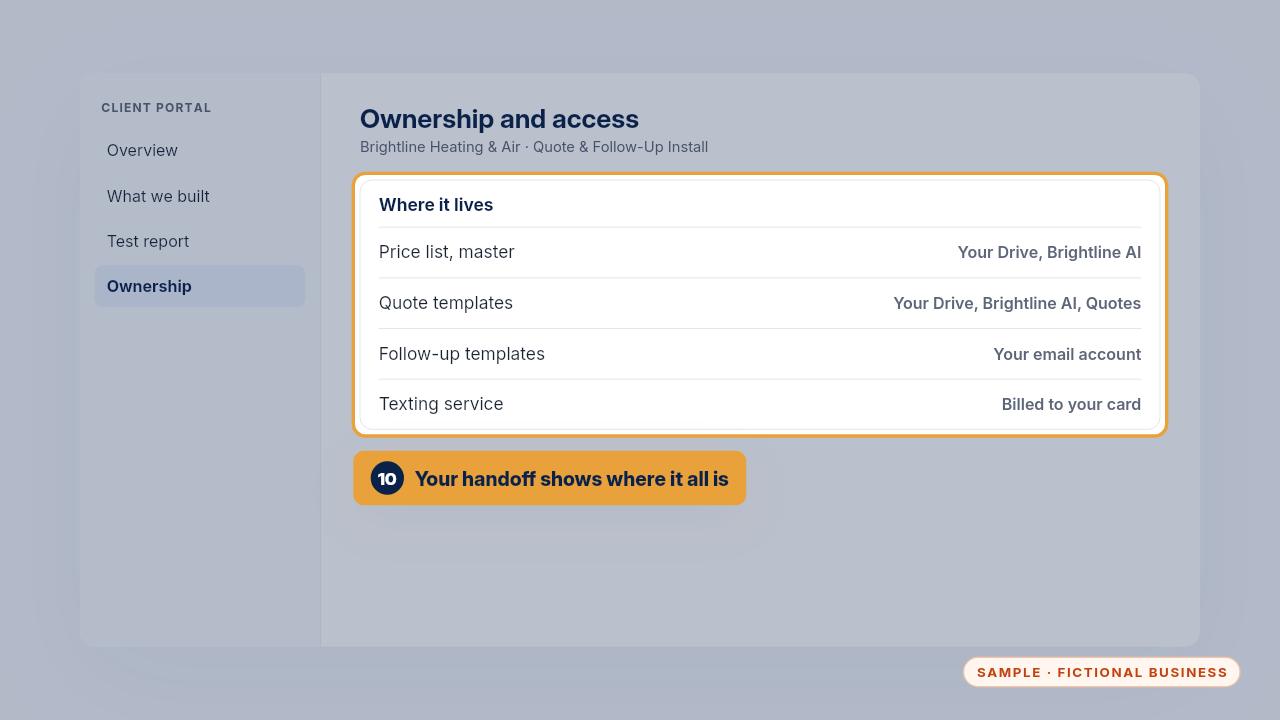
Your handoff shows where everything lives. The master price list and the quote templates are in your Drive, and the follow-up templates are in your email.
Daily use
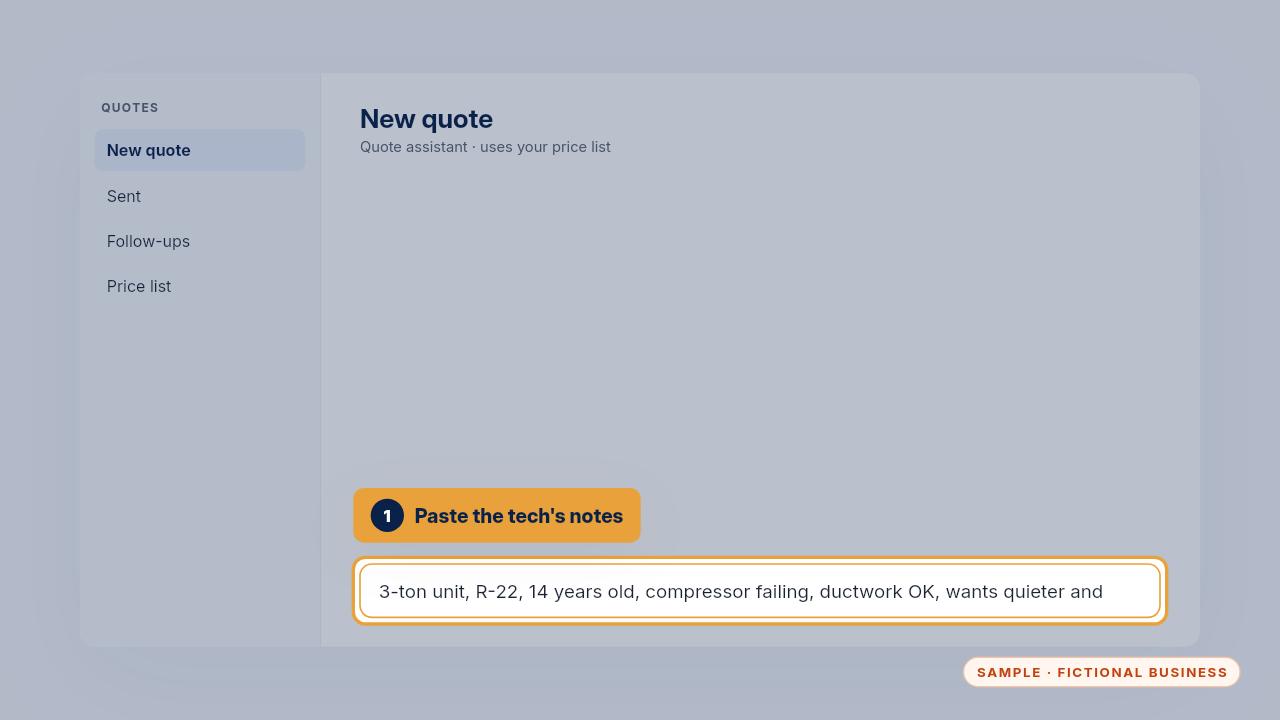
Dana's fourteen-year-old AC is failing. The tech's notes say three tons, R twenty-two, ductwork okay, and she wants it quieter with lower bills. Paste them in and ask for good, better and best.
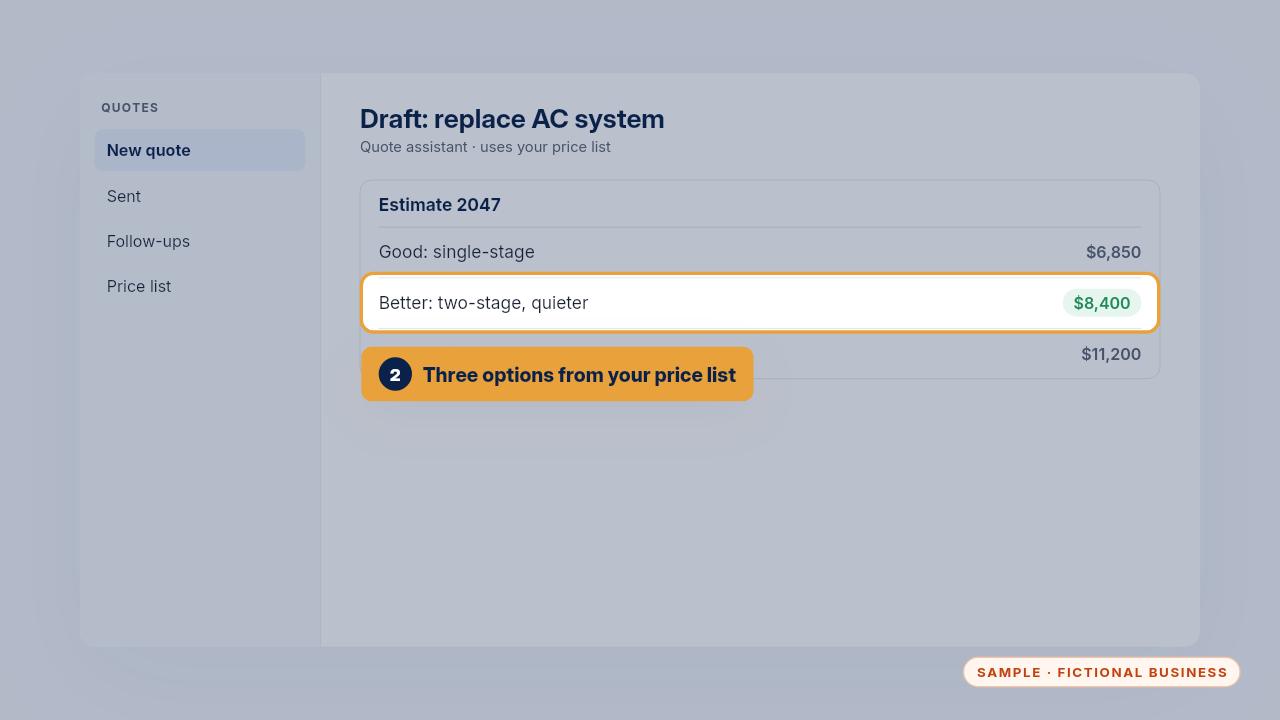
Good is six thousand eight hundred fifty dollars, Better is eight thousand four hundred, and Best is eleven thousand two hundred. It recommends Better, because two-stage runs quieter at low speed, which matches Dana's ask.
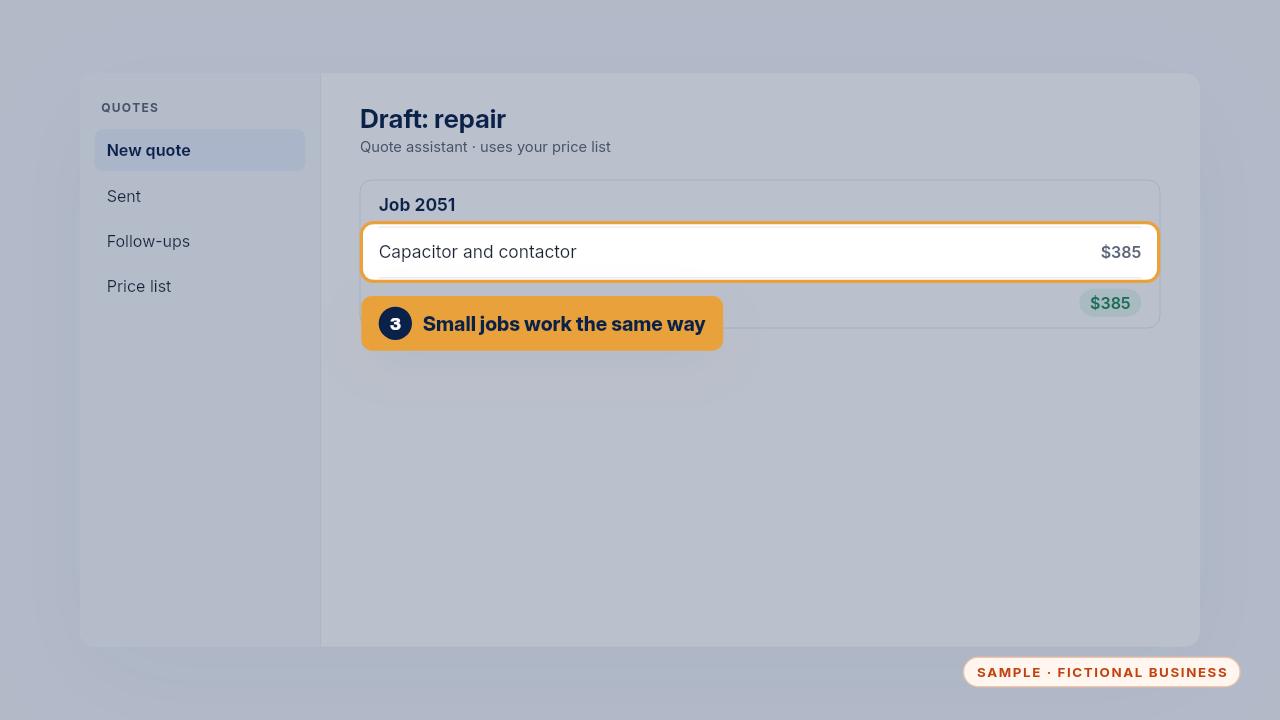
Small jobs work the same way. For a capacitor and contactor repair, the draft came to three hundred eighty-five dollars, exactly what Brightline charged.
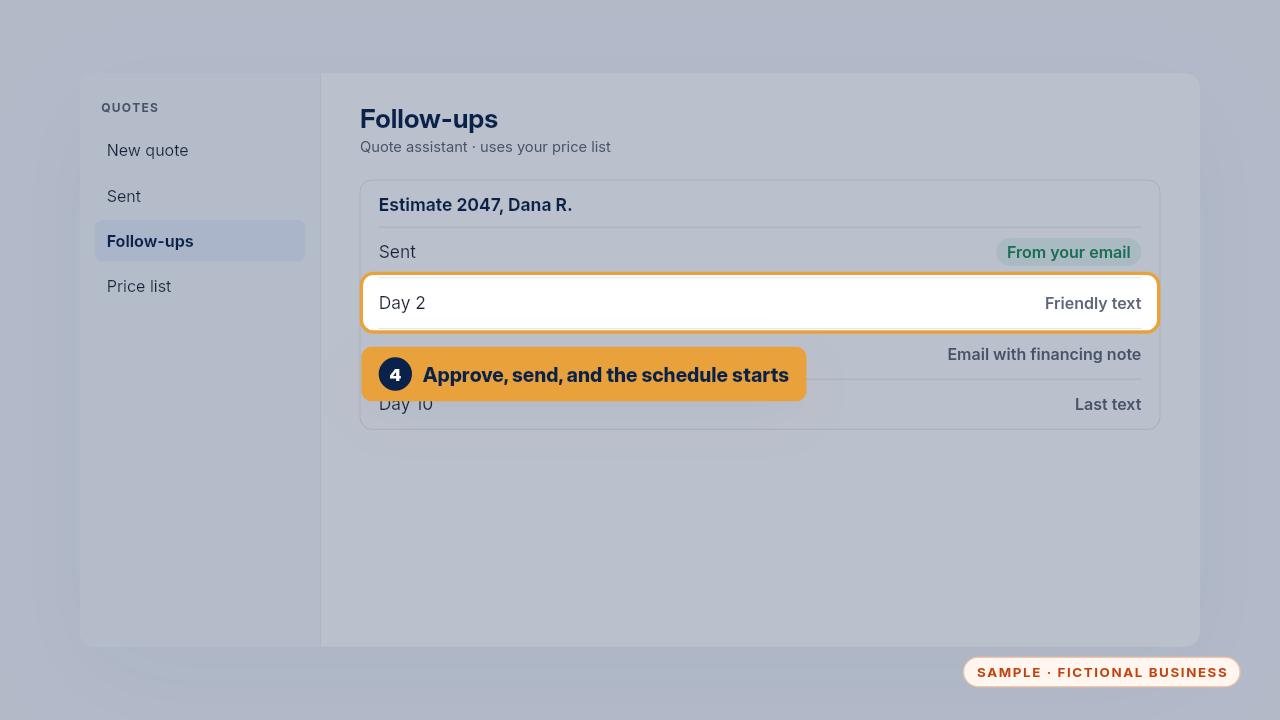
Once a person approves it, the quote goes out from your email. If it isn't signed, a text goes out on day two, an email with the financing note on day five, and a last text on day ten.
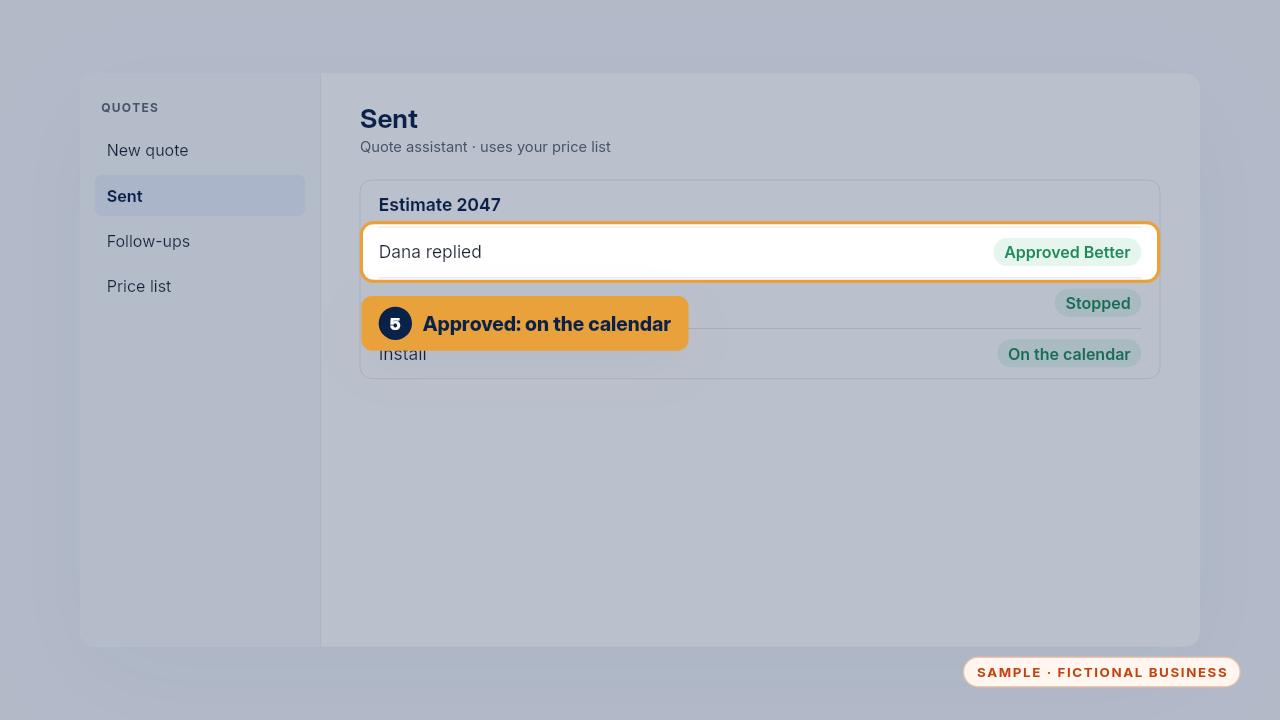
When Dana approves, the follow-ups stop and the install goes on the calendar.
When it gets something wrong
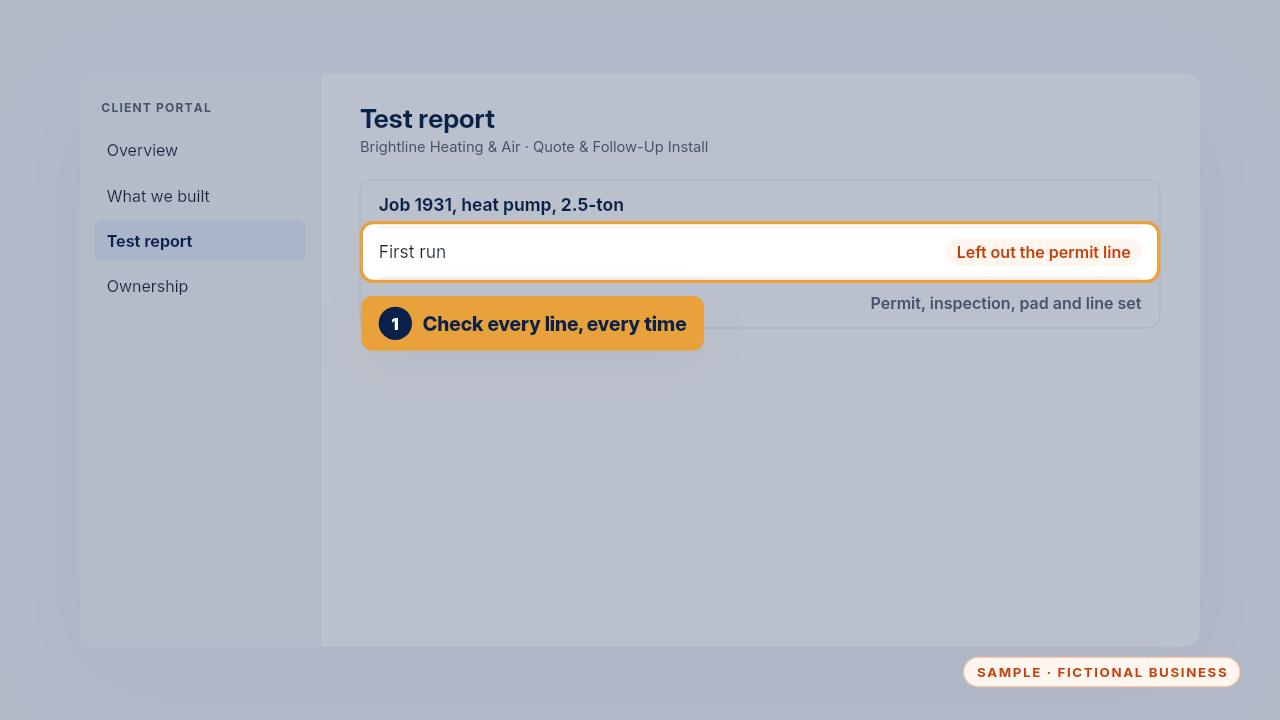
During testing, the draft for a heat pump job left out the permit line. That's why a person checks every line before a quote goes out.
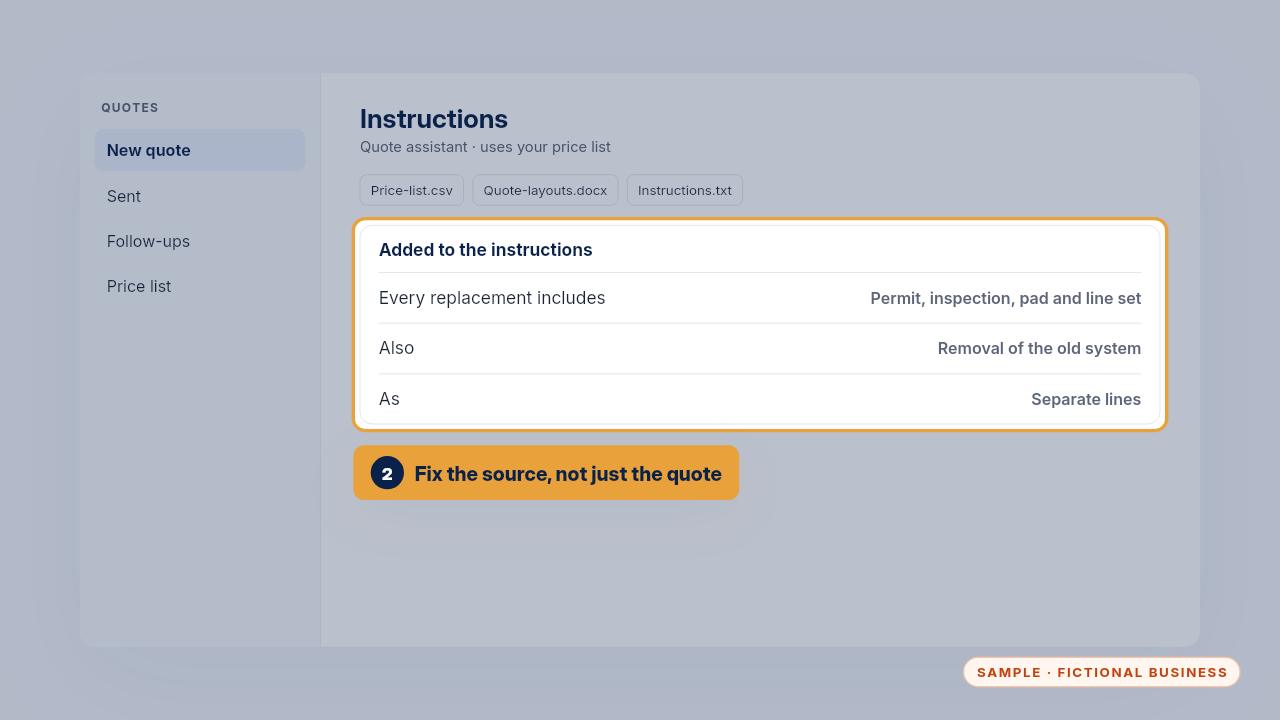
Fix the source, not just that one quote. The instructions now say every replacement includes the permit, inspection, pad and line set, and removal of the old system, as separate lines.
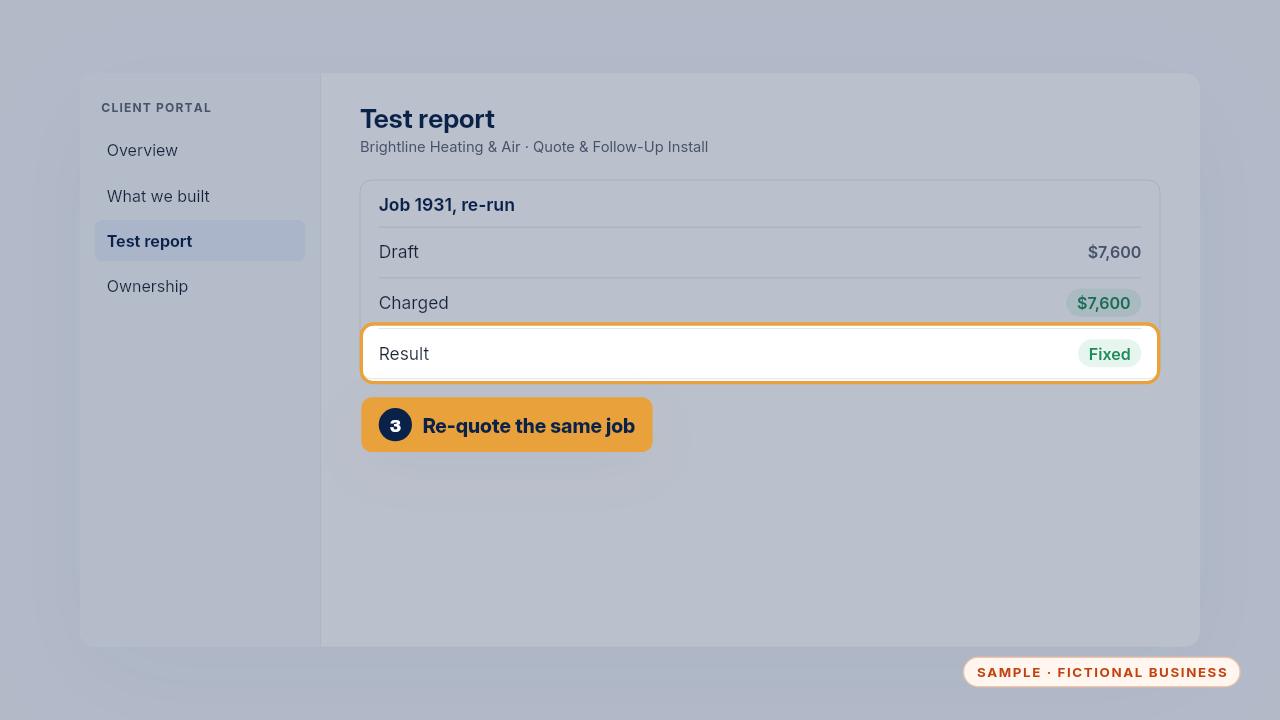
Then re-quote the same job. The new draft came to seven thousand six hundred dollars, matching what was charged. A duct sealing draft that used last year's price was fixed the same way, in the price list.
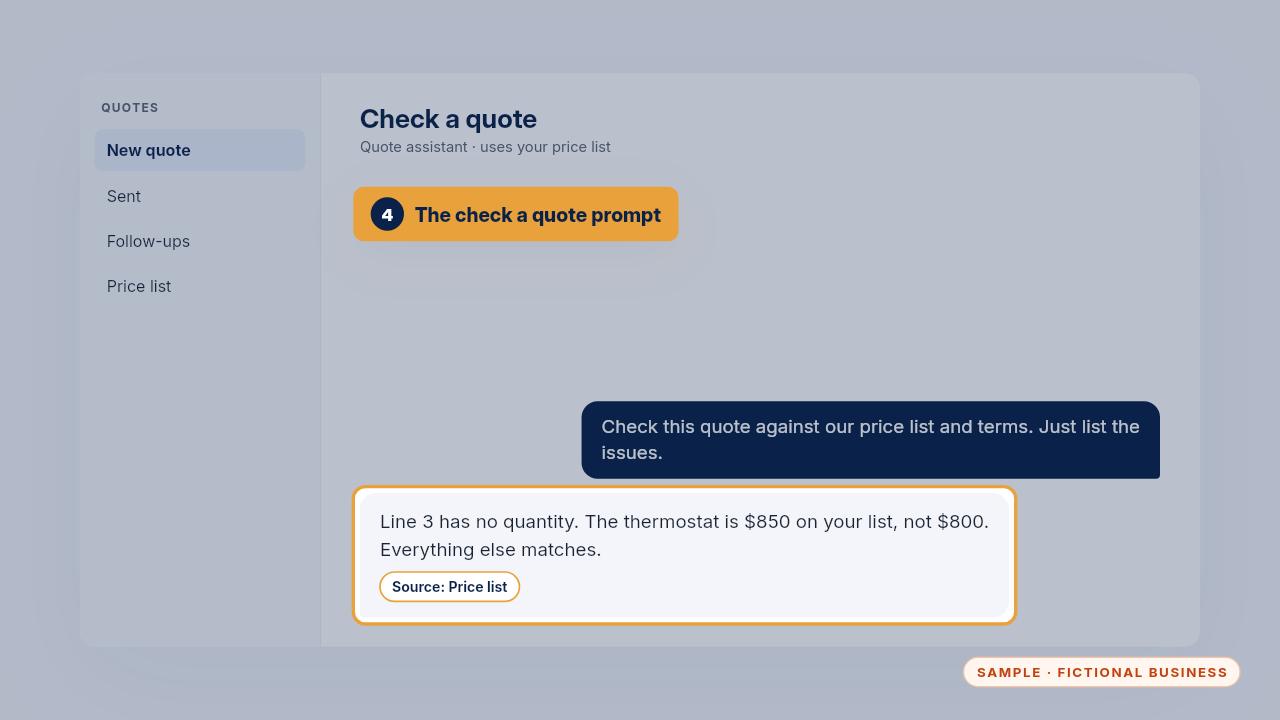
Before sending, the check a quote prompt lists any price that doesn't match your list, any line missing a quantity, and any promise you don't normally make. It lists the issues without rewriting anything.
Updating prices, hours and services
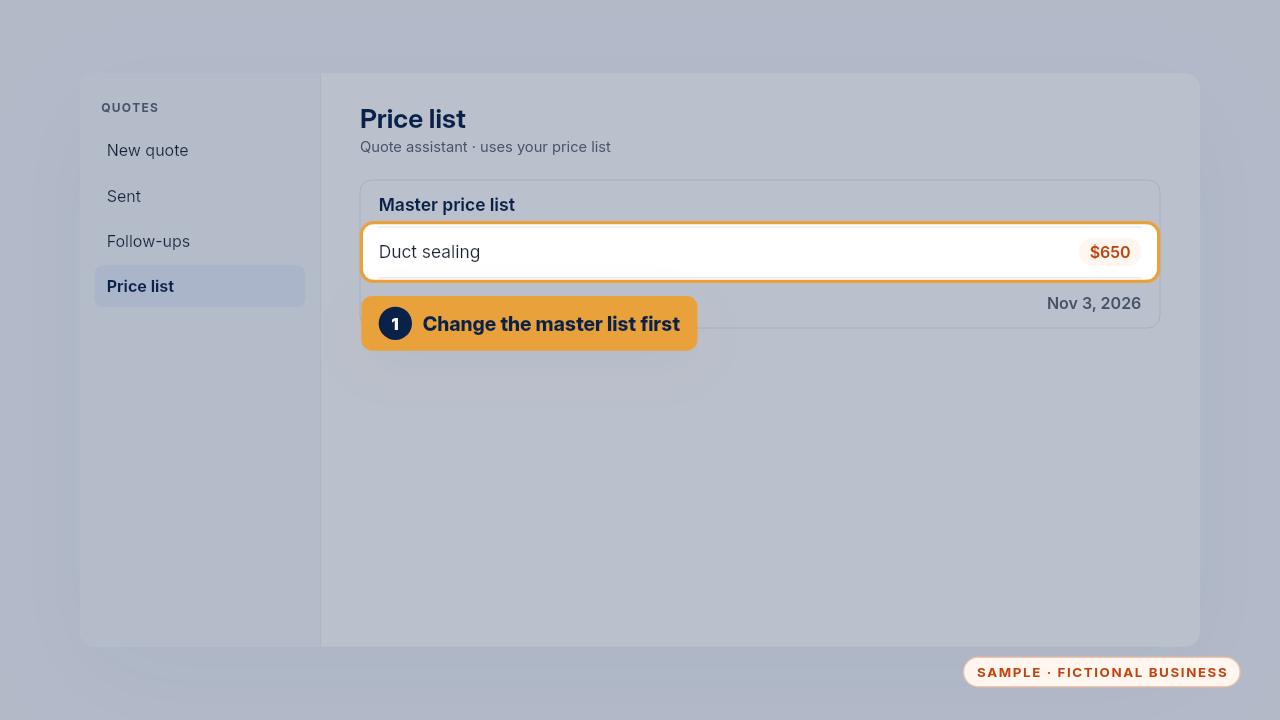
When a price changes, change it in the master price list first. That's the only place you edit, so every quote uses the same number.
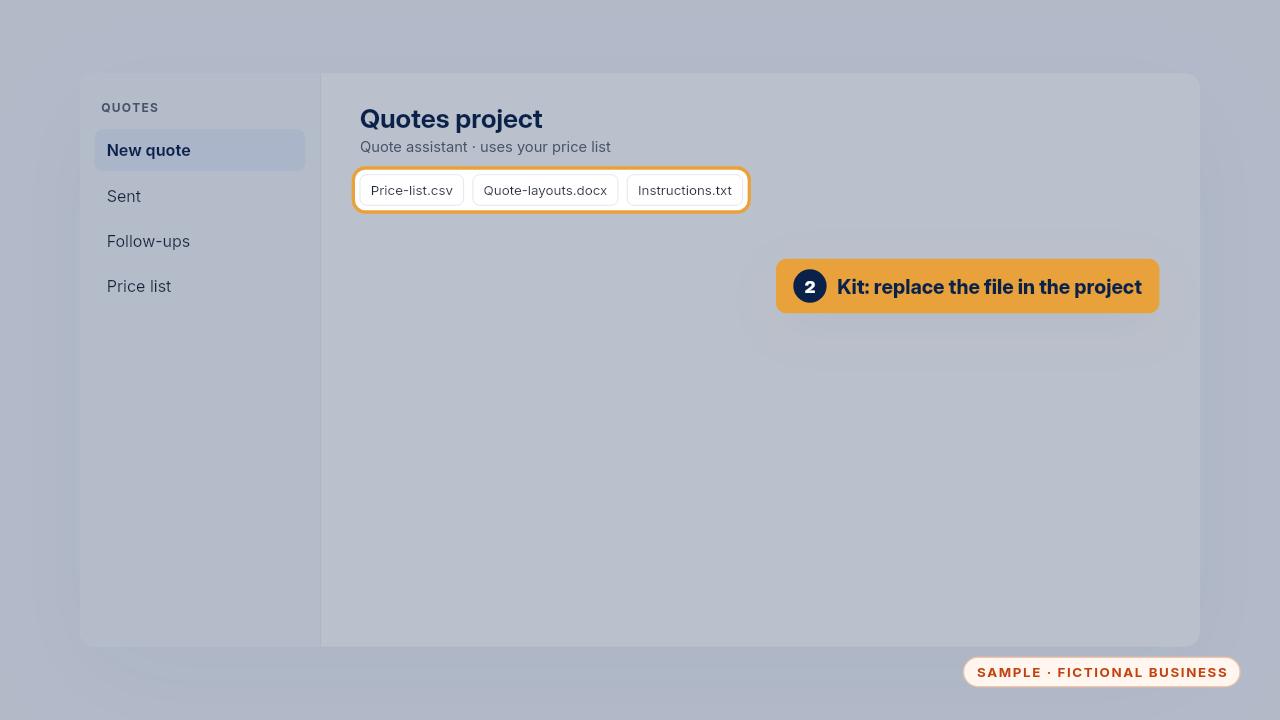
With the Kit, upload the updated price list to your Quotes project, replacing the old file. With the Install, new quotes use the master list as soon as it changes, or you can text us the change.
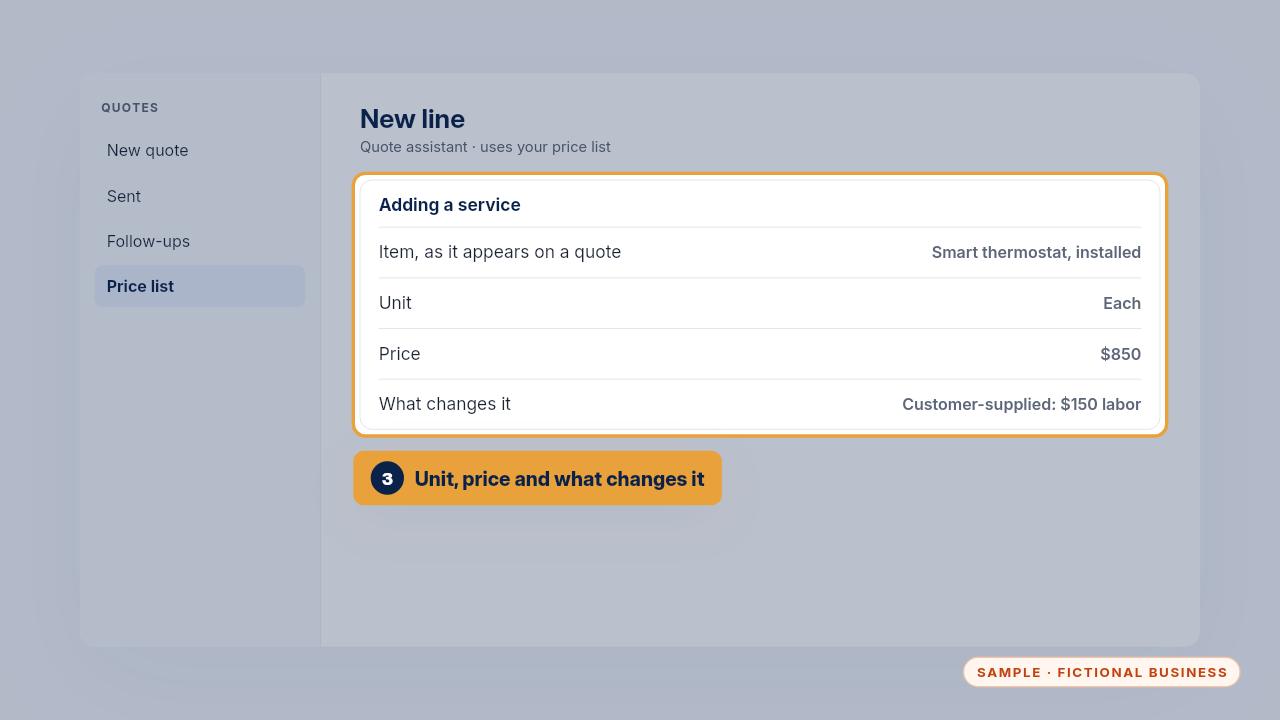
For a new service, add a line with its unit, price and what changes it. If it always needs a visit, add it to the visit-only list instead of giving it a price.
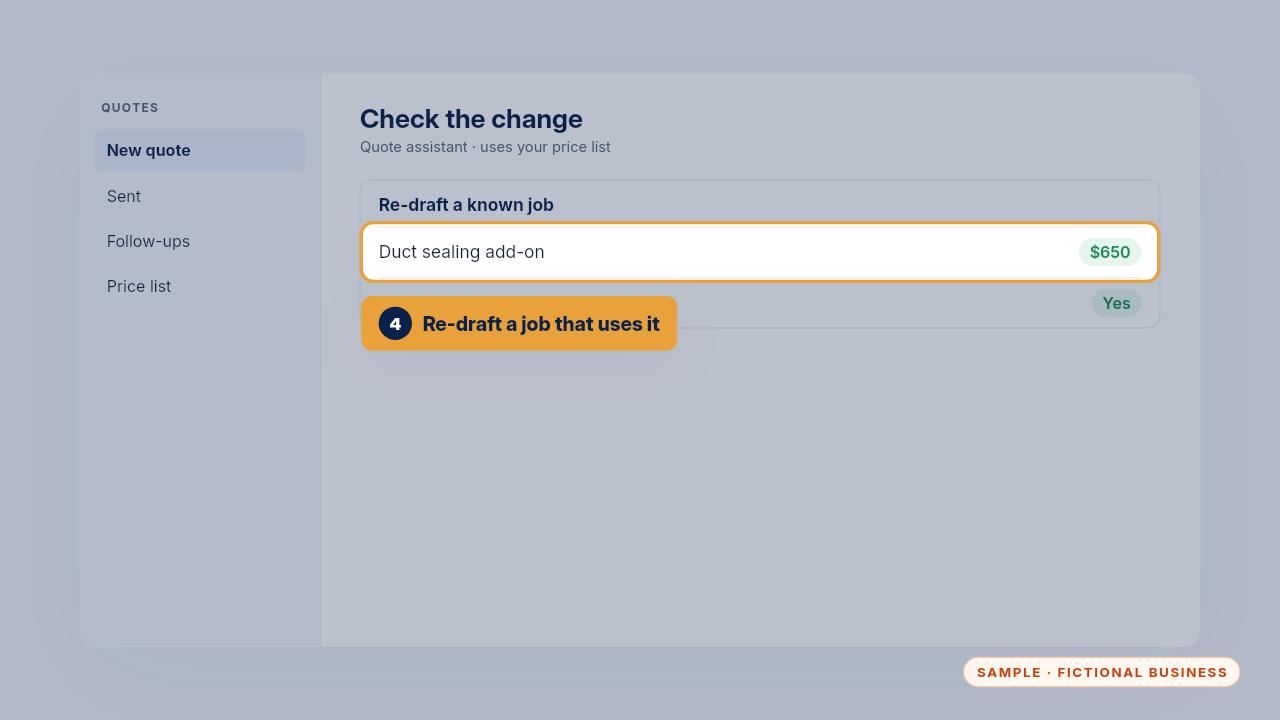
To check the change took, re-draft a job that uses the new price and look for it on the line. Terms, like how long a quote is valid, change in your quote template.
Edge cases
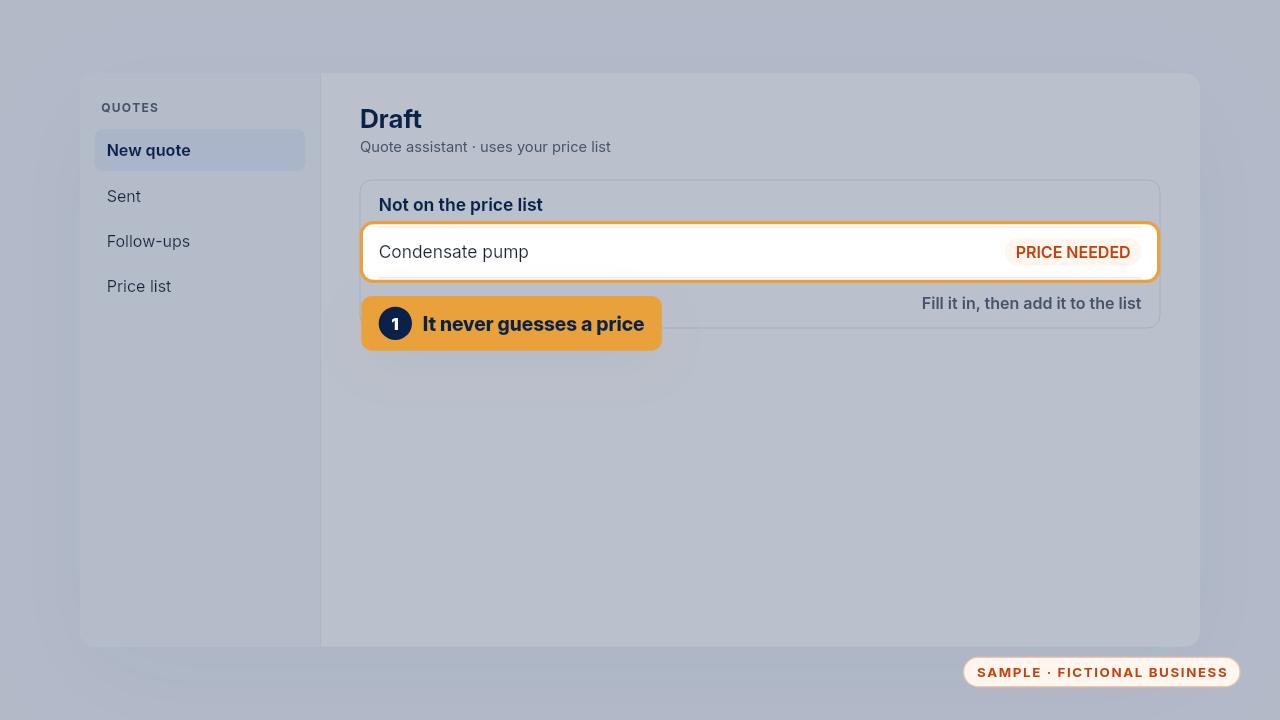
When a job needs something that isn't on your price list, the draft adds the line with the price blank and the note price needed. Fill it in, and add it to the list if it comes up again.
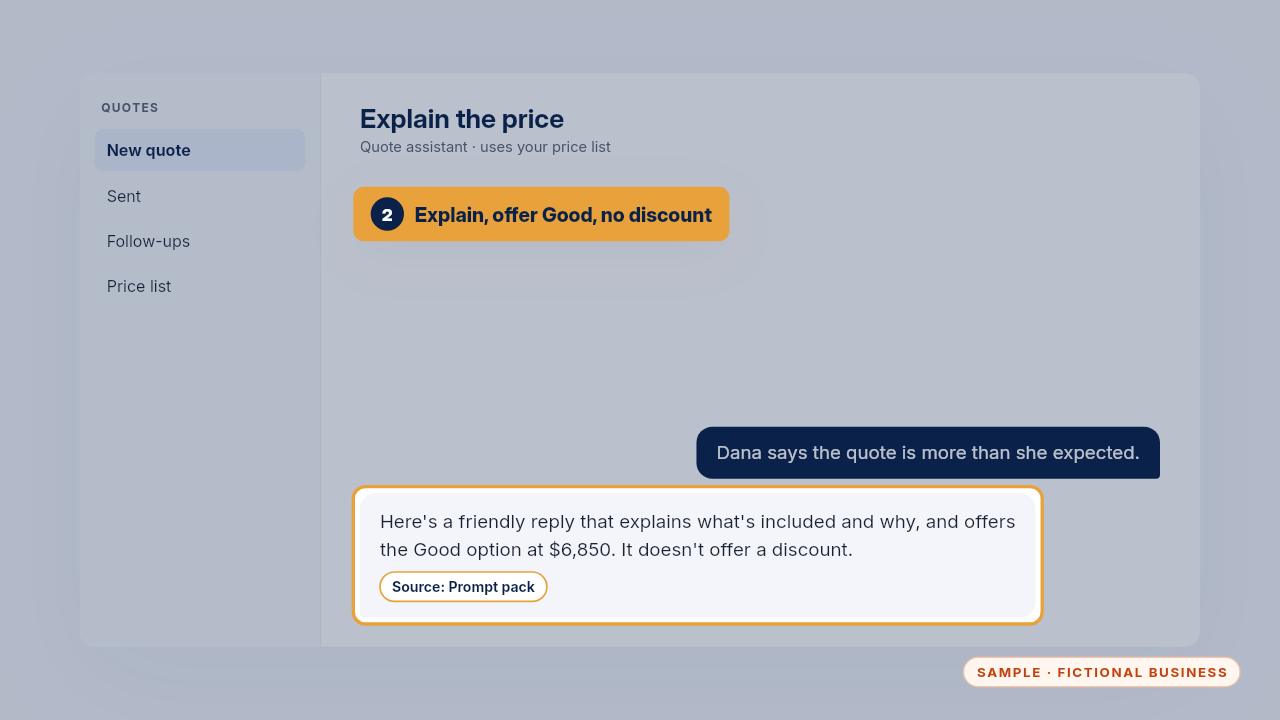
A customer says the quote is more than expected. The explain the price prompt writes a short reply about what's included, offers the Good option, and doesn't offer a discount.
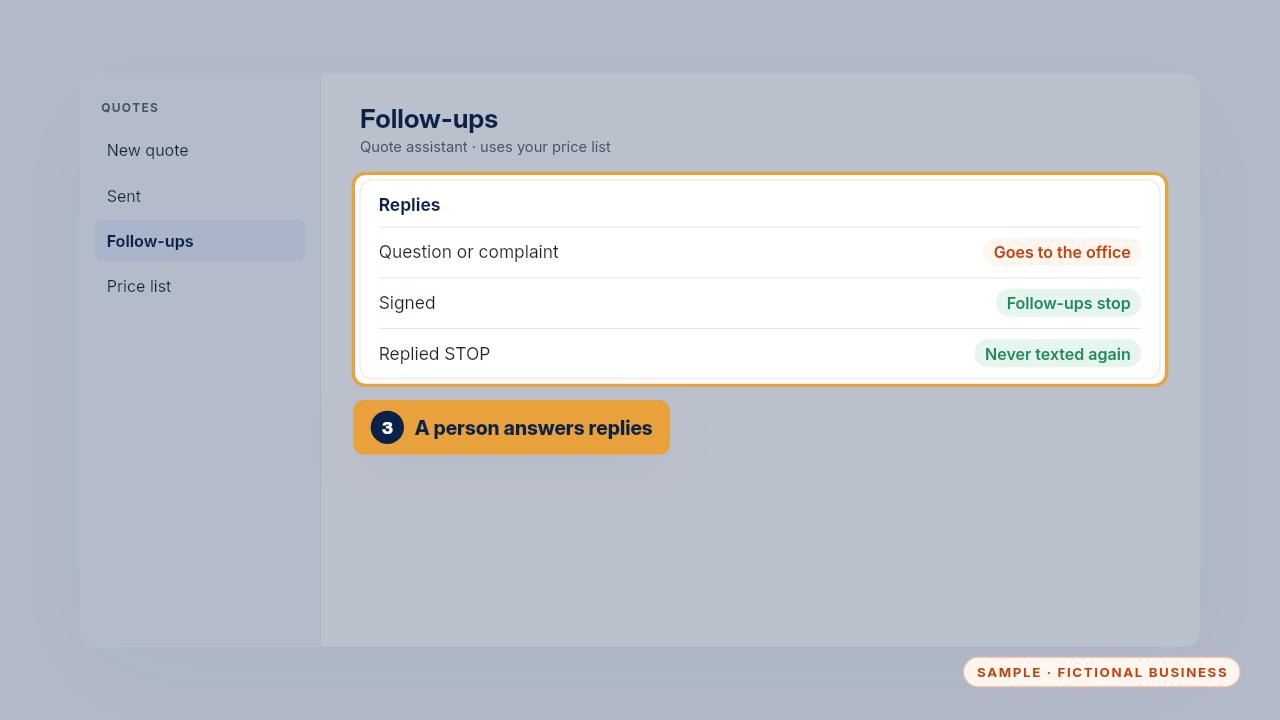
When a customer replies with a question or a complaint, the follow-ups stop and the reply goes to the office, not the assistant. A signed quote stops its follow-ups, and so does STOP.
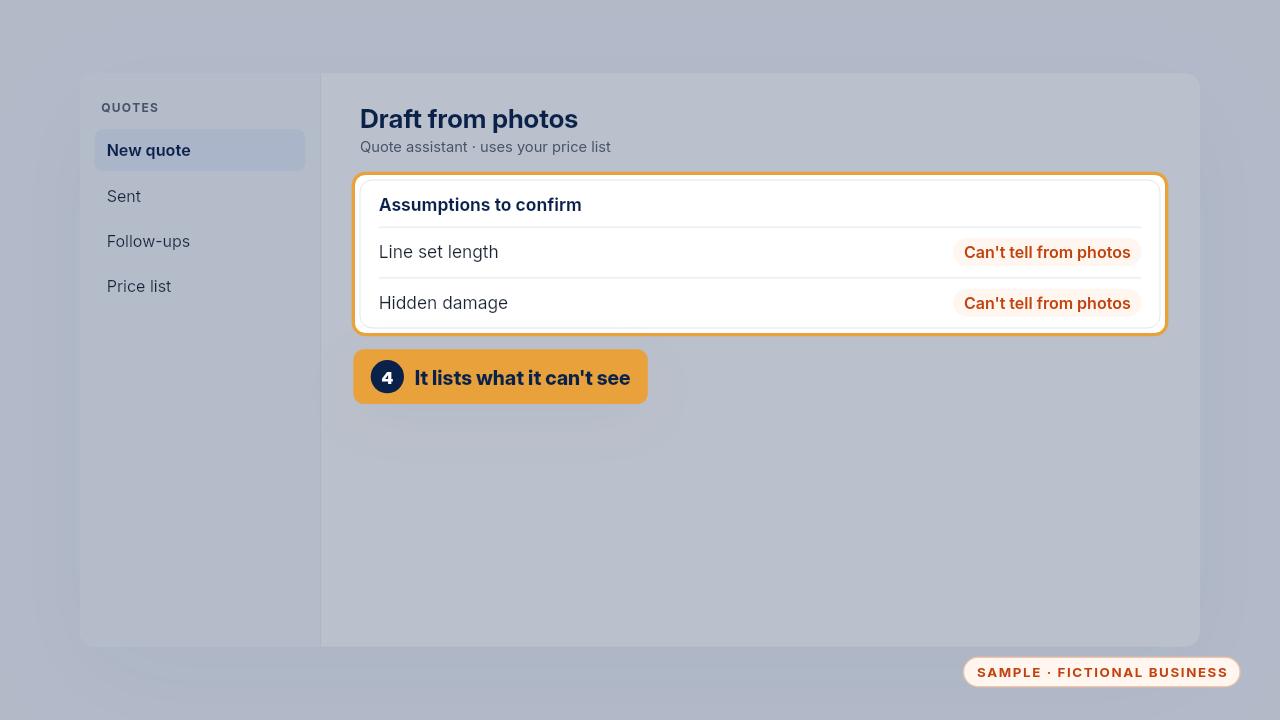
From photos, it lists what it can't tell, like measurements or hidden damage, as assumptions for you to confirm.
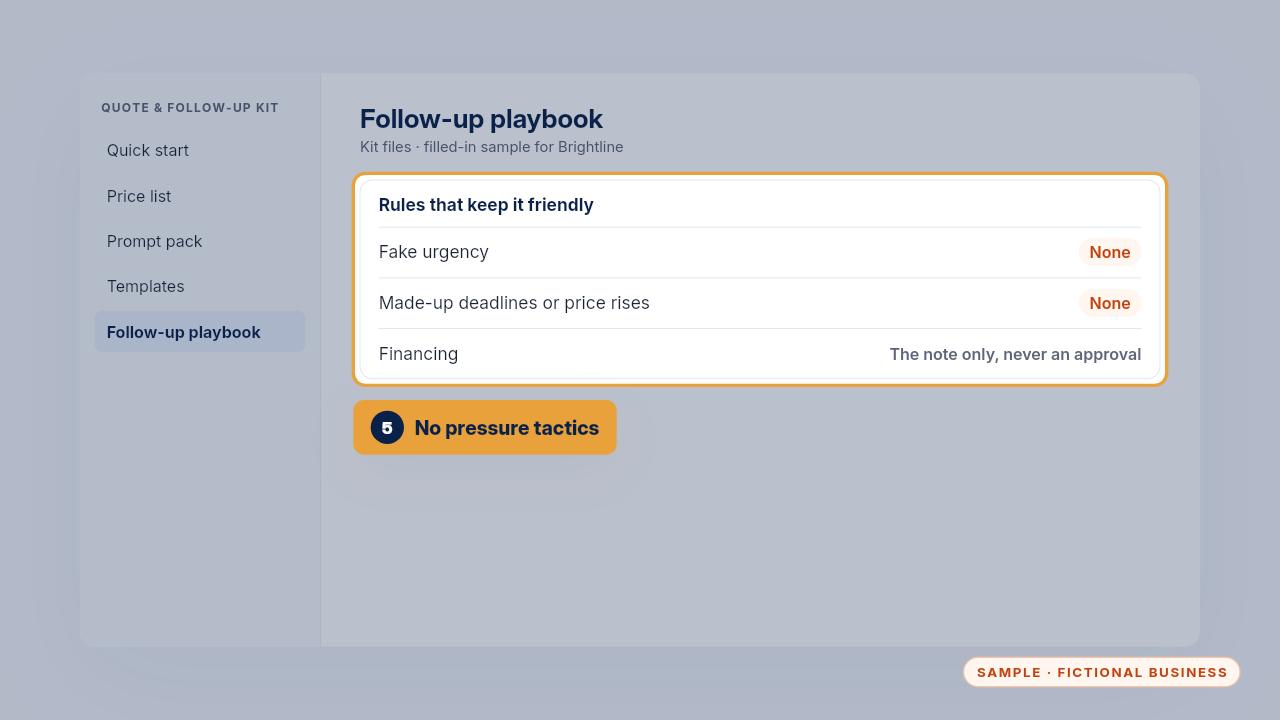
And it never invents deadlines or price rises to push a decision. Financing questions get the financing note, never an approval.
Privacy rules
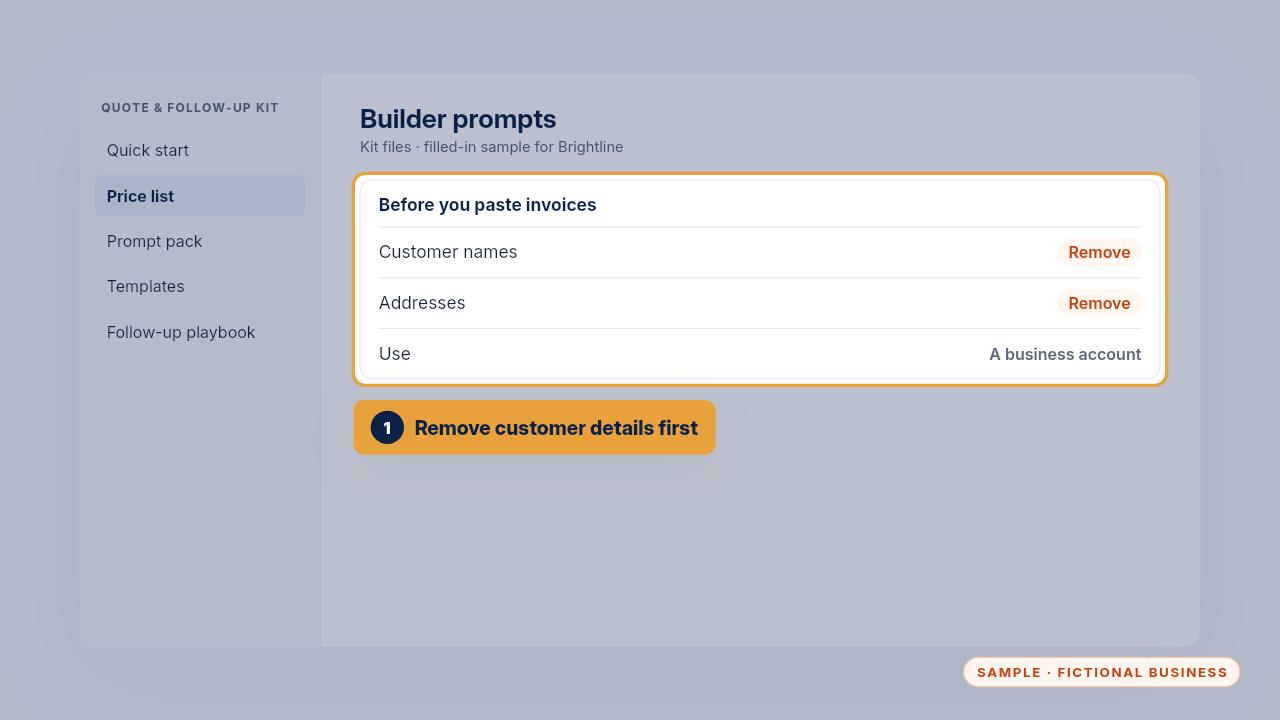
Remove customer names and addresses before you paste past invoices into the builder prompts, and use a business account with data controls for your Quotes project.
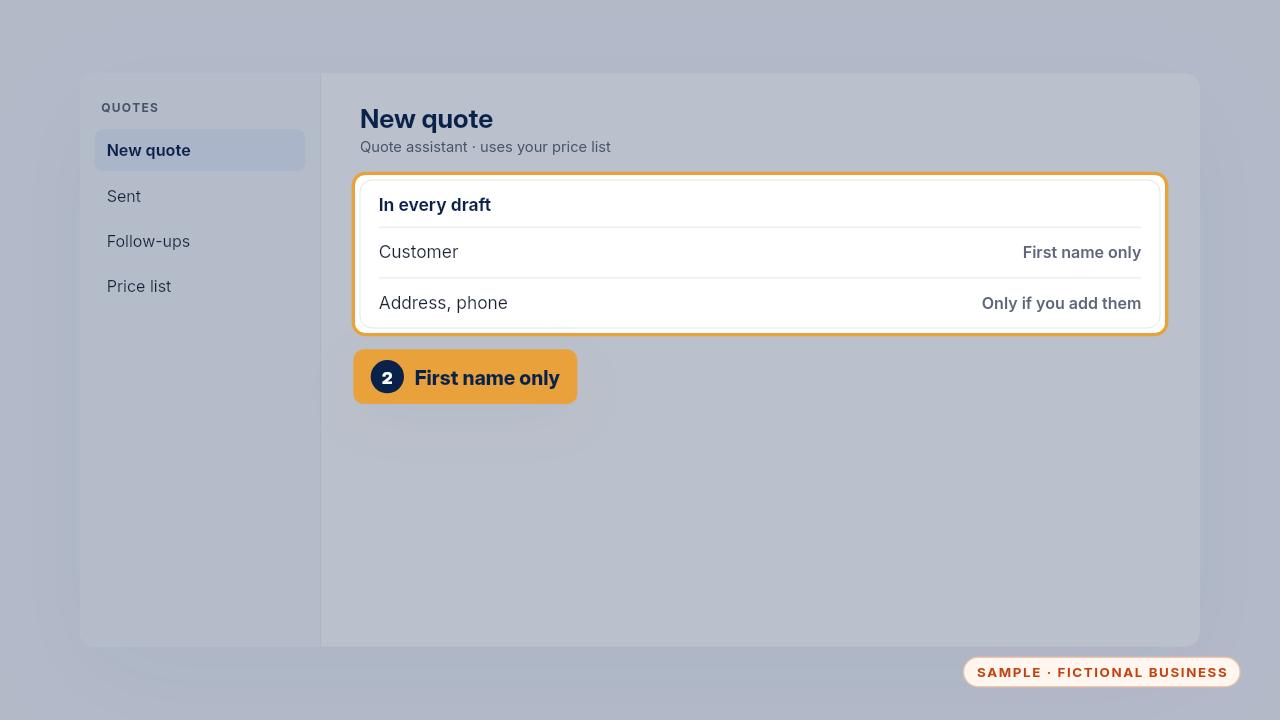
In drafts, use the customer's first name only, unless you choose to add more. The instructions keep personal details out unless you give them.
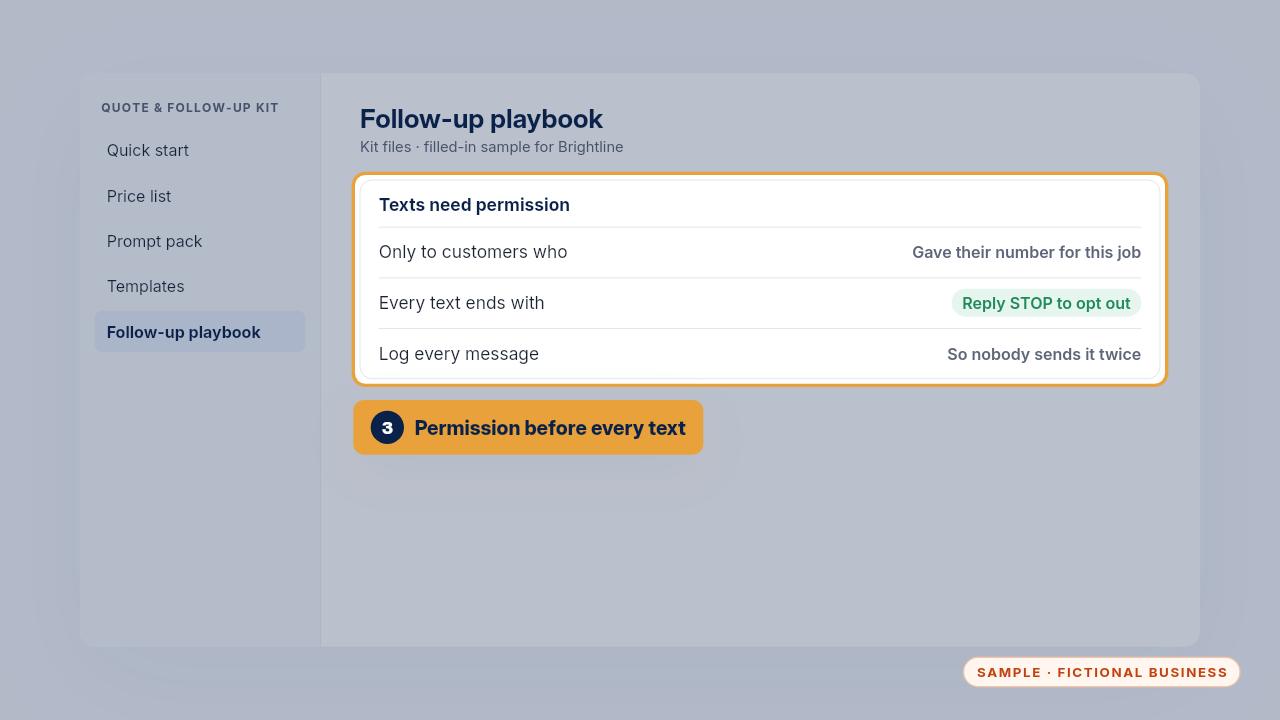
Only text customers who gave you their number for this job, keep the reply STOP line on every text, and log every message so two people don't send the same one.
The weekly 5-minute check
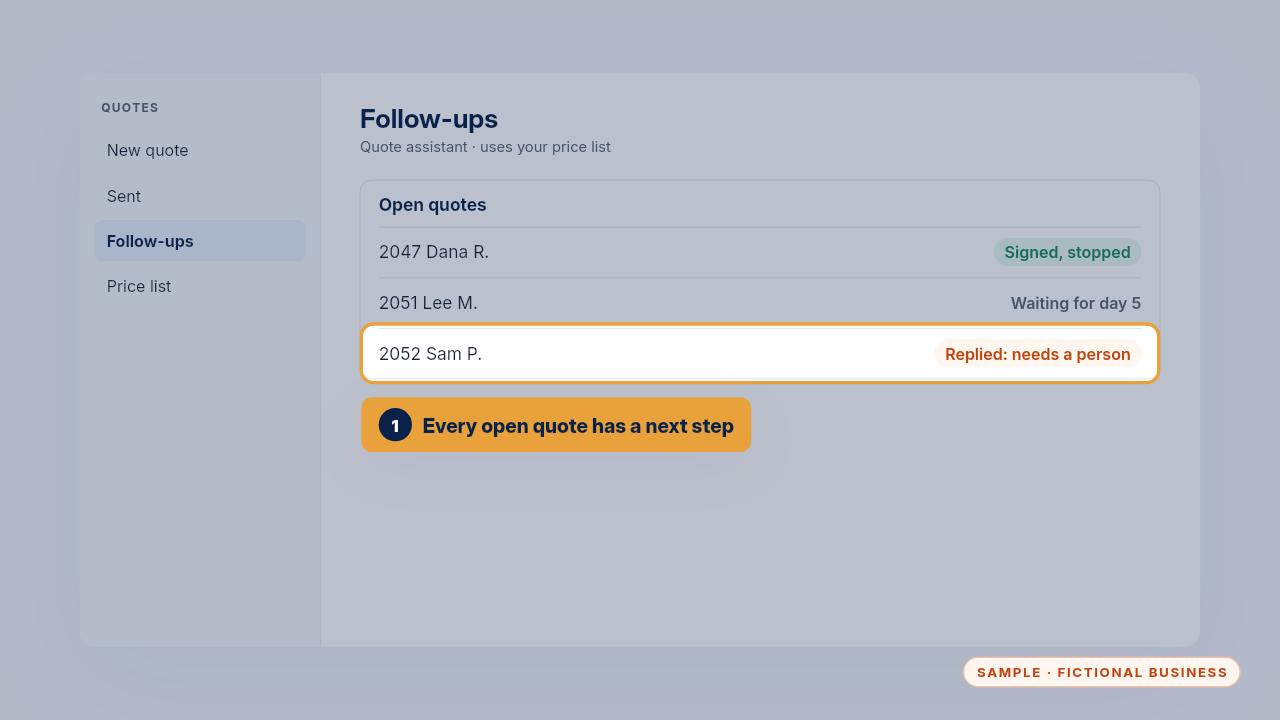
Once a week, open the follow-ups list, or your open quotes log with the Kit. Every open quote should have a next follow-up, and every reply should have an answer from a person.
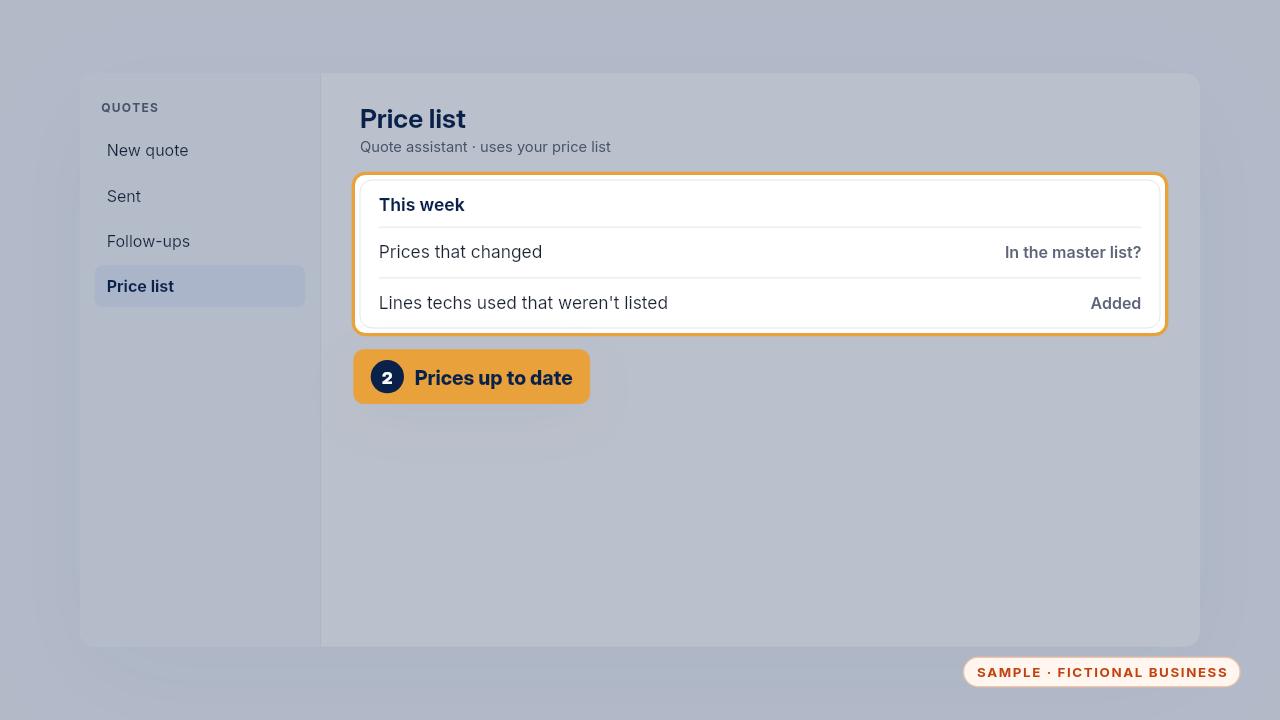
Check whether any price changed this week and that the master list has it. Add any line your techs used that wasn't on the list.
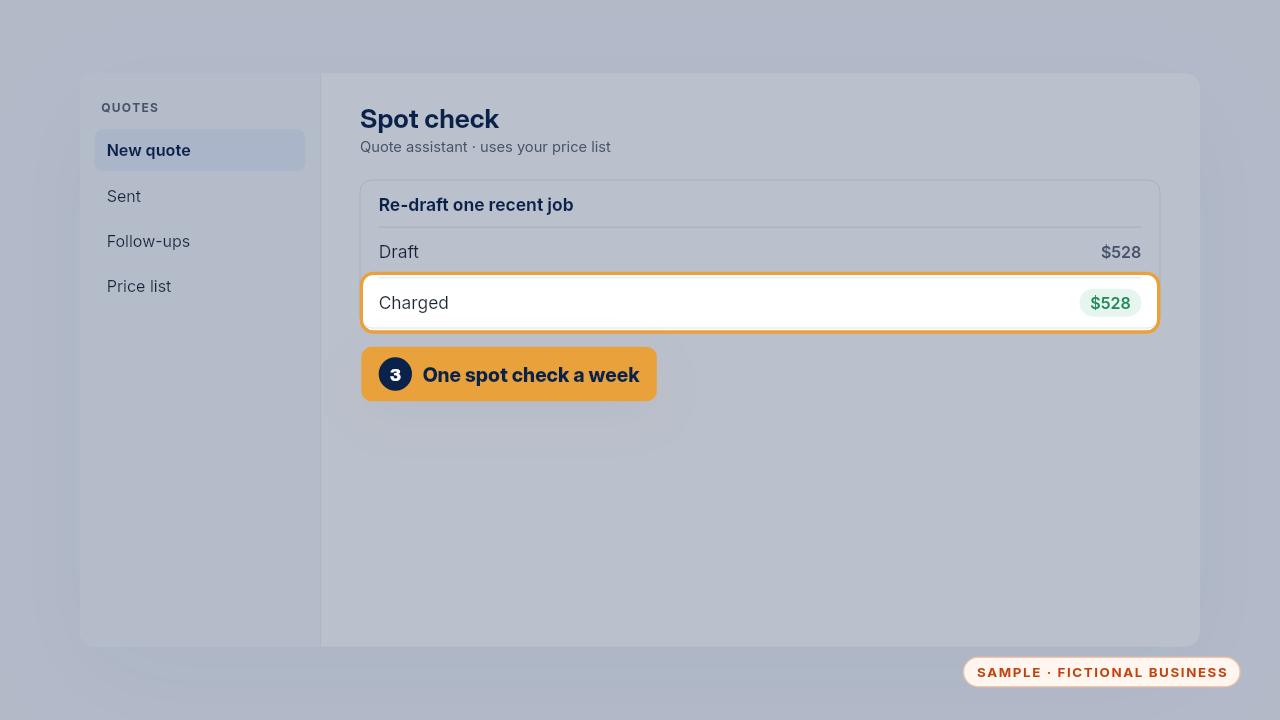
Then re-draft one recent job and compare it with what you charged. If it differs, fix the price list before the next quote.
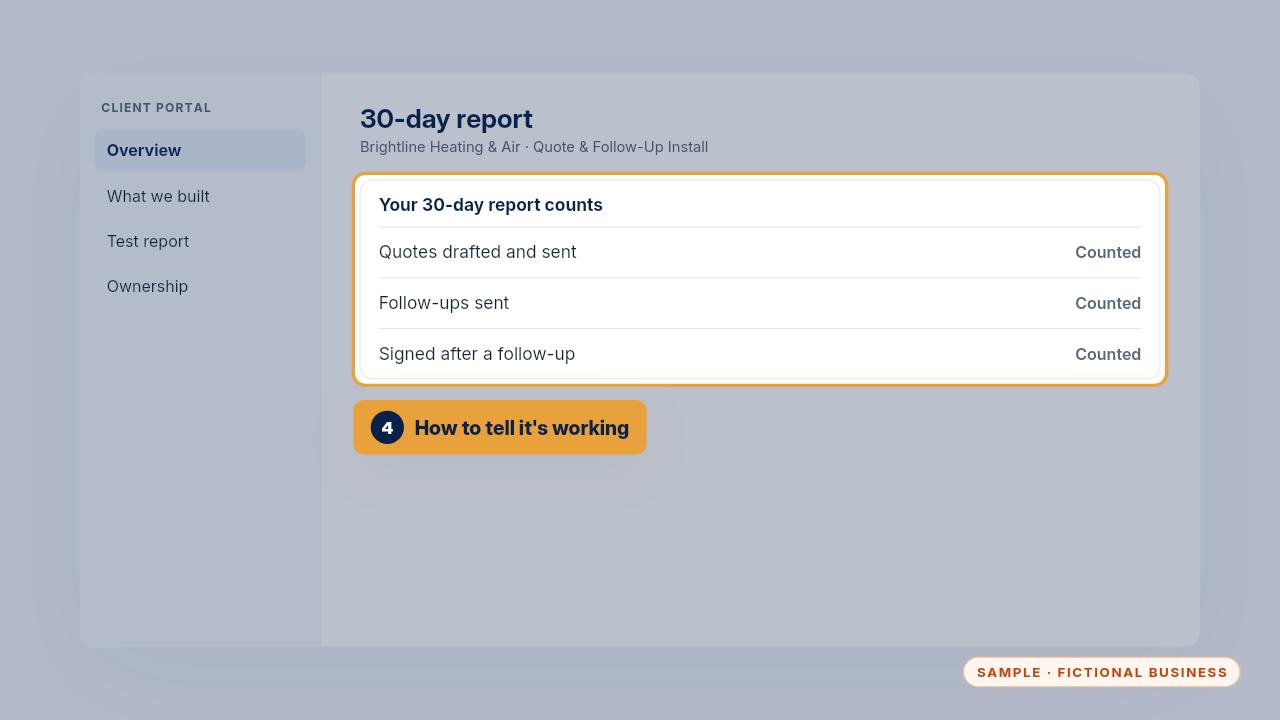
You'll know it's working when quotes go out sooner after the visit and some unsigned quotes get signed after a follow-up. The thirty-day report counts both.
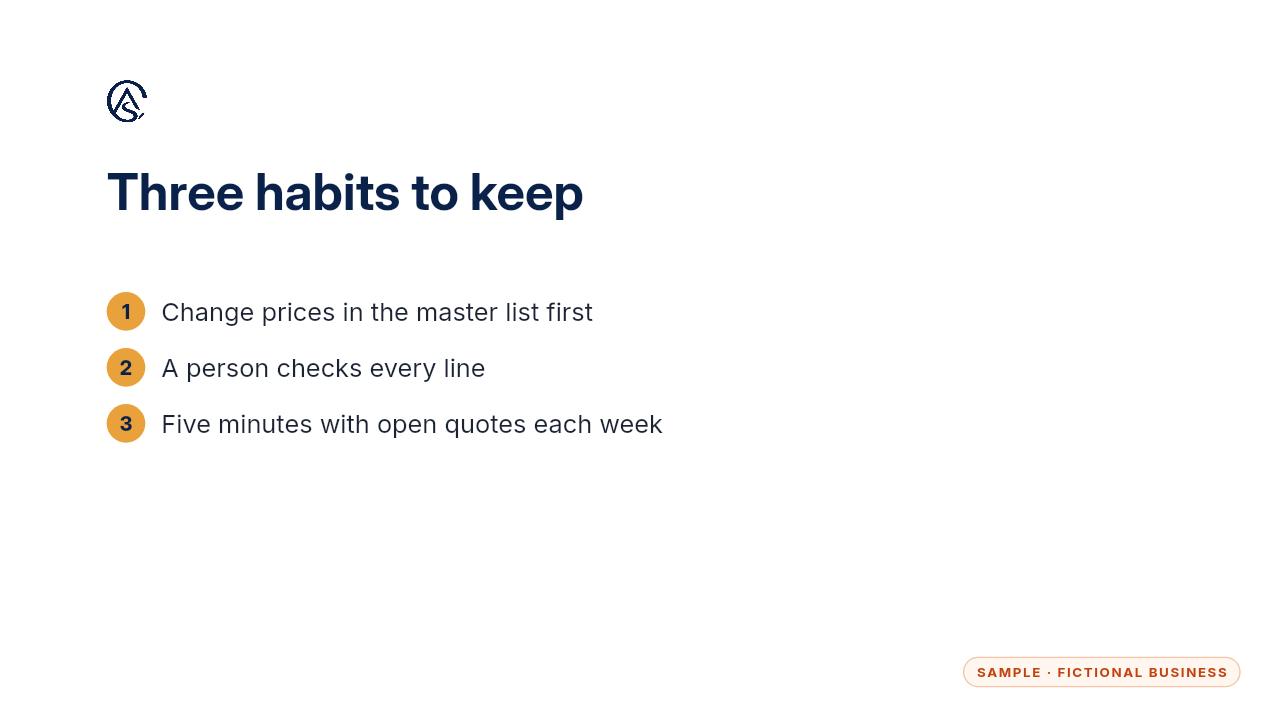
Change prices in one place, check every line before it goes out, and give your open quotes five minutes a week.
Get the Quote & Follow-Up Assistant
Quotes drafted from your notes, and unsigned quotes followed up. Every Kit and Install comes with these videos, and an Install adds a walkthrough made from your own setup.