
How-to guides · Quote & Follow-Up Assistant · How do I
How do I set up my Quotes project?
One project with your price list, template and instructions.
Narrated video with captions, 31 s. Made with a fictional company, Brightline Heating & Air (sample · fictional business). Read the transcript · Download the step-by-step PDF
Step by step
You set up the Quotes project once, in your own ChatGPT or Gemini business account.
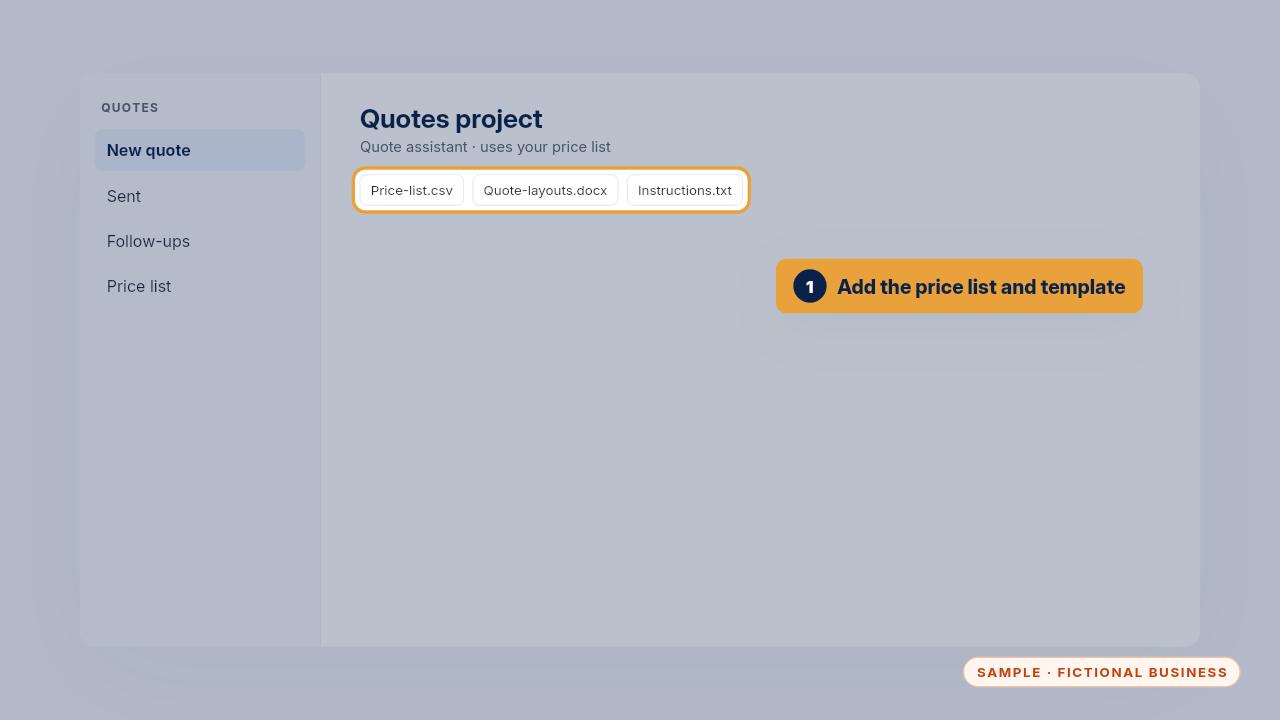
Create a project called Quotes, or a Gem in Gemini. Add your price list and your quote template as files.
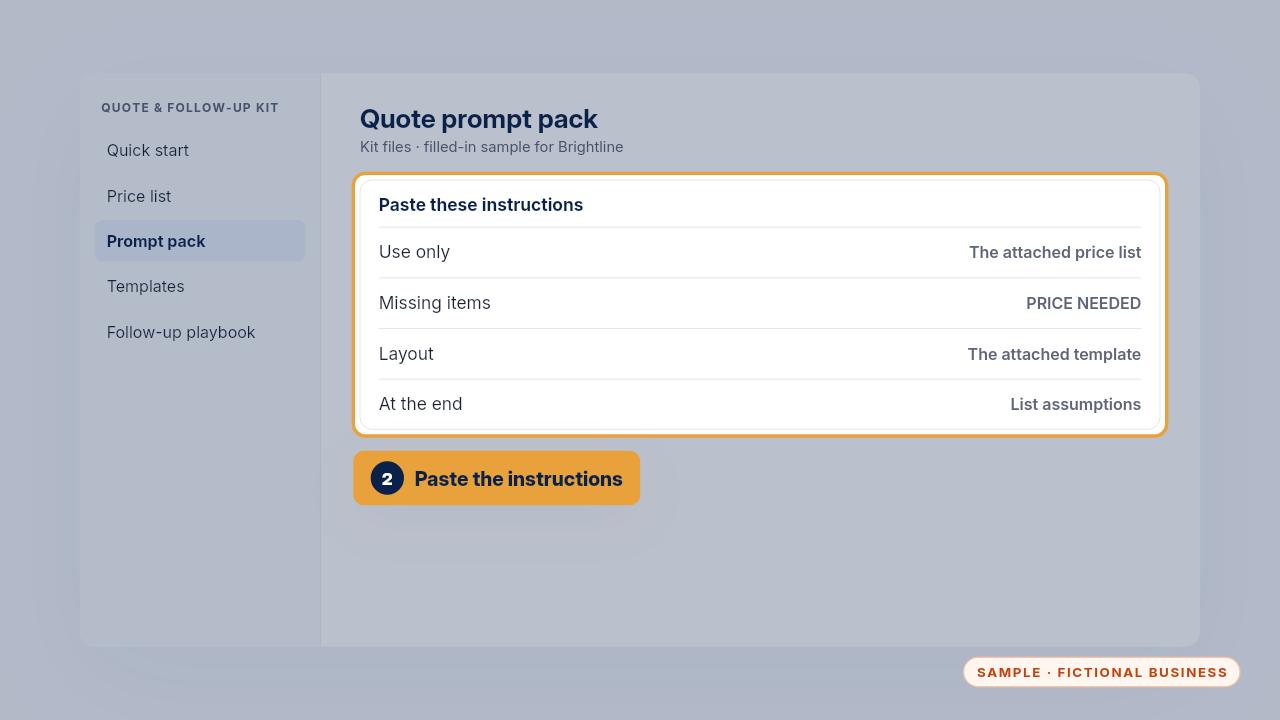
Paste the instructions from the prompt pack. They tell it to use only your prices, follow your template, and list its assumptions.
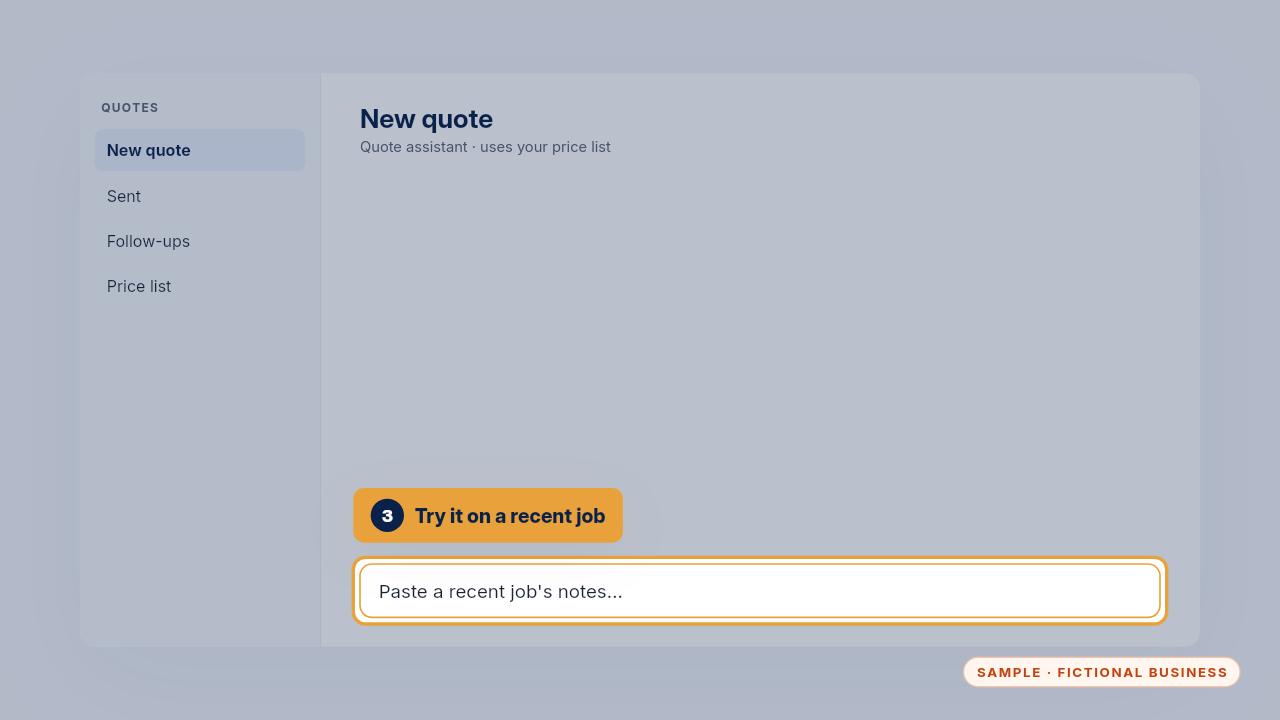
Then paste a recent job's notes and compare the draft with what you charged. That's your first check that the price list is right.
Get the Quote & Follow-Up Assistant
Quotes drafted from your notes, and unsigned quotes followed up. Every Kit and Install comes with these videos, and an Install adds a walkthrough made from your own setup.