
How-to guides · Safe AI Kit · Quick start
Approve a new AI tool
Use the new-tool checklist before anyone puts company work into a new app.
Narrated video with captions, 50 s. Made with a fictional company, Brightline Heating & Air (sample · fictional business). Read the transcript · Download the step-by-step PDF
Step by step
Someone wants to try a new AI tool. Here's the five-minute check before any company work goes into it. Until it passes, it's treated like a personal app.
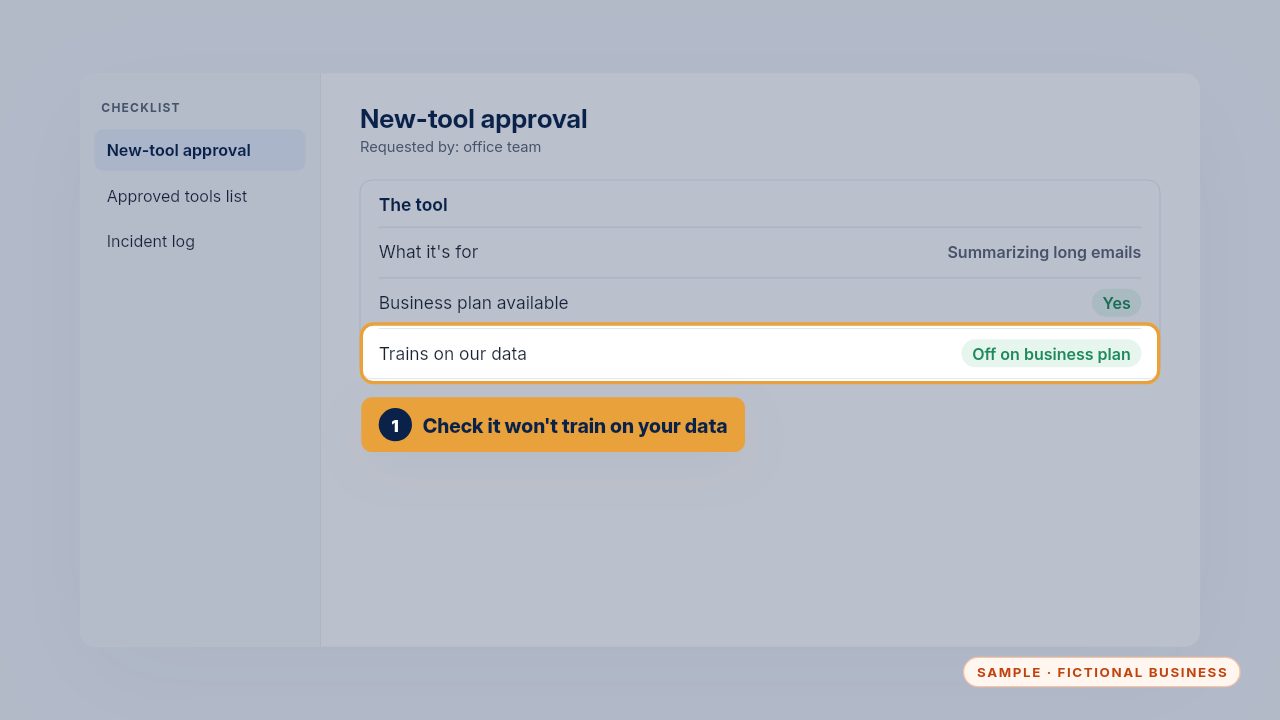
First, check what it's for, and that its business plan doesn't train on your data. The setting is usually under data controls or privacy, and the checklist says where to look.
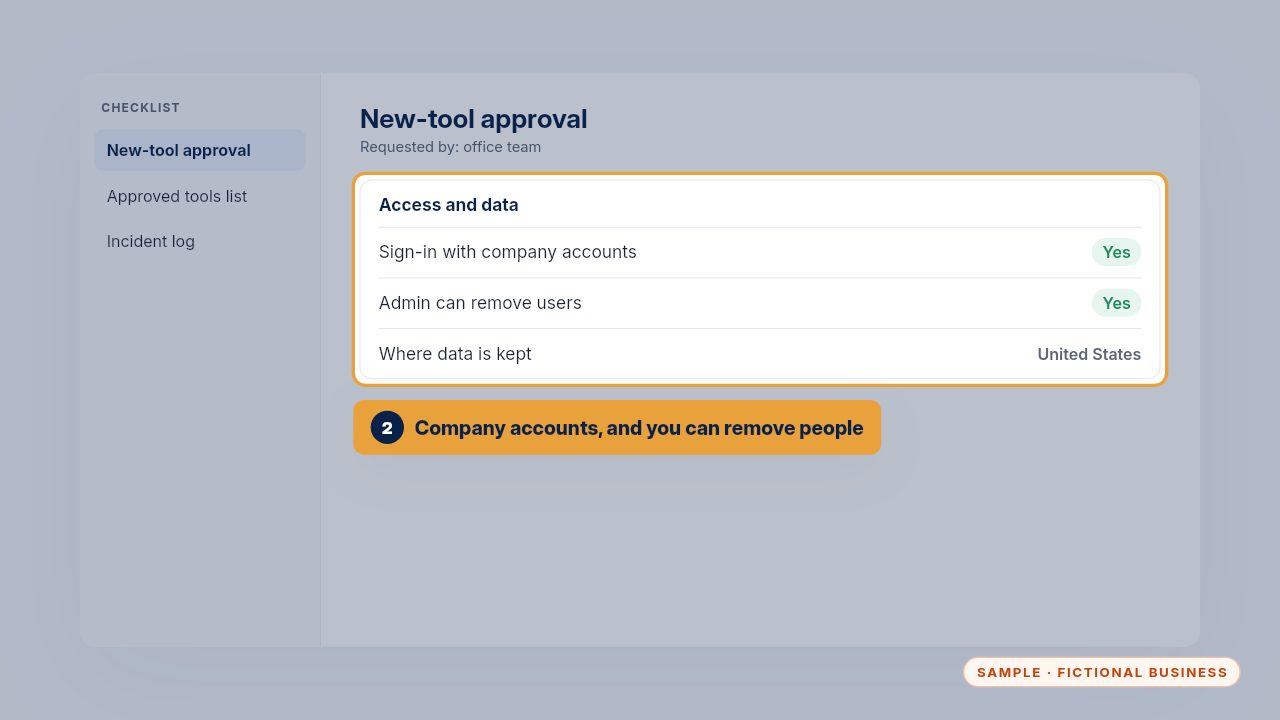
Make sure people sign in with company accounts, and that you can remove someone when they leave. If you can't take access away, the tool doesn't pass.
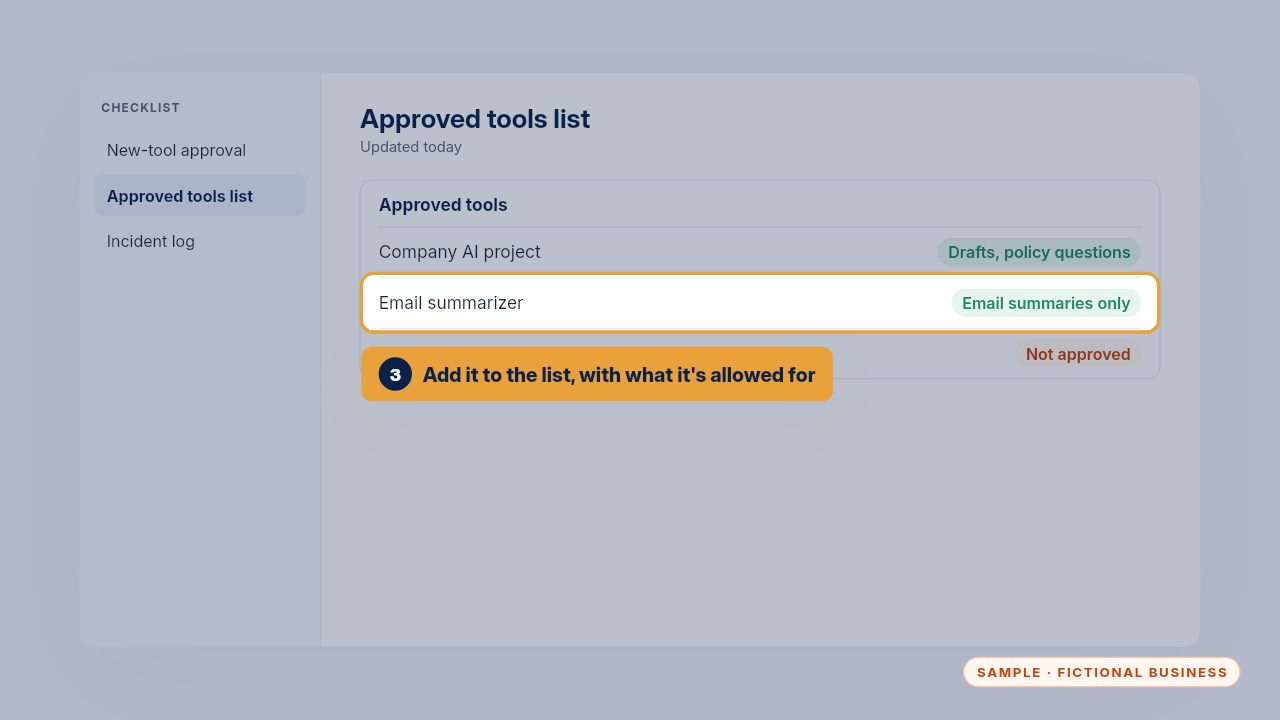
If it passes, add it to the approved tools list, with exactly what it's allowed for. An email summarizer is approved for summaries, not for customer records.
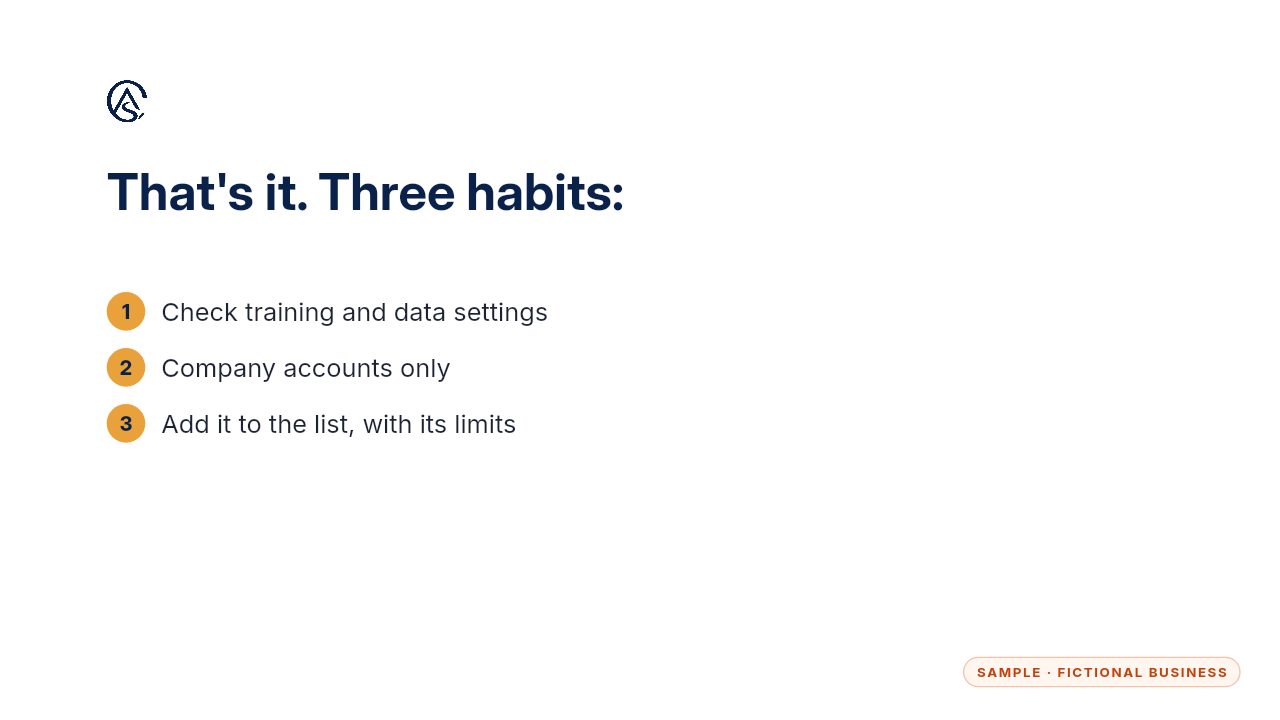
Check the settings, use company accounts, and write down its limits. Then it's approved, and everyone knows what it may be used for.
Get the Safe AI Kit
Clear AI rules your whole team can follow. Every Kit and Install comes with these videos, and an Install adds a walkthrough made from your own setup.