
How-to guides · Safe AI Kit · How do I
How do I keep the sign-off tracker?
One row per person: training date, score and signature.
Narrated video with captions, 36 s. Made with a fictional company, Brightline Heating & Air (sample · fictional business). Read the transcript · Download the step-by-step PDF
Step by step
The sign off tracker shows who has trained, passed and signed.
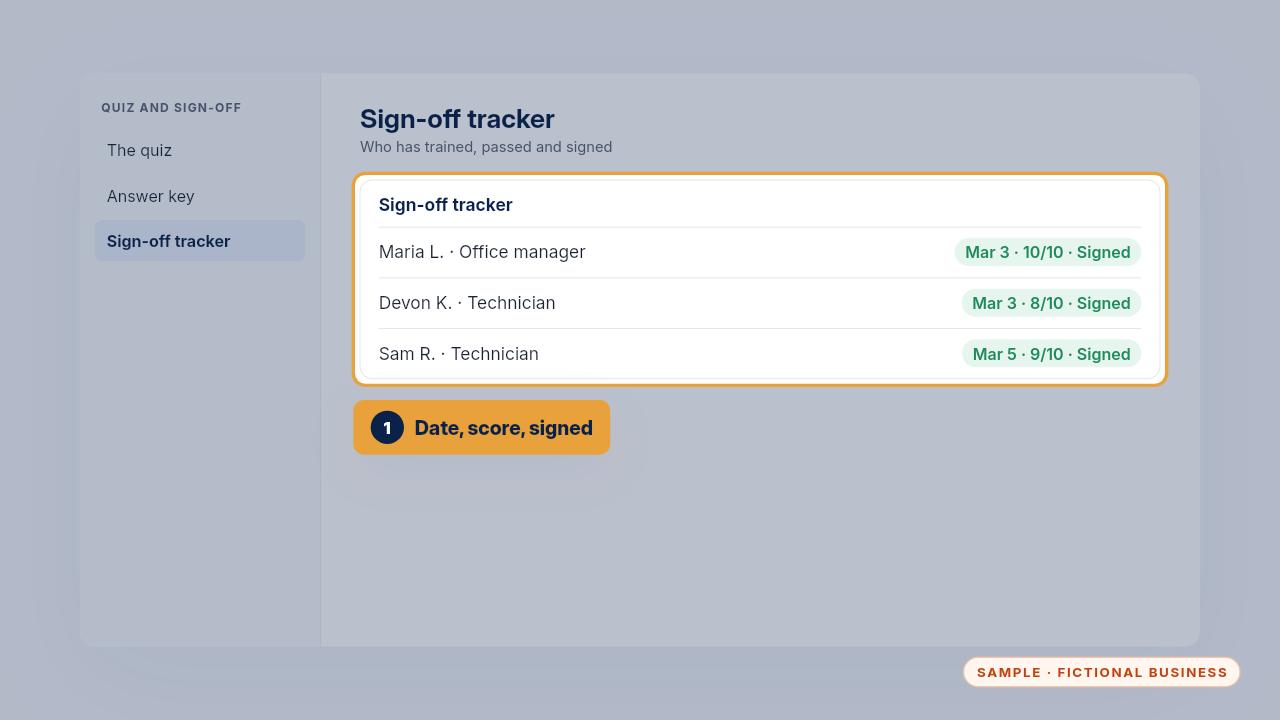
Add one row per person, with their role, training date, quiz score and the date they signed the policy.
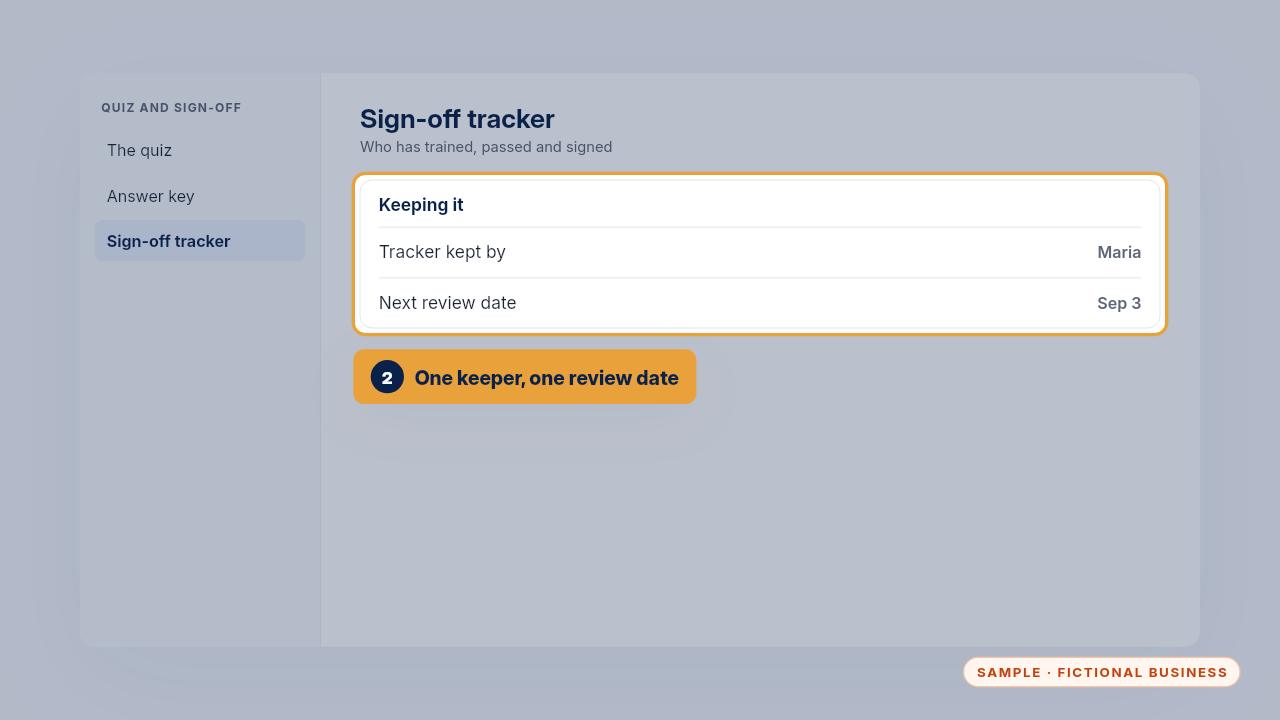
Name one person who keeps it, and write the next review date. Everyone signs again when the policy changes, or every six months.
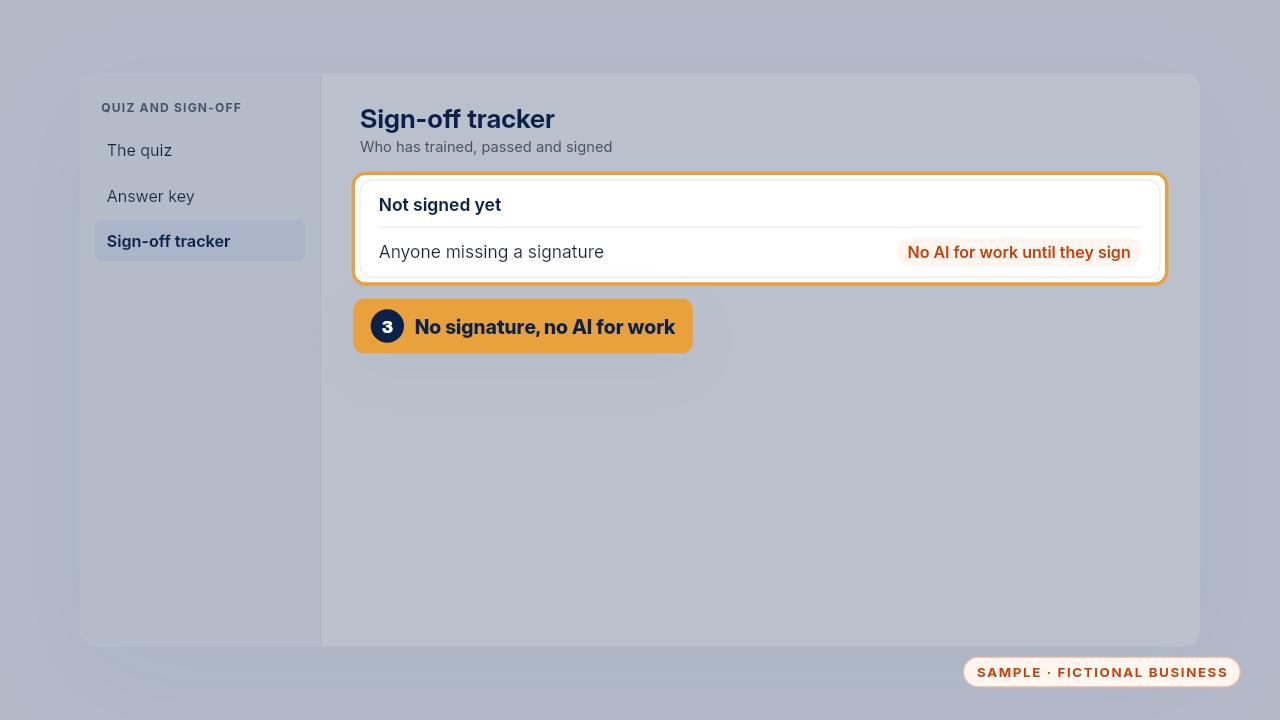
Anyone without a signature doesn't use AI for work yet. Follow up the same week.
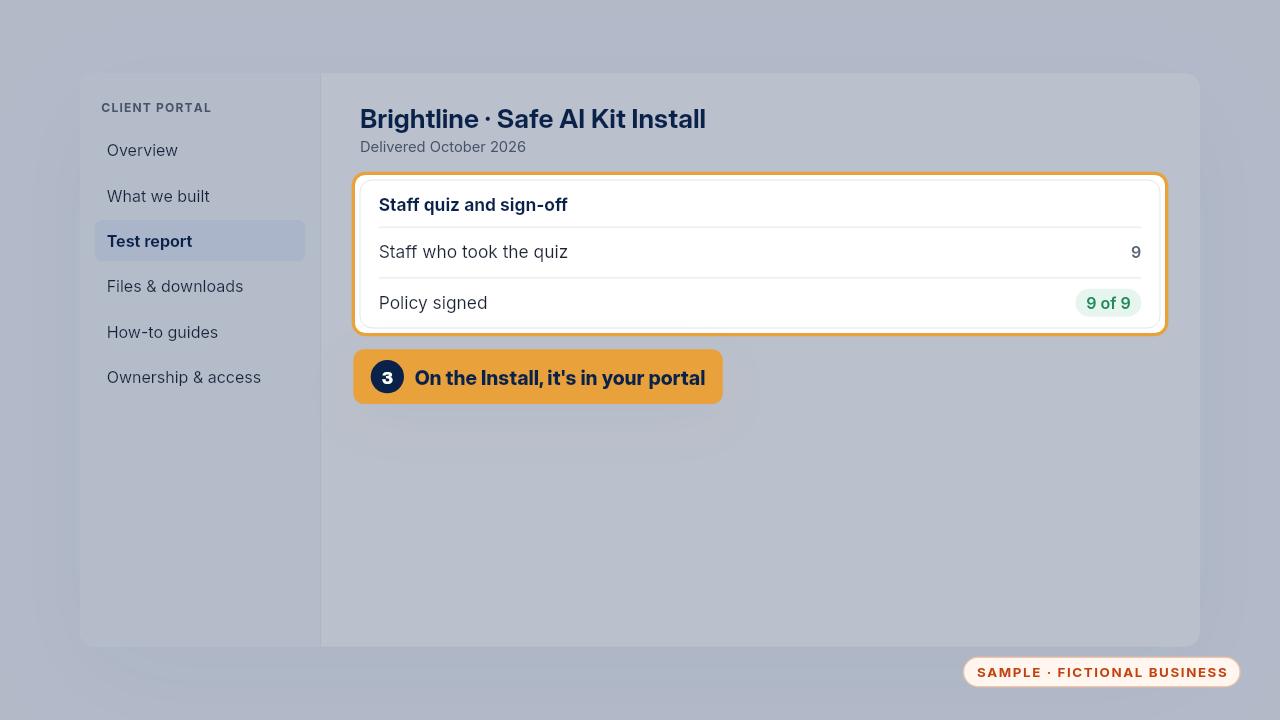
With the Install, the tracker comes filled in for the first round and lives in your portal, so you can see at a glance who still needs to sign.
Get the Safe AI Kit
Clear AI rules your whole team can follow. Every Kit and Install comes with these videos, and an Install adds a walkthrough made from your own setup.