
How-to guides · Safe AI Kit · How do I
How do I review the policy every six months?
Read it with the incident log, update it, and have everyone re-sign.
Narrated video with captions, 34 s. Made with a fictional company, Brightline Heating & Air (sample · fictional business). Read the transcript · Download the step-by-step PDF
Step by step
Review your policy every six months, or sooner when your tools change.
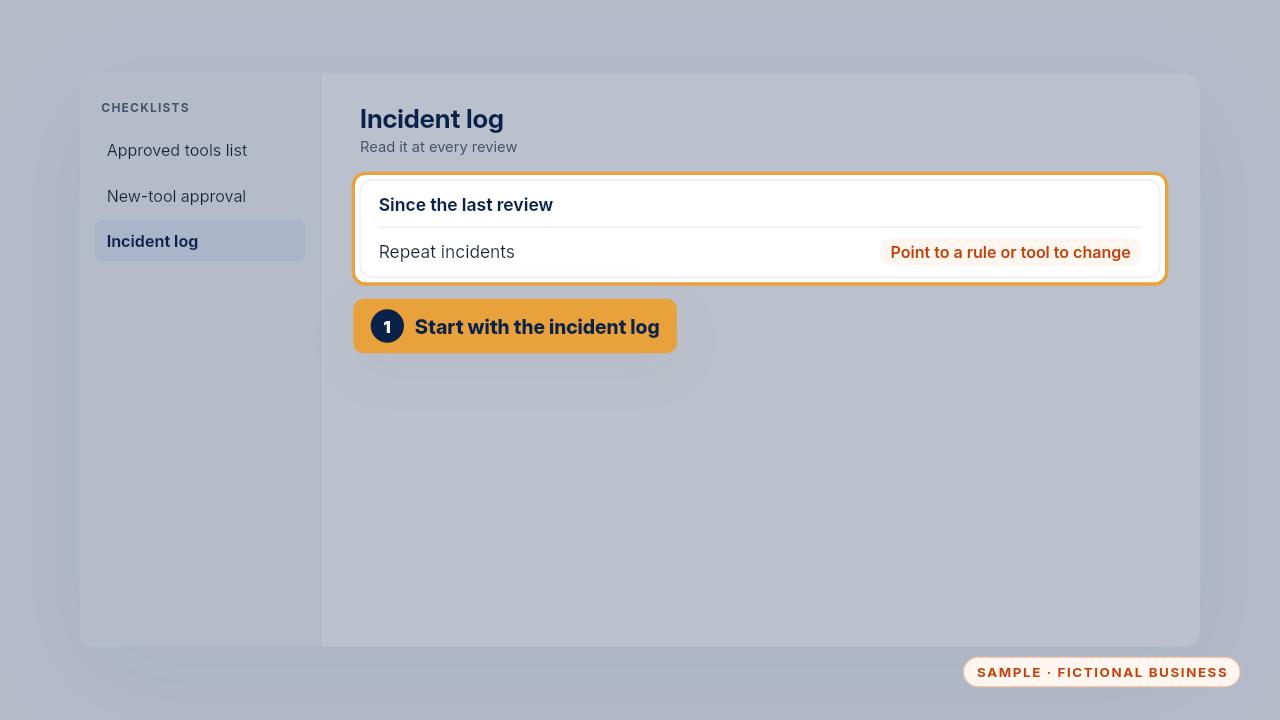
Start with the incident log. A repeat incident points to a rule or a tool that needs changing.
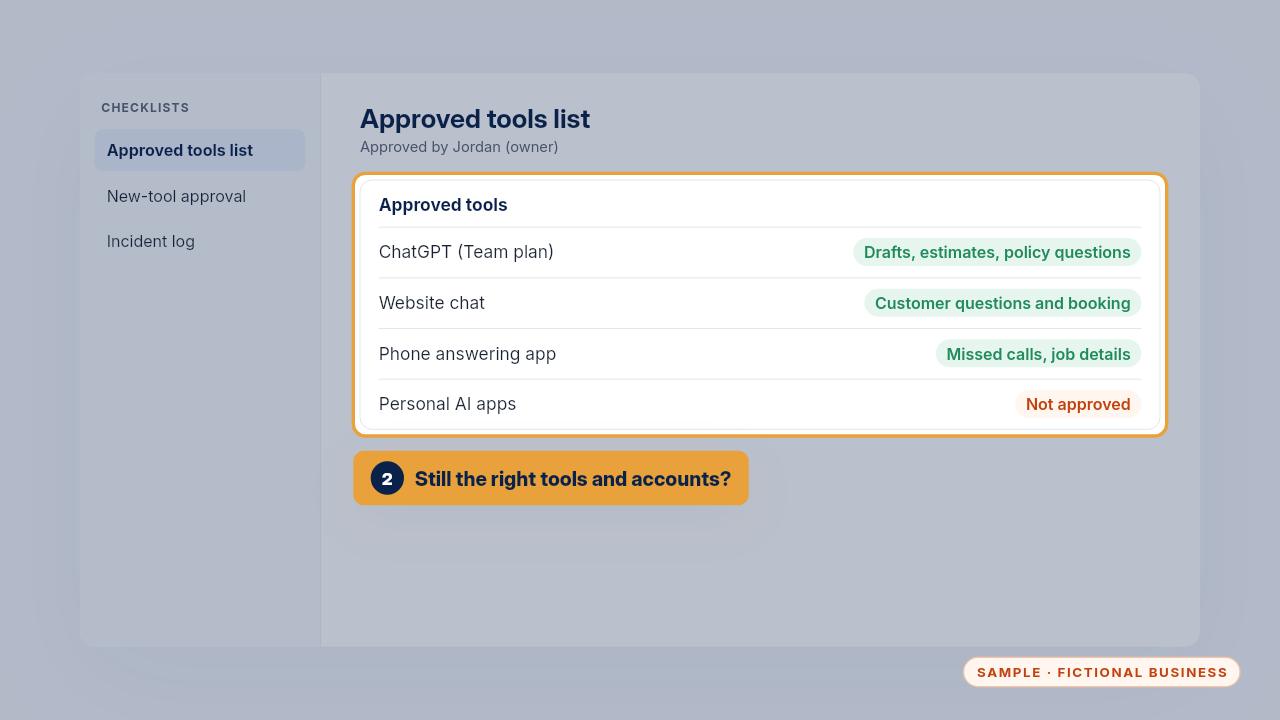
Then check the approved tools list still matches what your team uses, with the right accounts and settings.
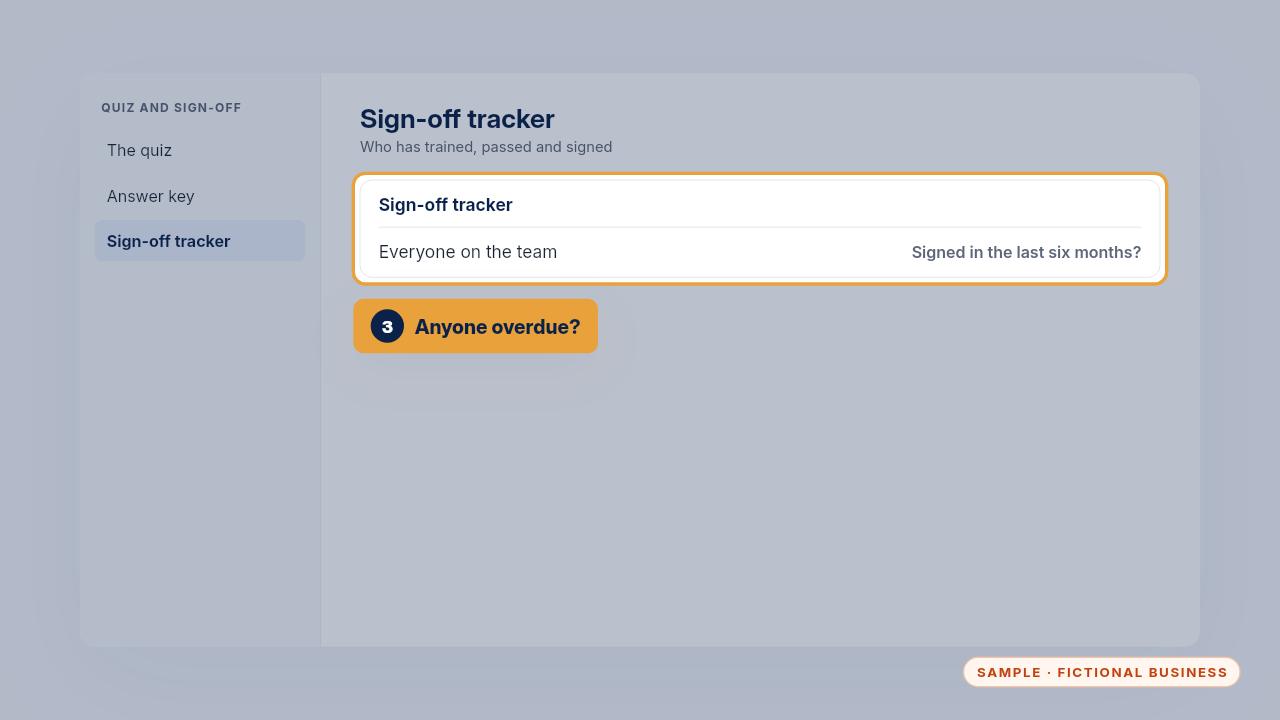
Look at the tracker too. Anyone who hasn't signed in the last six months signs the updated version.
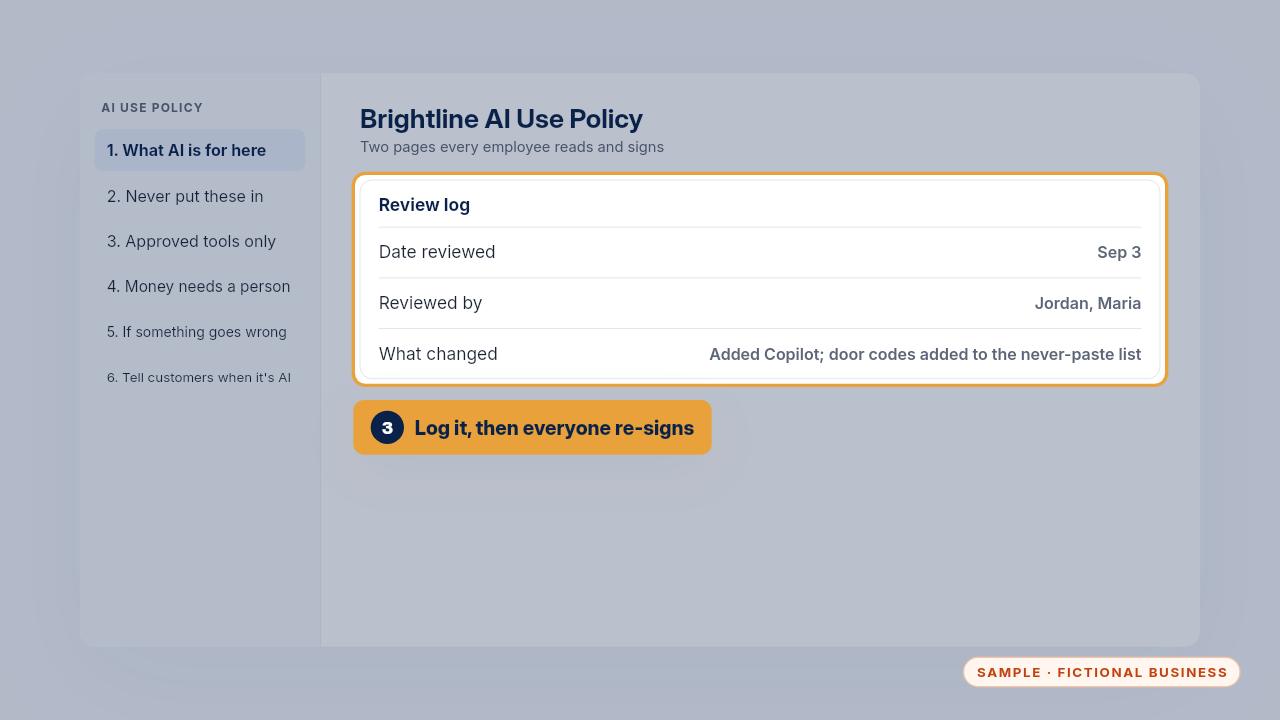
Write the date, who reviewed it and what changed in the review log. Then everyone signs again and you update the tracker.
Get the Safe AI Kit
Clear AI rules your whole team can follow. Every Kit and Install comes with these videos, and an Install adds a walkthrough made from your own setup.