
How-to guides · Safe AI Kit · Full walkthrough
Safe AI Kit: the full walkthrough
What the rules cover, how to set them up with the Kit or what the Install sets up for you, daily use, mistakes, updates, edge cases, privacy and the weekly check.
Narrated video with captions, 8 min 28 s. Made with a fictional company, Brightline Heating & Air (sample · fictional business). Read the transcript · Download the step-by-step PDF
Step by step
This is the full walkthrough for the Safe AI Kit. Use the chapters to jump to what you need. Every example uses Brightline Heating and Air, a sample business.
What it does and what it won't do
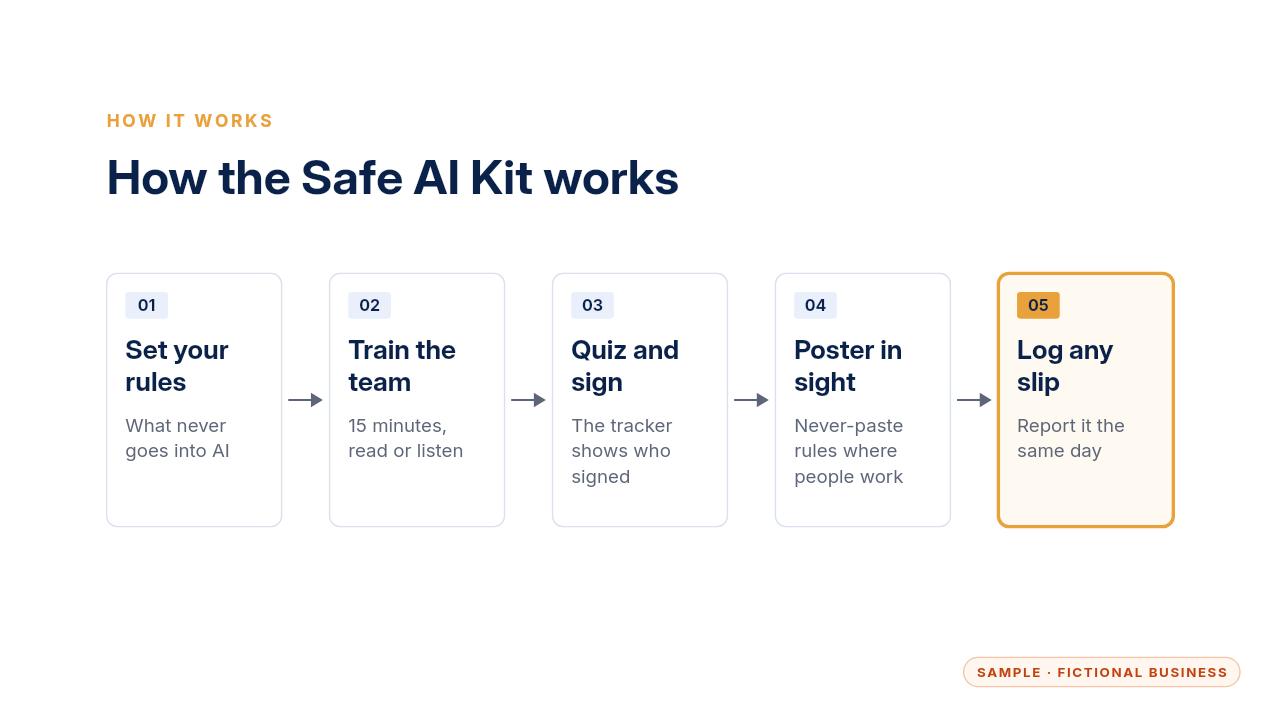
Here's how it works. You write down your AI rules, your team learns them in a fifteen minute training, everyone takes a short quiz and signs, and a poster keeps the rules in sight.
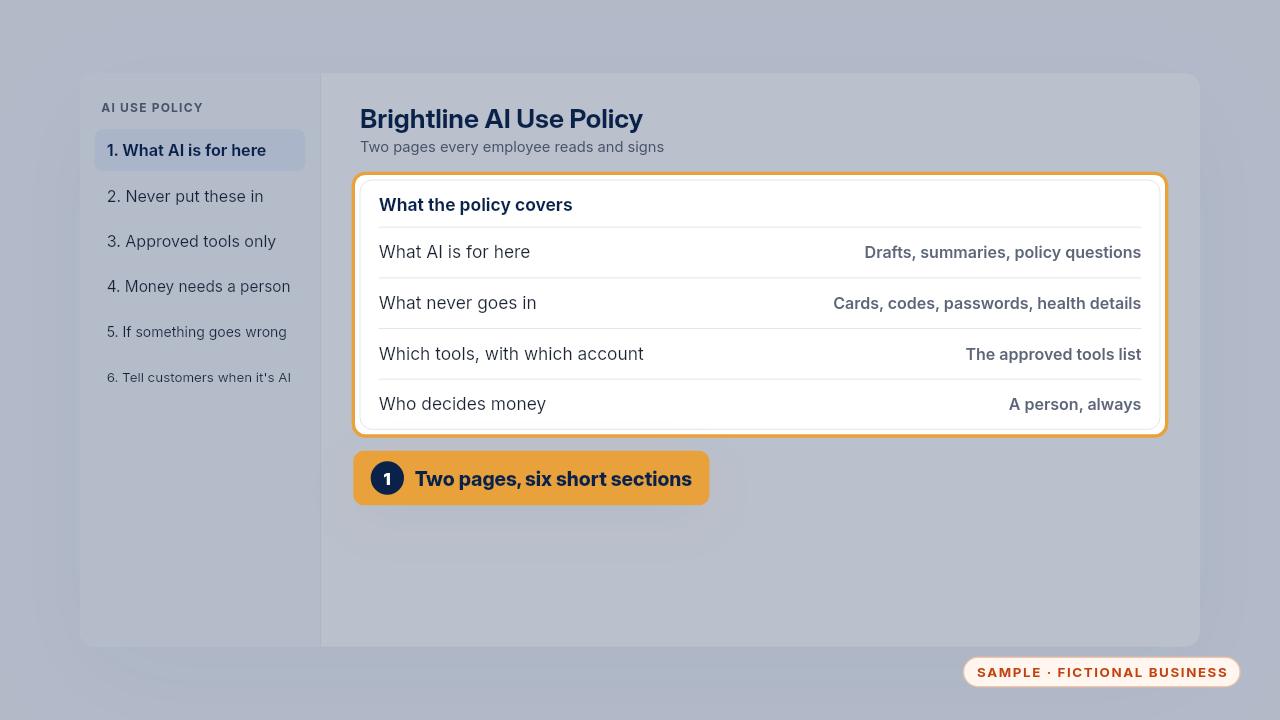
The policy is two pages in six short sections. It says what AI is for, what never goes into it, which tools to use with which account, and that a person decides anything about money.
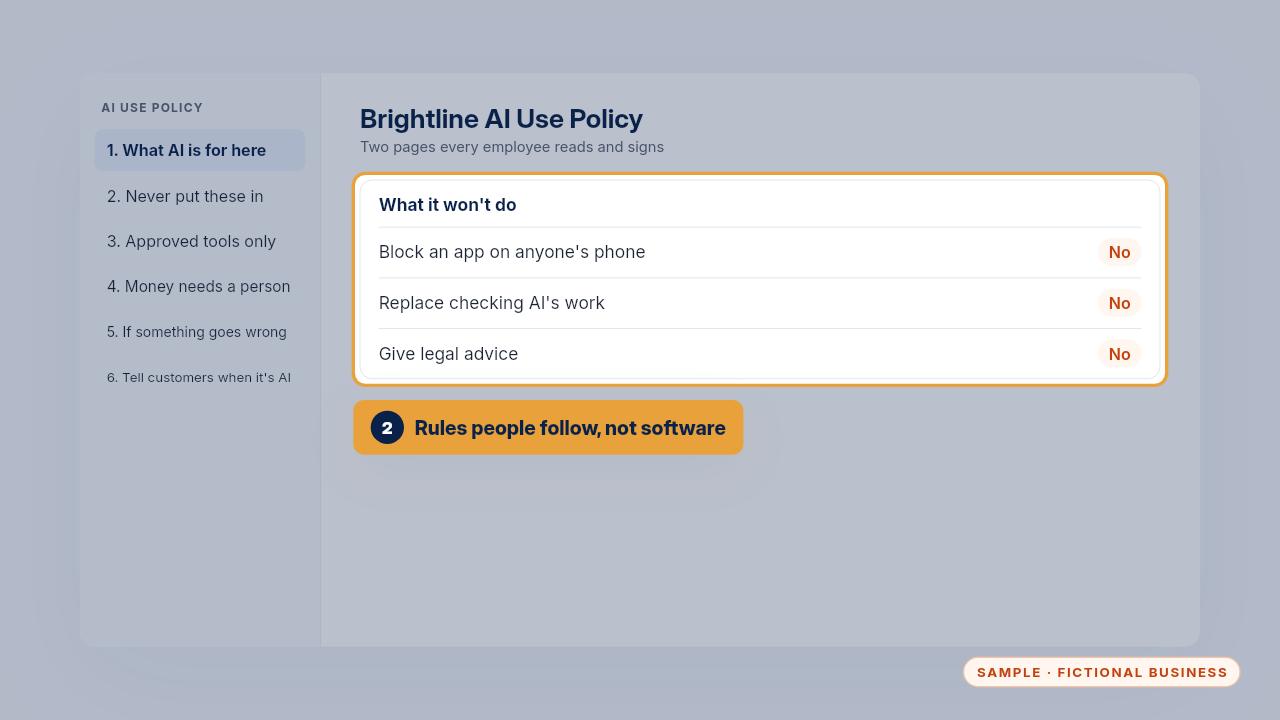
It's a set of workplace rules people follow. It doesn't block any app, it doesn't replace checking what AI writes, and it isn't legal advice. If you answer to a regulator, your compliance lead reviews it.
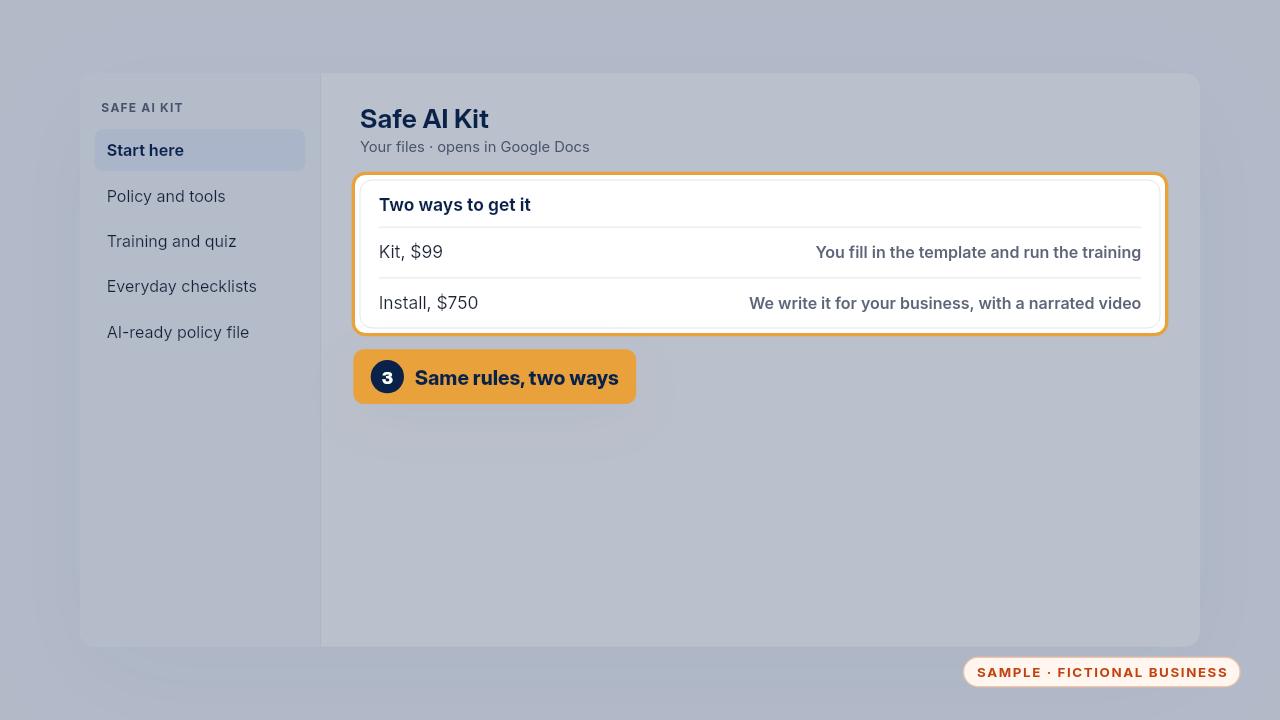
With the Kit, you fill in the template and run the training yourself. With the Install, we write the policy around your tools and data, with a narrated walkthrough video for your team.
Setup, step by step
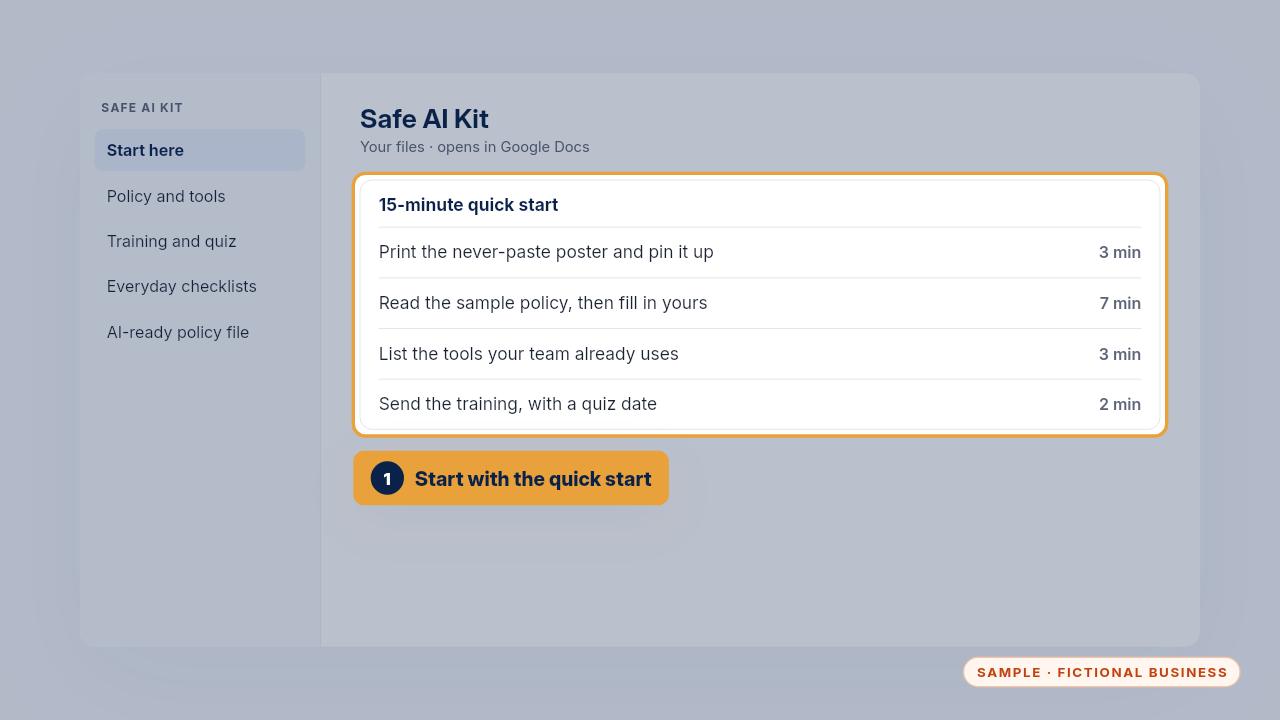
With the Kit, start with the quick start. Print the poster and pin it up. Read the sample policy, then fill in yours. List the tools your team already uses, and send everyone the training with a quiz date.
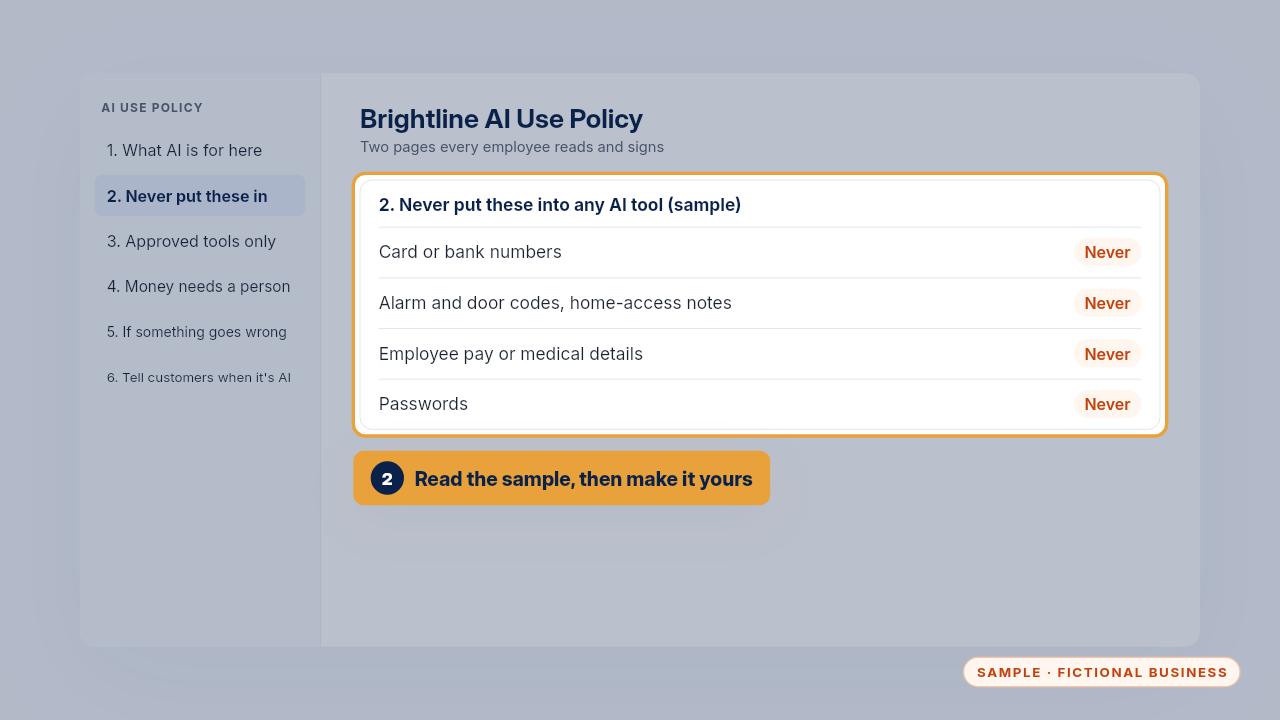
The template starts with Brightline's filled in policy. Then fill in the blank version box by box. Delete what doesn't apply, add what's sensitive in your work, and set a review date.
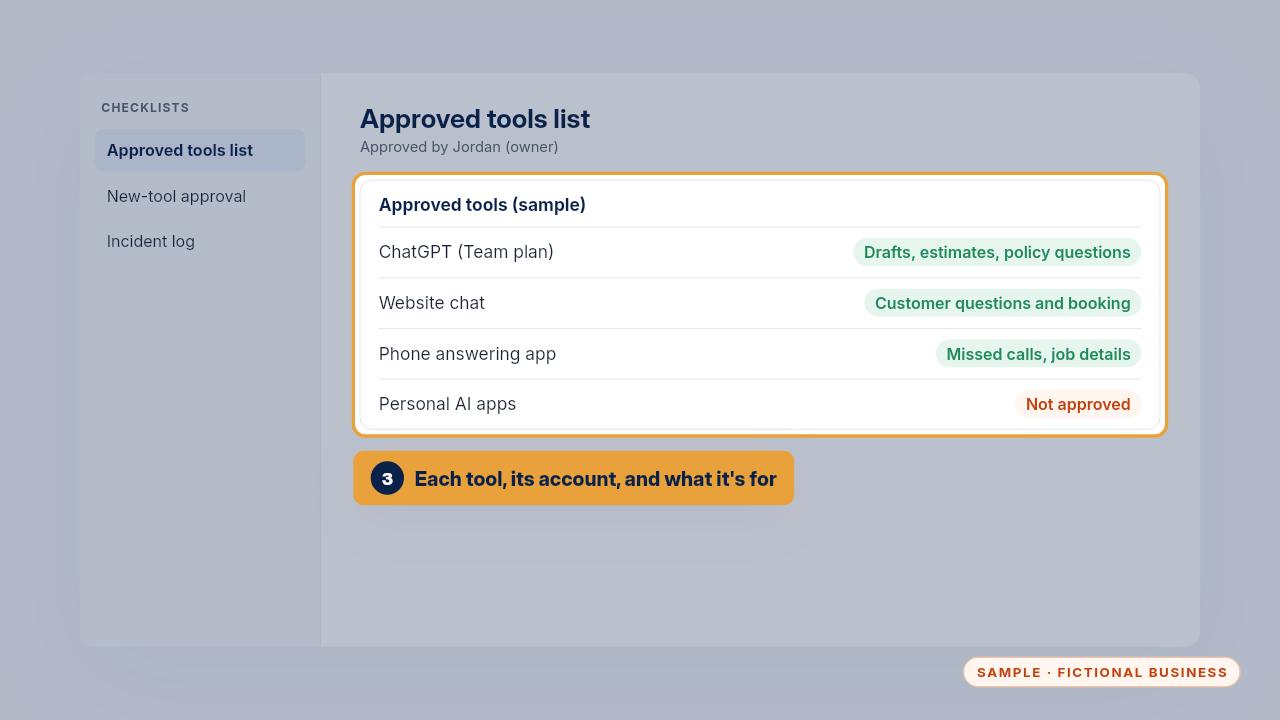
On the approved tools list, write each tool your team may use, the account to use, and what it's approved for. Brightline approves its ChatGPT Team plan, the website chat and the phone app. Personal apps are not approved.
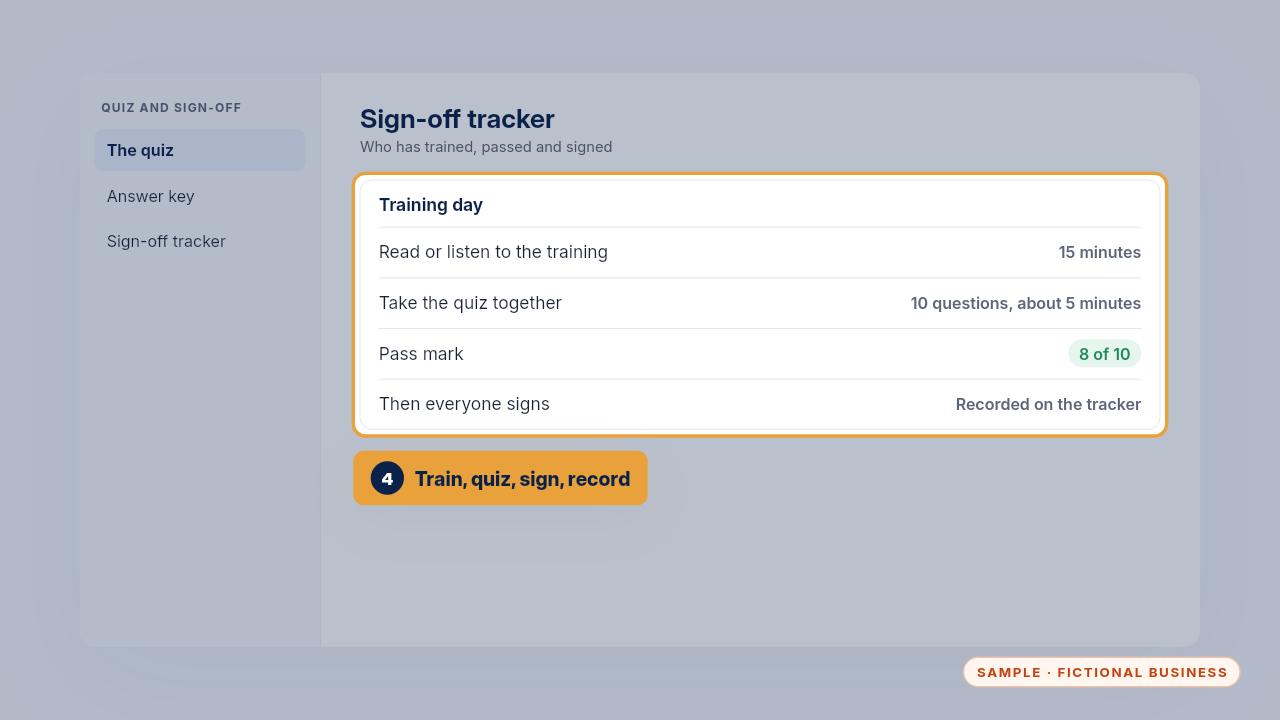
Everyone reads the training or listens to the audio. Then take the ten question quiz together. Eight out of ten is a pass. Talk through the misses, everyone signs, and you record it on the tracker.
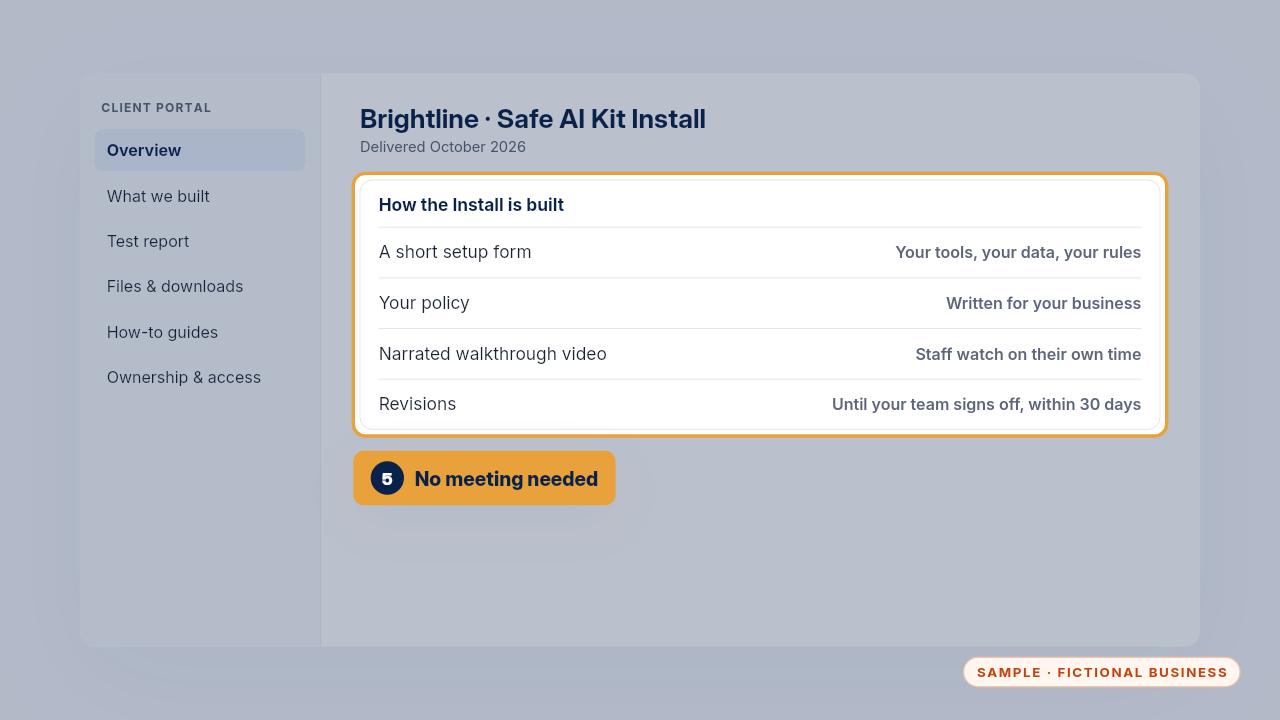
With the Install, you answer a short setup form about your tools, the information you handle and the rules you answer to. We write the policy for your business, and revise it until your team signs off, within thirty days.
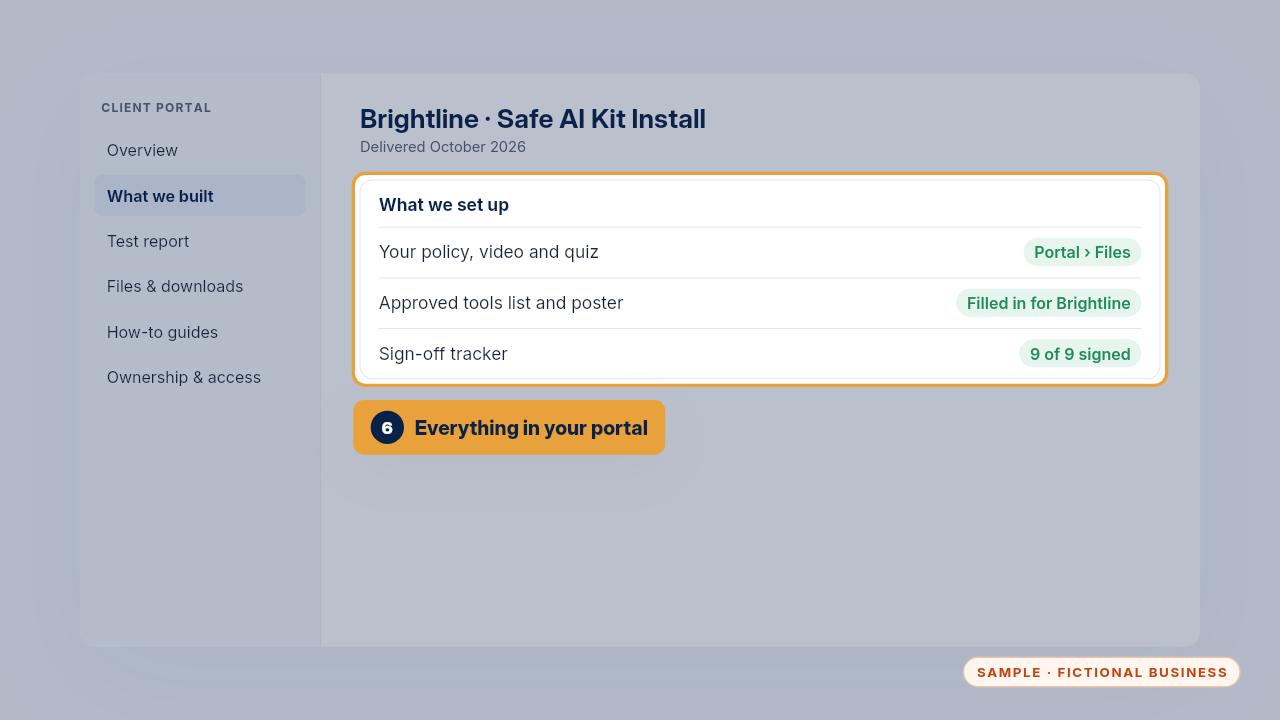
Your team watches the narrated video of your own policy, takes the quiz, and signs. The portal holds the policy, the approved tools list, the poster and the sign off tracker. At Brightline, all nine staff signed.
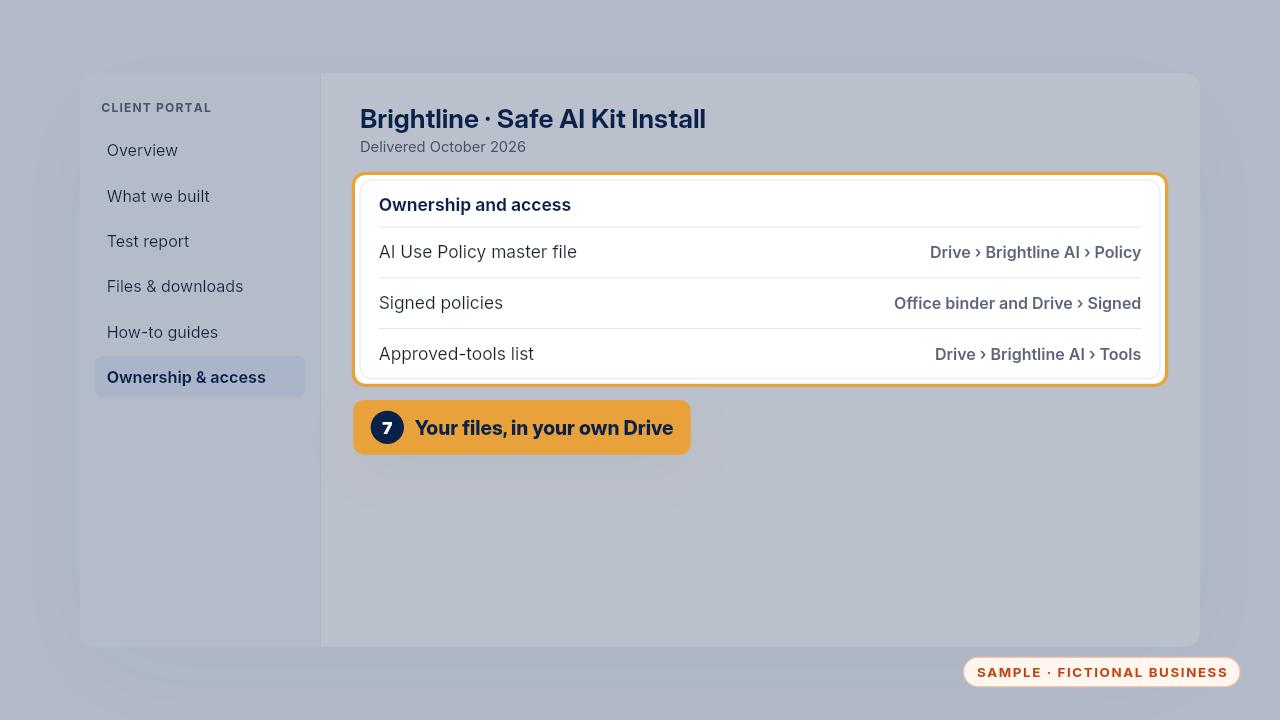
The policy and the tools list live in your own Google Drive, and the signed copies stay in your office. The ownership sheet lists where each file is.
Daily use
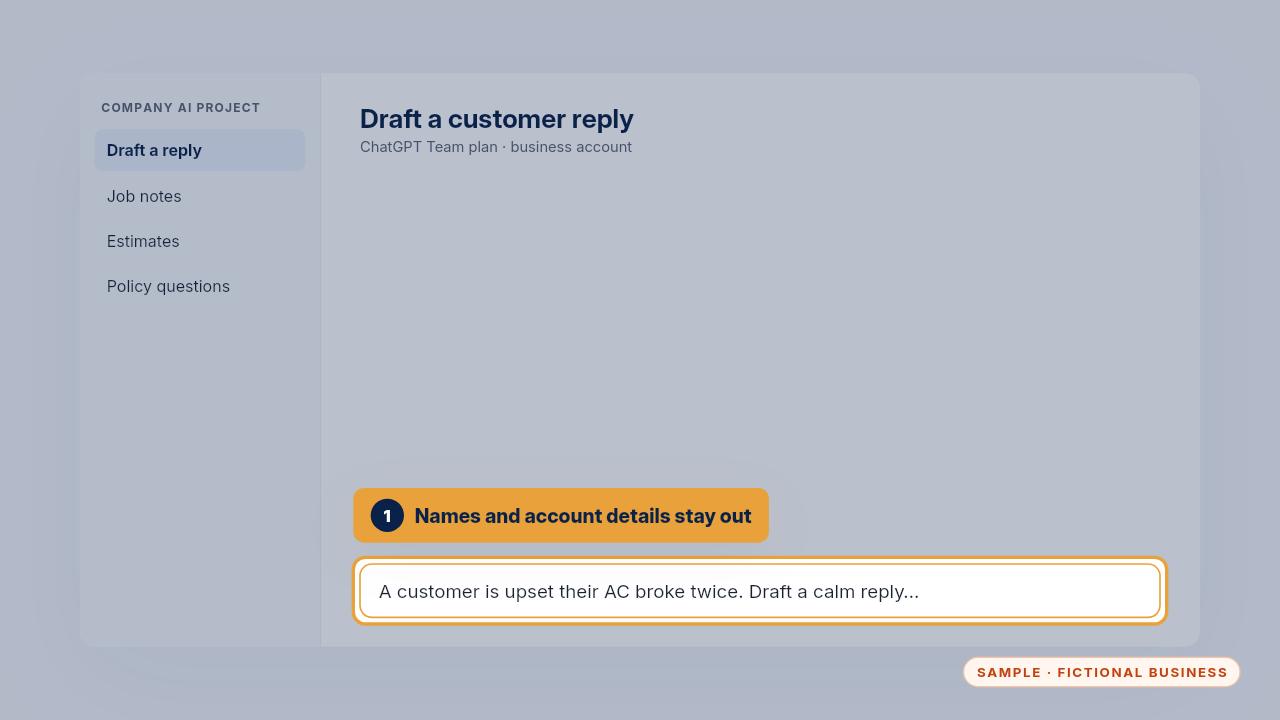
A customer sends an angry email. The office manager pastes the complaint with the name, email and account details taken out, asks for a calm draft, then edits it and checks every promise before sending it.
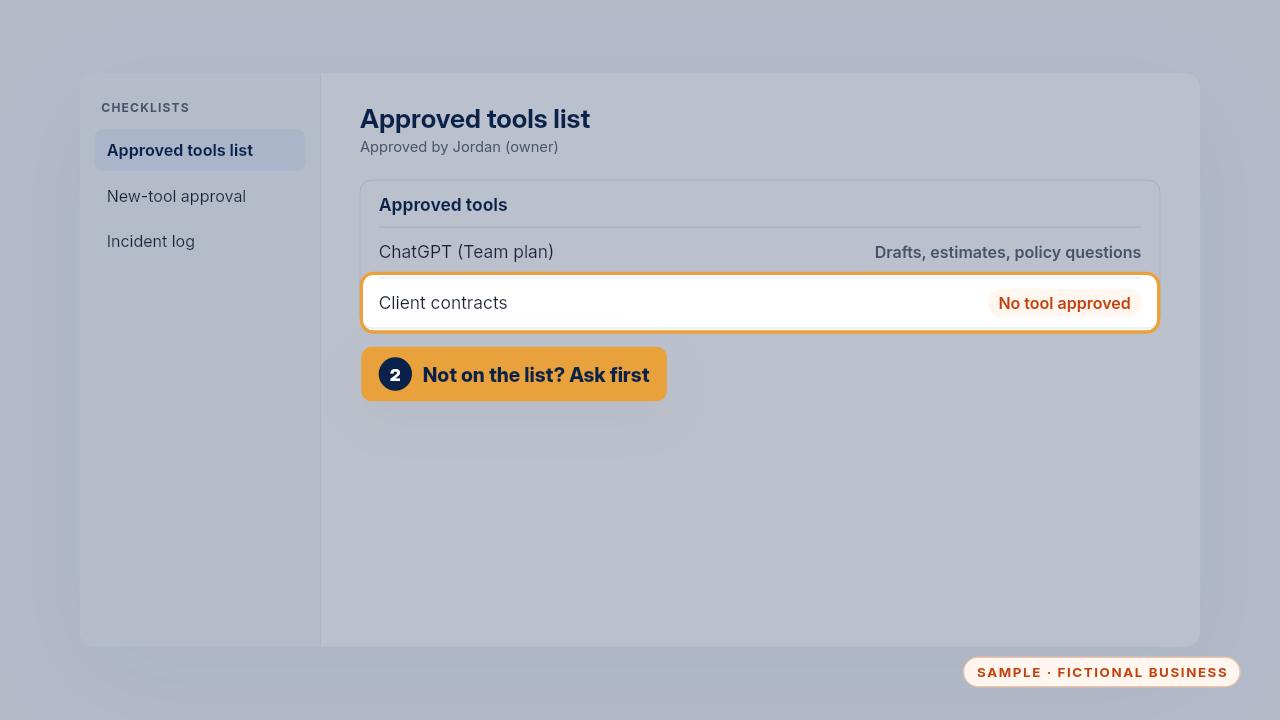
The dispatcher needs a summary of a client's contract, and checks the approved tools list first. No tool is approved for client contracts, so she asks her manager instead of pasting it in.
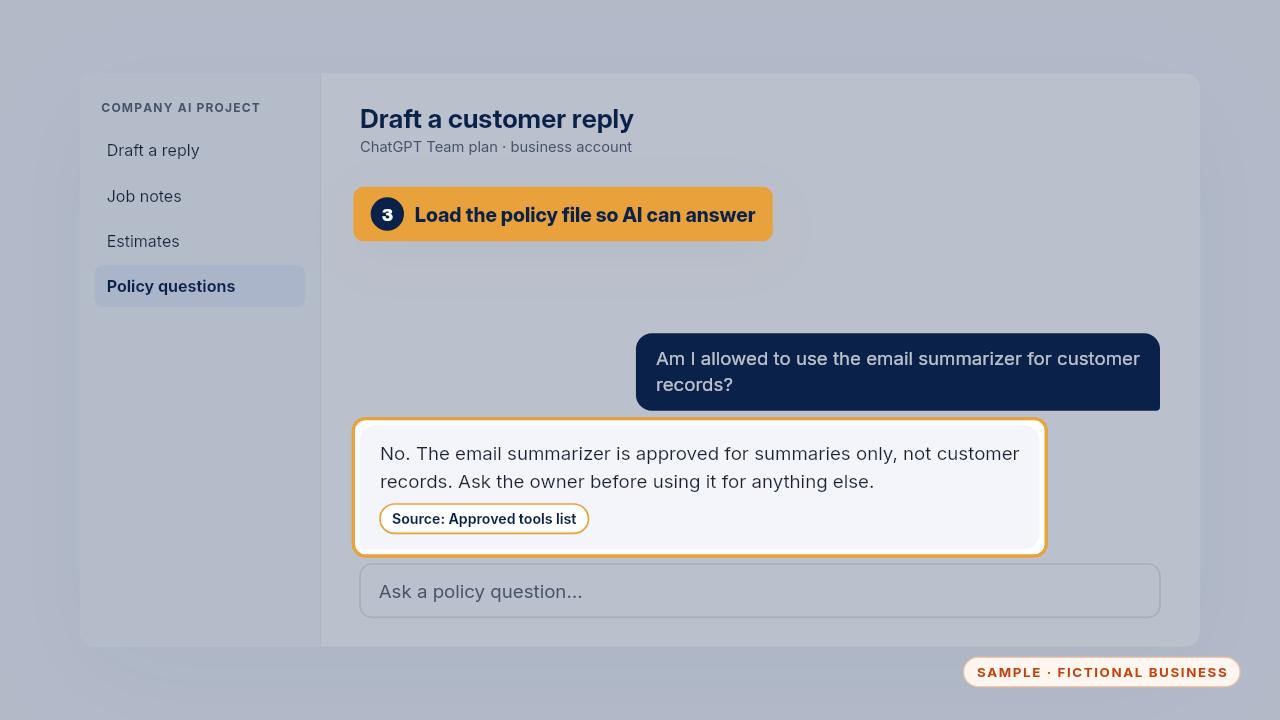
Load the AI ready policy file into your team's assistant, and it can answer am I allowed to questions from your own rules, with the source named.
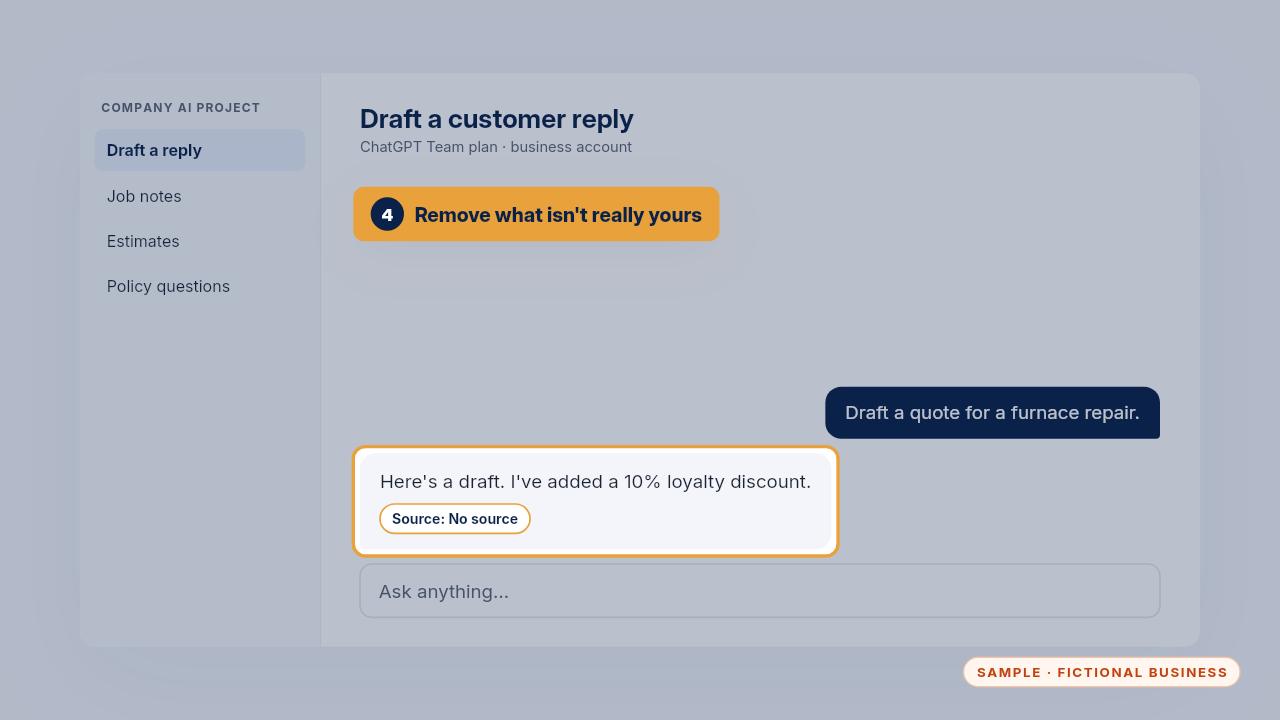
An AI draft adds a ten percent discount nobody offered. The technician removes it. AI drafts are a starting point, and only Brightline's real prices and terms go out.
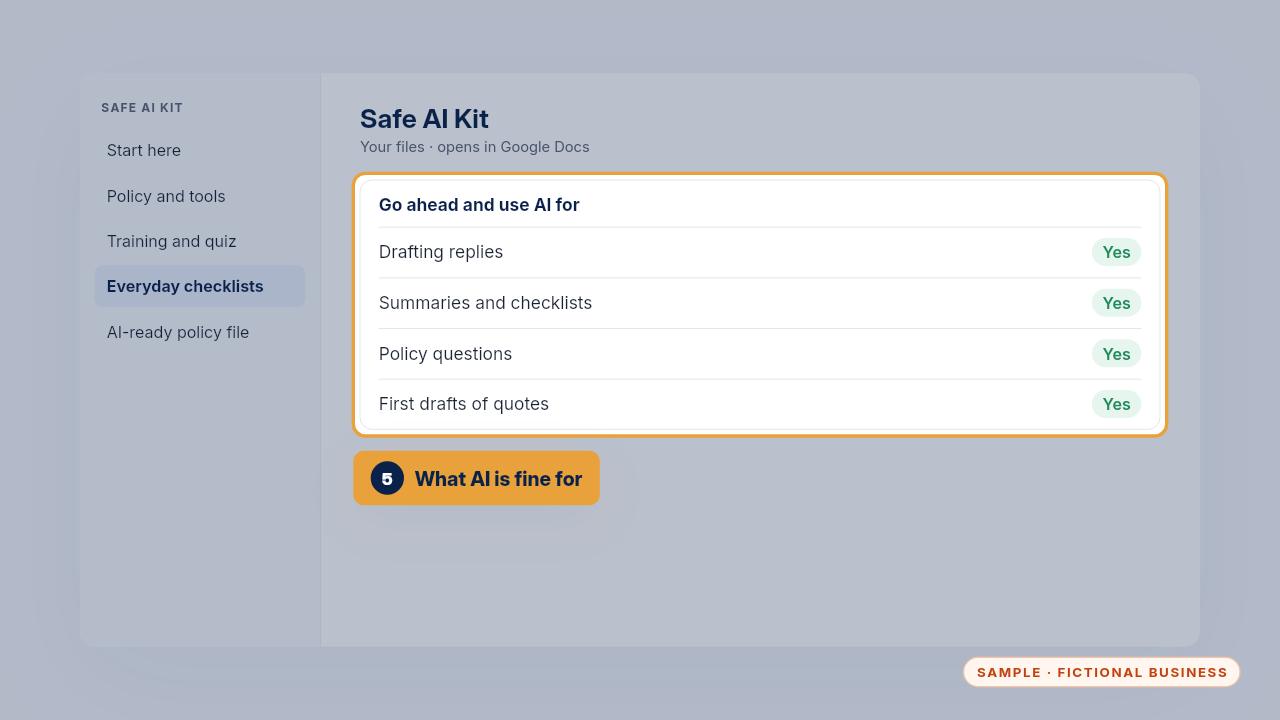
The poster also lists what AI is fine for: drafting replies, summaries, checklists, policy questions and first drafts of quotes. The rules exist so your team keeps using it.
When something goes wrong
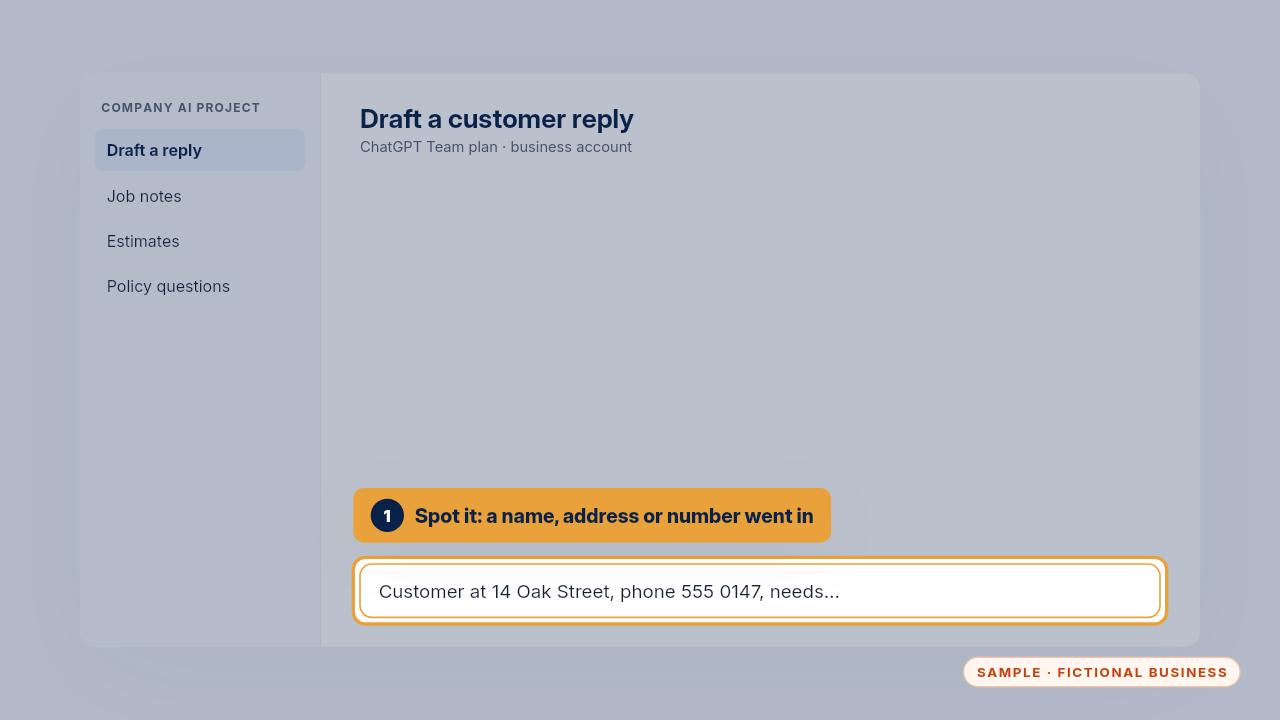
Here's a mistake. A technician pasted a customer's address and phone number into a personal AI account. The rule is simple: stop, and don't paste or send anything more about it.
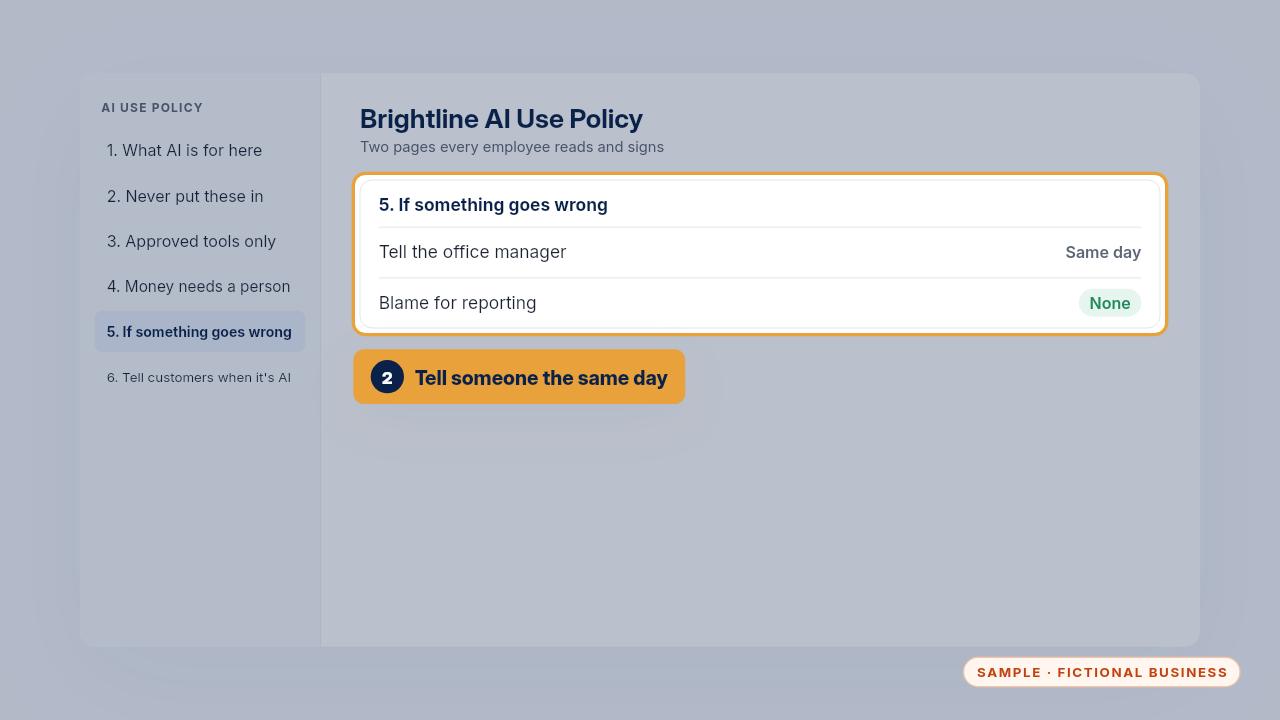
Then tell the person named in the policy the same day. Nobody is blamed for reporting quickly. They'll say whether to delete the chat and what else to do.
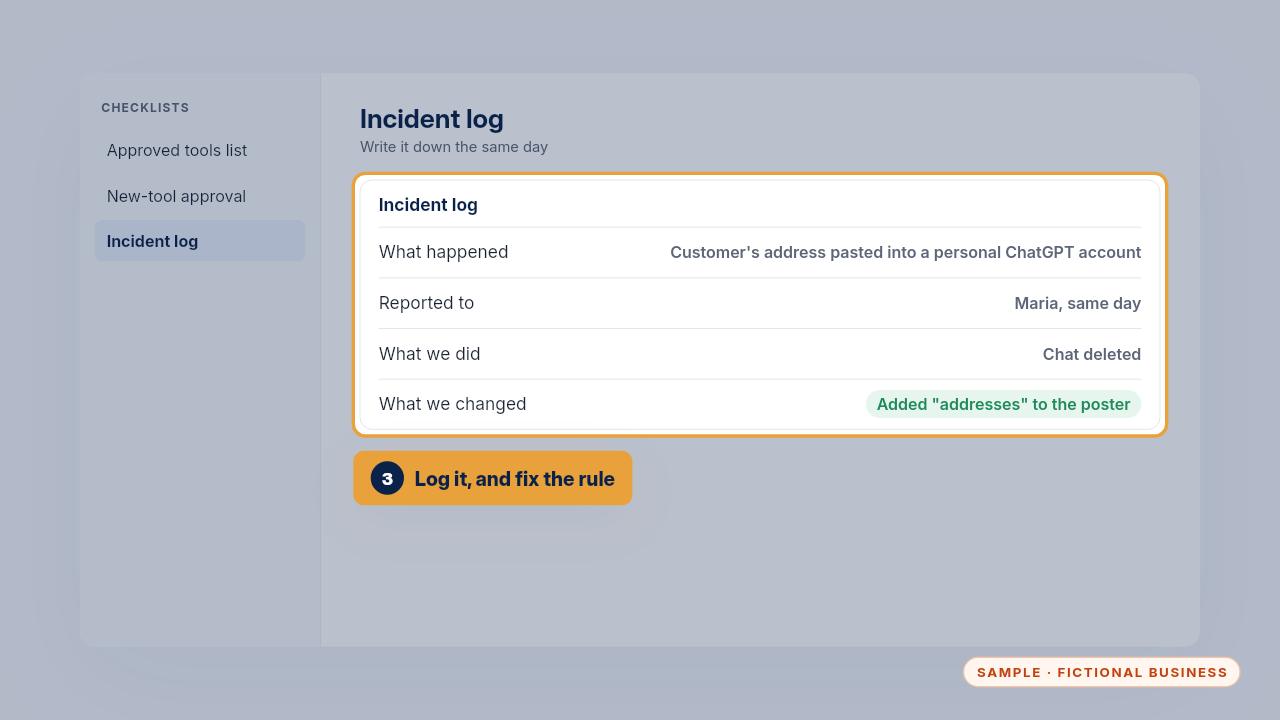
Write it in the incident log: what happened, which tool, who you told, what you did, and what you changed so it doesn't happen again. Here, addresses went onto the poster.
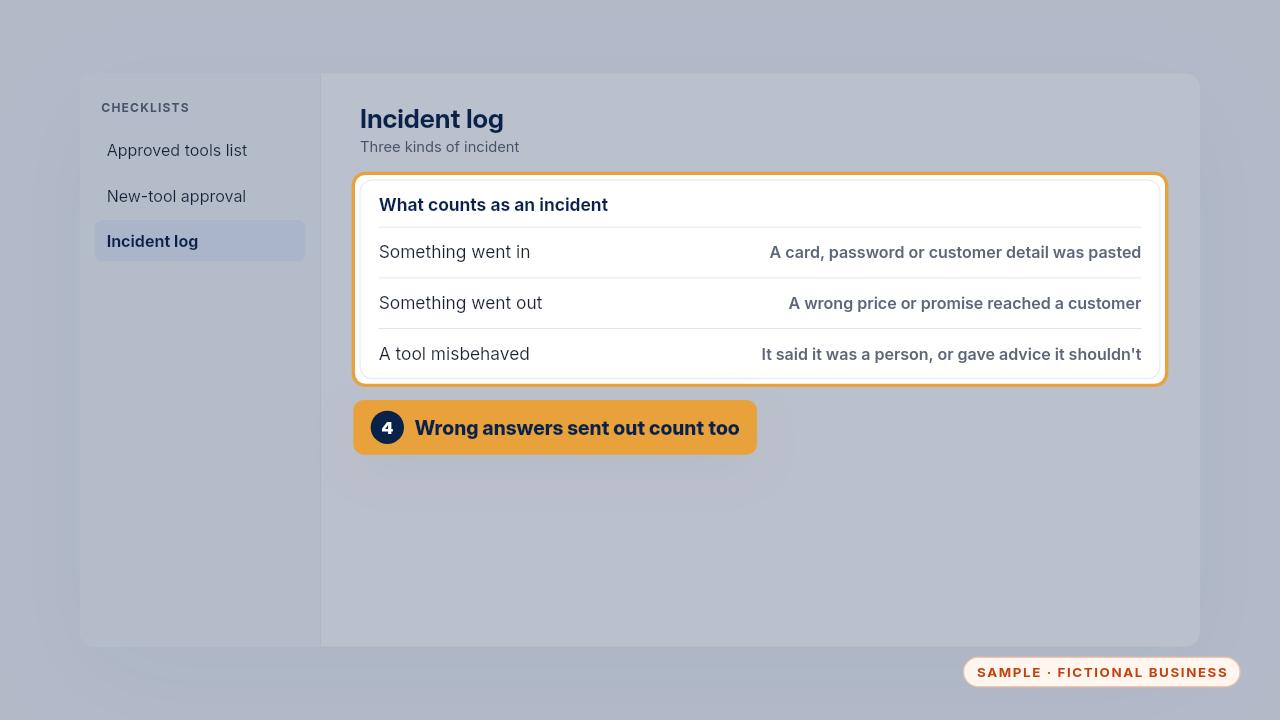
A wrong price that reached a customer counts too, and so does an assistant that claimed to be a person. Look at the log at every policy review. A repeat incident points to a rule or a tool that needs changing.
Updating your rules, tools and team
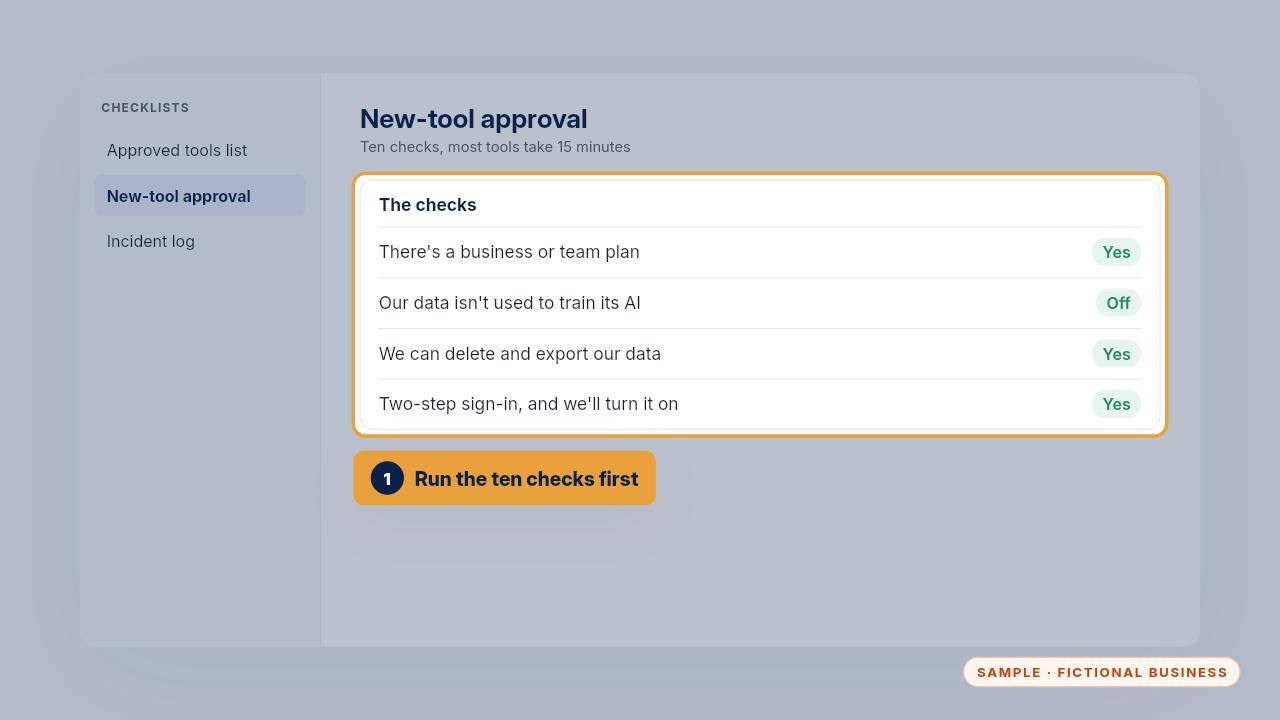
When someone wants a new AI tool, run the ten checks on the new tool checklist first. Most tools take fifteen minutes. Until it passes, it's treated like a personal app.
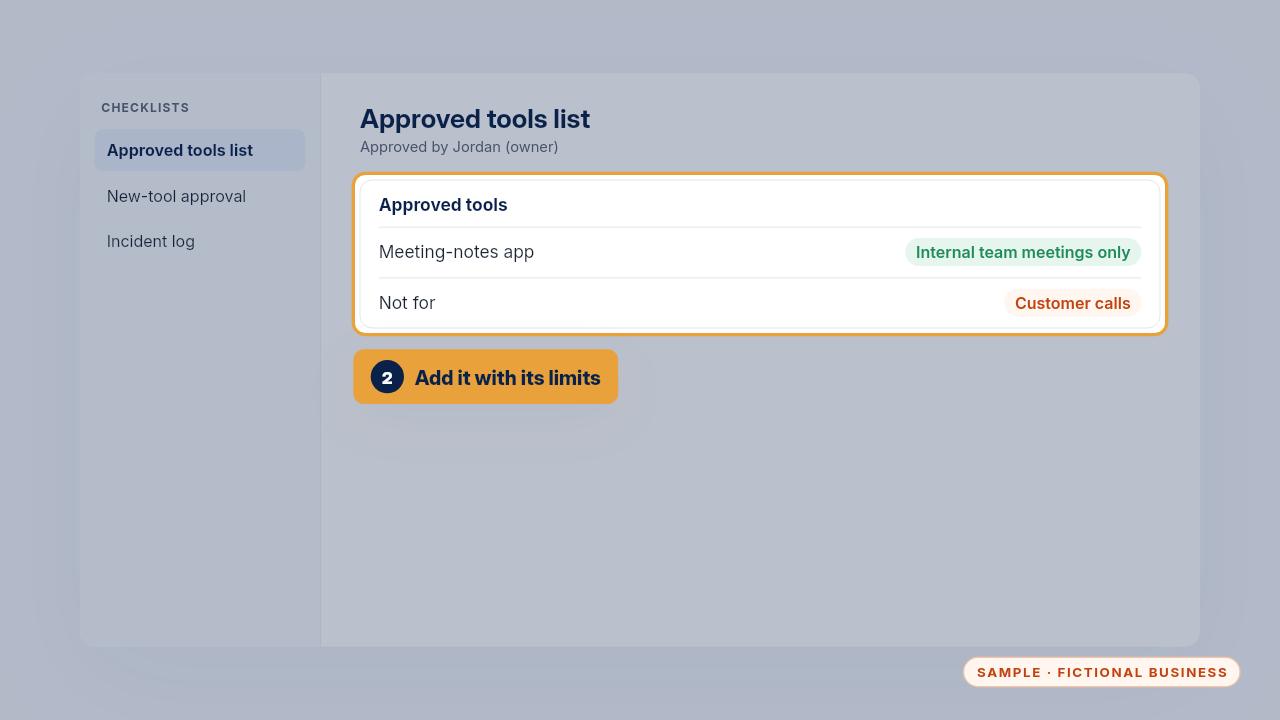
If it passes, add it to the list with exactly what it's allowed for. Brightline approved a meeting notes app for internal meetings only, because it stores recordings outside their account.
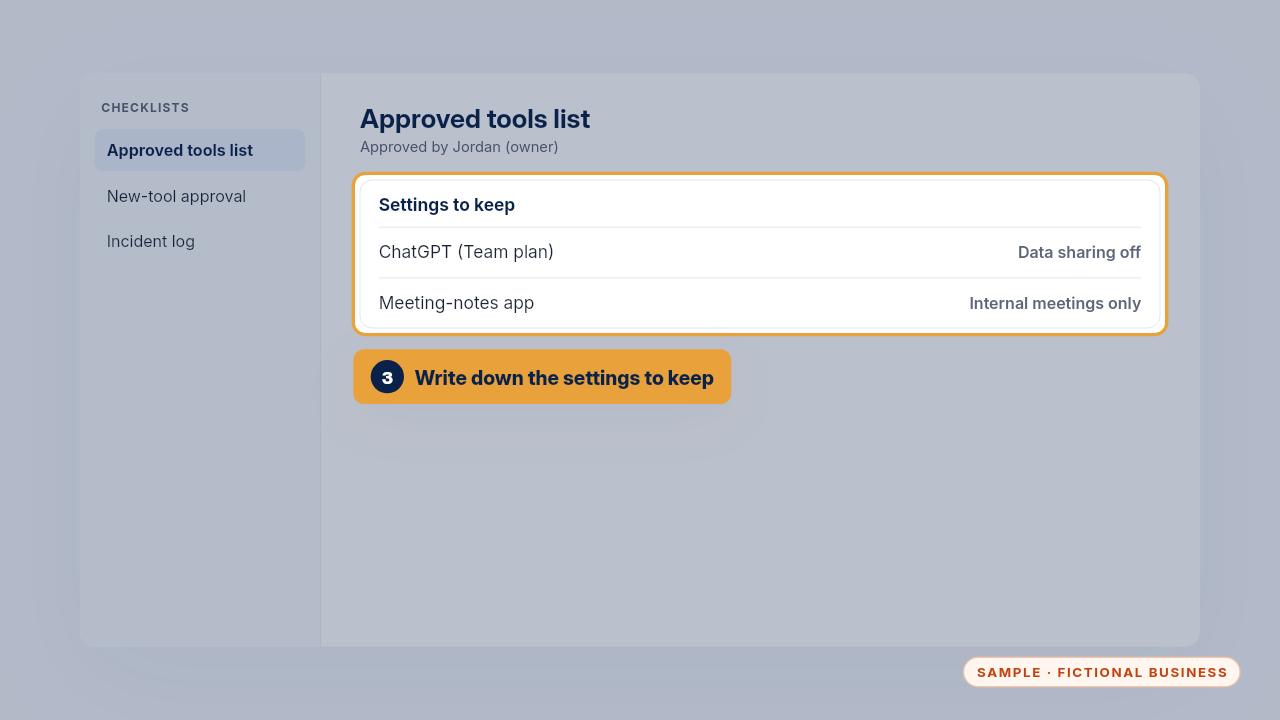
Keep the settings each tool should stay on, like chat history and data sharing, in the last column of the list. Check them again when a tool changes its plan.
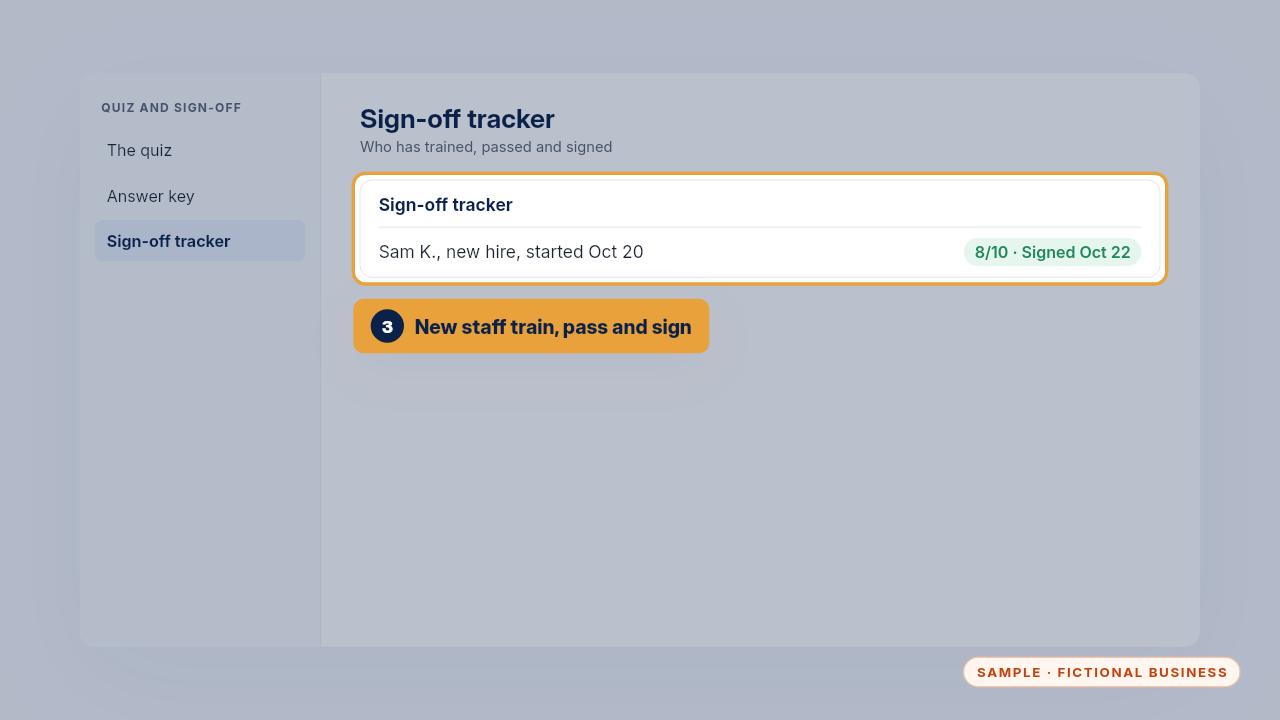
New staff do the same training, quiz and sign off before they use AI for work. Brightline's new hire Sam started on October twentieth and signed two days later.
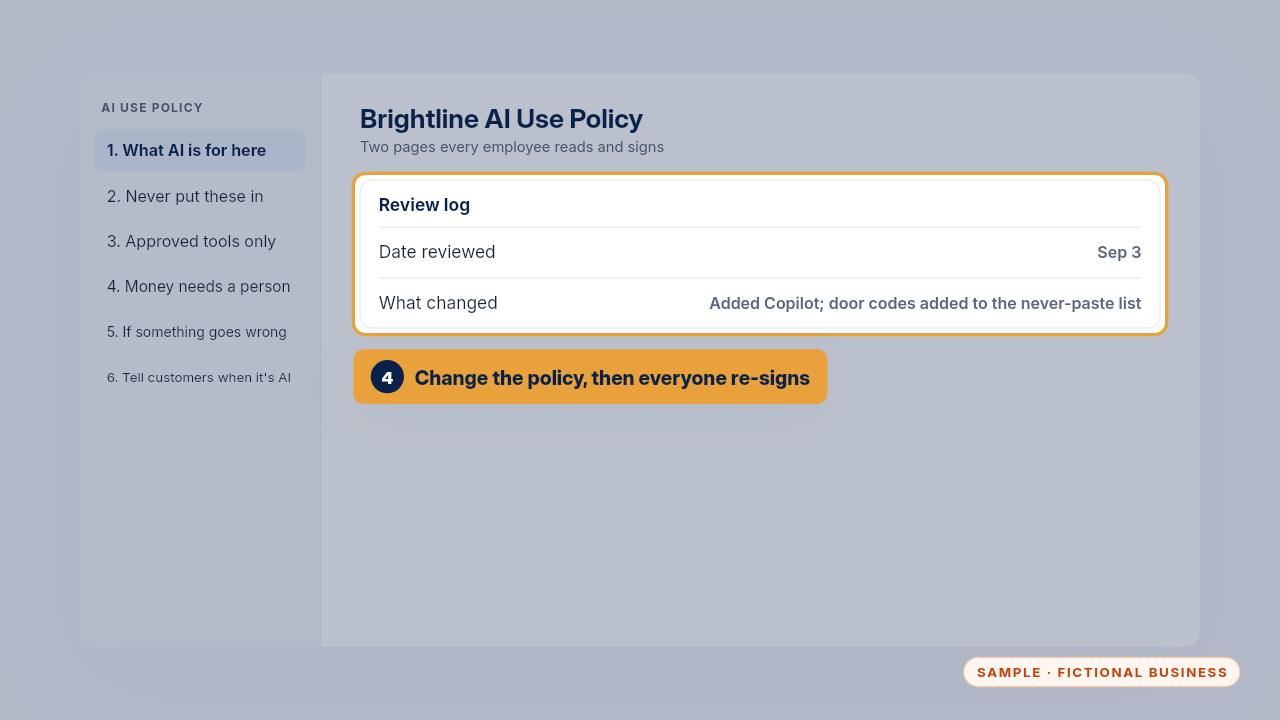
When the policy changes, note it in the review log, and everyone signs again. Even without changes, review it and re-sign every six months.
Edge cases
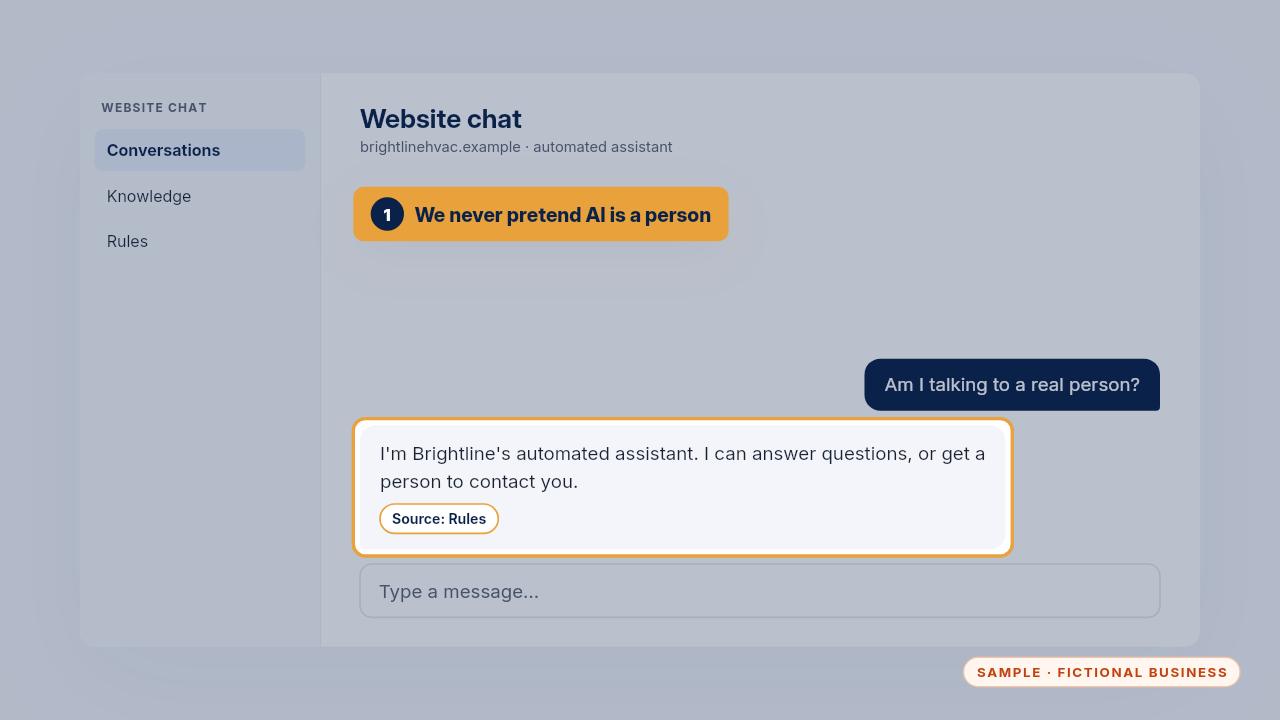
A customer asks if they're talking to a real person. Your assistant says it's automated and offers a person. Brightline never pretends an AI is a person, and staff tell the truth if a customer asks whether AI helped.
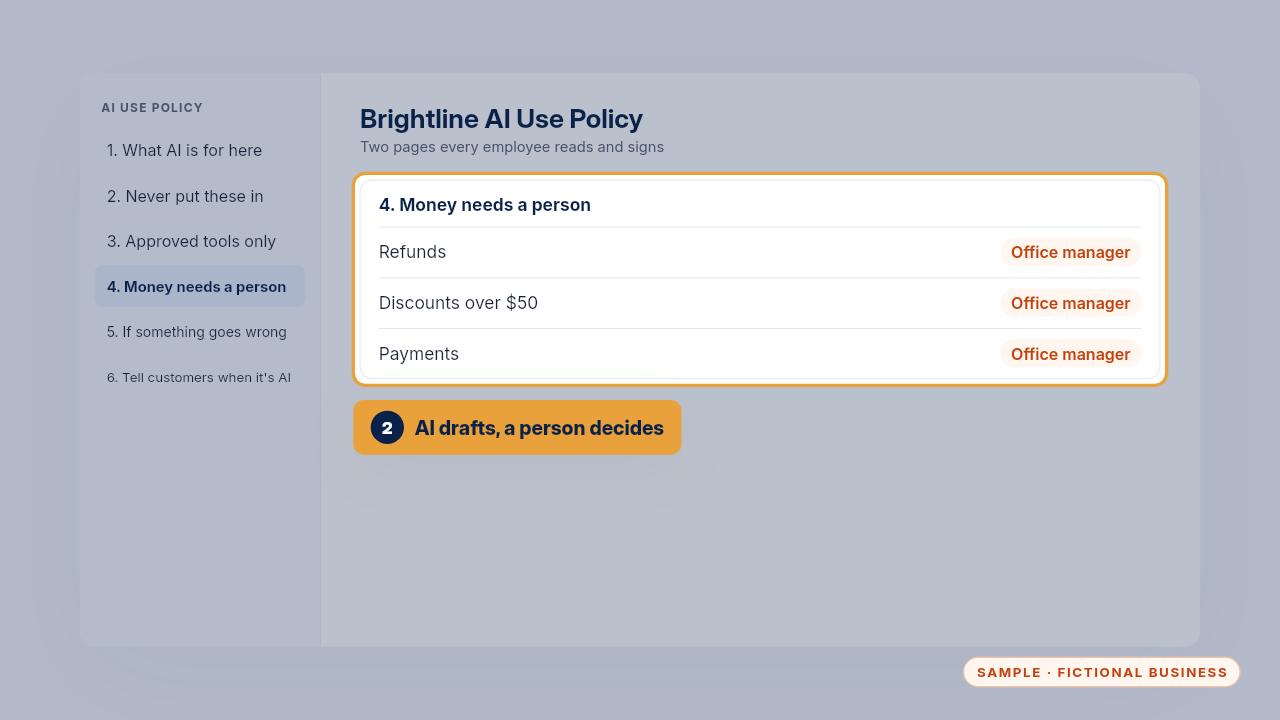
A customer asks for a refund. AI can draft the email, but a person decides anything that moves money. At Brightline, refunds, discounts over fifty dollars and payments go to the office manager.
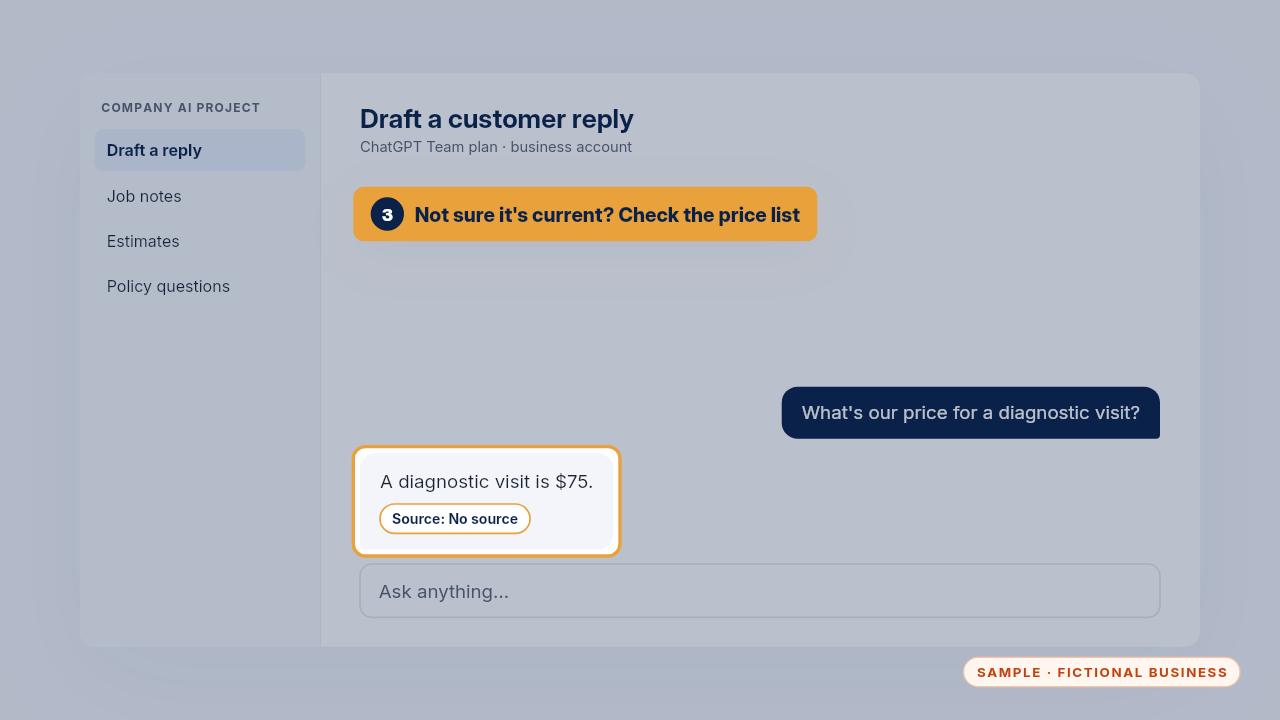
An AI tool states a price you're not sure is current. Check your own price list before it goes out. AI doesn't know your latest prices unless you've told it.
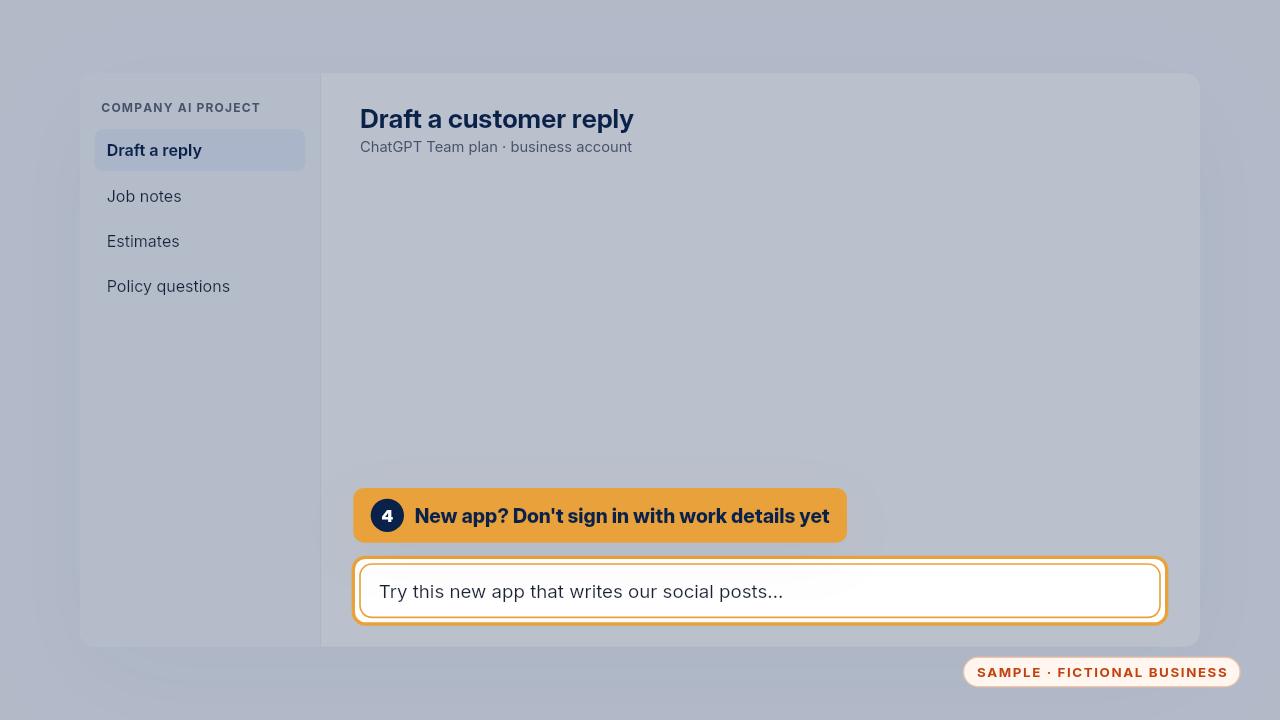
A coworker shares a new app that writes social posts, and it looks great. Don't sign in with work details yet. Ask the person who approves tools. Often the answer is yes, once it's checked.
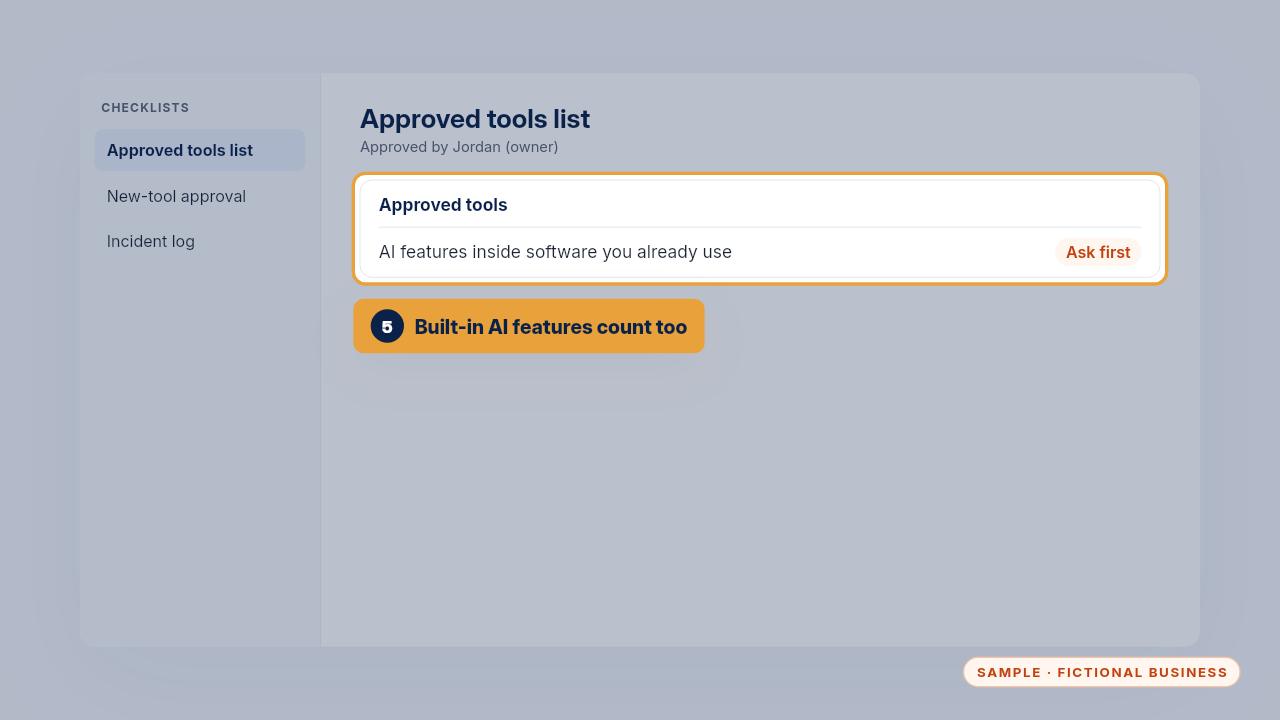
AI features that appear inside software you already use count as new tools too. Ask before turning one on for company work.
Privacy rules: what never goes in
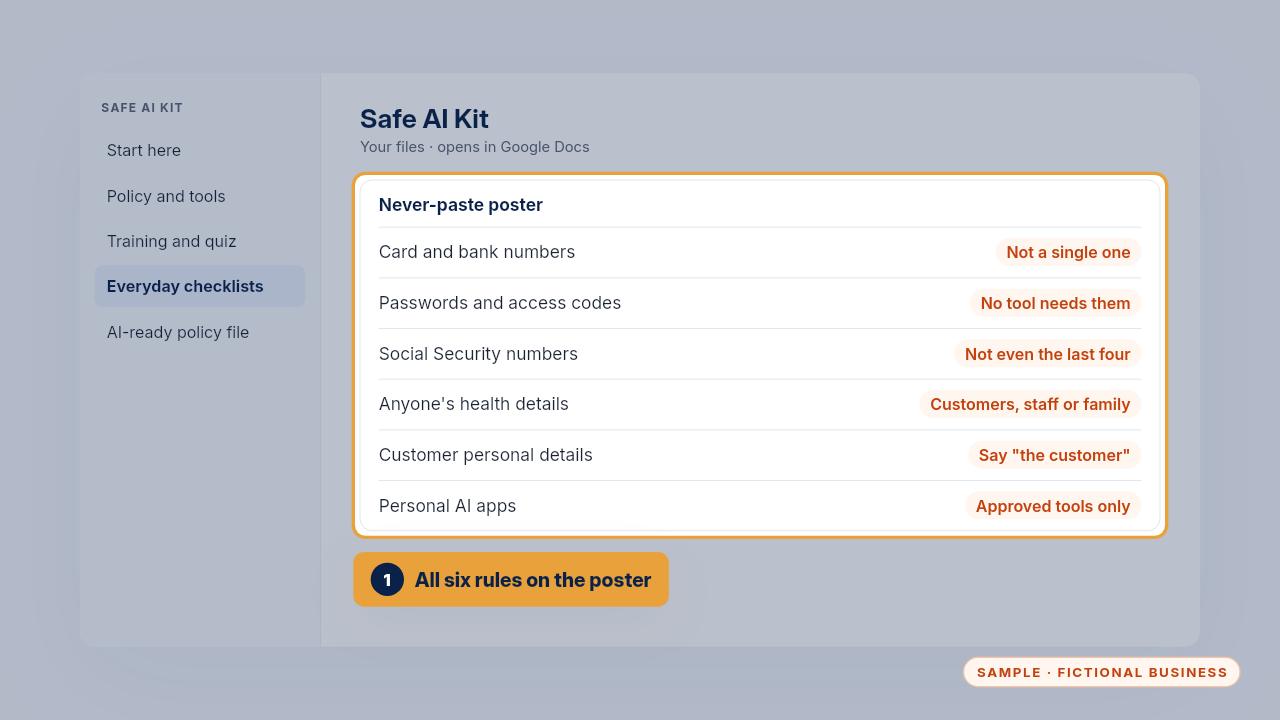
The poster has six rules. No card or bank numbers. No passwords or access codes. No Social Security numbers, not even the last four. No one's health details. No customer personal details. And no personal AI apps for work.
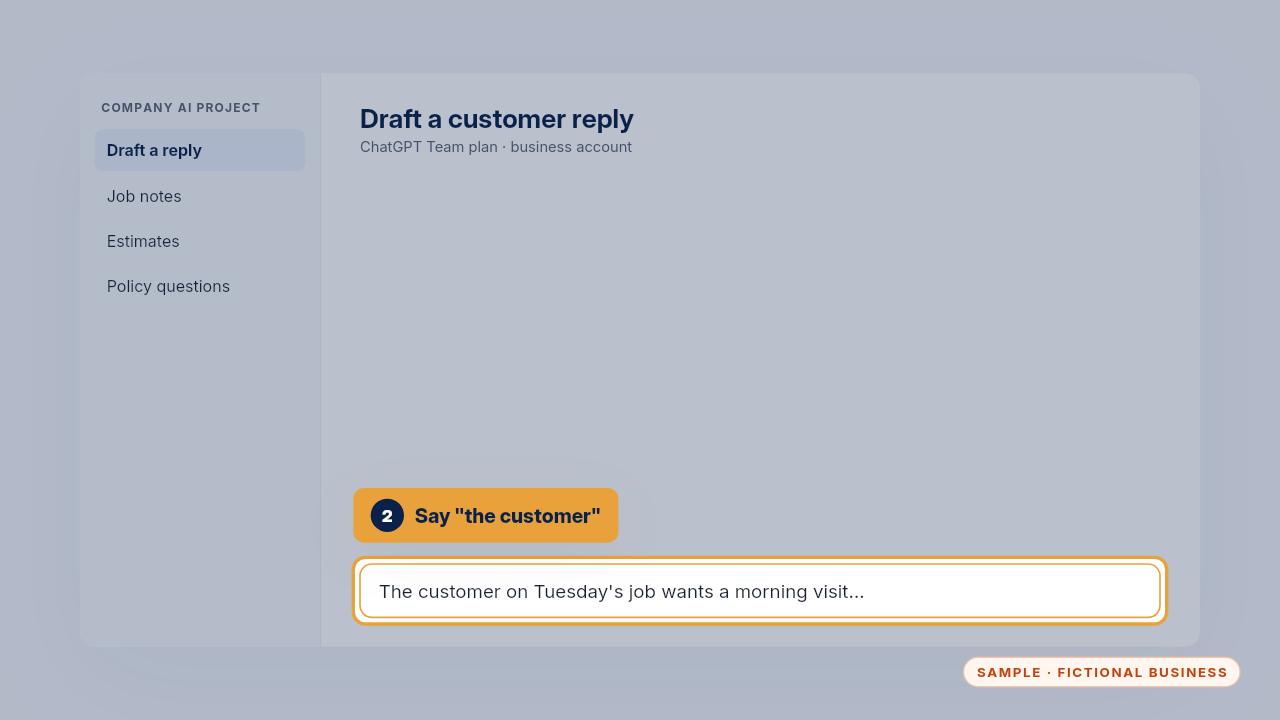
Write about the customer, not their name and address. Say the customer on Tuesday's job, and add the details yourself at the end.
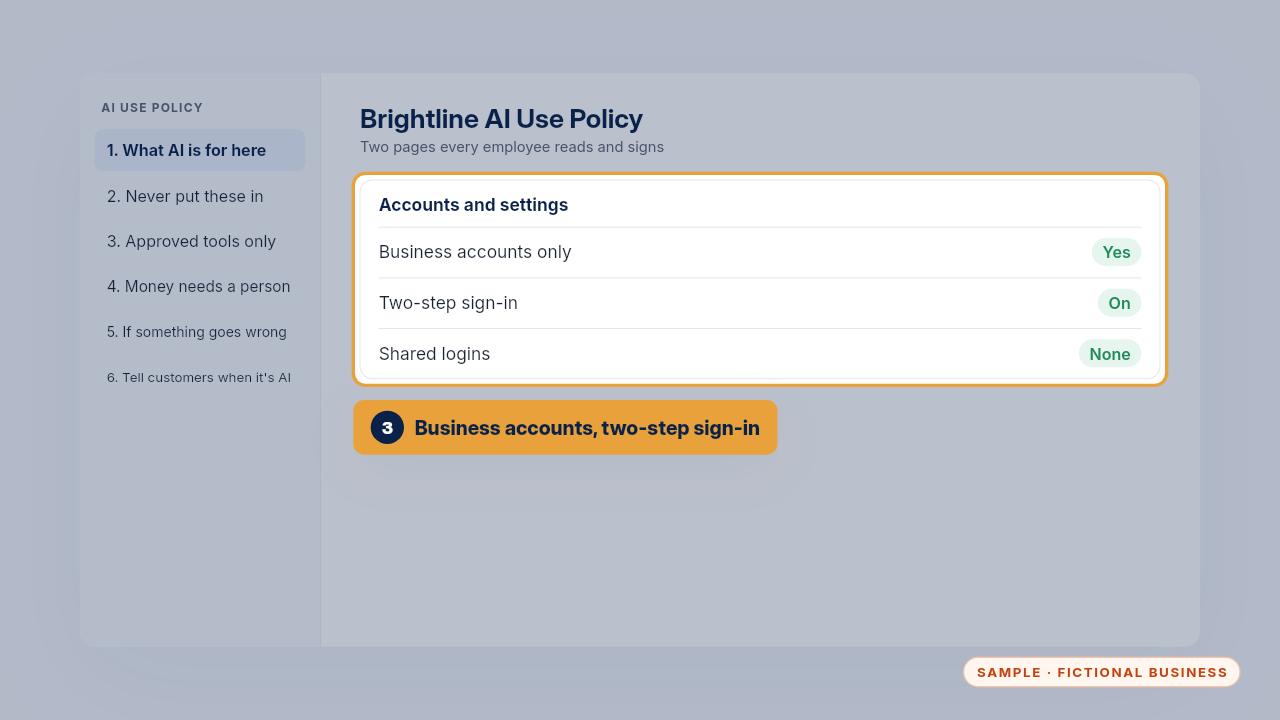
Use business accounts only, with two step sign in on, and no shared logins. Business accounts come with settings you've checked.
The weekly 5-minute check
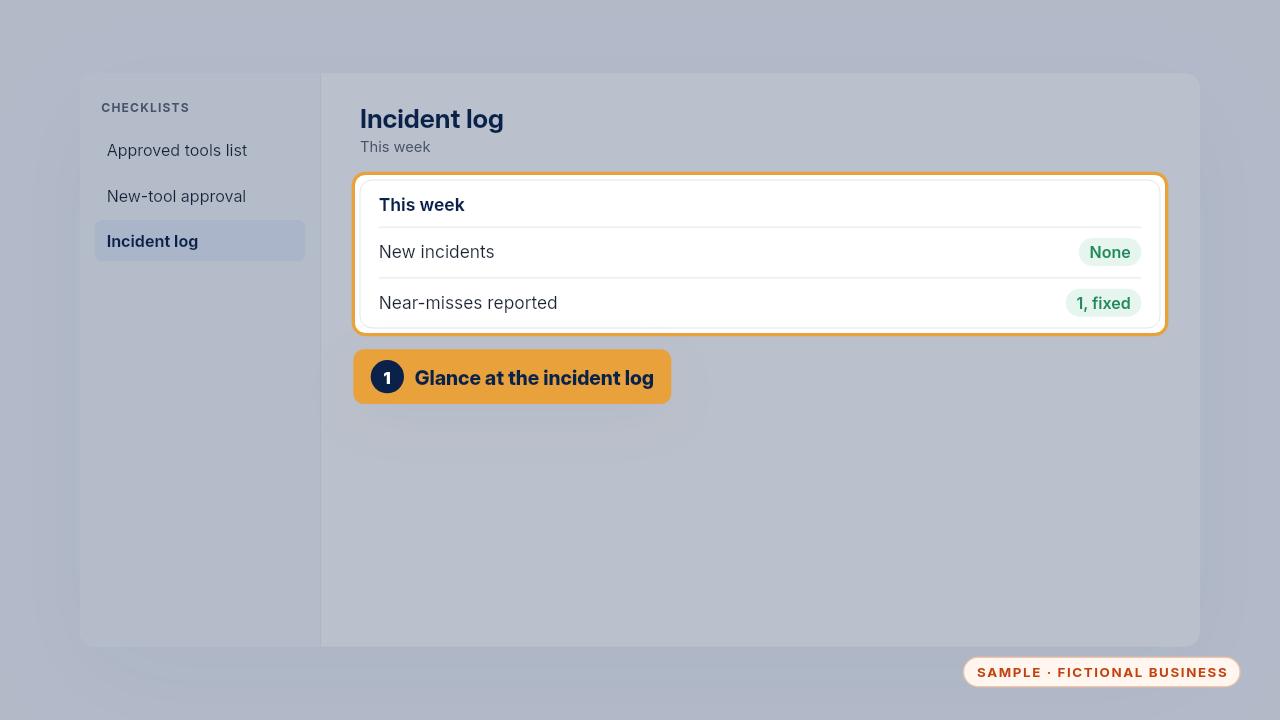
Once a week, take five minutes. Glance at the incident log for anything new, and check that each entry says what changed.
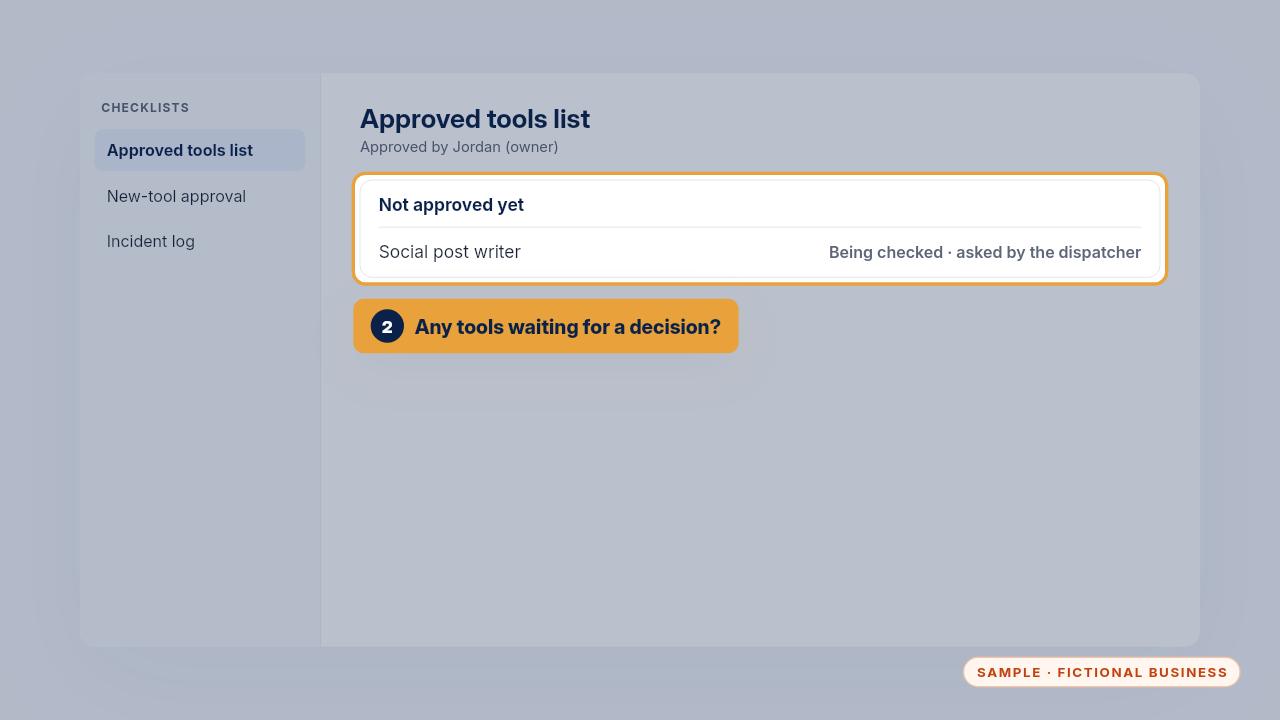
Look at the not approved yet list. Anyone waiting on a decision about a new tool gets an answer, so nobody's tempted to use it anyway.
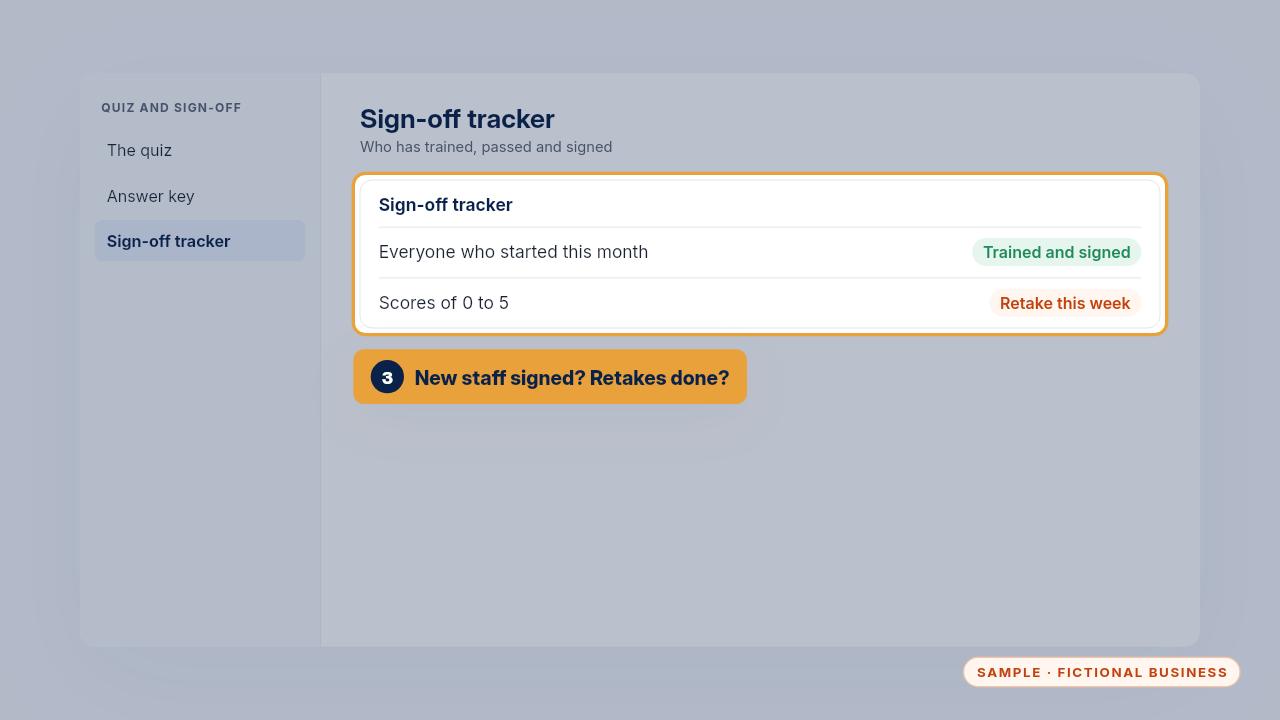
Check the tracker. Anyone new should be trained and signed, and anyone who scored five or less should retake the quiz that week.
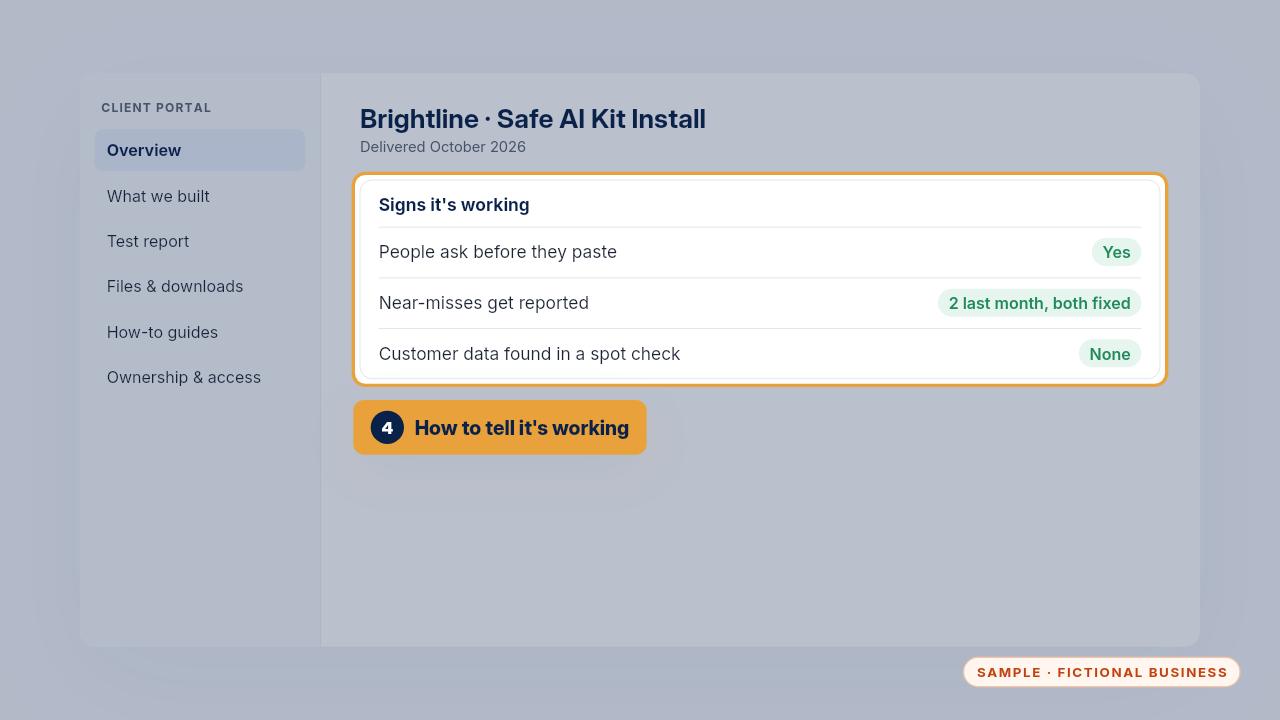
You can tell it's working when people ask before they paste, near misses get reported instead of hidden, and a spot check of your AI chats finds no customer data.
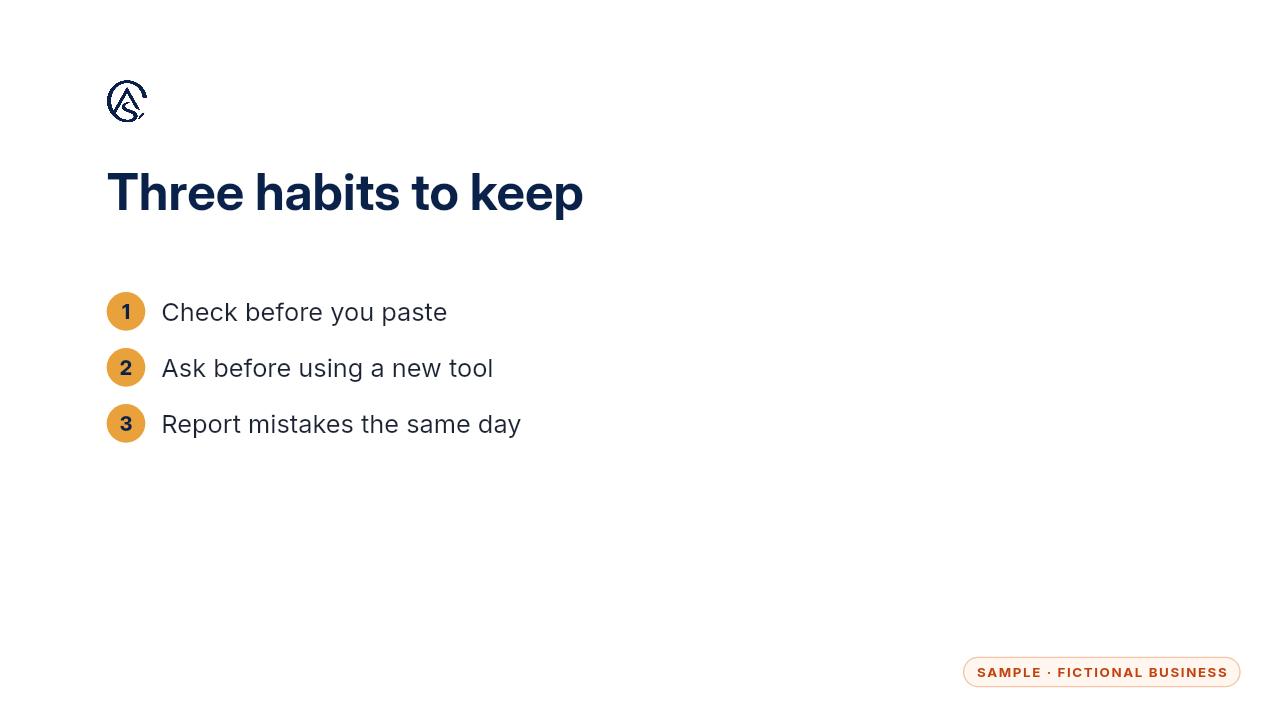
That's the whole routine. Check before you paste, ask before using a new tool, and report mistakes the same day. Keep the weekly check on your calendar and review the policy every six months.
Get the Safe AI Kit
Clear AI rules your whole team can follow. Every Kit and Install comes with these videos, and an Install adds a walkthrough made from your own setup.