
How-to guides · Business Brain · How do I
How do I add a service?
Give a new service its own box in section 2, with its price and its limits.
Narrated video with captions, 39 s. Made with a fictional company, Brightline Heating & Air (sample · fictional business). Read the transcript · Download the step-by-step PDF
Step by step
Adding a new service takes a few minutes, in section two of your workbook.
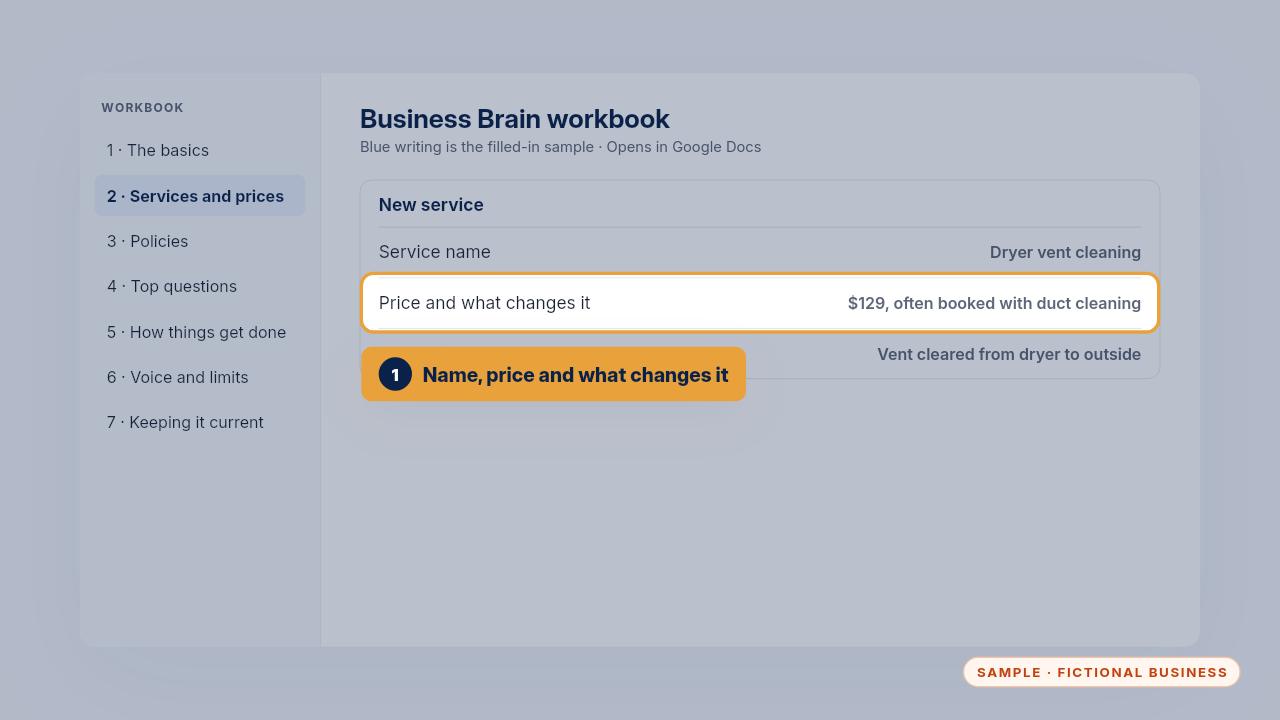
Write the name customers use, the price, and what changes the price. Add what's included and how long it takes.
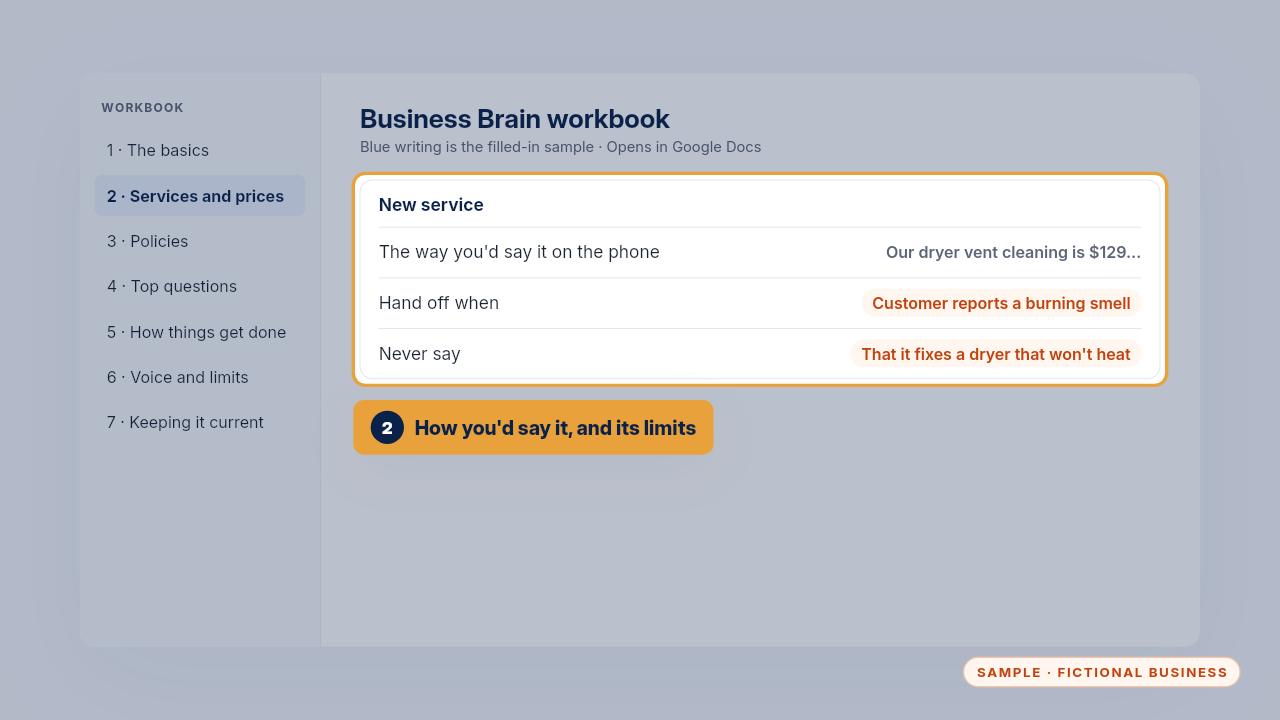
Then write how you'd say it on the phone, when the AI should hand off to a person, and what it must never say about this service.
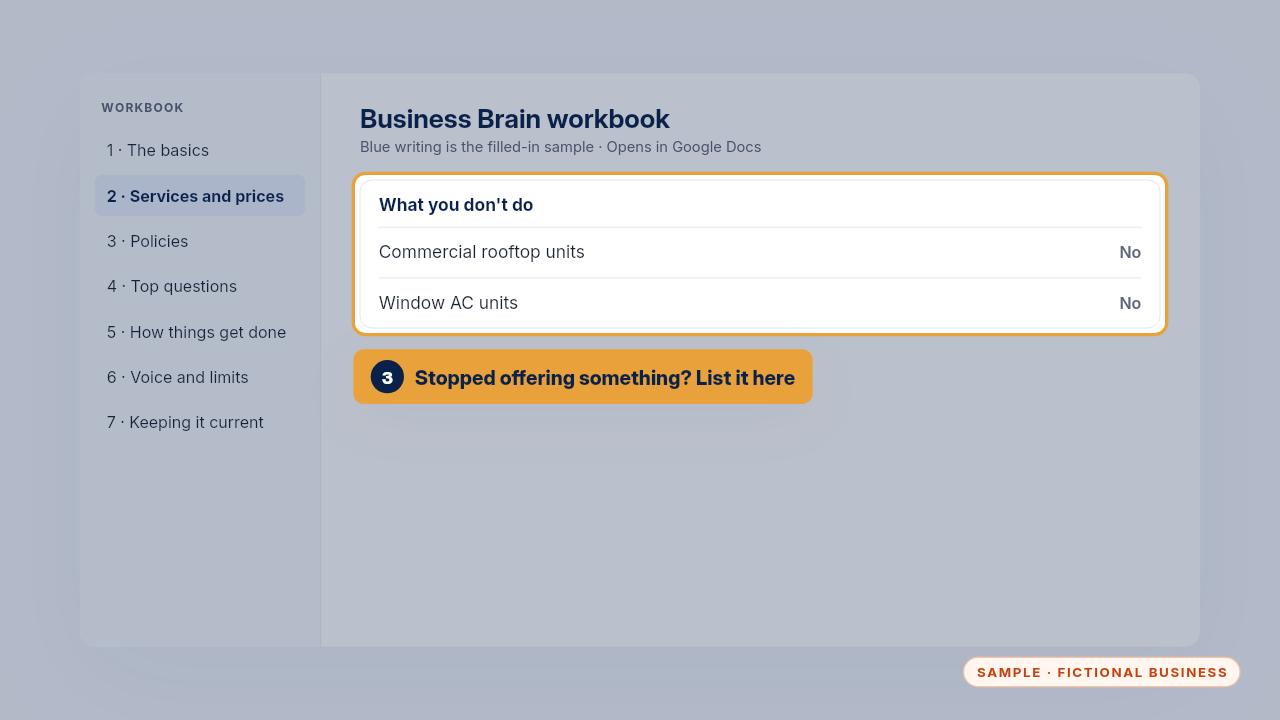
If you stop offering something, move it to the list of what you don't do. Then the AI says no politely instead of guessing.
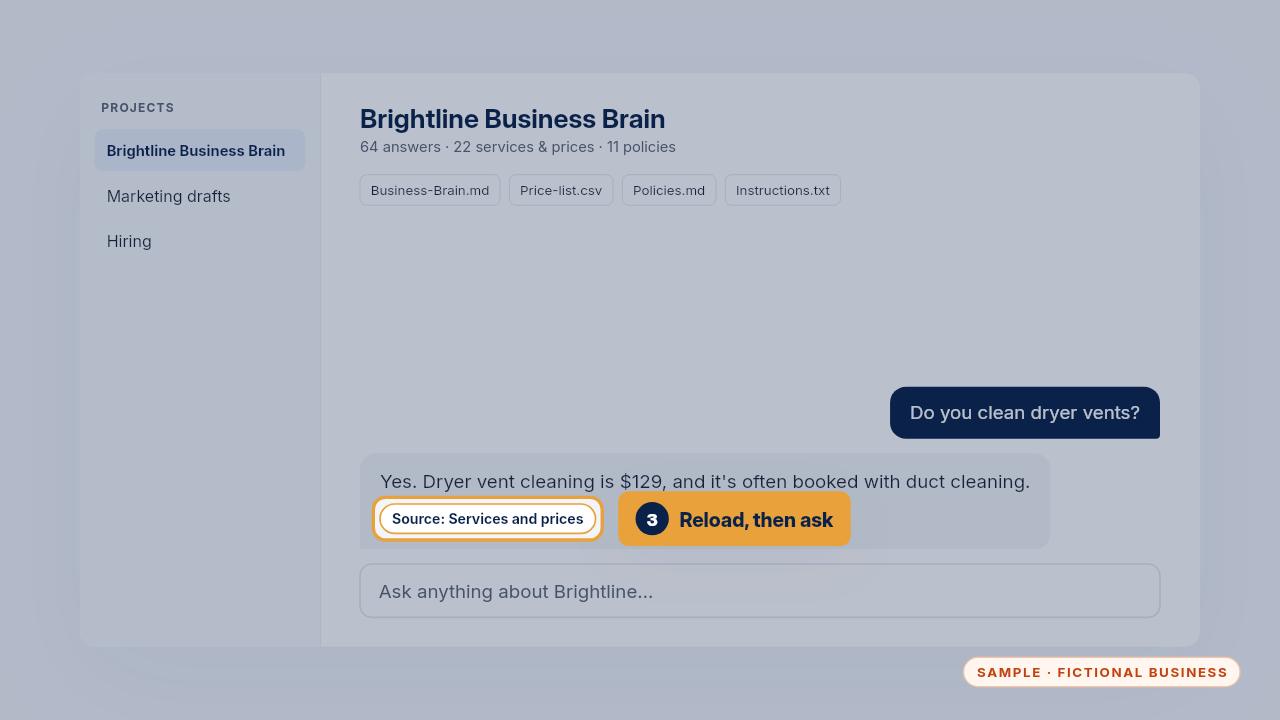
Save, reload the file in every tool, and ask about the new service once. The answer should name section two as its source.
Get the Business Brain
Your business knowledge, ready for the AI tools you already use. Every Kit and Install comes with these videos, and an Install adds a walkthrough made from your own setup.