
How-to guides · Business Brain · Quick start
Ask your Business Brain
Get answers from everything your business knows, with the source named every time.
Narrated video with captions, 1 min 6 s. Made with a fictional company, Brightline Heating & Air (sample · fictional business). Read the transcript · Download the step-by-step PDF
Step by step
Here's how to get trusted answers from your Business Brain in under a minute. It works the same in every tool it's loaded into, so learn it once.
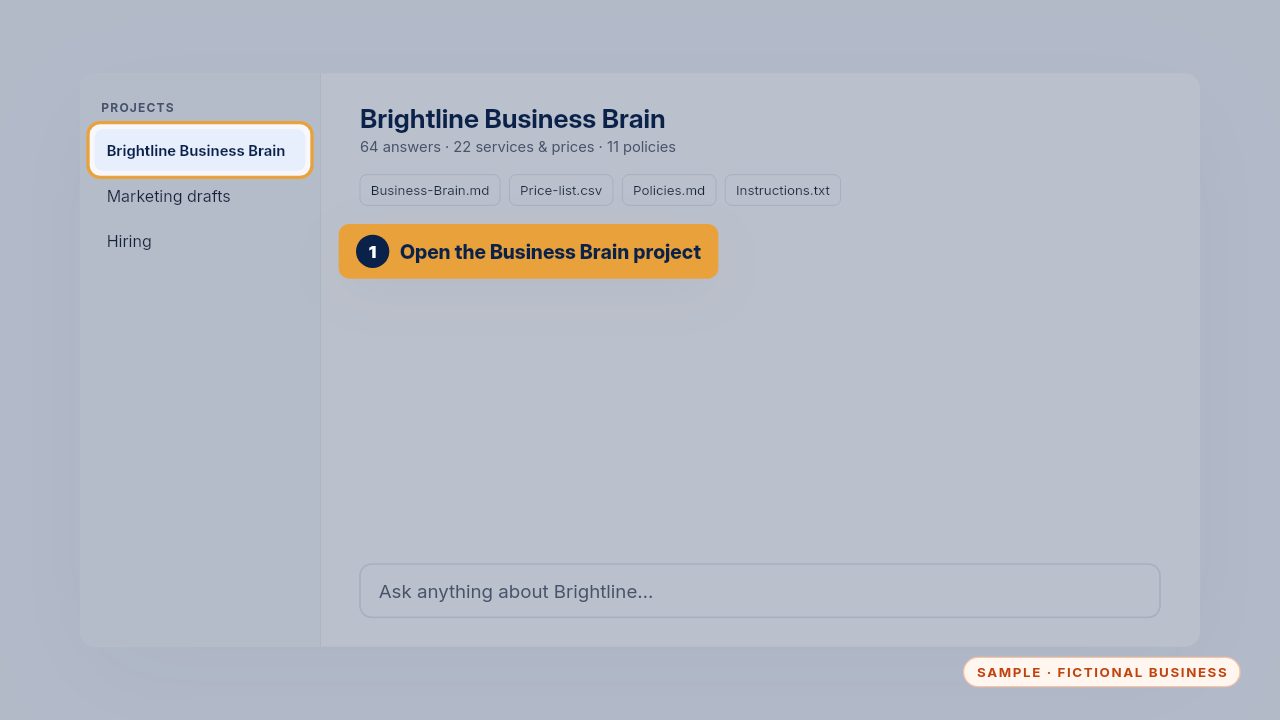
First, open the Business Brain project in your AI tool. Your knowledge files are already loaded: your services and prices, your policies, and the instructions that tell it how to answer.
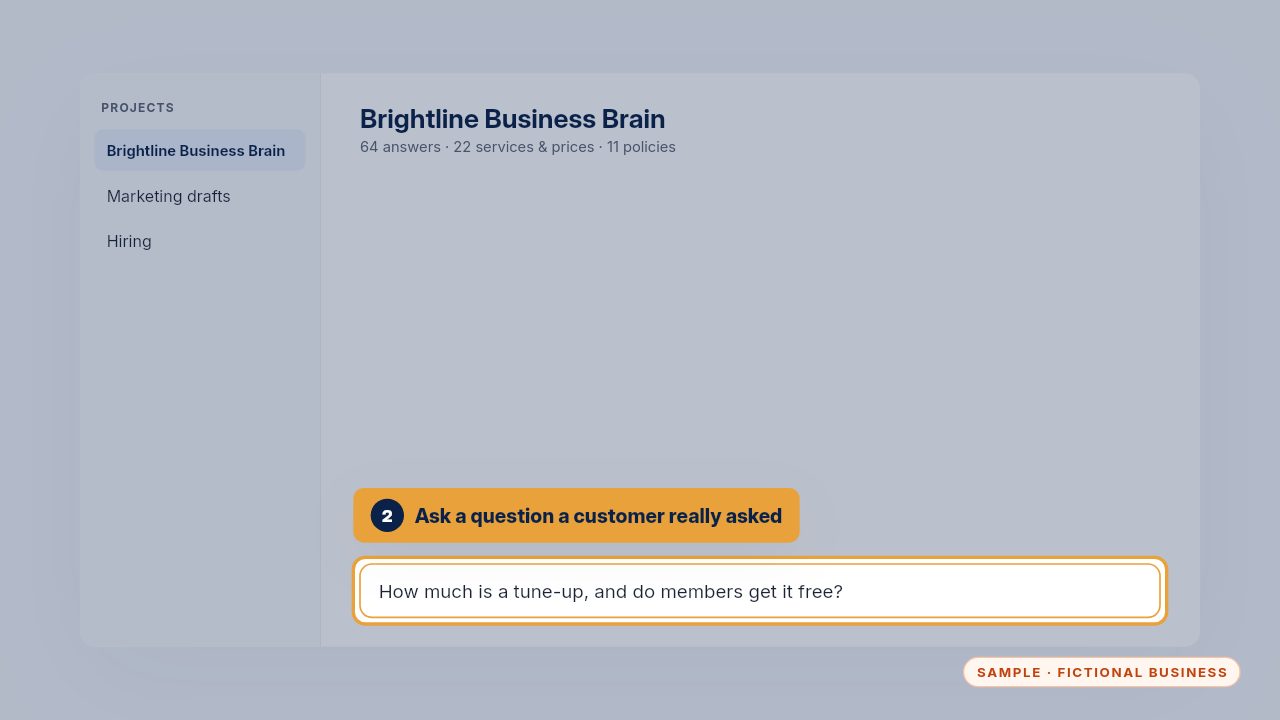
Type a question a customer really asked this week, in their words. Real questions are the best test, because that's exactly what your team and your callers will ask.
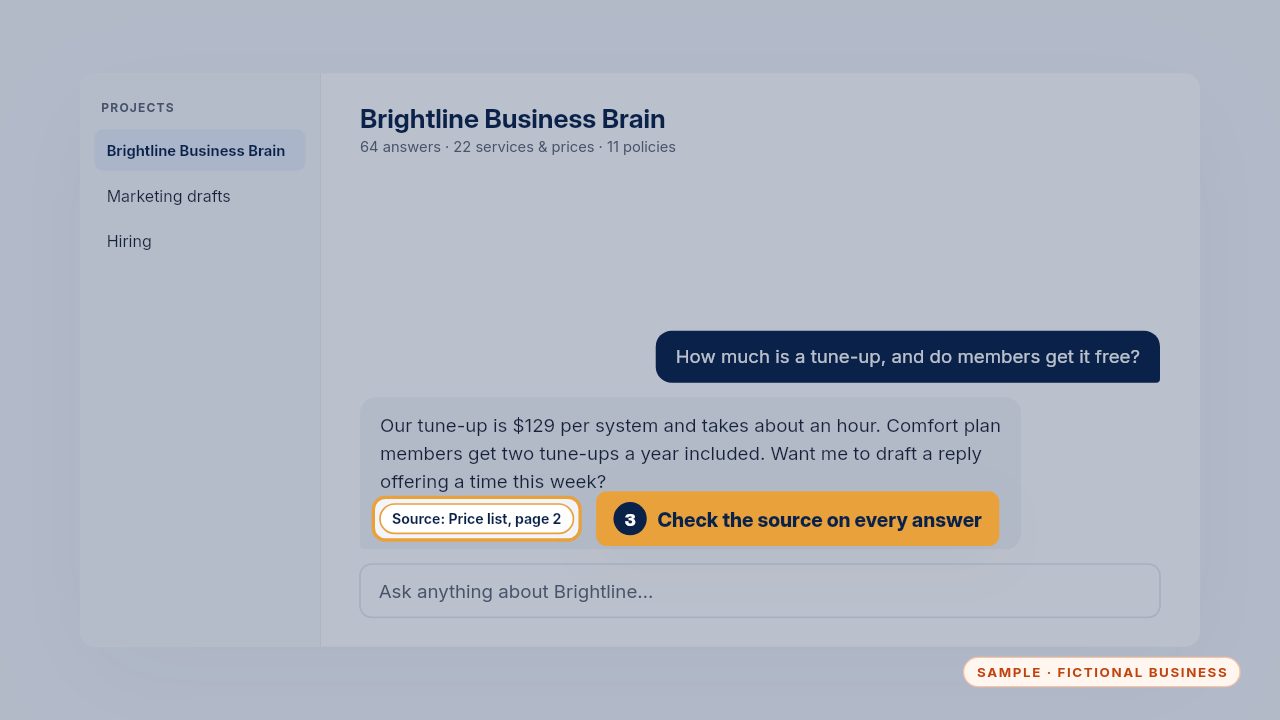
The answer comes from your own price list, and it names the source. Check it before you send anything to a customer. If the source looks wrong, the fix belongs in your master file, not in the reply.
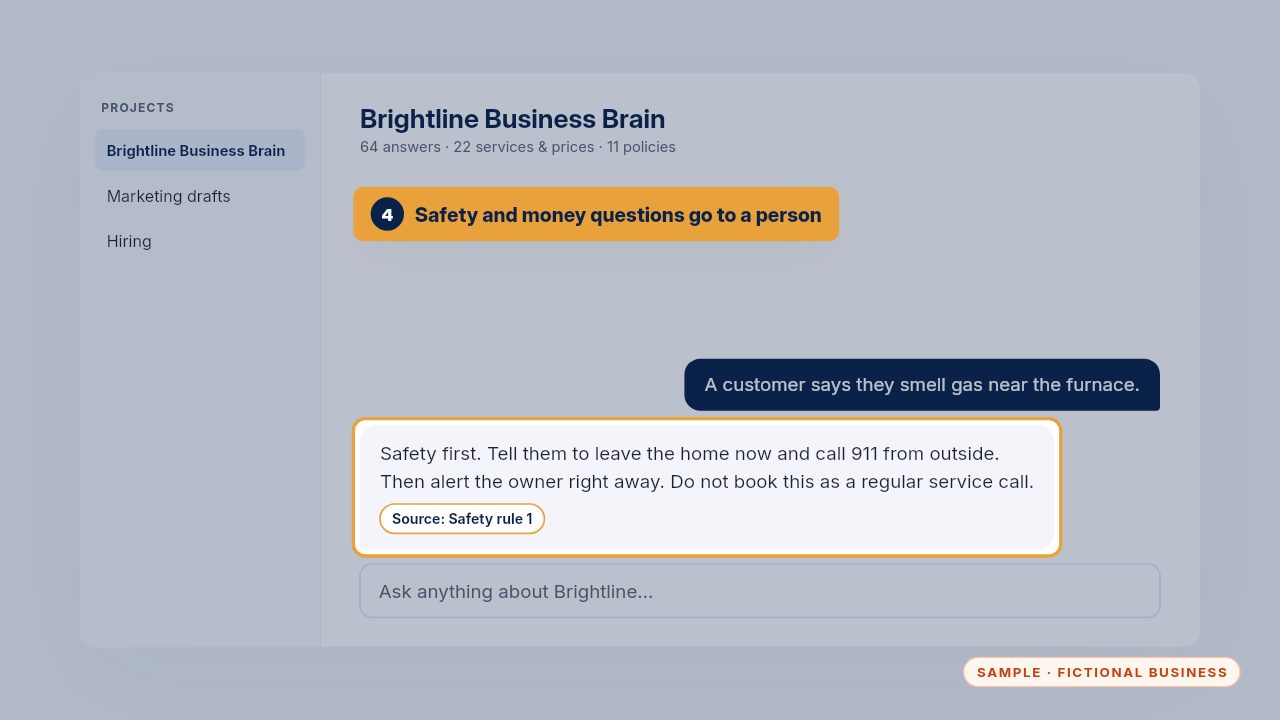
Safety and money questions always go to a person. Your Business Brain says so, and tells you who to call. A gas smell, a refund or a discount is never left to the AI.
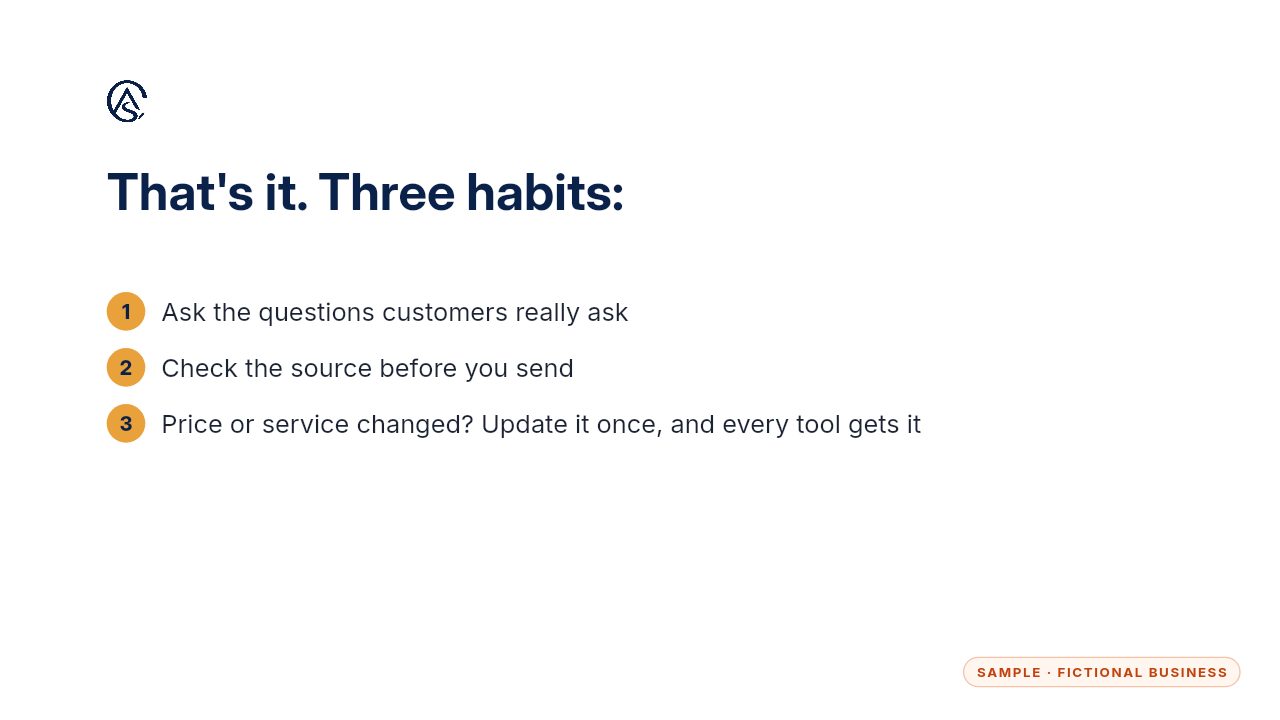
Ask real questions, check the source, and update it whenever something changes. Your Business Brain is only as good as the facts you keep in it.
Get the Business Brain
Your business knowledge, ready for the AI tools you already use. Every Kit and Install comes with these videos, and an Install adds a walkthrough made from your own setup.