
How-to guides · Document Desk · How do I
How do I run the answer check log?
Test the assistant with 25 questions you already know before your team relies on it.
Narrated video with captions, 36 s. Made with a fictional company, Brightline Heating & Air (sample · fictional business). Read the transcript · Download the step-by-step PDF
Step by step
Before your team relies on Document Desk, run the answer check log. Here's how.
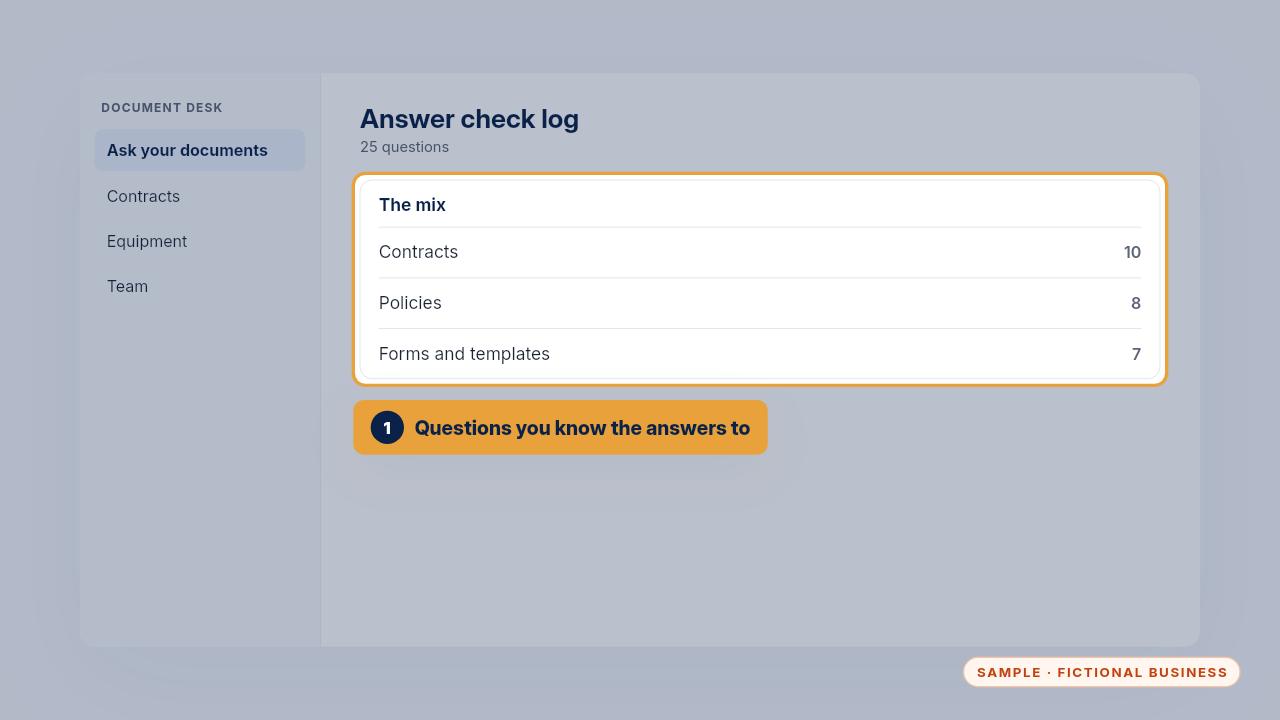
Write twenty-five questions you already know the answers to: ten about contracts, eight about policies and seven about forms and templates.
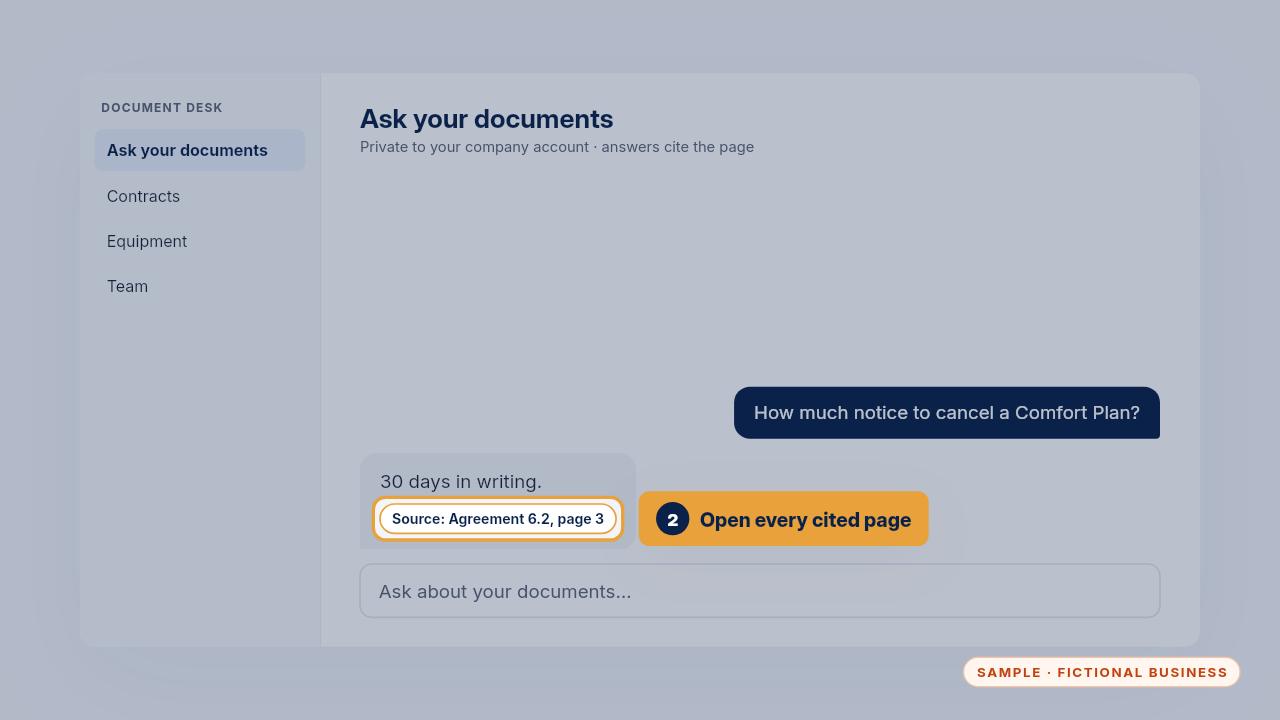
Ask each one and open the page it cites. Mark it pass only when the page really says what the answer says.
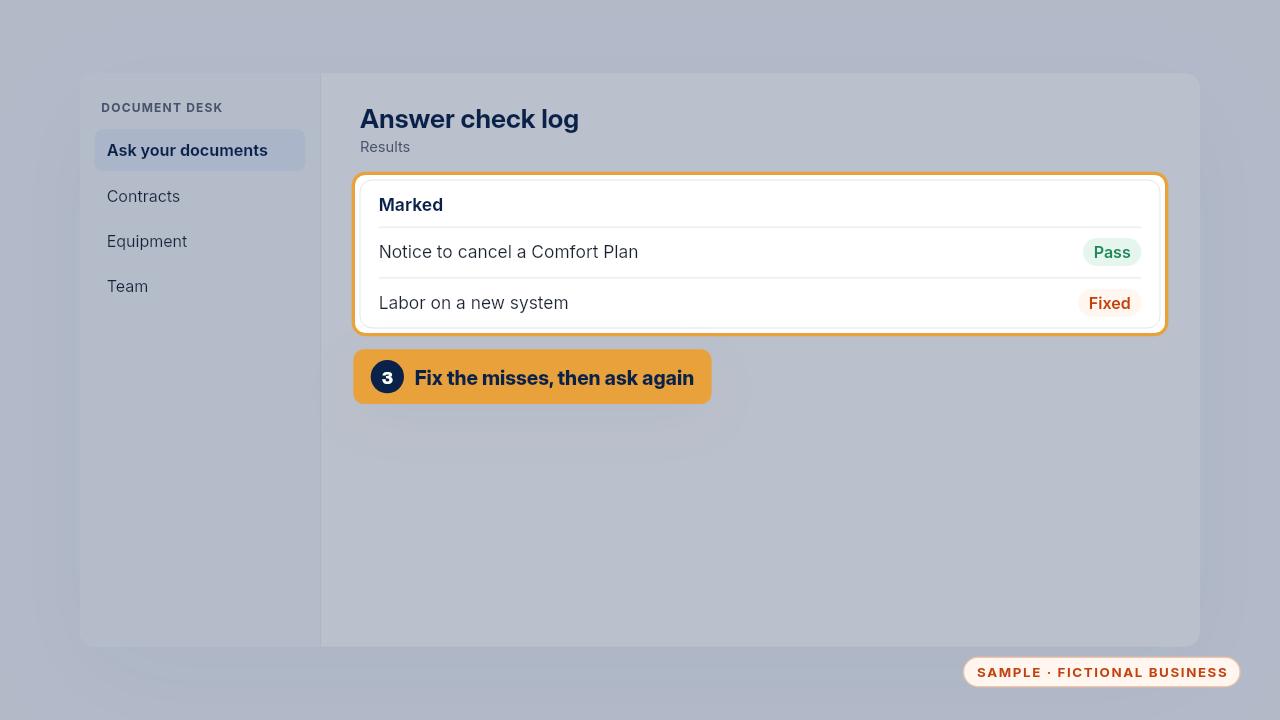
For a miss, fix the folder or the file name, ask again, and mark it fixed.
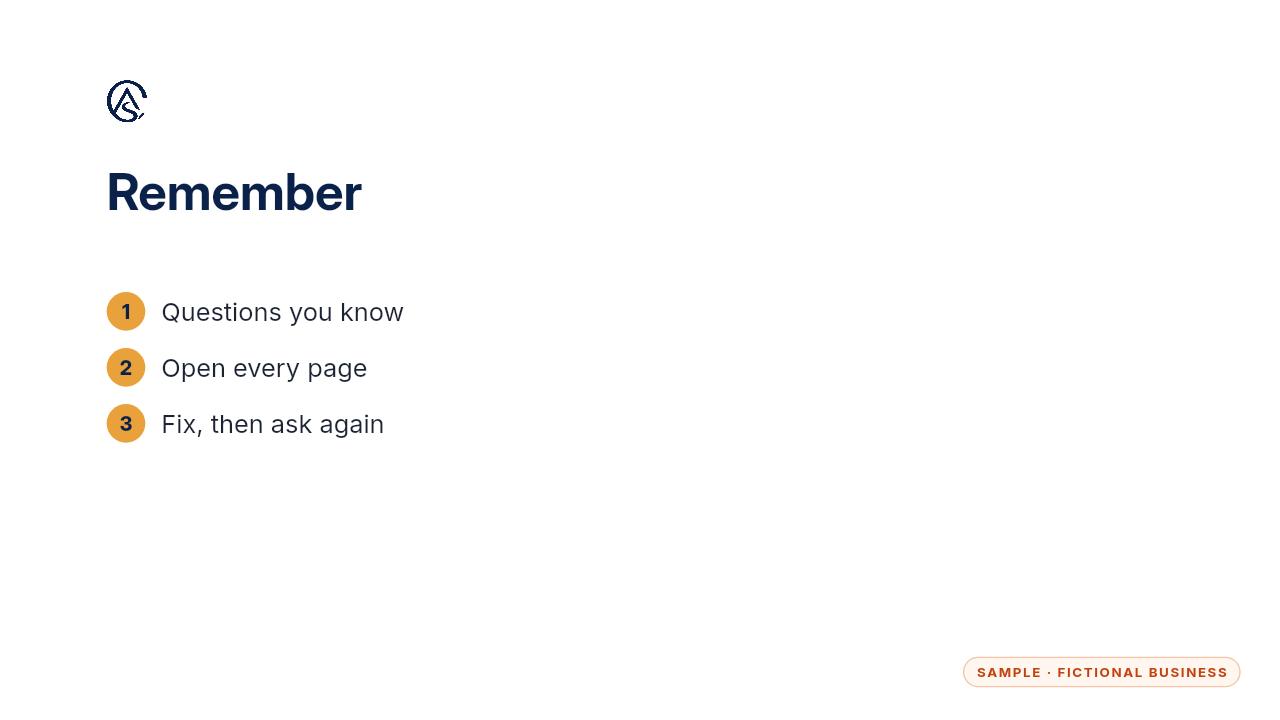
Known questions, every page opened, and every miss fixed.
Get the Document Desk
Ask your contracts and policies, get the page cited. Every Kit and Install comes with these videos, and an Install adds a walkthrough made from your own setup.