
How-to guides · Google Profile Tune-Up · How do I
How do I match my other listings?
Make your name, phone and website identical on every main listing.
Narrated video with captions, 34 s. Made with a fictional company, Brightline Heating & Air (sample · fictional business). Read the transcript · Download the step-by-step PDF
Step by step

Search engines compare your details across listings. Here's how to make them match.
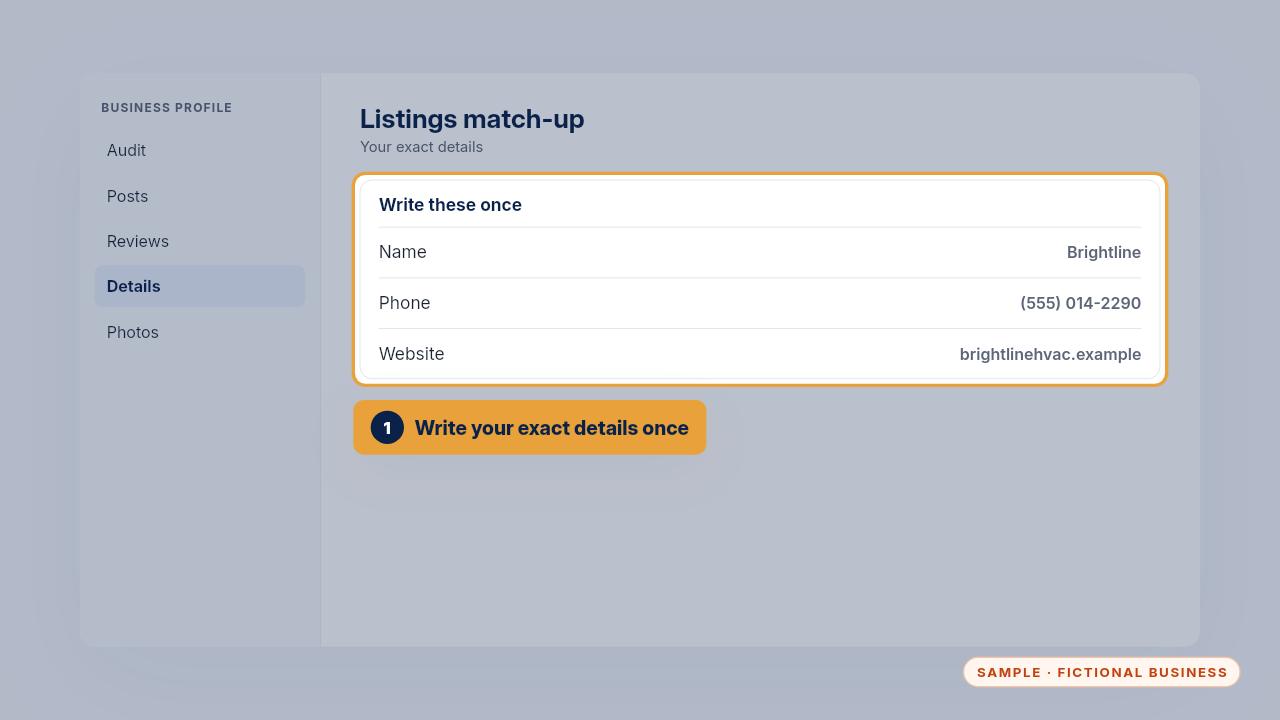
Write your exact name, phone and website once, at the top of the match-up worksheet.
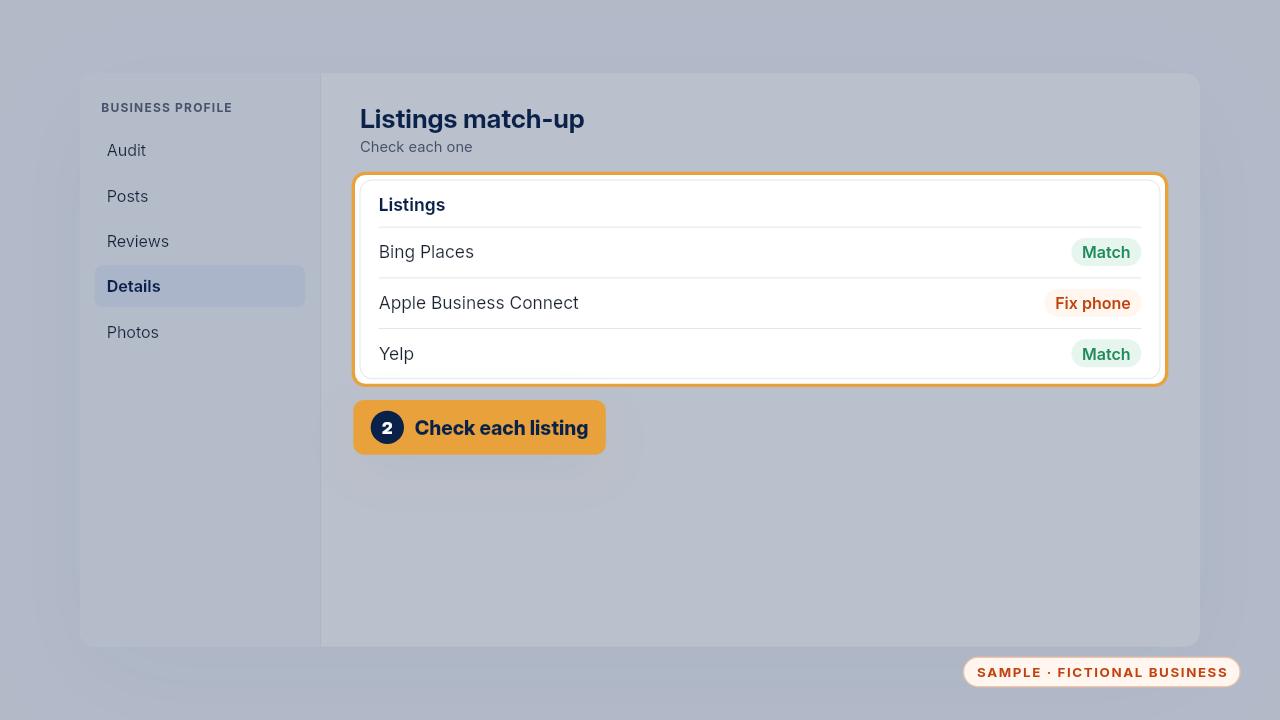
Then check each listing: Bing Places, Apple Maps, Facebook, Yelp and your industry's directories.
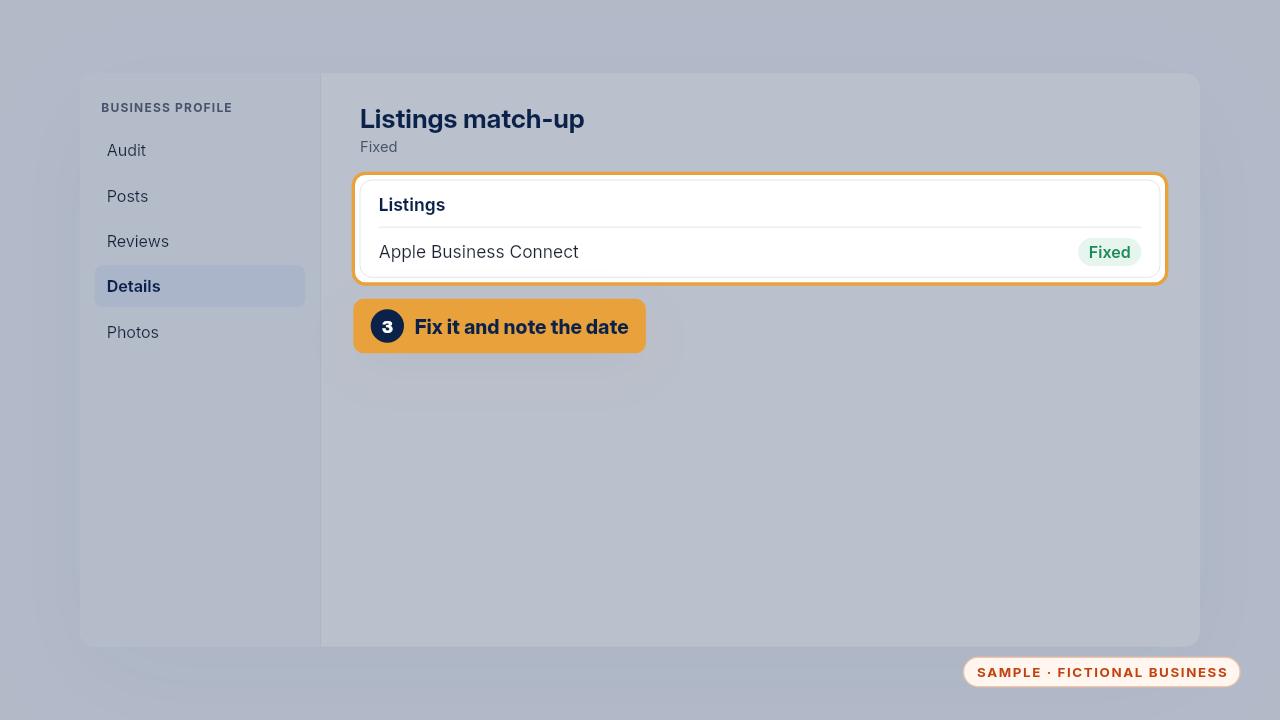
Fix any that differ and note the date you fixed it. Bing Places can import your Google profile, which saves time.

One set of details, every listing checked, and the date noted.
Get the Google Profile Tune-Up
Your Google Business Profile right, and your details matched everywhere. Every Kit and Install comes with these videos, and an Install adds a walkthrough made from your own setup.