
How-to guides · Google Profile Tune-Up · Quick start
Post an update
A weekly post in two minutes, using the post ideas in your kit.
Narrated video with captions, 39 s. Made with a fictional company, Brightline Heating & Air (sample · fictional business). Read the transcript · Download the step-by-step PDF
Step by step

Here's how to post a weekly update in about two minutes, using the post ideas in your kit.
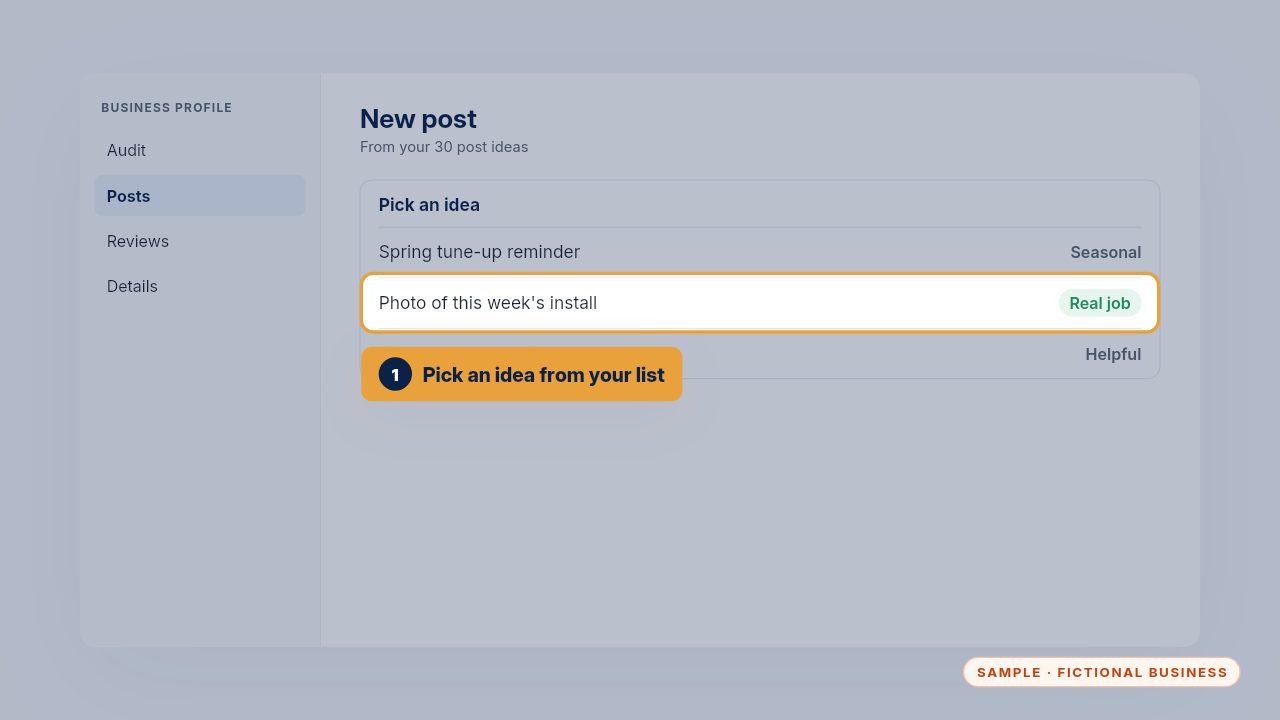
Pick an idea from your list of thirty. A photo of a real job works best, because customers want to see your work, not stock pictures.
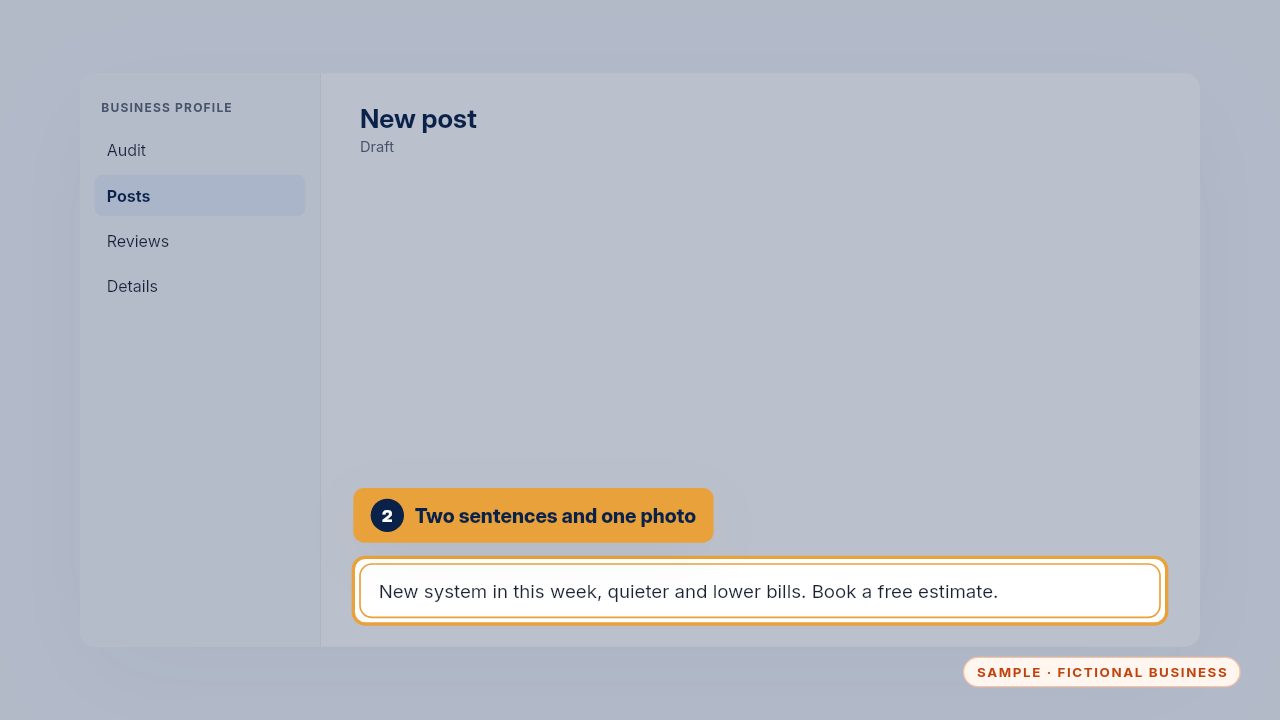
Write two short sentences, add the photo, and a button like Book or Call. Say what you did and what the customer can do next.
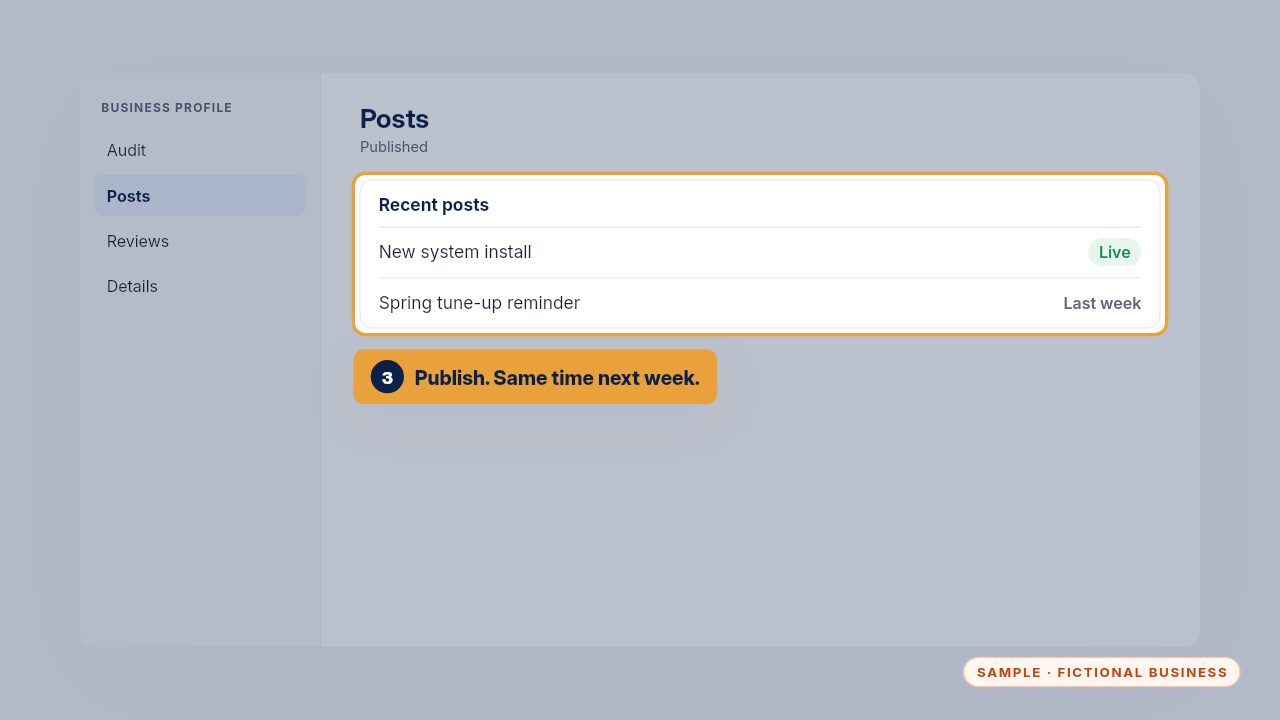
Publish it, and set a reminder for the same time next week. A steady habit matters more than a perfect post.
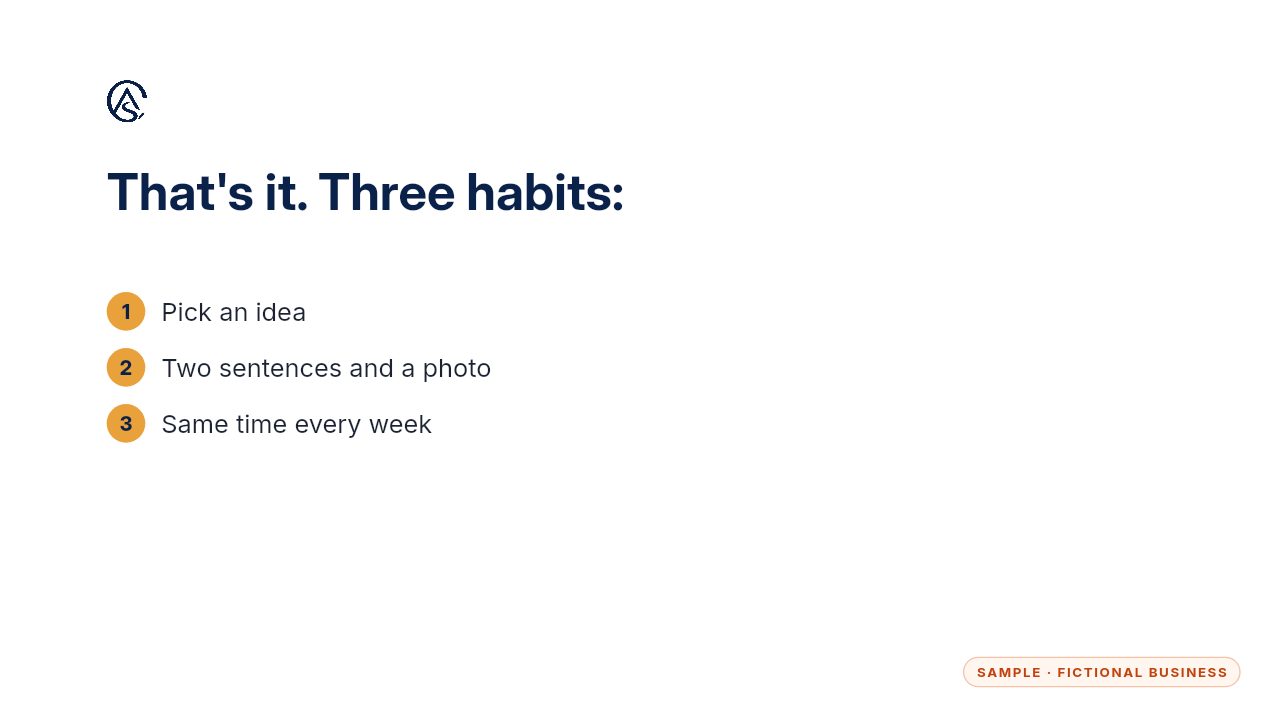
Two minutes keeps your profile looking open for business.
Get the Google Profile Tune-Up
Your Google Business Profile right, and your details matched everywhere. Every Kit and Install comes with these videos, and an Install adds a walkthrough made from your own setup.