
How-to guides · Google Profile Tune-Up · Quick start
Read your audit
What your before-and-after score means, and the items left for you.
Narrated video with captions, 41 s. Made with a fictional company, Brightline Heating & Air (sample · fictional business). Read the transcript · Download the step-by-step PDF
Step by step
Here's how to read your profile audit, and what it means for how customers find you on Google.
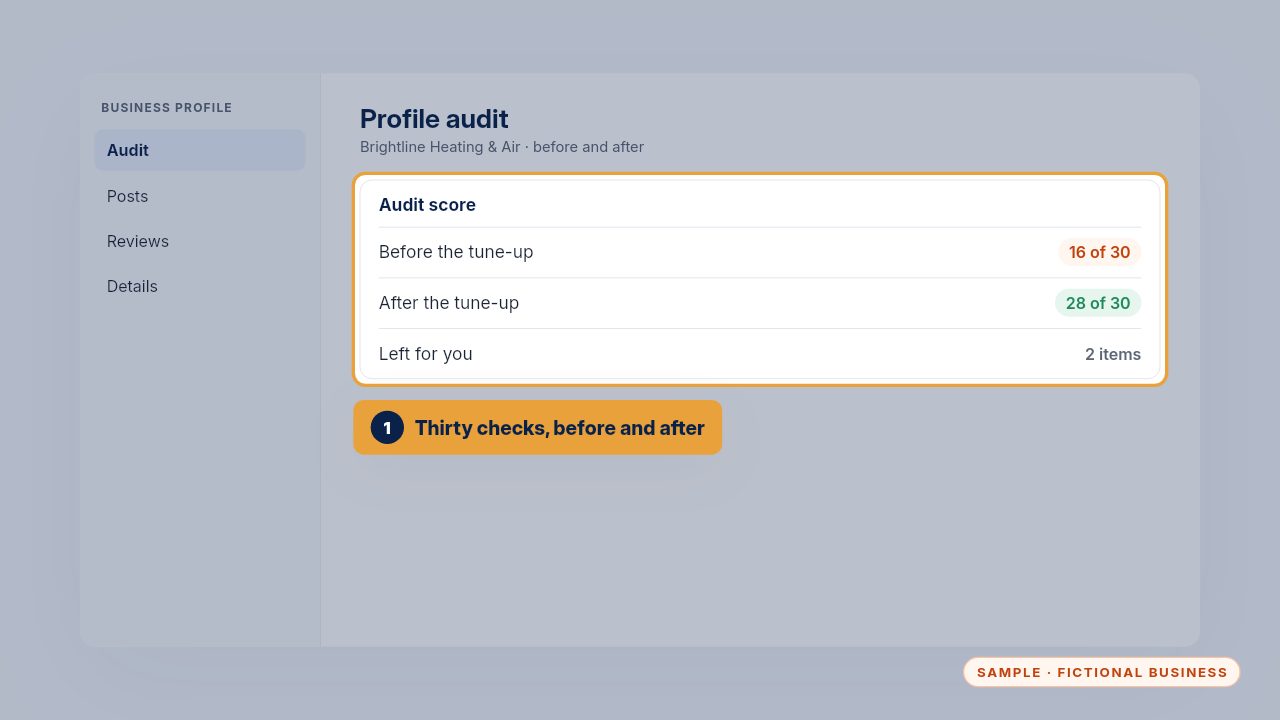
Your audit scores thirty checks before and after the tune-up: details, categories, service area, services, photos and reviews.
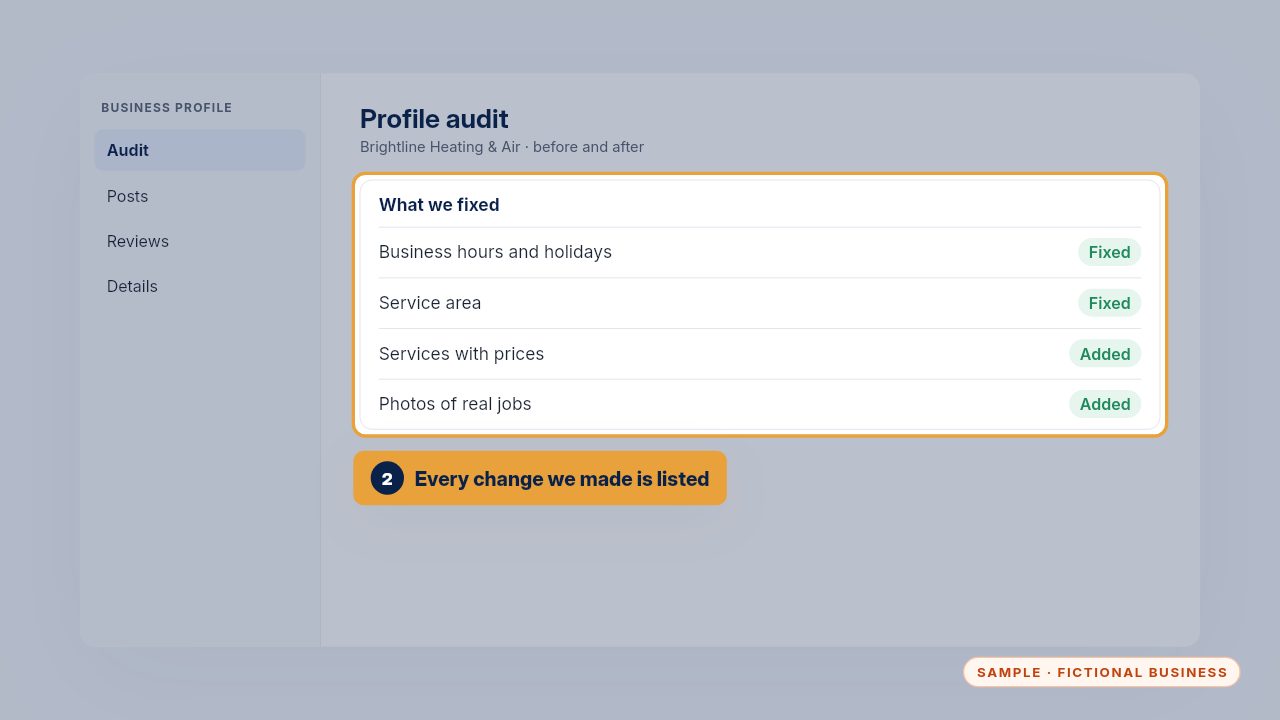
Every change is listed, so you know exactly what's on your profile now, and nothing changed without you knowing.
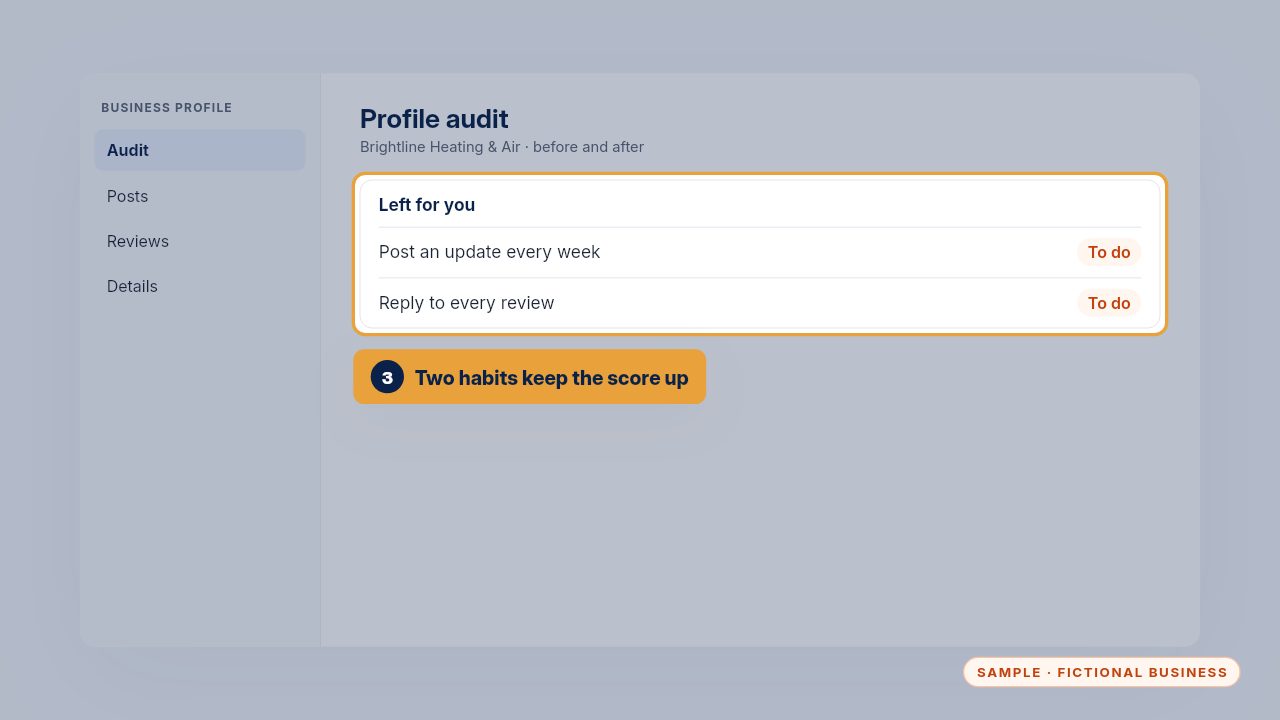
Two items are habits only you can keep: a weekly post and replying to every review. They keep your profile active, and active profiles get chosen.
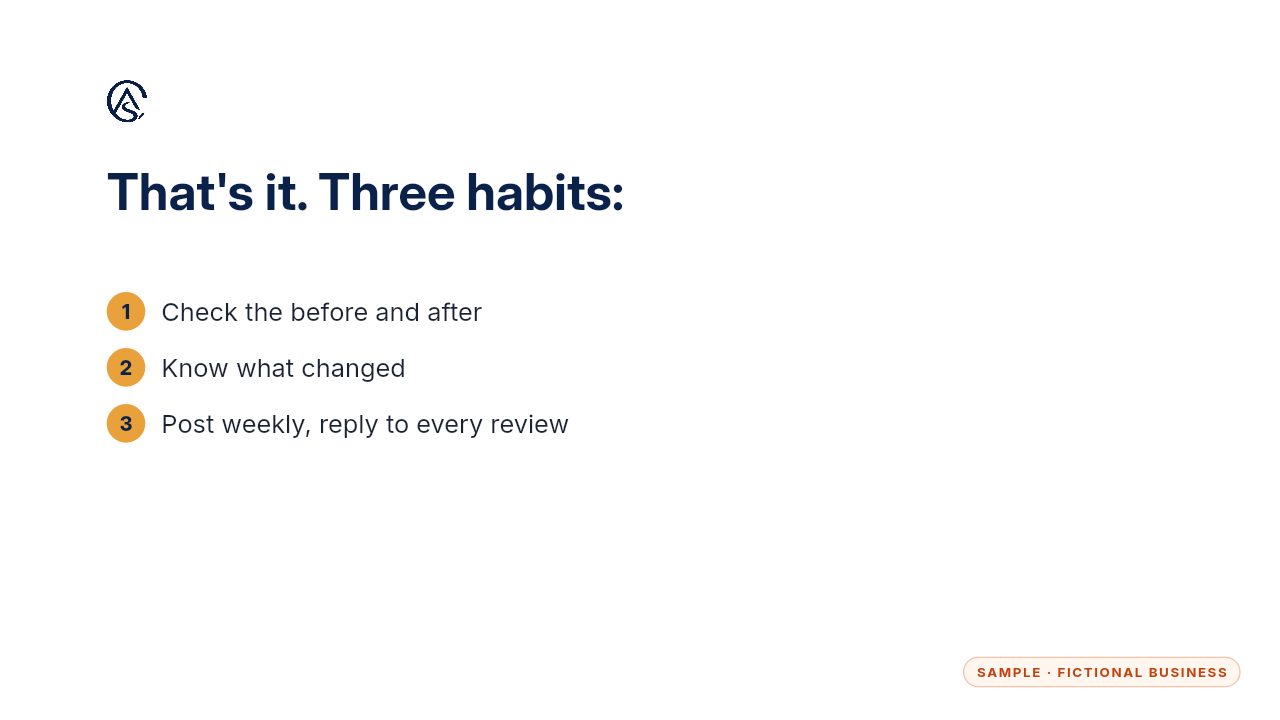
Check the score, know what changed, and keep the two habits.
Get the Google Profile Tune-Up
Your Google Business Profile right, and your details matched everywhere. Every Kit and Install comes with these videos, and an Install adds a walkthrough made from your own setup.