
How-to guides · Google Profile Tune-Up · How do I
How do I send a review request?
Ask a customer for a review right after the job, with your link.
Narrated video with captions, 34 s. Made with a fictional company, Brightline Heating & Air (sample · fictional business). Read the transcript · Download the step-by-step PDF
Step by step
Here's how to ask a customer for a review, using the templates in your kit.
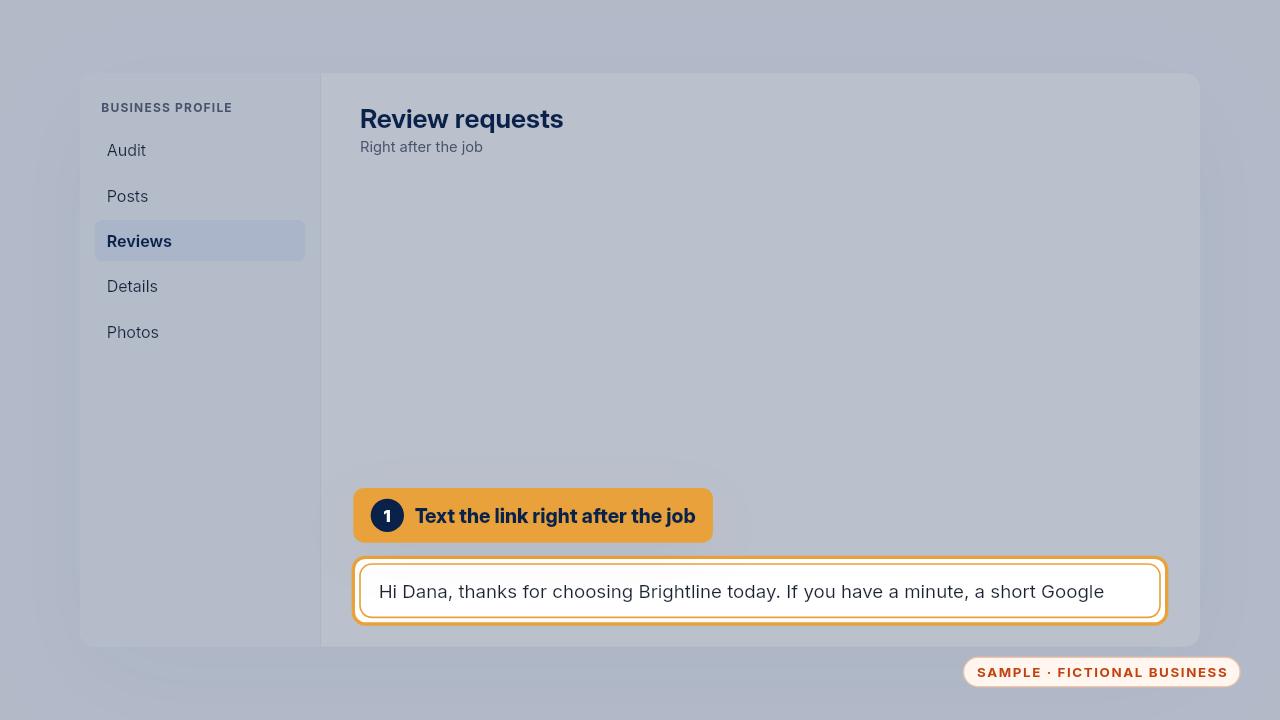
Right after the job, text the customer the review request from your templates, with your review link.
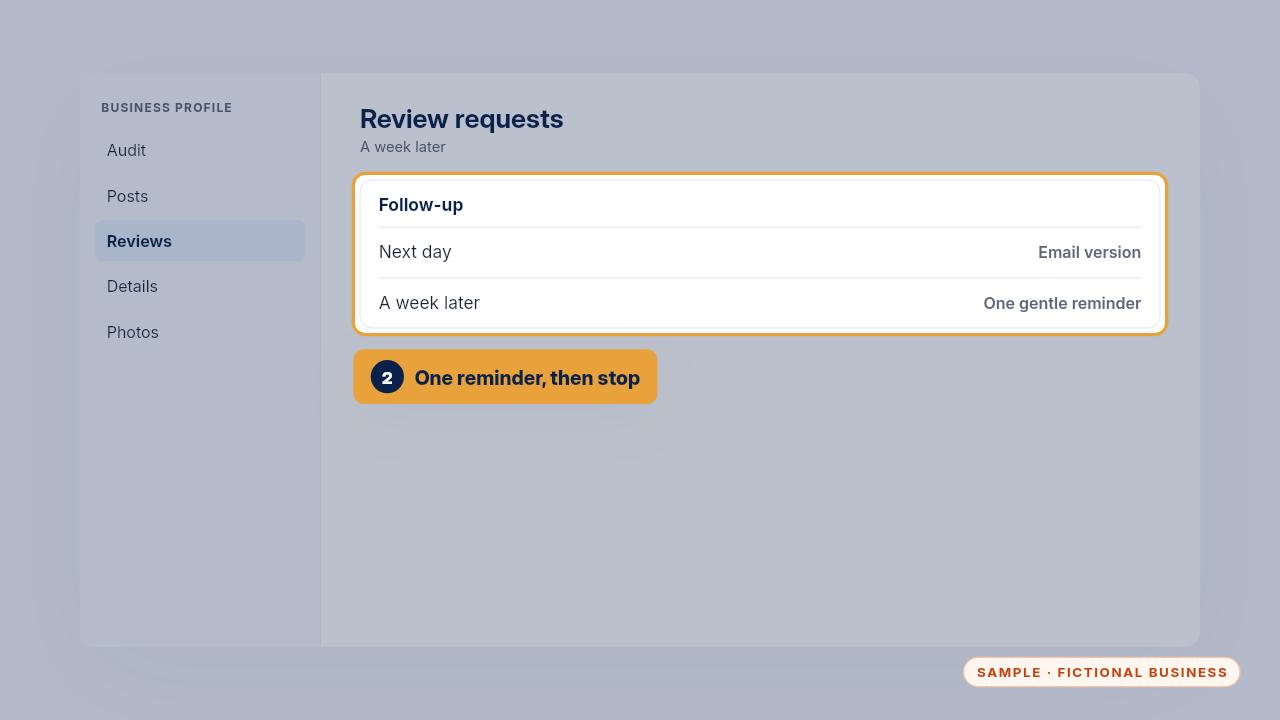
If they haven't left one, the templates have a next-day email and one gentle reminder a week later. Then stop.
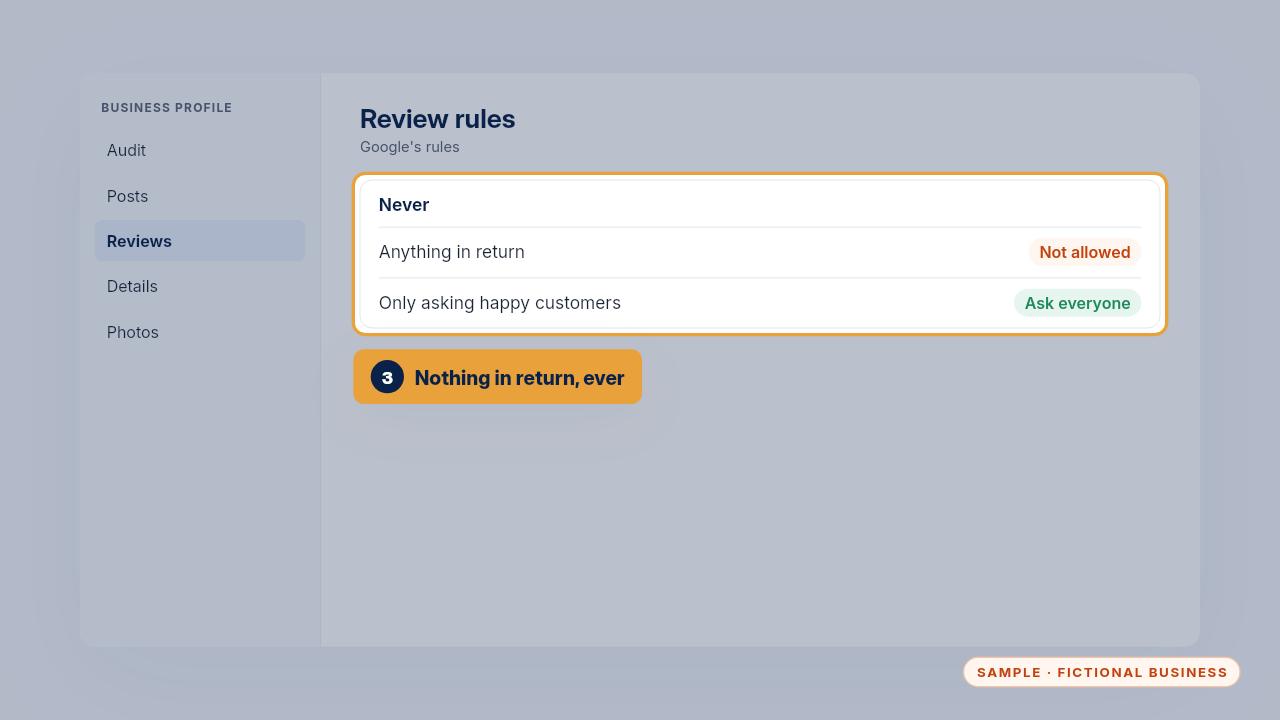
Ask every real customer, not only the happy ones, and never offer a discount or a gift in return.

Ask right after the job, remind once, and offer nothing in return.
Get the Google Profile Tune-Up
Your Google Business Profile right, and your details matched everywhere. Every Kit and Install comes with these videos, and an Install adds a walkthrough made from your own setup.