
How-to guides · Google Profile Tune-Up · How do I
How do I set holiday hours?
Set special hours before a holiday so customers know when you're open.
Narrated video with captions, 32 s. Made with a fictional company, Brightline Heating & Air (sample · fictional business). Read the transcript · Download the step-by-step PDF
Step by step
Here's how to set holiday hours so customers know when you're open.
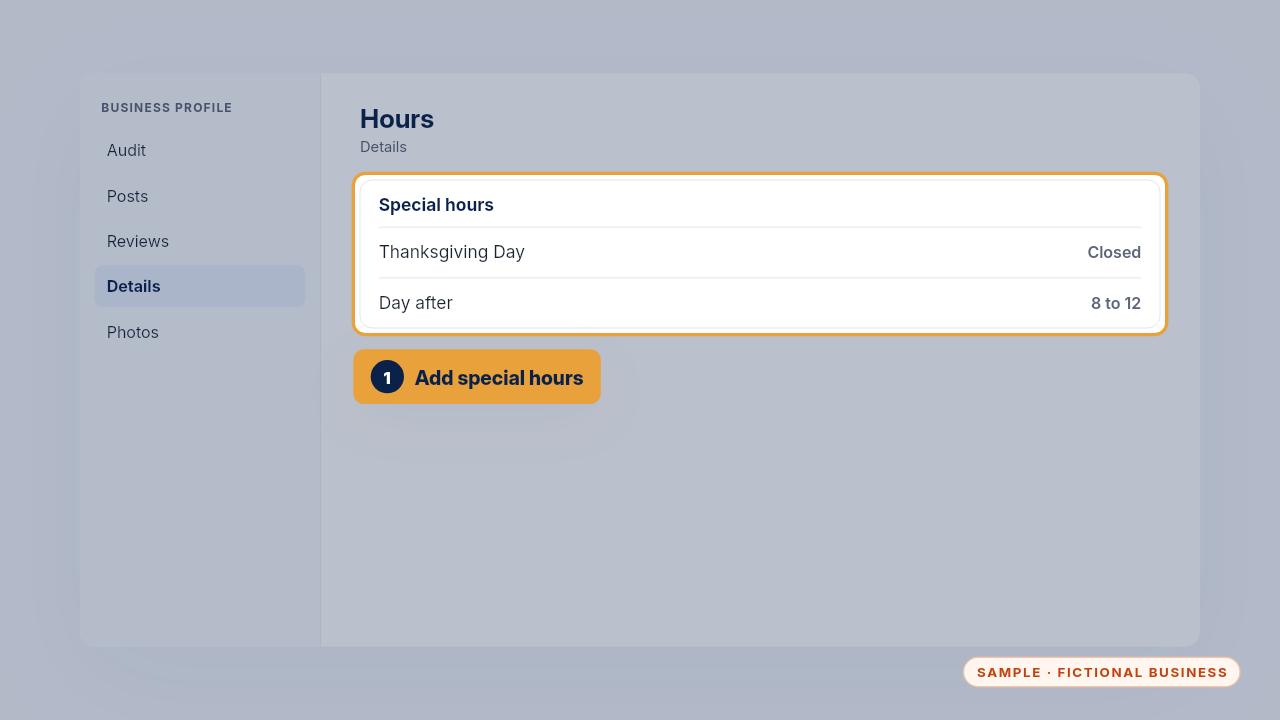
In the profile's hours, add special hours for the holiday: closed, or the hours you'll keep.
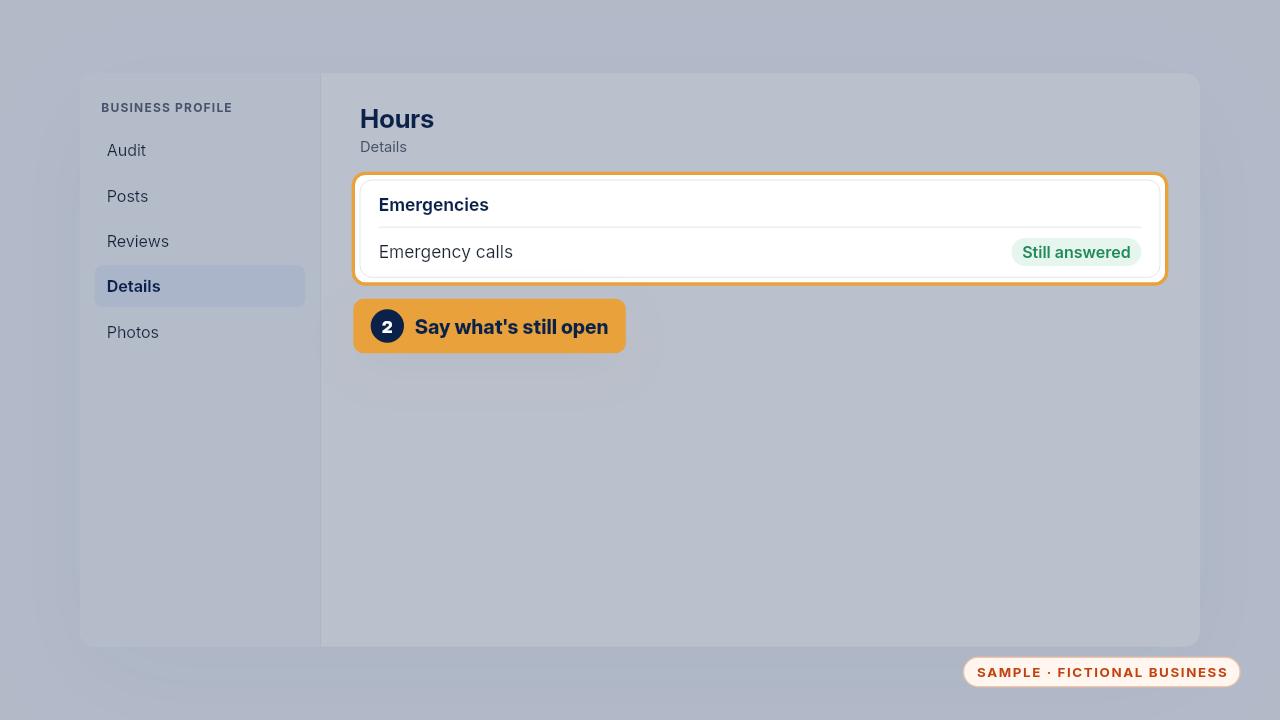
If you still take emergency calls, make sure the profile says so.
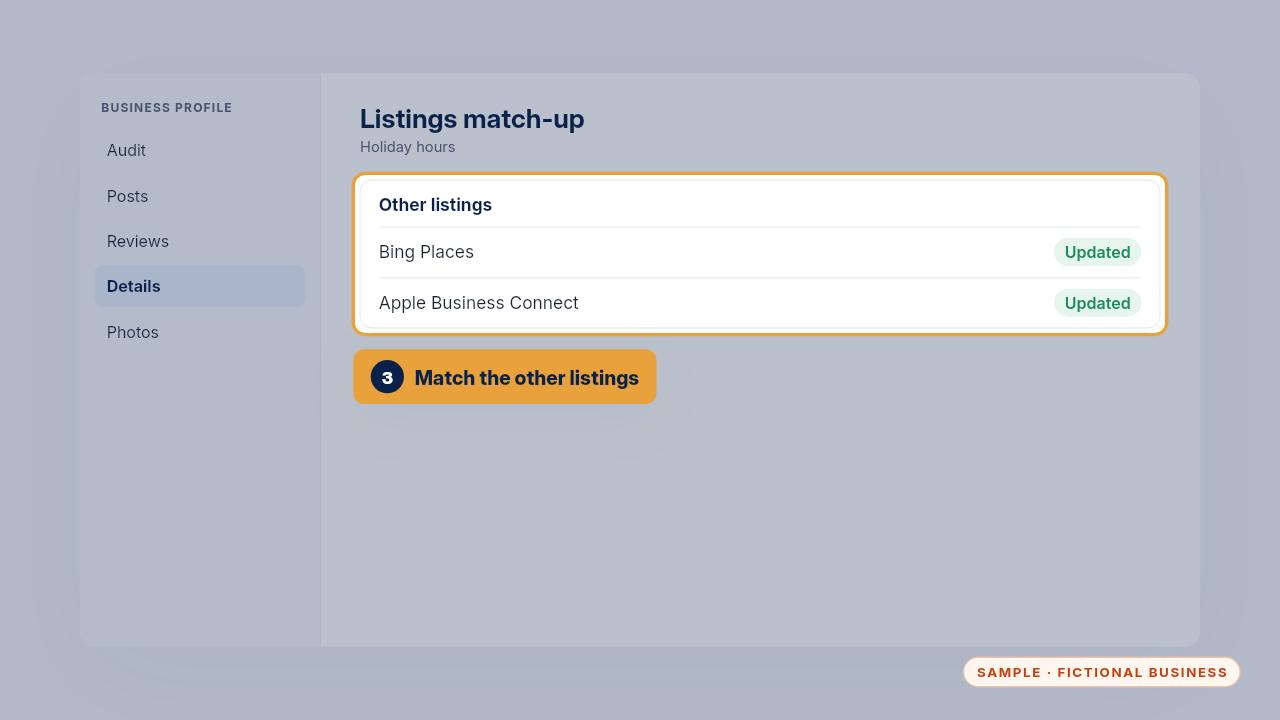
Then set the same hours on your other main listings, like Bing and Apple Maps. Do it a week or two ahead, so customers who search early see the right hours.
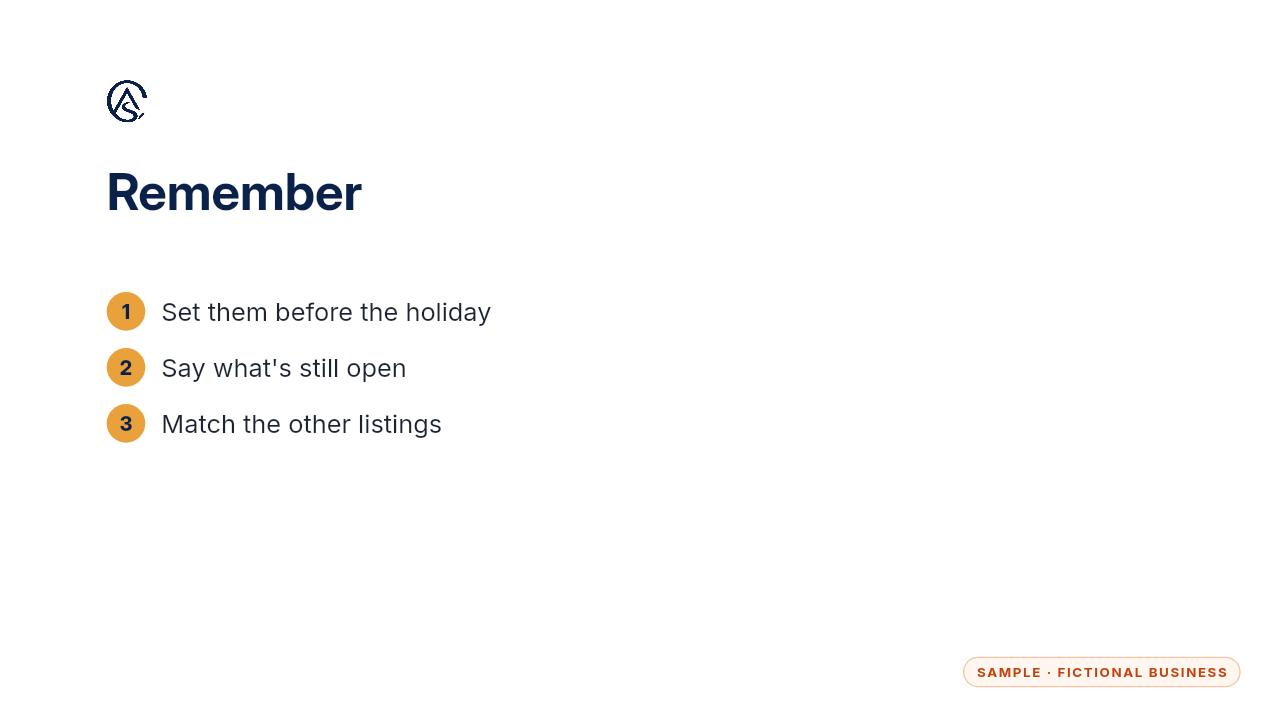
Set them early, say what's still open, and match the listings.
Get the Google Profile Tune-Up
Your Google Business Profile right, and your details matched everywhere. Every Kit and Install comes with these videos, and an Install adds a walkthrough made from your own setup.