
How-to guides · Never Miss a Lead · How do I
How do I read the call log?
Find each call's summary and who needs a call back.
Narrated video with captions, 30 s. Made with a fictional company, Brightline Heating & Air (sample · fictional business). Read the transcript · Download the step-by-step PDF
Step by step
The call log is where you see every call the app took.
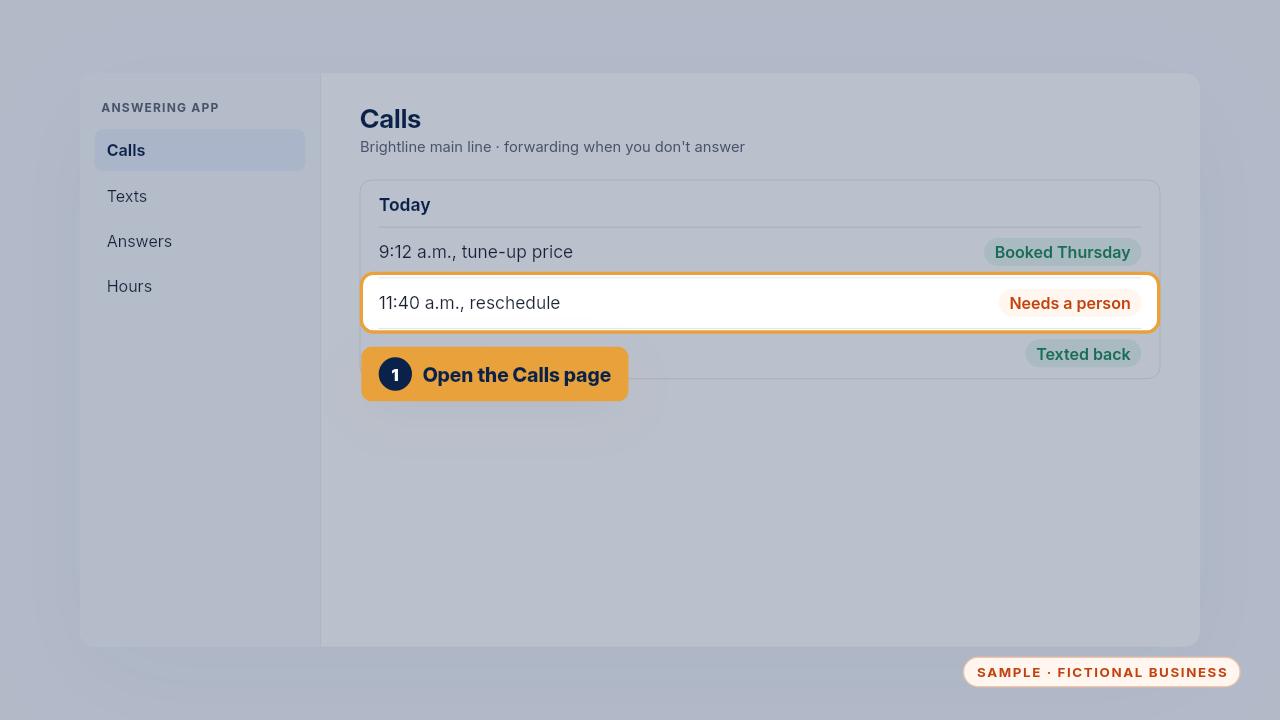
Open the app's Calls page. Each call has a short summary, the caller's details and what the app did.
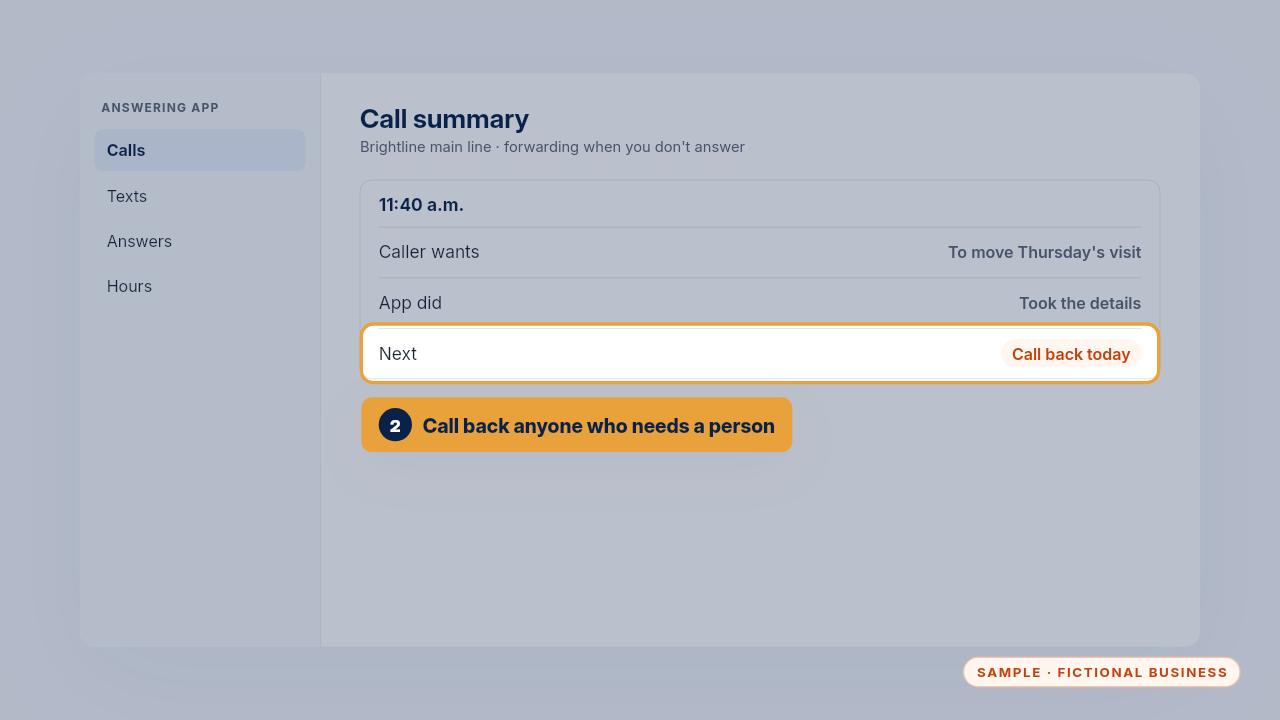
Call back anyone marked needs a person. The summary tells you what they want before you dial.
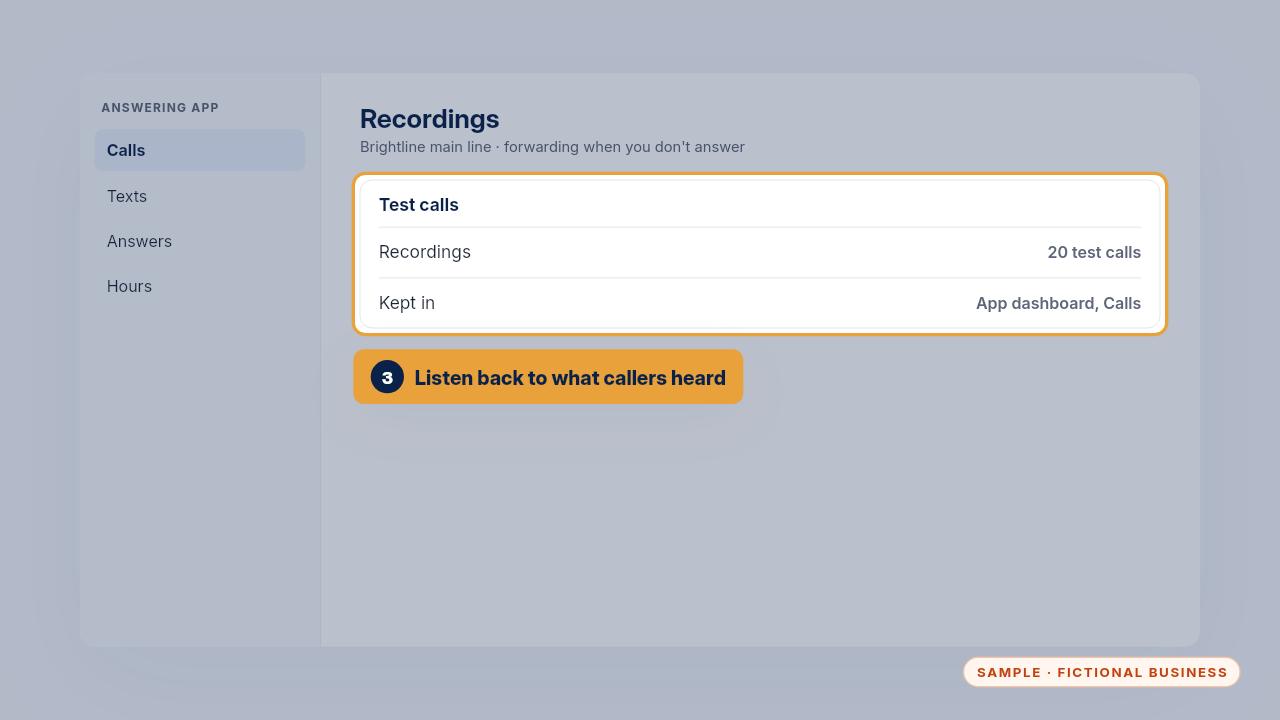
The recordings of your twenty test calls are kept here too, so you can listen back to exactly what callers heard.
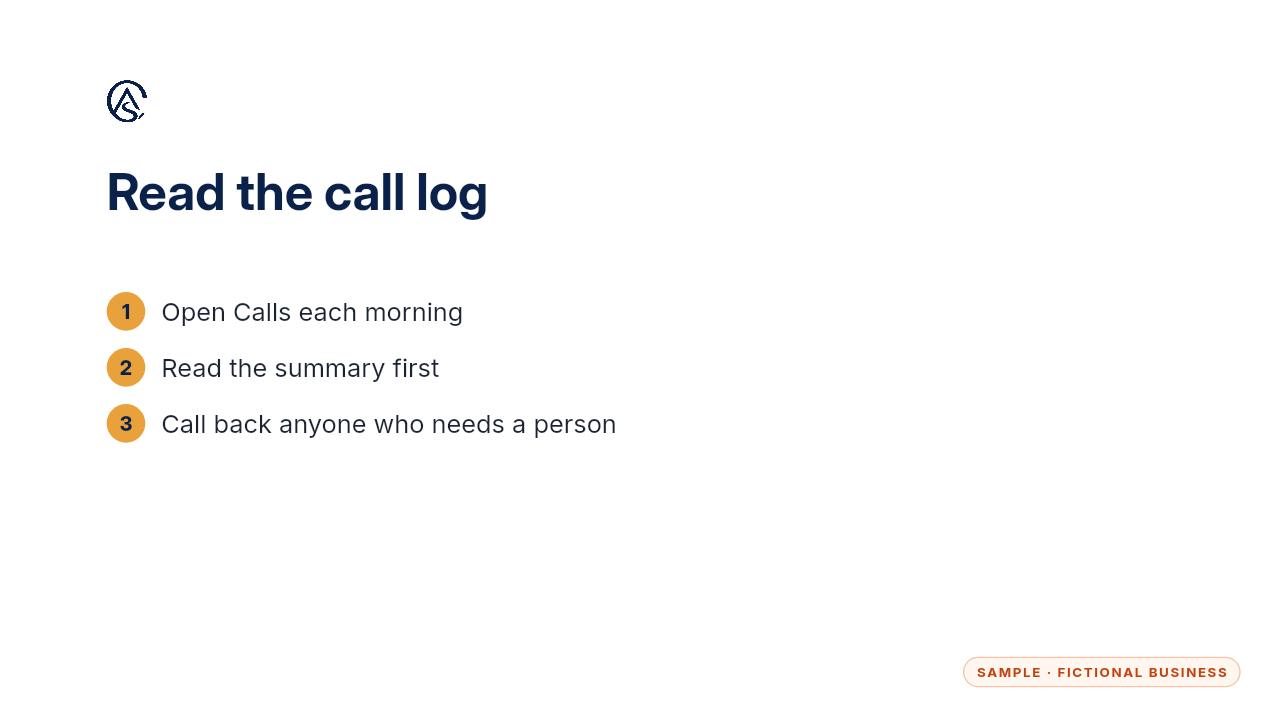
A quick look each morning means nobody waits long for a call back.
Get the Never Miss a Lead
Missed calls answered and texted back, in an app you own. Every Kit and Install comes with these videos, and an Install adds a walkthrough made from your own setup.