
How-to guides · Never Miss a Lead · Quick start
Test your answering app
Make three test calls and check what the app said, what it texted and who it told.
Narrated video with captions, 48 s. Made with a fictional company, Brightline Heating & Air (sample · fictional business). Read the transcript · Download the step-by-step PDF
Step by step
Before you rely on your answering app, make three test calls. It takes about five minutes, and it's the same test we run before handoff.
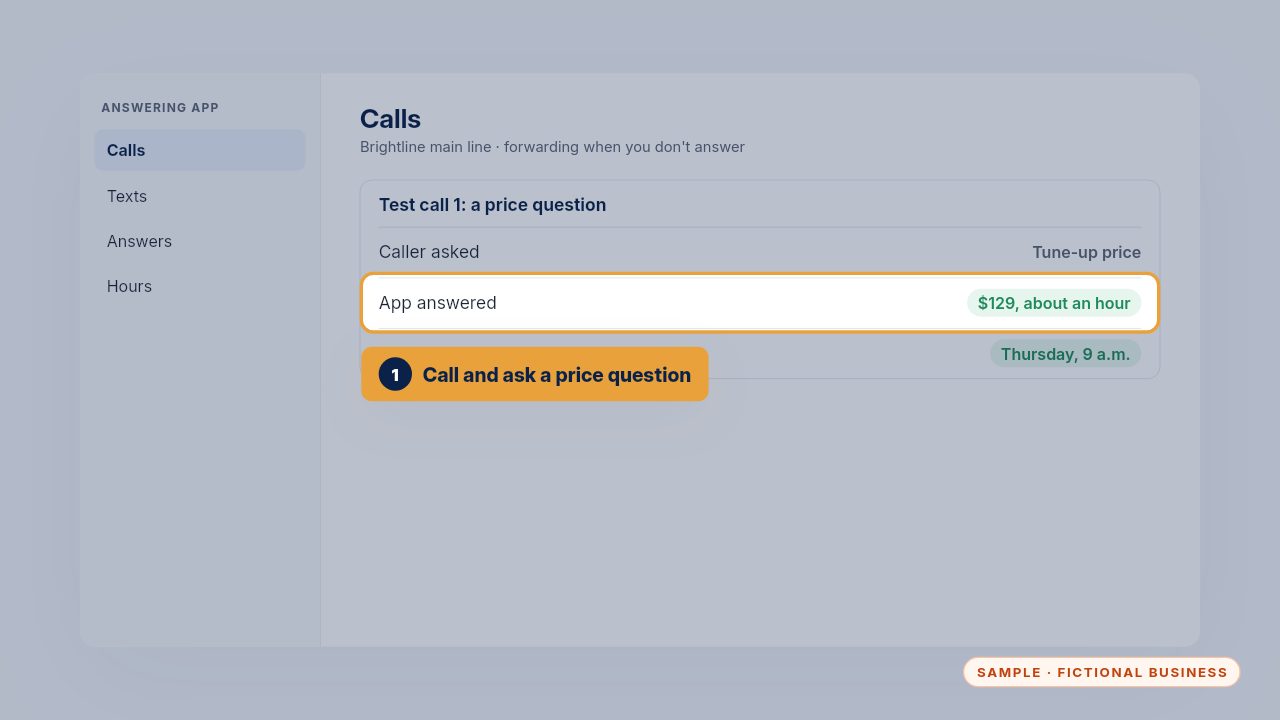
Call your own number from a cell phone, let it ring through, and ask a price question. Check the answer matches your price list, and that it offers to book a time.
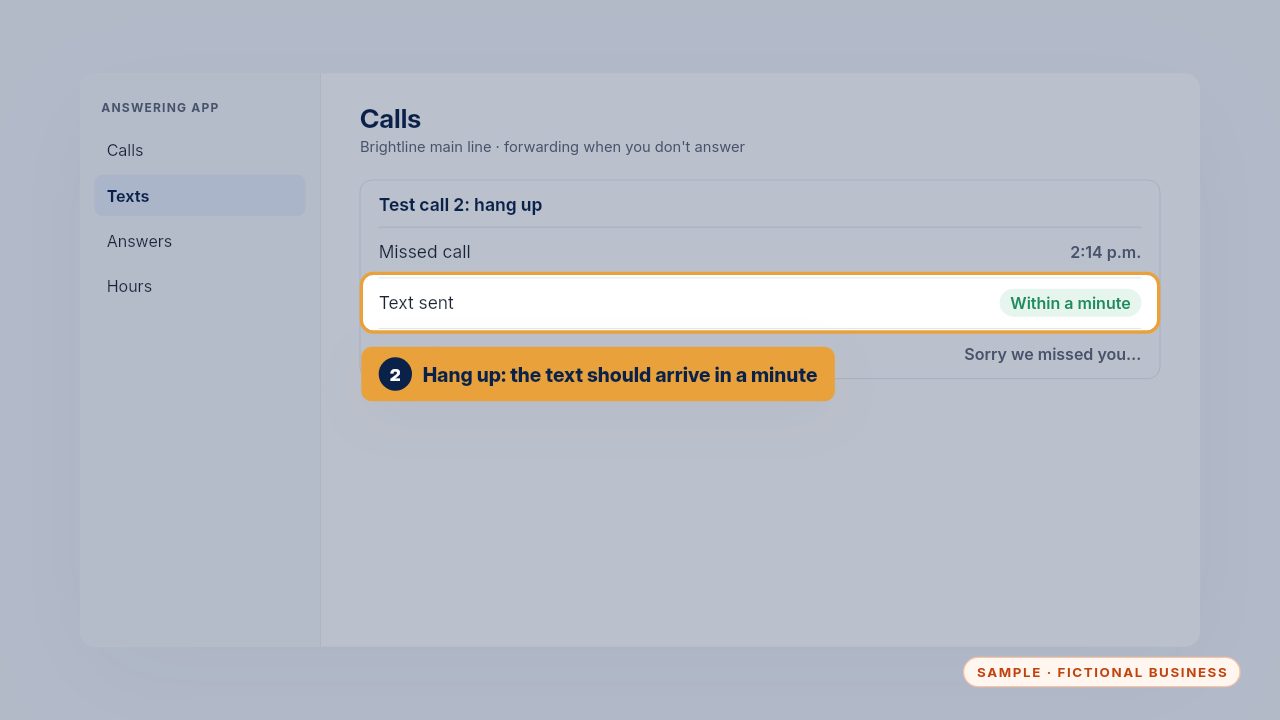
Call again and hang up before it answers. A friendly text should arrive within about a minute, using your business name and asking how it can help.
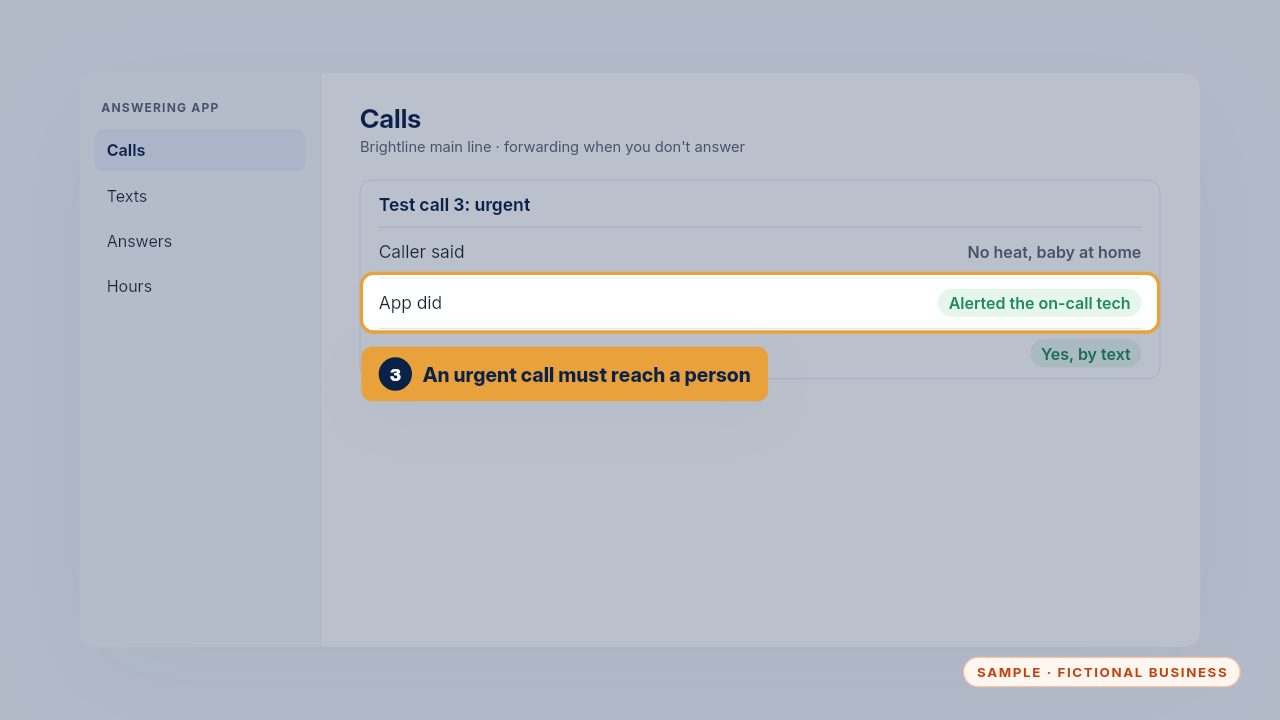
Third, say it's urgent: no heat, a leak, a safety problem. The app should alert your on-call person right away, not just take a message for the morning.
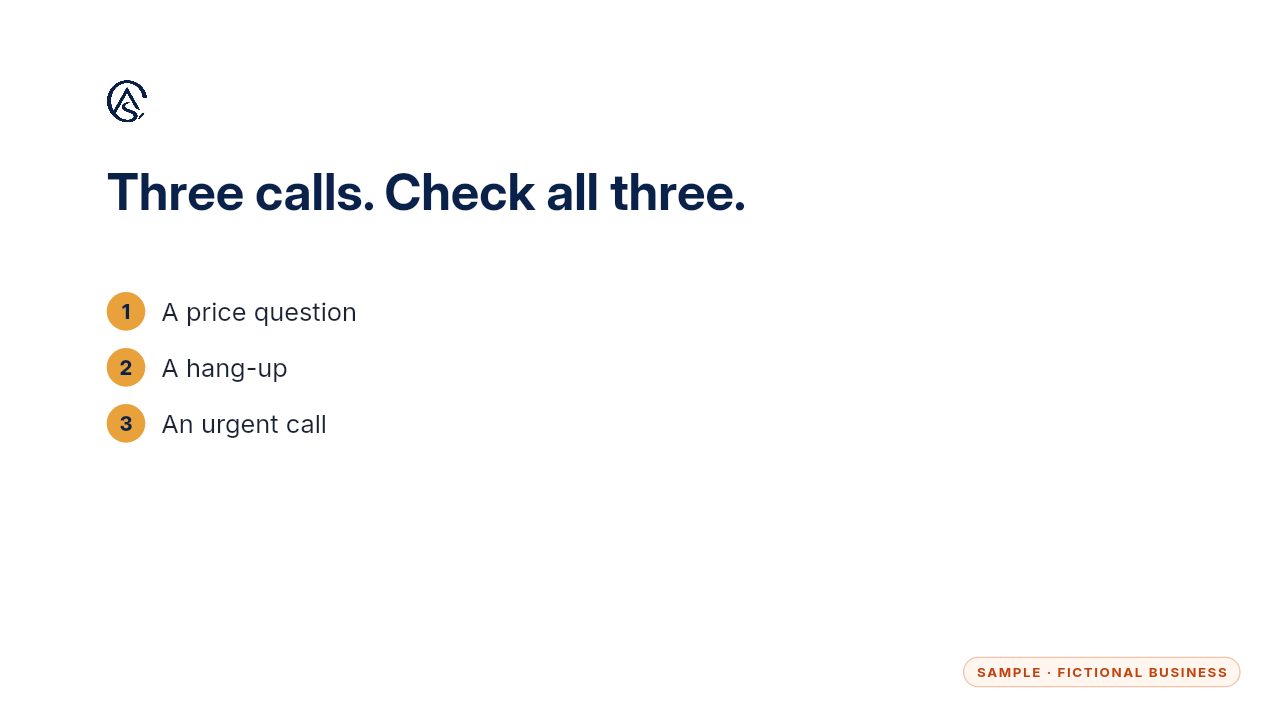
If all three pass, you're ready. Run the same three calls after any change to hours or answers.
Get the Never Miss a Lead
Missed calls answered and texted back, in an app you own. Every Kit and Install comes with these videos, and an Install adds a walkthrough made from your own setup.