
How-to guides · Quote & Follow-Up Assistant · How do I
How do I add my logo and terms to the templates?
Make the quote templates yours.
Narrated video with captions, 32 s. Made with a fictional company, Brightline Heating & Air (sample · fictional business). Read the transcript · Download the step-by-step PDF
Step by step
The quote templates open in Word or Google Docs, so you can make them yours before the first quote goes out.
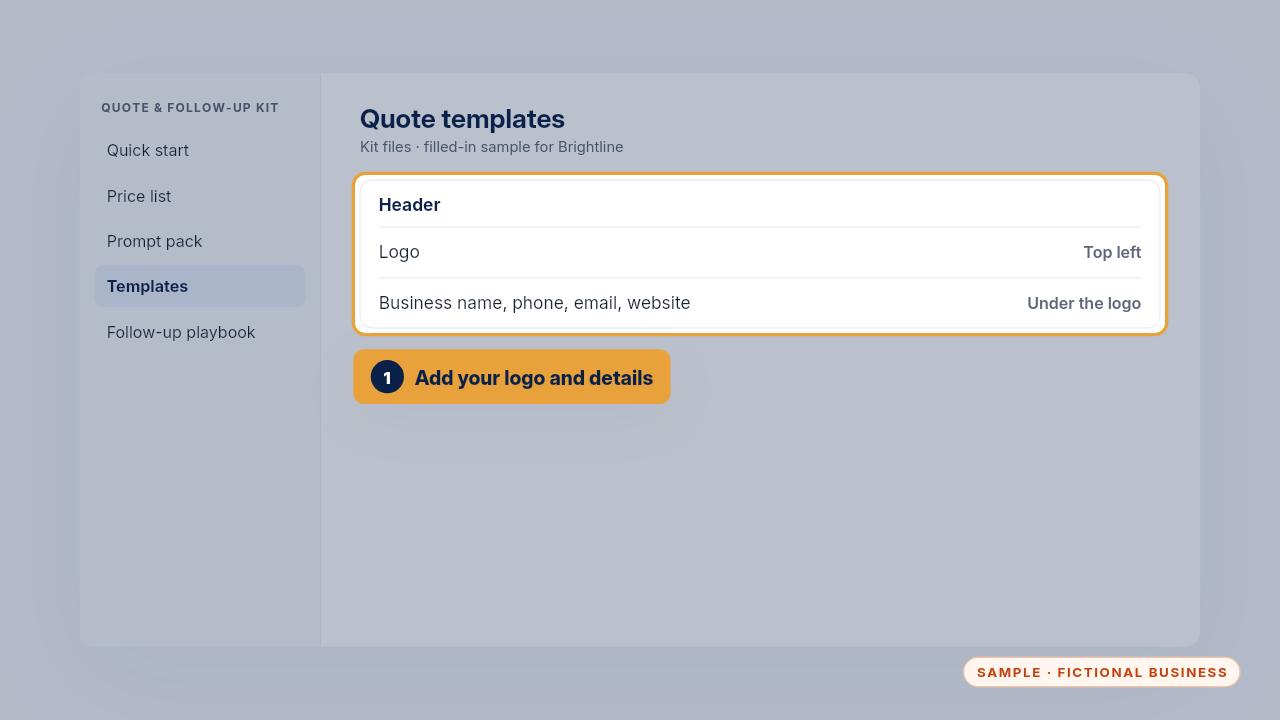
Add your logo at the top, with your business name, phone, email and website.
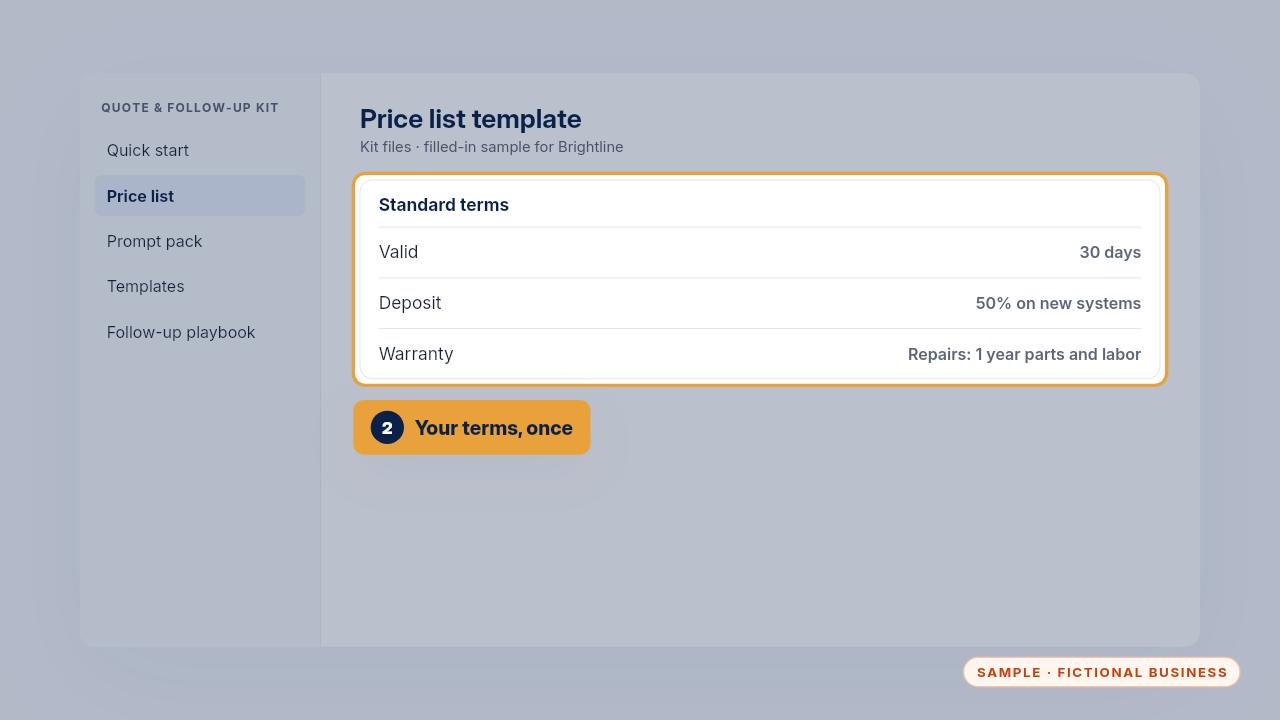
Then write your standard terms once: how long a quote is valid, the deposit, payment and warranty. Brightline's quotes are valid for thirty days, with a fifty percent deposit on new systems.
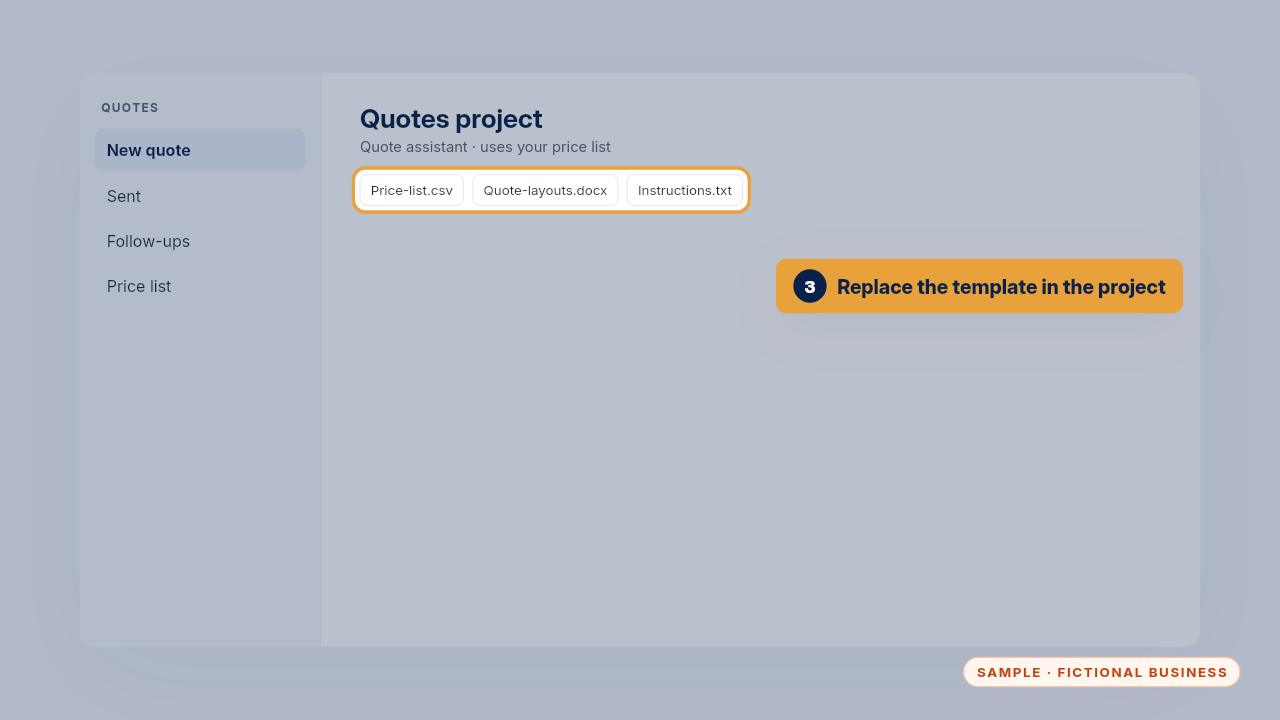
Replace the old template in your Quotes project, so new drafts use your logo and terms.
Get the Quote & Follow-Up Assistant
Quotes drafted from your notes, and unsigned quotes followed up. Every Kit and Install comes with these videos, and an Install adds a walkthrough made from your own setup.