
How-to guides · Quote & Follow-Up Assistant · How do I
How do I build a price list from past invoices?
Use the price list builder prompt on old invoices.
Narrated video with captions, 32 s. Made with a fictional company, Brightline Heating & Air (sample · fictional business). Read the transcript · Download the step-by-step PDF
Step by step
If your prices live in old invoices, the price list builder prompt can turn them into a list.
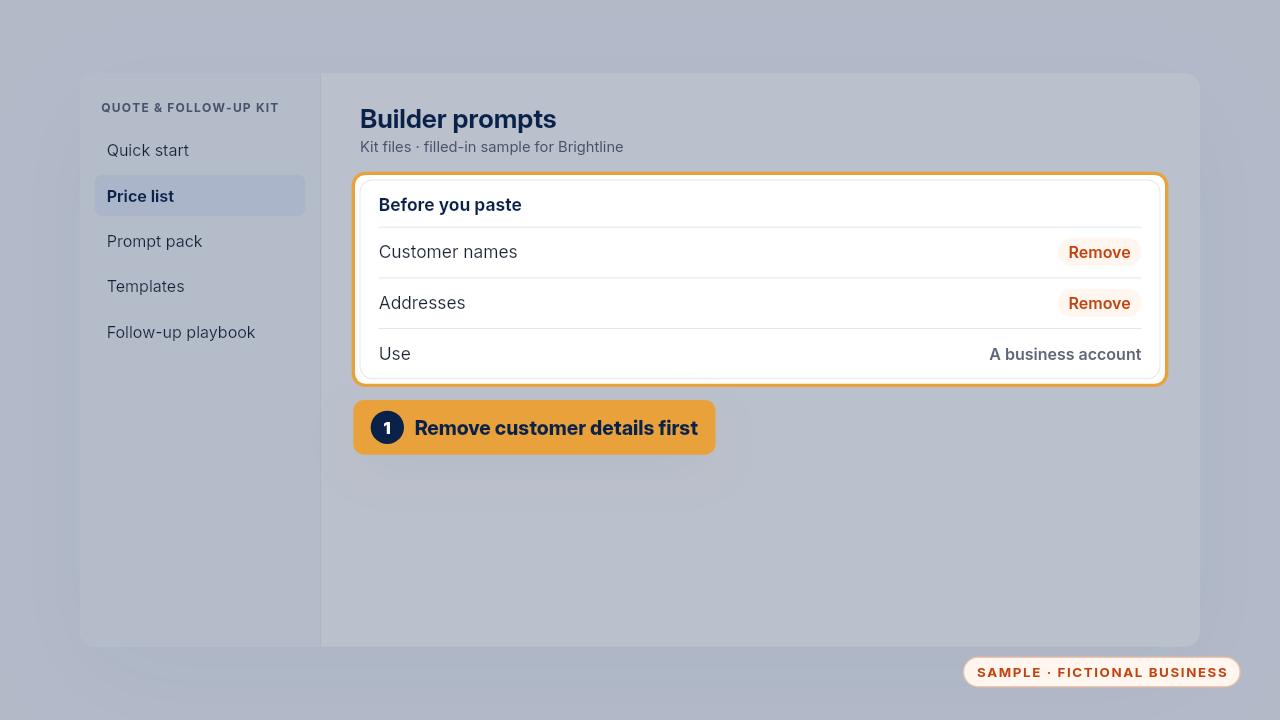
First, remove customer names and addresses from the invoices. Then paste them into the prompt, in a business account.
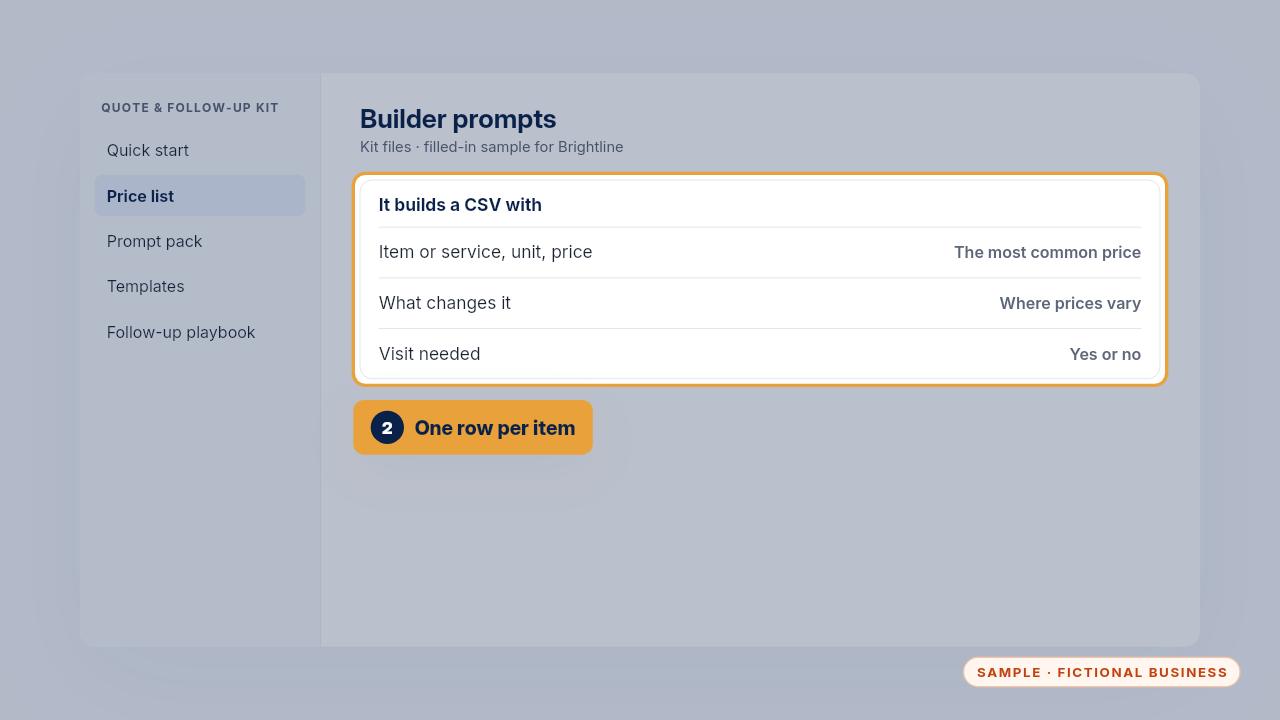
It builds a price list with the most common price for each item. Where prices vary, it puts the range in what changes it and asks you which price to use.
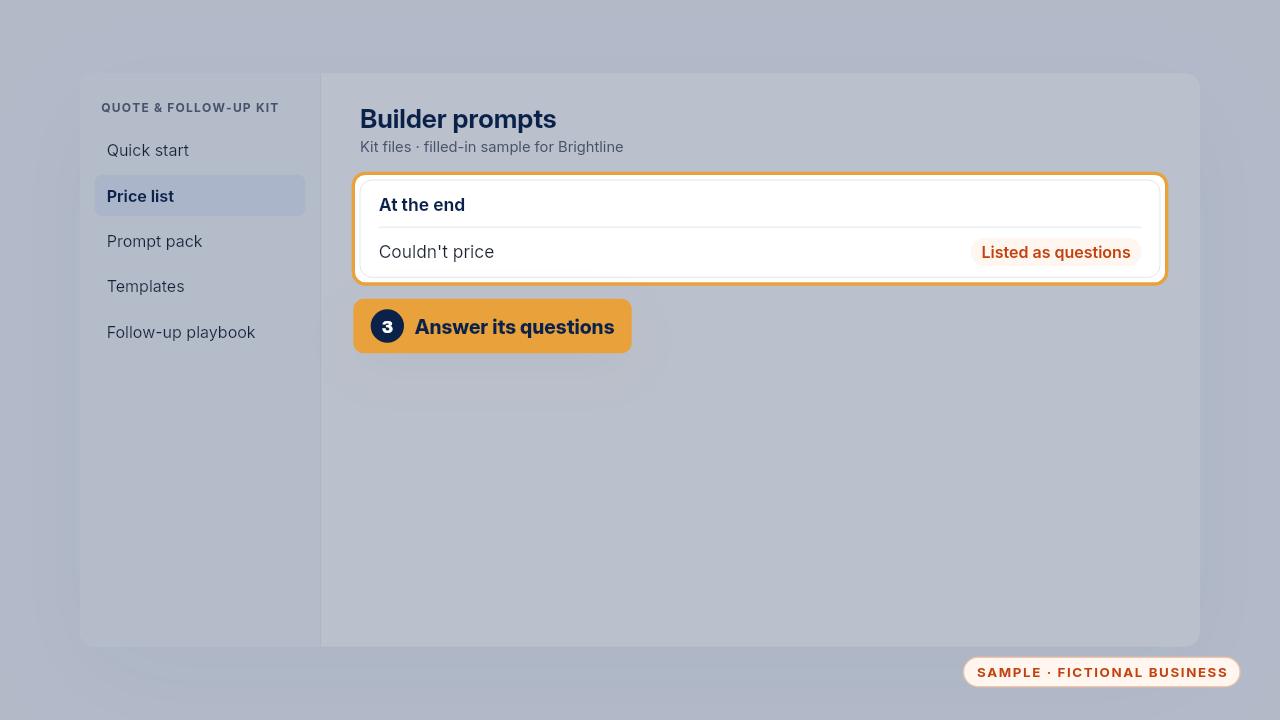
Anything it couldn't price comes back as a question at the end. Answer those, and you have a list to start from.
Get the Quote & Follow-Up Assistant
Quotes drafted from your notes, and unsigned quotes followed up. Every Kit and Install comes with these videos, and an Install adds a walkthrough made from your own setup.