
How-to guides · Quote & Follow-Up Assistant · How do I
How do I choose a quote layout?
Good-better-best, single-line or itemized, and when to use each.
Narrated video with captions, 34 s. Made with a fictional company, Brightline Heating & Air (sample · fictional business). Read the transcript · Download the step-by-step PDF
Step by step
Your kit has three quote layouts. Pick the one that fits the job.
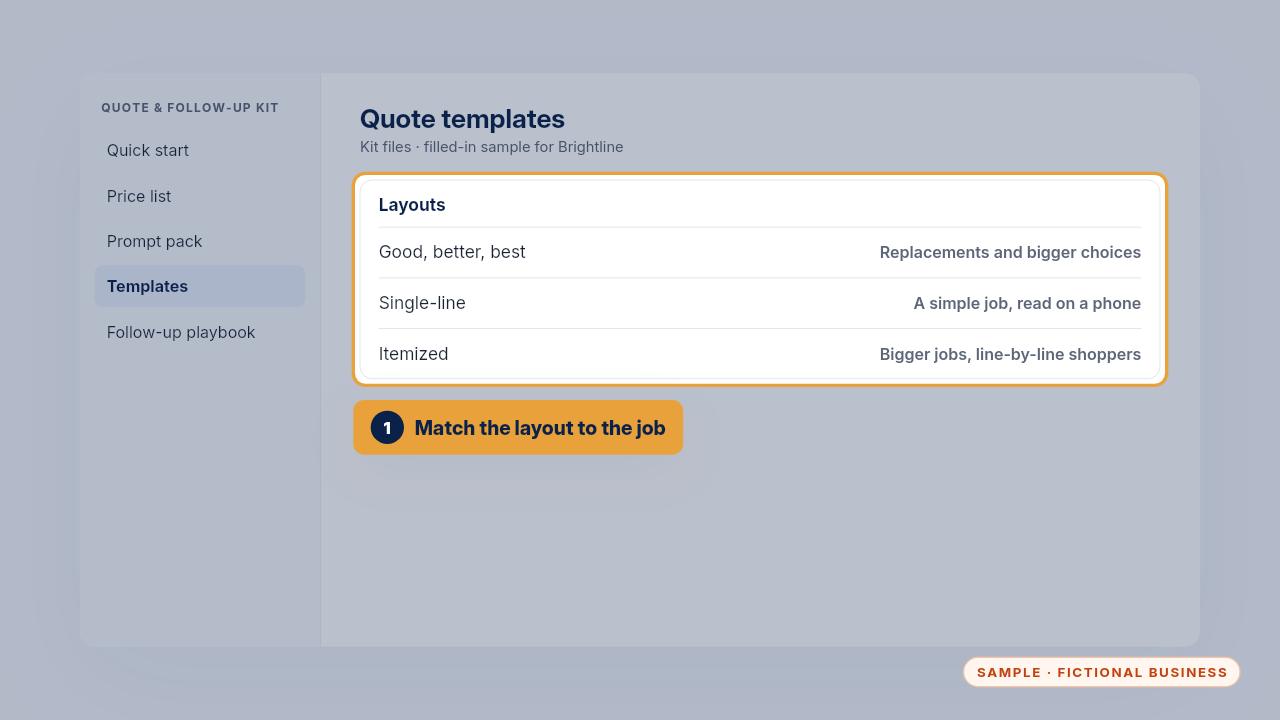
Good, better, best suits replacements. Single-line suits a simple job, quick to read on a phone. Itemized suits bigger jobs and customers who compare quotes line by line.
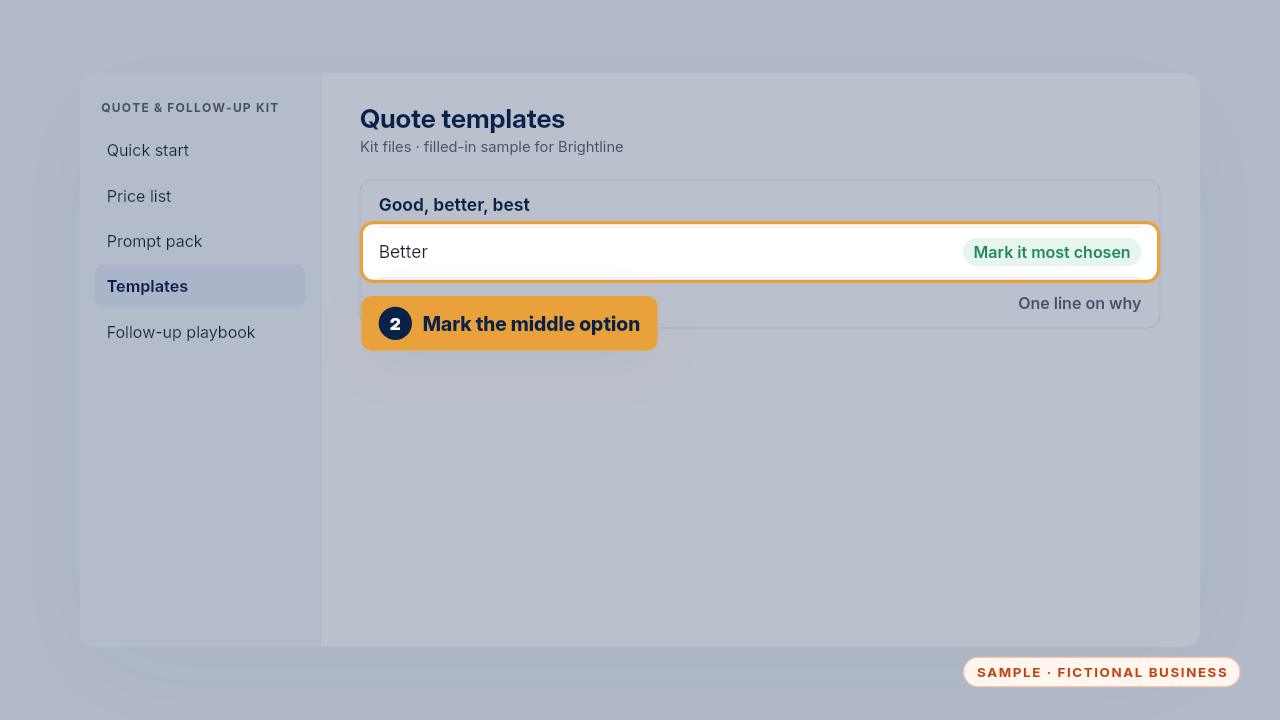
With three options, mark the middle one most chosen, and give one sentence each on why someone would pick it.
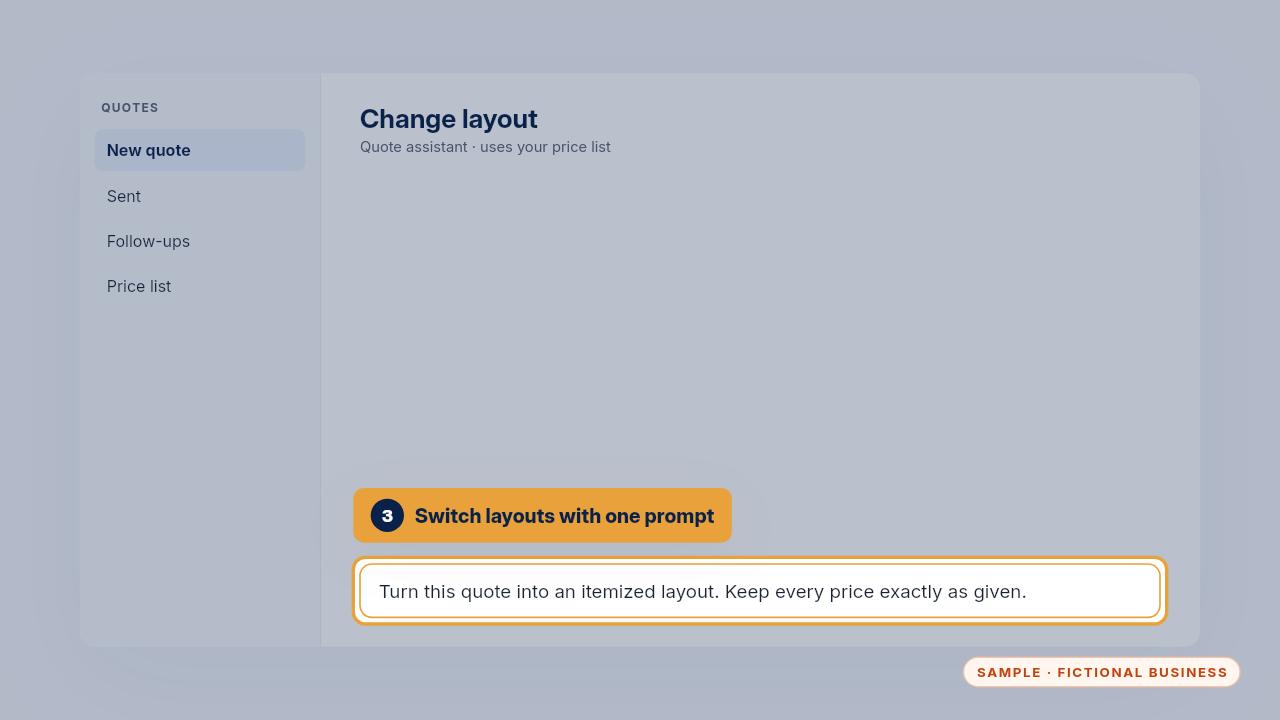
To switch, use the layout builder prompt. It keeps every price exactly as given, and only the layout changes.
Get the Quote & Follow-Up Assistant
Quotes drafted from your notes, and unsigned quotes followed up. Every Kit and Install comes with these videos, and an Install adds a walkthrough made from your own setup.