
How-to guides · Quote & Follow-Up Assistant · How do I
How do I pause or change the follow-up schedule?
Pause one quote's follow-ups, or change the days.
Narrated video with captions, 30 s. Made with a fictional company, Brightline Heating & Air (sample · fictional business). Read the transcript · Download the step-by-step PDF
Step by step
Sometimes you'll want to hold the follow-ups on one quote, or change the schedule for all of them.
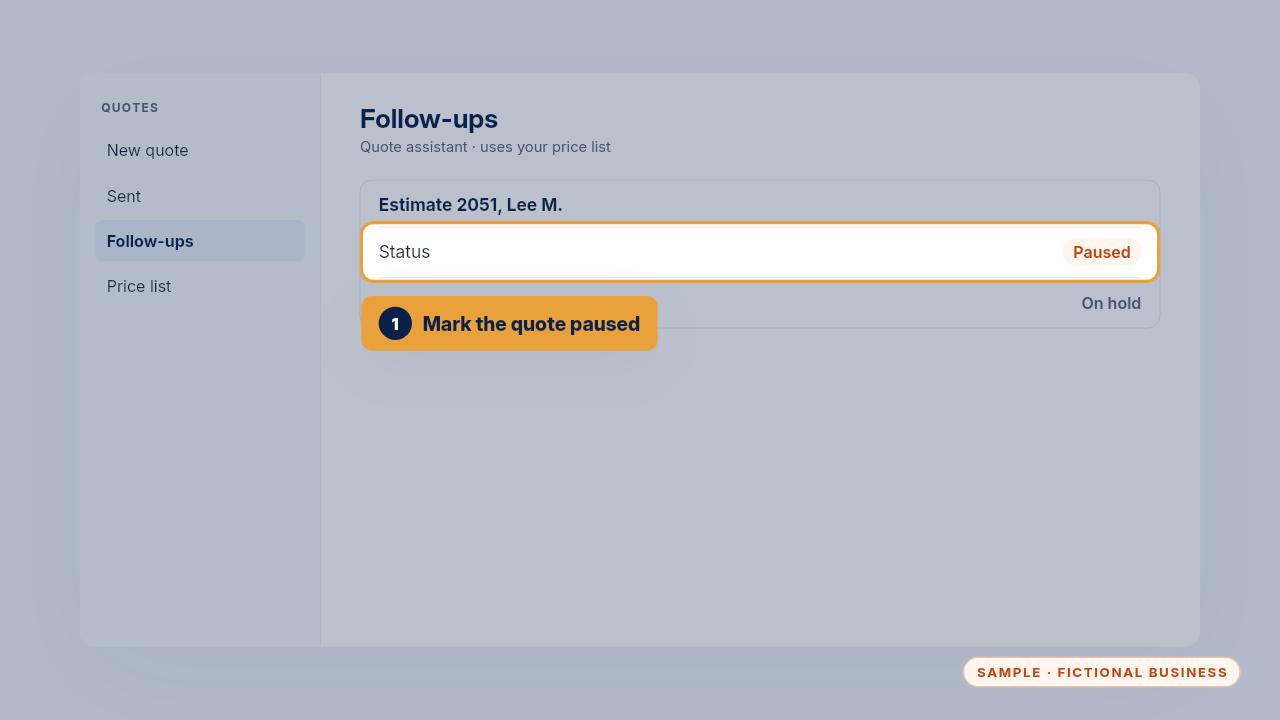
With the Install, mark the quote paused to hold its follow-ups. Replying to the customer stops them by itself.
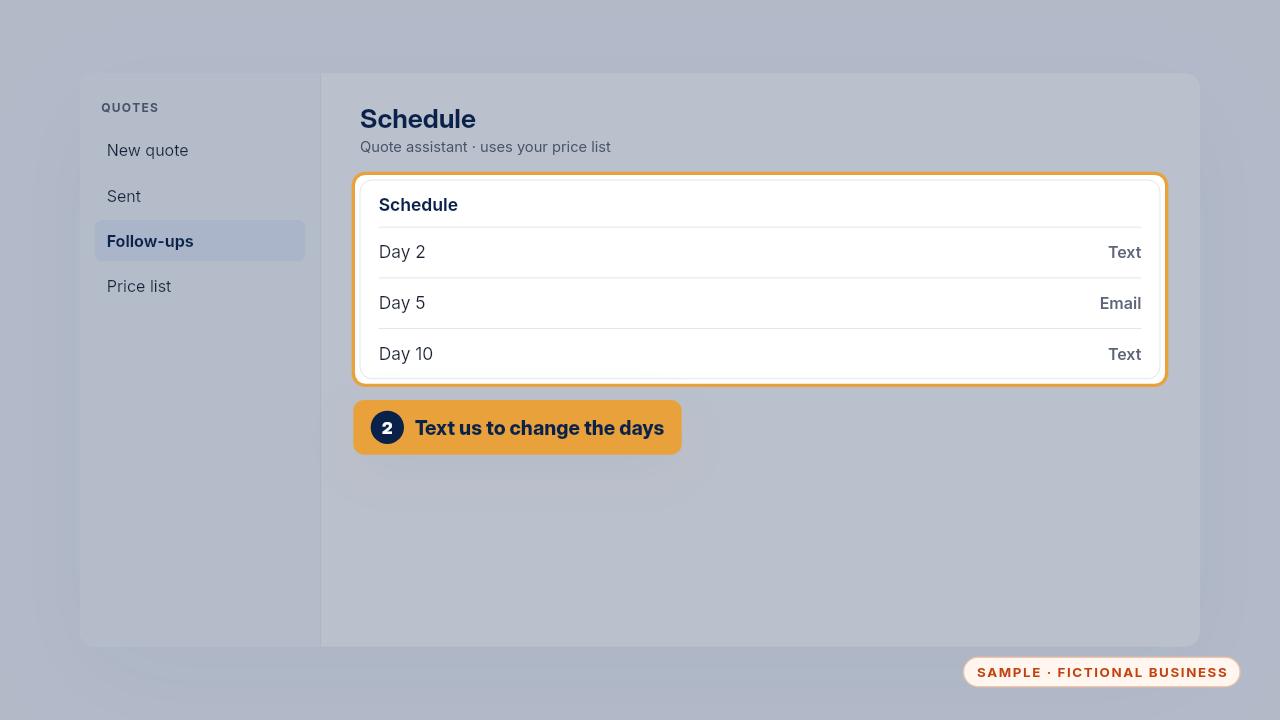
To change the days or the messages for every quote, text us and we'll update the schedule. With the Kit, you change the dates on your calendar.
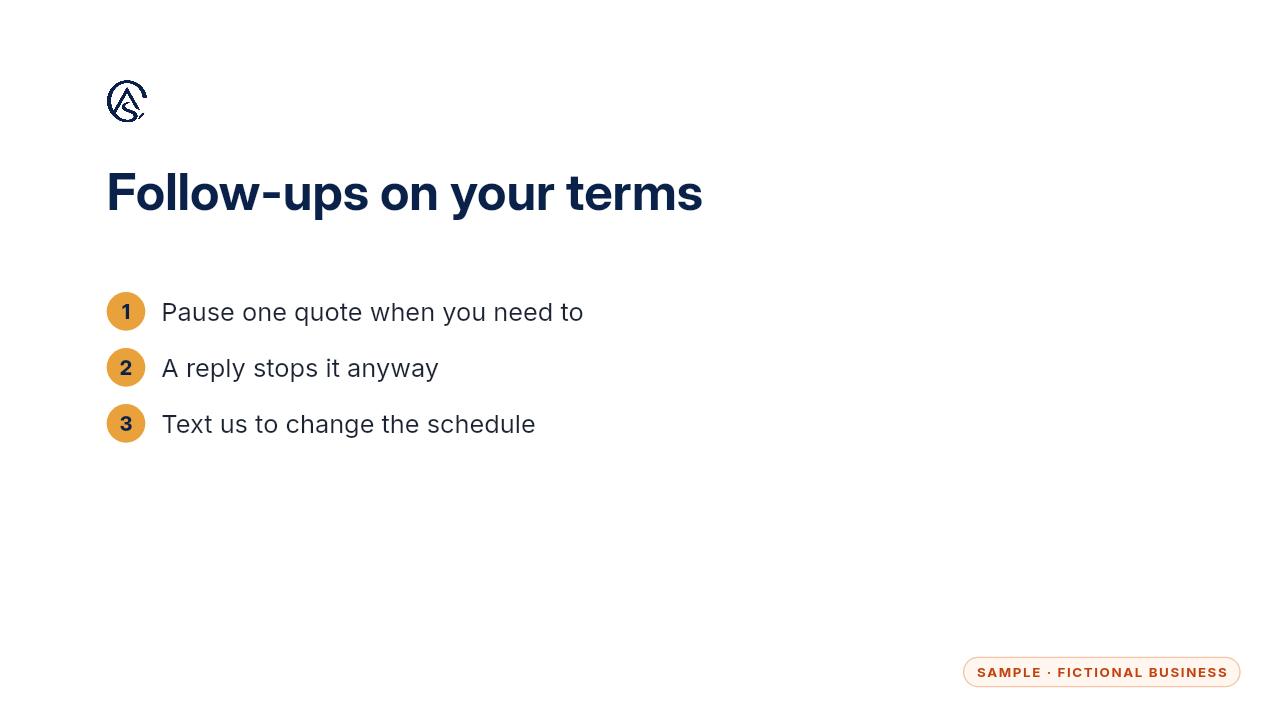
Either way, nothing goes out after a customer replies, signs or texts STOP to opt out.
Get the Quote & Follow-Up Assistant
Quotes drafted from your notes, and unsigned quotes followed up. Every Kit and Install comes with these videos, and an Install adds a walkthrough made from your own setup.