
How-to guides · Safe AI Kit · How do I
How do I handle a new AI feature in software we already use?
Built-in AI features get the same check as a new tool.
Narrated video with captions, 33 s. Made with a fictional company, Brightline Heating & Air (sample · fictional business). Read the transcript · Download the step-by-step PDF
Step by step
Software you already use may add an AI feature overnight, like an assistant in your email or job app.
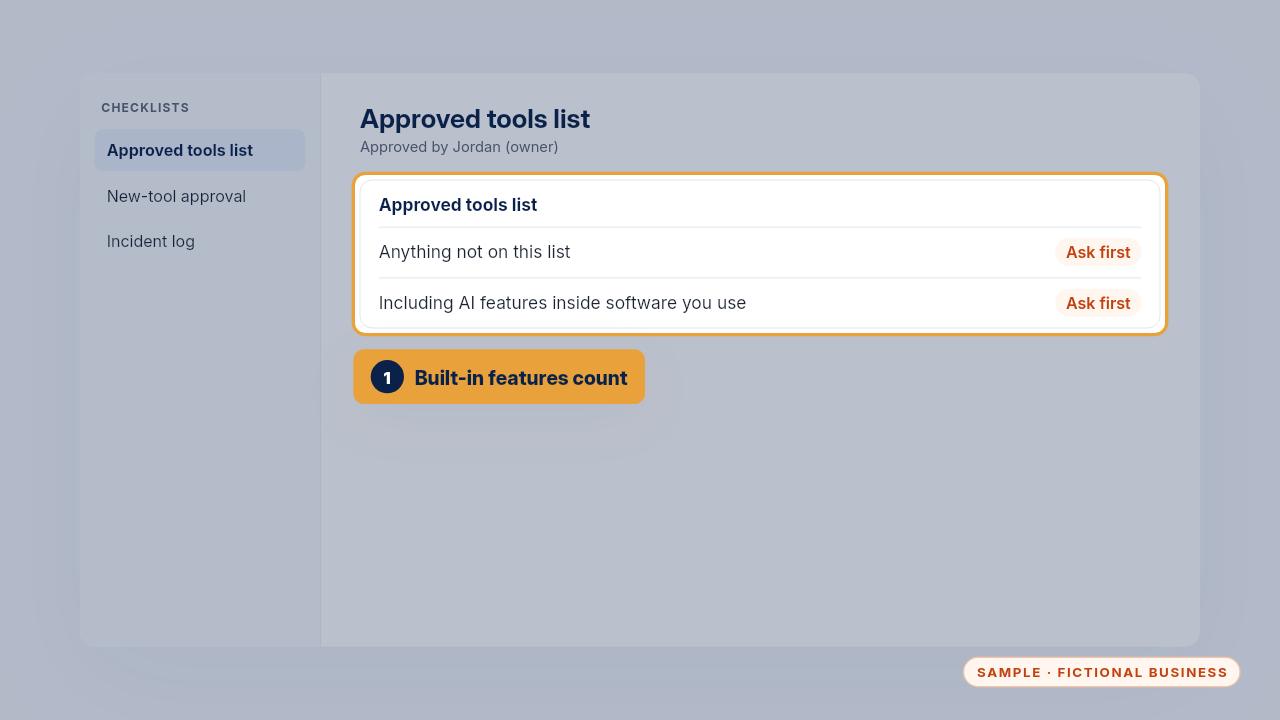
Your approved tools list says anything not on it gets asked about first, including AI features inside software you already use.
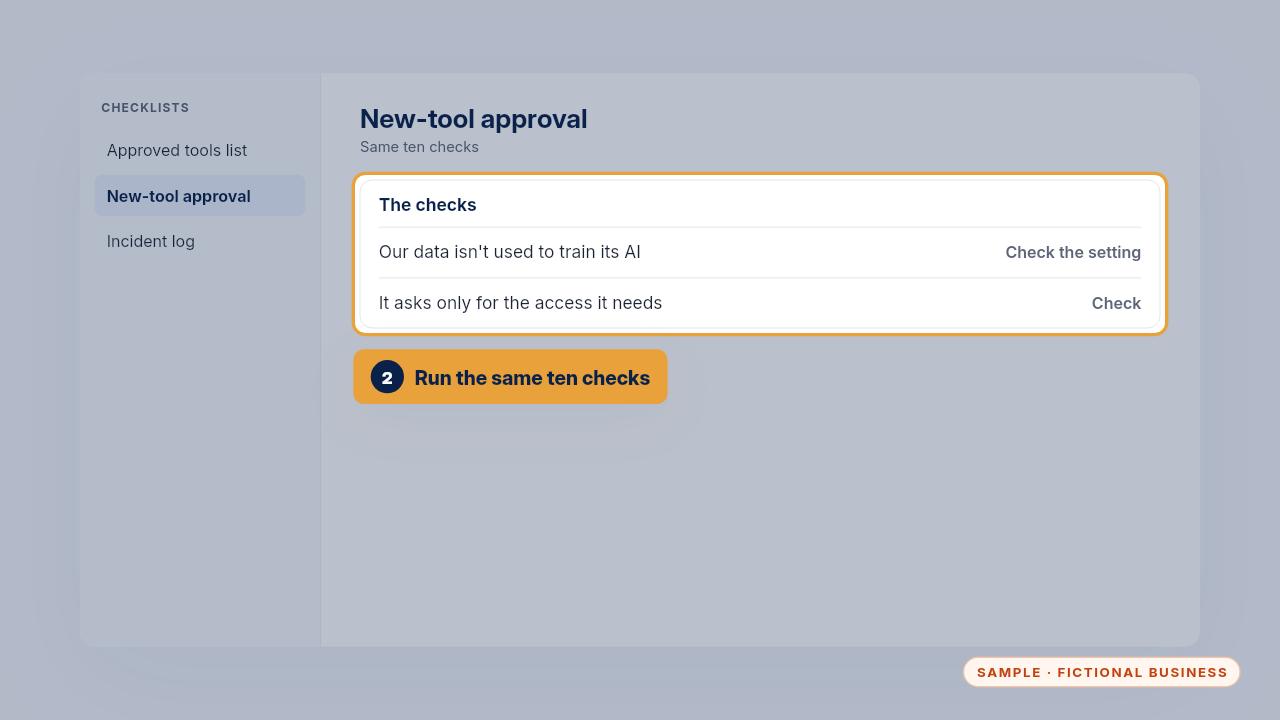
Run the same ten checks from the new tool checklist. Look for its data settings, and whether it can read more than it needs.
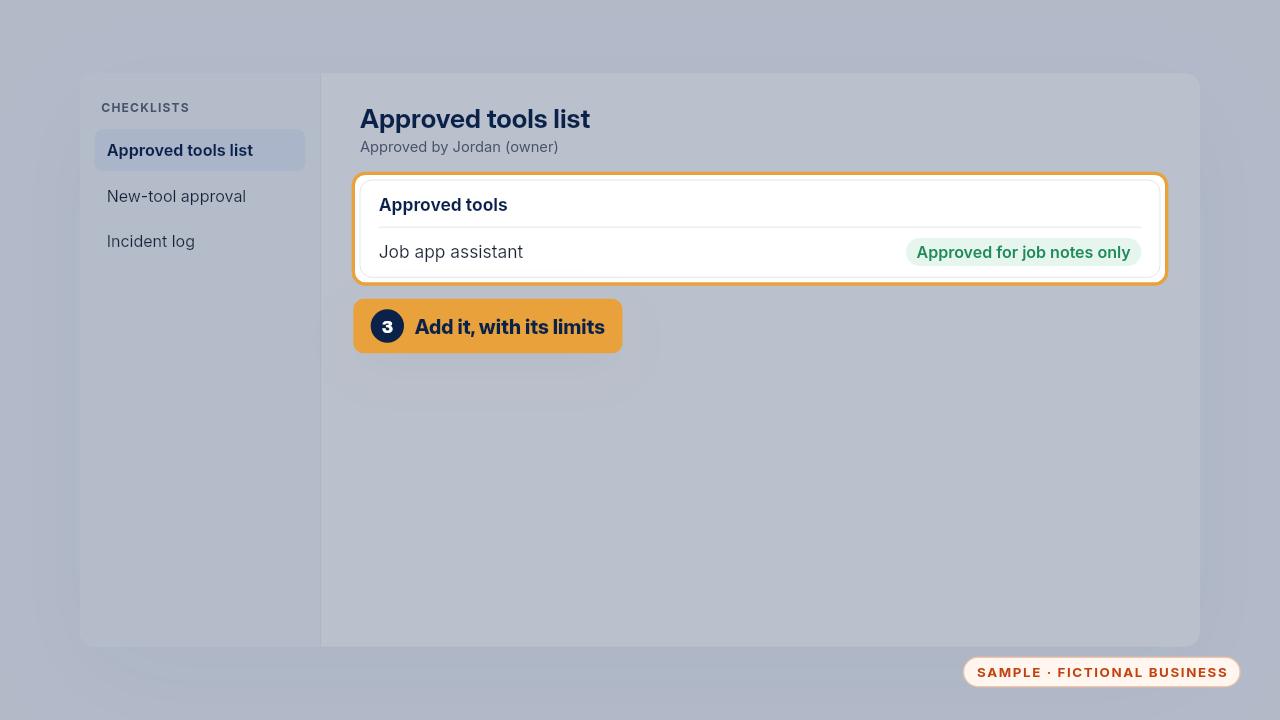
If it passes, add it to the list with what it's allowed for. If it doesn't, write it under not approved yet, with the reason.
Get the Safe AI Kit
Clear AI rules your whole team can follow. Every Kit and Install comes with these videos, and an Install adds a walkthrough made from your own setup.