
How-to guides · Safe AI Kit · How do I
How do I log an AI incident?
What to do the same day, and what to write down.
Narrated video with captions, 37 s. Made with a fictional company, Brightline Heating & Air (sample · fictional business). Read the transcript · Download the step-by-step PDF
Step by step

When something goes wrong with AI, here's what to do the same day.
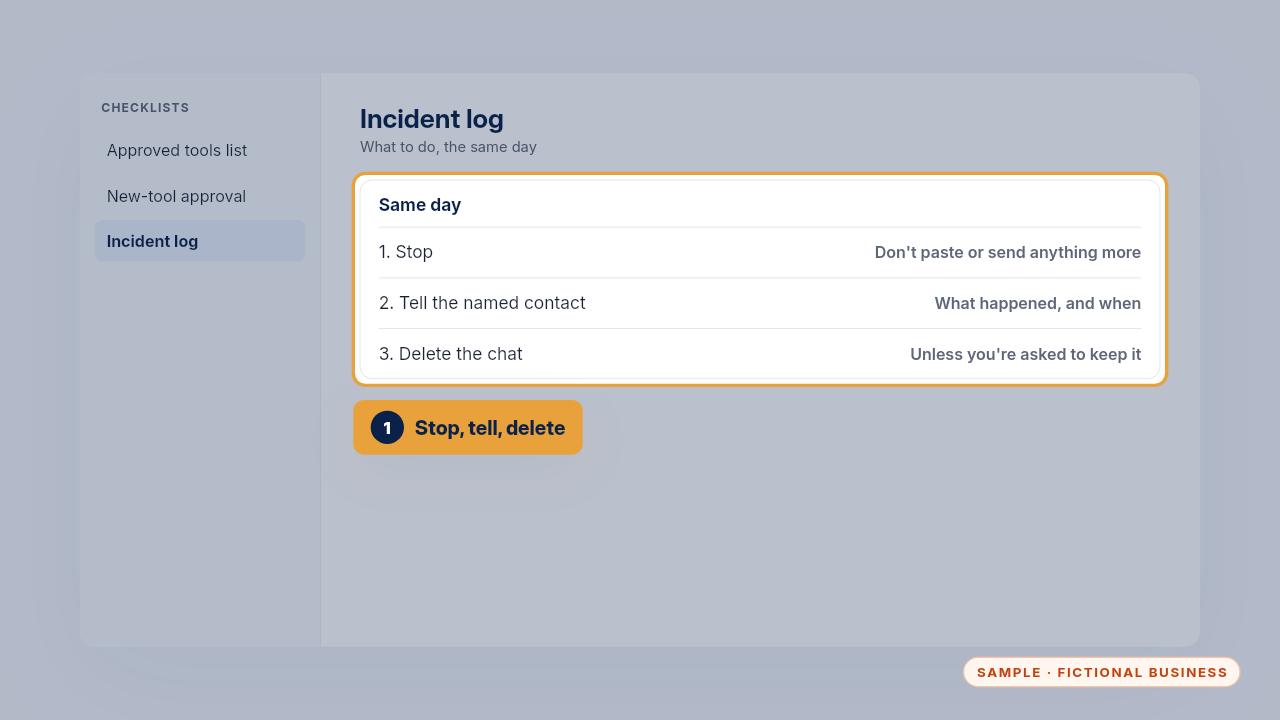
Stop, and don't paste or send anything more about it. Tell the person named in the policy what happened and when. Delete the chat if the tool allows it, unless they ask you to keep it.
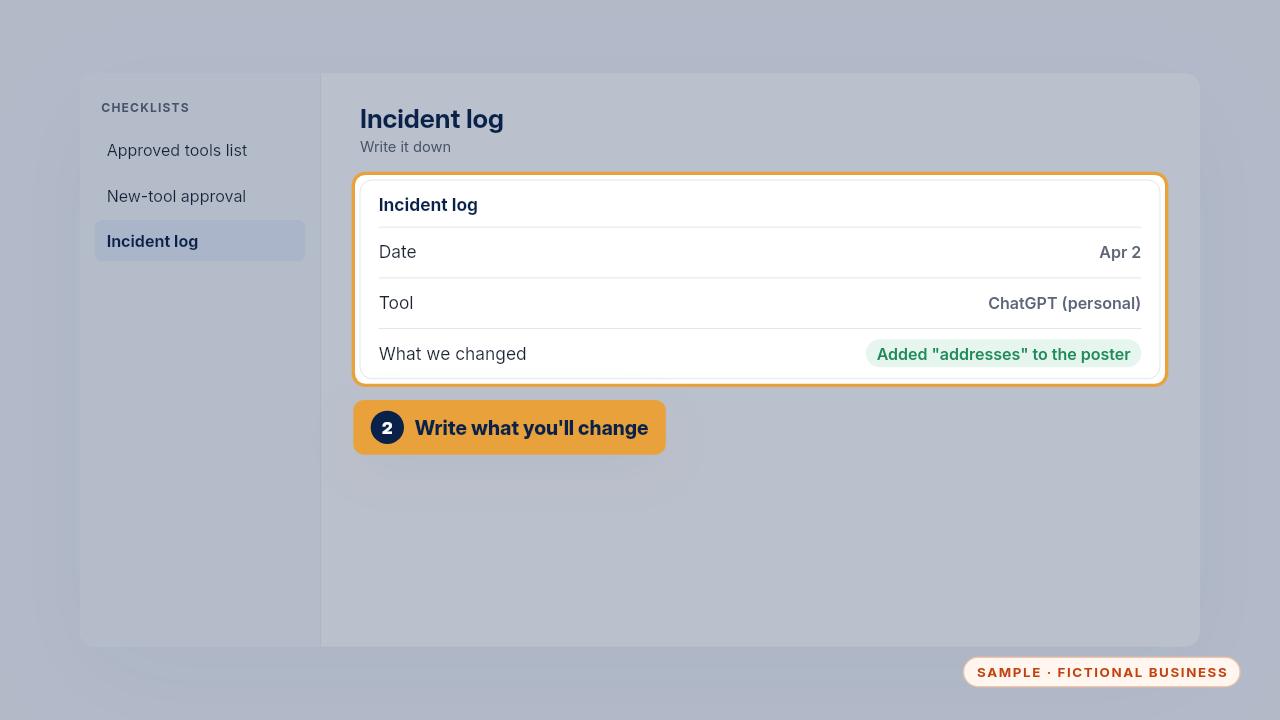
Then write it in the log: the date, what happened, the tool, who you told, what you did, and what you'll change so it doesn't happen again.
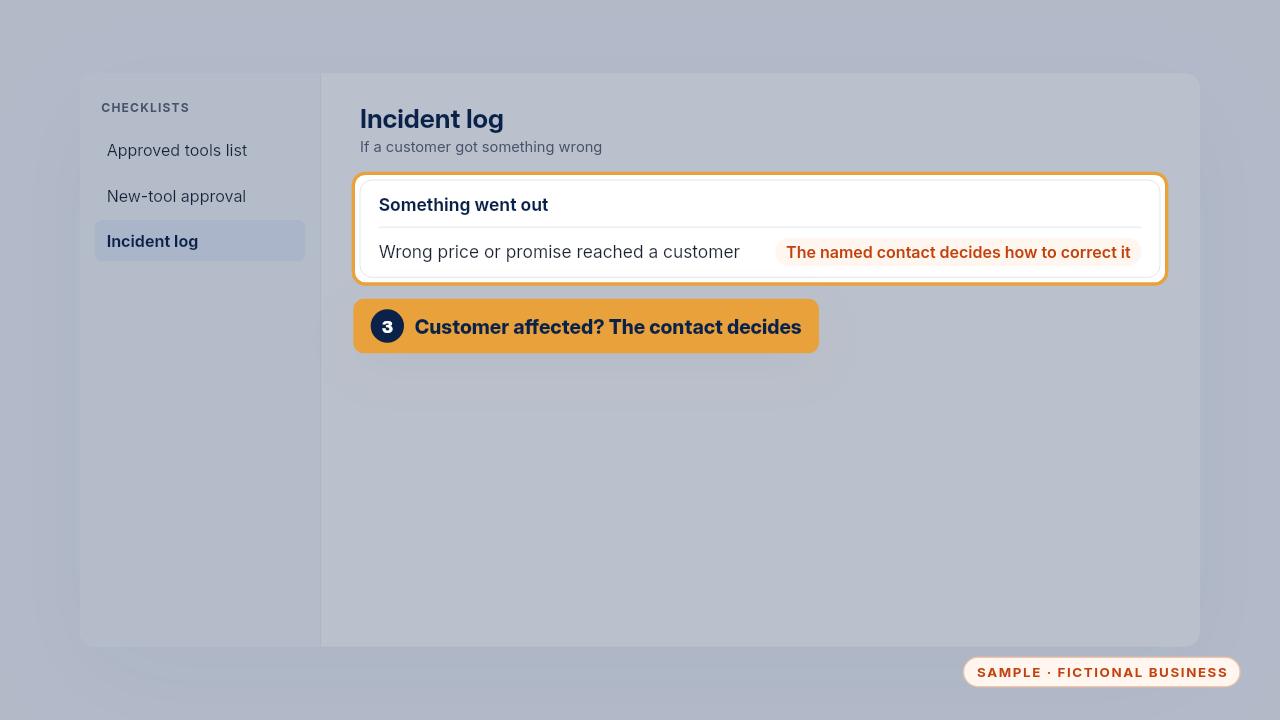
If a customer received something wrong, the person named in the policy decides how to correct it. Keep the log with your policy, and read it at every review.
Get the Safe AI Kit
Clear AI rules your whole team can follow. Every Kit and Install comes with these videos, and an Install adds a walkthrough made from your own setup.